Category: Mac Photo & Design

  • Aiseesoft HEIC Converter 1.0.50 for Mac

    Aiseesoft HEIC Converter 1.0.50 for Mac

    Aiseesoft HEIC Converter 1.0.50 for Mac

    Aiseesoft HEIC Converter 1.0.50 for Mac

    Mac Photo & Design
    Updated Nov 4, 2026
    Mac Photo & Design • Updated Nov 4, 2026

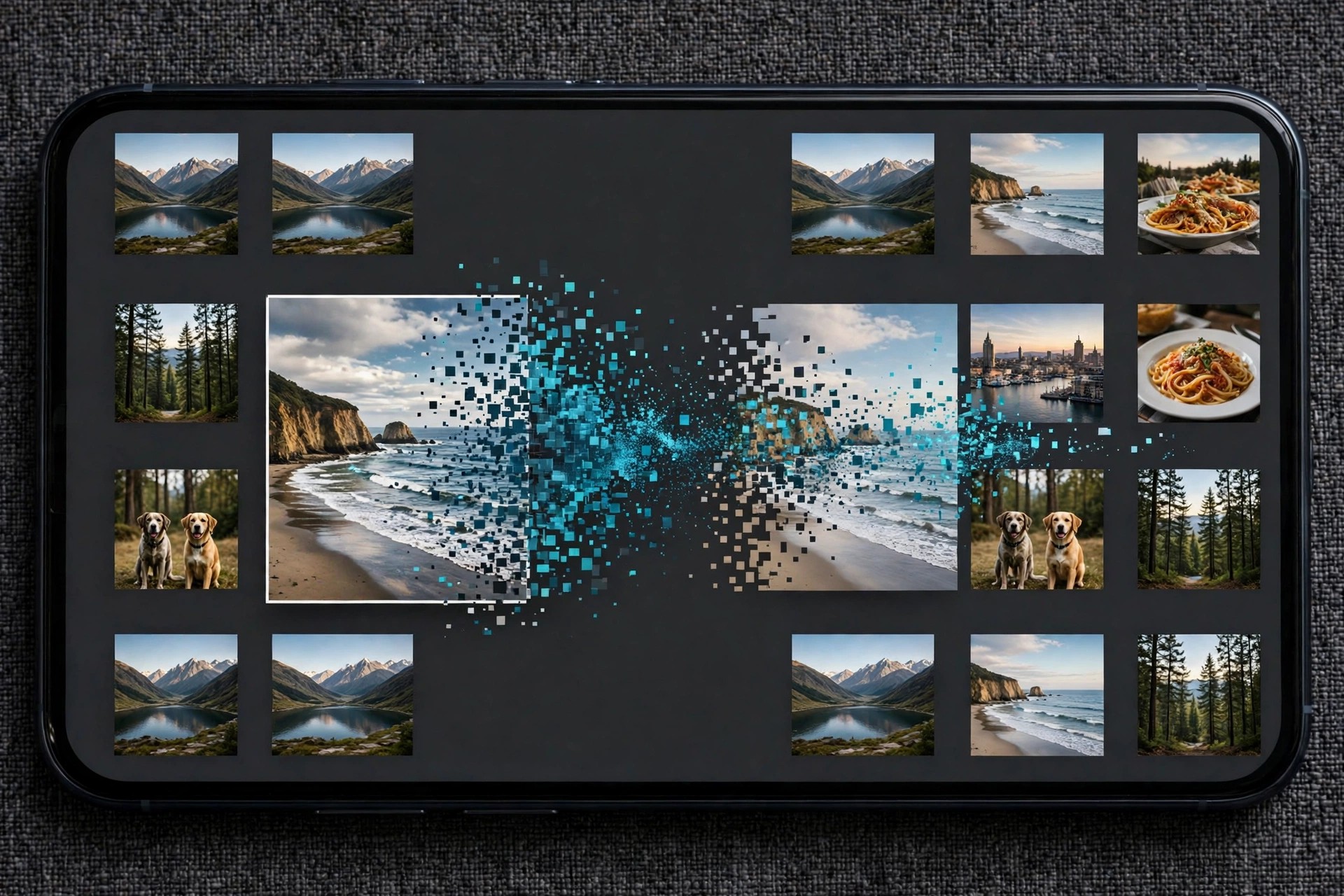
    Aiseesoft HEIC Converter for Mac solves a familiar problem: photos taken on an iPhone are saved in Apple's HEIC format, which many websites, older programs and non-Apple devices still cannot open. This focused tool converts HEIC and HEIF images into JPG or PNG files that work almost everywhere.

    It is designed for anyone who regularly moves iPhone or iPad photos to a Mac and needs them in a standard format for editing, sharing, uploading or printing. Conversion happens locally on your Mac, and your original HEIC files are left untouched.

    Key Features

    • Install the app, add your HEIC photos, choose JPG or PNG, and click convert.
    • Is HEIC Converter free?
      The free trial lets you convert a limited number of photos (10 images) so you can check the quality first. Converting without limits requires a paid licence.

      Does conversion delete my original photos?
      No. The converter creates new JPG or PNG copies in the folder you choose, and your original HEIC files stay exactly as they were.


  • AirMagic 1.0.2.7263 for Mac

    AirMagic 1.0.2.7263 for Mac

    AirMagic 1.0.2.7263 for Mac

    AirMagic 1.0.2.7263 for Mac

    Mac Photo & Design
    Updated Nov 4, 2026
    Mac Photo & Design • Updated Nov 4, 2026

    AirMagic 1.0.2.7263 for Mac was Skylum's dedicated editor for drone and aerial photography. Instead of a full manual editing suite, it did one job automatically: you dragged in a drone photo and its AI analysed the image, detected which drone camera took it, and applied lens corrections, haze removal, sky enhancement and colour adjustments tuned for aerial shots.

    That one-click approach suited drone pilots who came home with hundreds of images and no wish to grade each one by hand, and batch processing could work through a whole flight at once. An honest note on its current status: Skylum has since discontinued AirMagic as a standalone product and now presents Luminar as its successor on the official AirMagic page, so check that page for Skylum's current recommendation before planning a purchase.

    Key Features

    • Automatic AI enhancement built specifically for drone and aerial photos, not general portraits
    • Detects the drone camera and applies matching lens corrections and colour optimisation
    • Haze removal, sky enhancement and detail reveal tuned for high-altitude images
    • Batch processing enhances a full set of flight photos in one pass
    • Worked as a standalone app and as a plugin for Lightroom, Photoshop and Apple Photos

    How to Download

    1. Read the current status first: Skylum has discontinued AirMagic and promotes Luminar as its successor.
    2. Start your download from the official site: Download from the official site
    3. Follow Skylum's current offer on that page, and keep any existing AirMagic license details safe if you own it.

    Can I still buy AirMagic?
    Skylum no longer sells AirMagic as its current drone editor; the official page now compares it with Luminar and recommends Luminar instead. Existing owners can keep using the version they already have installed.

    What should drone photographers use now?
    Skylum's own answer is Luminar, which adds panorama stitching, layers and support for newer cameras on top of the automatic AI enhancement idea that AirMagic started.

  • Aiarty Image Matting 2.7 for Mac

    Aiarty Image Matting 2.7 for Mac

    Aiarty Image Matting 2.7 for Mac

    Aiarty Image Matting 2.7 for Mac

    Mac Photo & Design
    Updated Nov 4, 2026
    Mac Photo & Design • Updated Nov 4, 2026

    Aiarty Image Matting 2.7 for Mac is an AI background-removal app from Digiarty Software. Instead of tracing subjects by hand, it uses alpha matting models to separate people, products, pets and objects from their backgrounds while keeping difficult edges such as hair, fur, lace and semi-transparent glass intact.

    It is aimed at e-commerce sellers, designers and marketers who need clean product cutouts and transparent PNGs in volume, and at photographers replacing or blurring backgrounds for portraits. Everything runs locally on the Mac, so client images and product shots never have to be uploaded to an online remover service.

    Key Features

    • Precise AI alpha matting that preserves hair, fur and transparent objects
    • Four specialised AI models for different subjects and edge types
    • Batch background removal for large product and photo sets
    • Replace backgrounds with solid colours, blur effects or your own images
    • Manual refine tools including brush, eraser, dodge and burn for final touch-ups

    How to Download

    1. Download from the official site to get the genuine macOS installer from Digiarty.
    2. Open the DMG, move Aiarty Image Matting to Applications and launch it.
    3. Test it with the trial version, then activate a licence in the app to remove trial limits and watermarks.

    Is Aiarty Image Matting free?
    A trial version is available so you can test the cutout quality, but it limits batch export and adds a watermark to single-image exports. The full version is paid, with yearly and lifetime licence options.

    Can it really handle hair and glass?
    That is exactly what its matting models are designed for. Fine strands, fur and semi-transparent materials are kept with soft, natural edges instead of the hard cut-out look of simple background erasers.

  • Aiarty Image Enhancer 3.10 for Mac

    Aiarty Image Enhancer 3.10 for Mac

    Aiarty Image Enhancer 3.10 for Mac

    Aiarty Image Enhancer 3.10 for Mac

    Mac Photo & Design
    Updated Nov 4, 2026
    Mac Photo & Design • Updated Nov 4, 2026

    Aiarty Image Enhancer 3.10 for Mac is an AI photo enhancement app from Digiarty Software, the team behind VideoProc and WinXDVD. It is built to rescue imperfect pictures: it removes noise, sharpens blur, cleans up compression artefacts and enlarges images while rebuilding realistic detail, all processed locally on your Mac rather than in the cloud.

    Photographers use it to save high-ISO and older camera shots, while designers, print shops and online sellers use the upscaling to prepare images for large displays, packaging and product pages. Batch processing means a whole folder of photos can be improved with the same settings in one run.

    Key Features

    • AI denoise, deblur and de-JPEG tools that restore clarity in one click
    • Upscale images by 2x, 4x or 8x, up to 32K resolution for print-ready output
    • Dedicated face restoration for clearer, more natural portraits
    • Batch enhancement for large photo sets with consistent settings
    • Supports JPG, PNG, TIFF, HEIC, WebP and camera RAW formats, fully offline

    How to Download

    1. Download from the official site to get the genuine macOS installer from Digiarty.
    2. Open the DMG, move Aiarty Image Enhancer to Applications and launch it.
    3. Try the free trial first, then enter a licence code in the app if you decide to buy the full version.

    Is Aiarty Image Enhancer free?
    There is a free trial so you can test the enhancement quality on your own photos, but the full version is paid software sold as yearly or lifetime licences. It is not a free full version.

    Does it work offline and on Apple Silicon?
    Yes. Processing runs locally on your Mac, with optimisation for Apple Silicon as well as Intel machines, so your photos are not uploaded to a server and you can work without an internet connection.

  • AI Photo 1.13 for Mac

    AI Photo 1.13 for Mac

    AI Photo 1.13 for Mac

    AI Photo 1.13 for Mac

    Mac Photo & Design
    Updated Nov 4, 2026
    Mac Photo & Design • Updated Nov 4, 2026

    AI Photo 1.13 for Mac is an AI-assisted photo app in the growing category of tools that fix and improve pictures automatically instead of asking you to learn complex editing software. Apps in this space typically tackle the jobs phone and camera photos need most: sharpening soft shots, reducing noise, improving light and colour, and preparing images for sharing or printing.

    That makes this kind of app a fit for casual photographers, online sellers and social-media creators who want better-looking images in a few clicks. Because several unrelated products use very similar names, check the seller name and version on the official listing carefully before installing anything.

    Key Features

    • One-click AI enhancement to improve sharpness, lighting and colour balance
    • Noise reduction and clean-up tools for low-light and older photos
    • Portrait and subject tools for smoother, clearer people photos
    • Filters and style effects to give pictures a consistent finished look
    • Simple export and sharing options for social media, listings and messages

    How to Download

    1. We could not verify a current official vendor page for this exact name and version, so search the Mac App Store by the exact title and confirm the seller before installing.
    2. Install only from that verified listing, then launch the app and follow its on-screen setup.

    Is AI Photo free?
    We could not confirm the current pricing for this exact product. AI photo apps are often free to download with paid subscriptions or in-app purchases for full features, so check the official listing rather than expecting a free full version.

    Why is the official link missing here?
    Several different apps use names like AI Photo, and we could not identify one verified official page for version 1.13. Avoid download-mirror sites using this name, as bundled installers are a common source of adware.

  • Agisoft PhotoScan Pro 1.3.0 for Mac

    Agisoft PhotoScan Pro 1.3.0 for Mac

    Agisoft PhotoScan Pro 1.3.0 for Mac

    Agisoft PhotoScan Pro 1.3.0 for Mac

    Mac Photo & Design
    Updated Nov 4, 2026
    Mac Photo & Design • Updated Nov 4, 2026

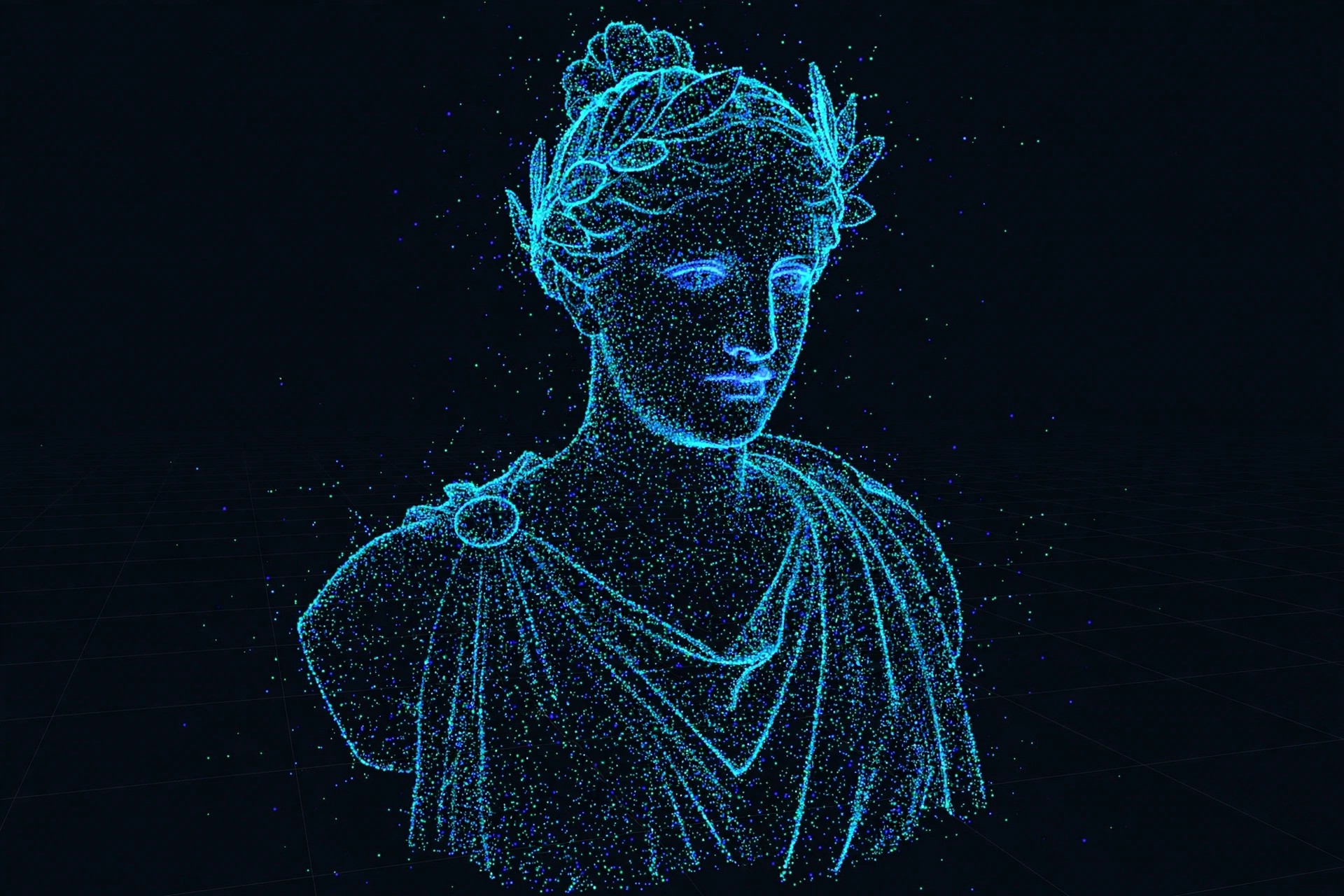
    Agisoft PhotoScan Pro 1.3.0 for Mac is professional photogrammetry software from Agisoft LLC that rebuilds real objects and terrain in 3D from ordinary photographs. Instead of modelling by hand, you photograph a subject from many angles and the software works out camera positions, surface geometry and texture automatically.

    Version 1.3.0 is an older release of the product Agisoft later renamed Agisoft Metashape, so the official download page now offers that successor. Surveyors, archaeologists, drone pilots, researchers and visual-effects artists used PhotoScan Pro for mapping, heritage documentation, measurements and game-ready assets, and its project workflow still explains how the modern version works.

    Key Features

    • Automatic photo alignment and dense point cloud generation from overlapping images
    • Textured 3D mesh building with high-resolution texture mapping
    • Ground control points, scale bars and georeferencing for measurable, survey-grade results
    • Orthomosaic and digital elevation model export for GIS and mapping work
    • Batch processing and Python scripting to automate repetitive photogrammetry jobs

    How to Download

    1. Visit Agisoft and Download from the official site — note the current installer is for Metashape, the renamed successor to PhotoScan.
    2. Open the downloaded DMG and move the application into your Applications folder.
    3. Launch the app and activate the 30-day trial licence, or enter a licence key if you already own one.

    Is Agisoft PhotoScan Pro free?
    No. It is paid professional software, but Agisoft offers a genuine 30-day free trial of the current Metashape version, plus a limited demo mode. There is no legitimate free full version of the Pro edition.

    Is version 1.3.0 still supported?
    It is a legacy release from 2017 and is no longer the current product. For security, compatibility with modern macOS and support, Agisoft recommends the latest Metashape release from its official site.

  • Agisoft Metashape Professional 2.1.3 for Mac

    Agisoft Metashape Professional 2.1.3 for Mac

    Agisoft Metashape Professional 2.1.3 for Mac

    Agisoft Metashape Professional 2.1.3 for Mac

    Mac Photo & Design
    Updated Nov 4, 2026
    Mac Photo & Design • Updated Nov 4, 2026

    Agisoft Metashape Professional 2.1.3 for Mac is photogrammetry software from Agisoft that turns sets of ordinary digital photographs into accurate 3D spatial data. Surveyors, archaeologists, drone mapping teams, cultural heritage specialists and visual effects artists use it to build models and measurements from images instead of modelling everything by hand.

    The Professional edition goes well beyond the Standard edition. It creates georeferenced orthomosaics, elevation models and dense point clouds, supports ground control points and camera calibration, and can process very large photo sets, including aerial work. On a Mac it runs as a native macOS desktop application, alongside Windows and Linux versions.

    Key Features

    • Photogrammetric processing of photos into dense point clouds, meshes and textured 3D models
    • Georeferenced orthomosaics and digital elevation models for GIS and surveying work
    • Ground control point support, camera calibration and measurement tools in the Professional edition
    • Handles aerial, close-range and large multi-camera projects, with network and cloud options
    • Runs on macOS, Windows and Linux, with Python scripting available for automation

    How to Download

    1. Download from the official site
    2. On Agisoft's installer page, choose the macOS installer for Metashape Professional.
    3. Install it, then start the free 30-day trial or enter a purchased licence code to activate it.

    Is Metashape Professional free?
    No, it is professional paid software, but Agisoft does offer a genuine free trial: the official site provides a free 30-day trial version. After the trial, you need a paid Professional licence to keep using its full features.

    What kind of Mac does it need?
    Photogrammetry is demanding work. Large photo sets benefit from a fast processor, plenty of RAM and strong graphics, and processing times grow quickly with project size. Check Agisoft's current system recommendations on the official site against your Mac before starting a big job.

  • Affinity Publisher 2.6.5 for Mac

    Affinity Publisher 2.6.5 for Mac

    Affinity Publisher 2.6.5 for Mac

    Affinity Publisher 2.6.5 for Mac

    Mac Photo & Design
    Updated Nov 4, 2026
    Mac Photo & Design • Updated Nov 4, 2026

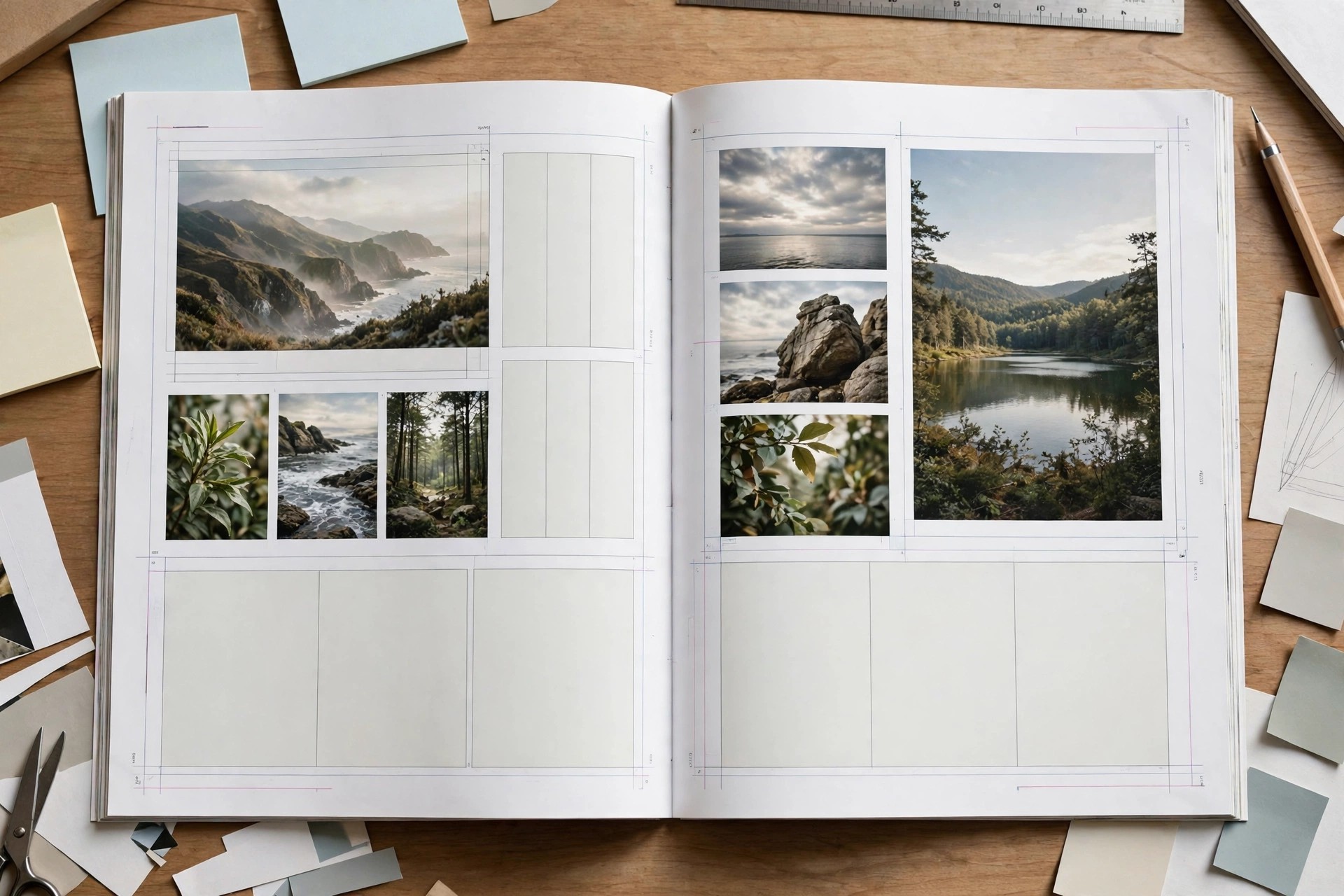
    Affinity Publisher 2.6.5 for Mac is Serif's page-layout application for books, magazines, brochures, reports and marketing documents. It is made for designers, publishers and small teams who need proper multi-page layout on macOS: master pages, flowing text, professional typography and print-ready export in one program.

    Publisher's standout idea is StudioLink. If Affinity Photo and Affinity Designer are also installed, their main tools become available inside Publisher, so you can edit a placed photo or adjust vector artwork without leaving your layout. Serif was acquired by Canva in 2024, but affinity.serif.com remains the official home for the Affinity apps, and version 2.6.5 is part of the V2 line that Serif sold with a perpetual licence.

    Key Features

    • Master pages, facing-page spreads, grids, guides and reusable text styles for long documents
    • StudioLink access to Affinity Photo and Designer tools directly inside your layout
    • Advanced typography, linked text frames, tables, indexes and tables of contents
    • Import IDML, PDF, PSD and AI files, and place images and Affinity documents natively
    • Print-ready PDF export with bleed, marks and colour profiles for professional output

    How to Download

    1. Download from the official site
    2. Use Serif's current purchase or trial options on that page, or select the Mac App Store edition if offered.
    3. Install Affinity Publisher, sign in with your Affinity account if asked, and activate your licence.

    Is Affinity Publisher free?
    No. Publisher 2 was sold as a paid, perpetual-licence app; it was not a free full version. Trial availability has changed over time, so check the official Serif page for the terms that apply now.

    Can Publisher open InDesign files?
    It can import Adobe InDesign IDML files, which is the usual route for moving a layout across. Complex documents may still need checking and tidying after import, especially fonts, effects and linked assets.

  • Affinity Photo 2.6.5 for Mac

    Affinity Photo 2.6.5 for Mac

    Affinity Photo 2.6.5 for Mac

    Affinity Photo 2.6.5 for Mac

    Mac Photo & Design
    Updated Nov 4, 2026
    Mac Photo & Design • Updated Nov 4, 2026

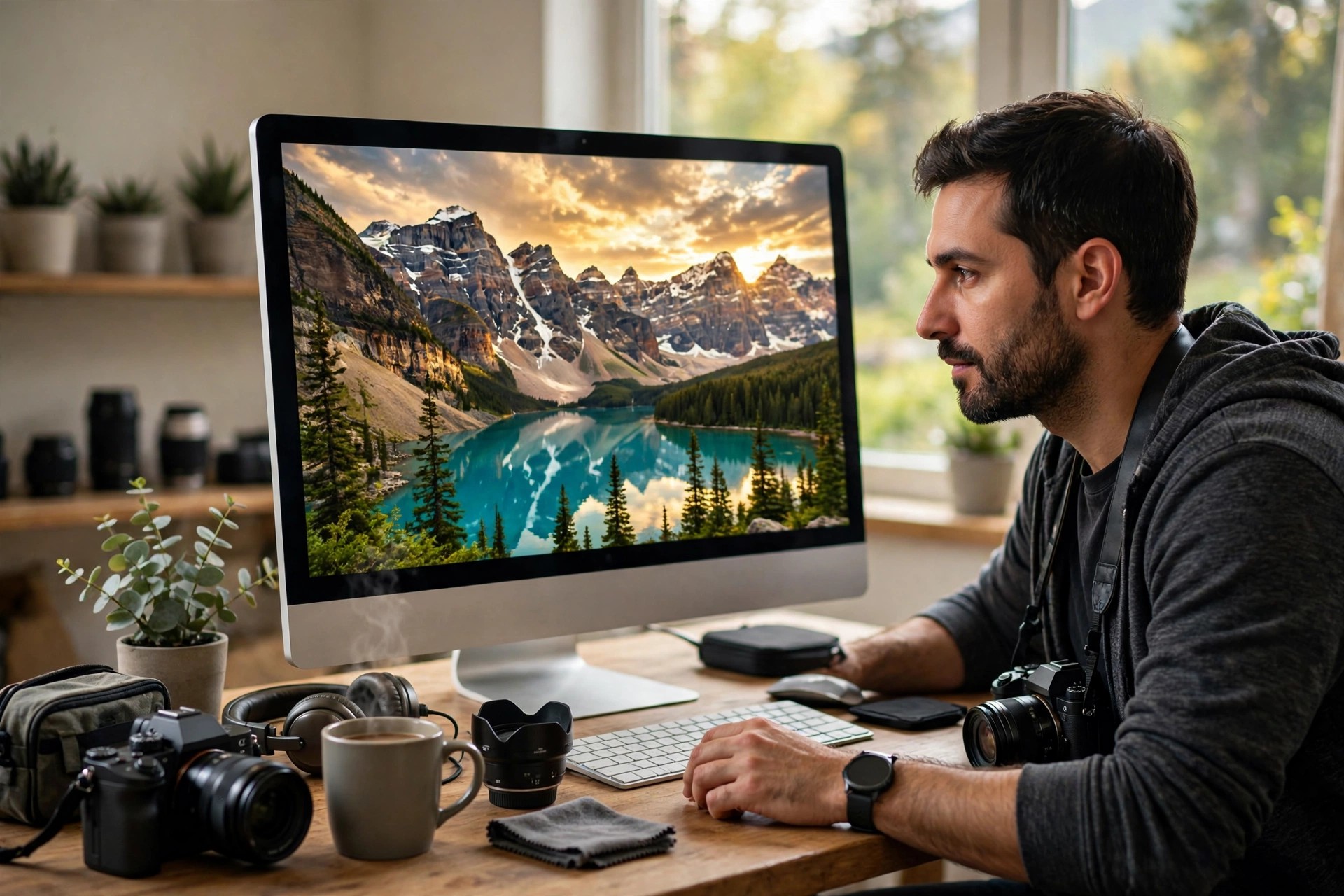
    Affinity Photo 2.6.5 for Mac is Serif's professional raster and photo editor, made for photographers, retouchers and digital artists who want a full editing workflow on macOS without tying themselves to a photo subscription. It handles everything from everyday corrections to complex, multi-layer composites.

    The app is organised into Personas for photo editing, liquefy work, RAW development, tone mapping and export. You can develop a RAW file, refine it with adjustment layers and masks, remove distractions, merge exposures or panoramas, and export for print or web. Version 2.6.5 belongs to the V2 generation, sold on a perpetual licence.

    Key Features

    • Full RAW development with lens corrections, noise reduction and non-destructive edits
    • Layer-based editing with live adjustments, masks, blend modes and filters
    • Retouching tools including inpainting, healing, clone work and frequency separation
    • HDR merge, focus merge, panorama stitching and batch processing for busy shoots
    • Supports PSD, JPG, TIFF, PNG and many RAW formats, with CMYK and LAB colour work

    How to Download

    1. Download from the official site
    2. Choose Serif's current purchase or trial route on that page, or the Mac App Store edition if it is offered.
    3. Install Affinity Photo, sign in with your Affinity account if prompted, and activate your licence before editing.

    Is Affinity Photo free?
    No, Photo 2 was a paid app, not a free full version. Serif ran trial offers at different times, and Serif is now owned by Canva, so use the official page to confirm today's trial, price and any successor-app arrangements.

    Can it replace a subscription photo editor?
    For many photographers, yes. It covers RAW editing, layers, retouching and export in one paid licence, although some Adobe-specific plugins, cloud libraries and collaborative features will not carry over.

  • Affinity Designer 2.6.5 for Mac

    Affinity Designer 2.6.5 for Mac

    Affinity Designer 2.6.5 for Mac

    Affinity Designer 2.6.5 for Mac

    Mac Photo & Design
    Updated Nov 4, 2026
    Mac Photo & Design • Updated Nov 4, 2026

    Affinity Designer 2.6.5 for Mac is the vector graphics editor made by Serif, built for illustrators, logo designers, brand designers and UI work. It became popular as a serious alternative to subscription design software because it combines precise vector drawing with a fast, Mac-focused engine that stays responsive even on large, detailed artwork.

    Designer works in switchable workspaces, called Personas, for vector drawing, pixel painting and export. You can draw clean shapes, add textured raster brush work in the same document, then slice and export assets for print, web and apps. Version 2.6.5 is a late release in the V2 line, sold with a perpetual licence rather than a monthly plan.

    Key Features

    • Precise pen, node, shape builder and vector flood fill tools for logos and illustration
    • Vector, pixel and export Personas in one document, with real-time gradients and effects
    • Artboards, symbols, constraints and assets for UI work
    • Opens and exports PSD, AI, PDF, SVG, EPS, JPG and TIFF files for flexible handover
    • Fast pan and zoom, optimised for Apple silicon and Intel Macs with Retina support

    How to Download

    1. Download from the official site
    2. Follow Serif's current buying or trial options on that page, or choose the Mac App Store edition if offered.
    3. Install Affinity Designer, sign in with your Affinity account if asked, and activate your licence.

    Is Affinity Designer free?
    Designer 2 was a paid app with a perpetual licence, not a free full version. Serif offered trials at different times, and Serif has since been acquired by Canva, so check the official page for the trial, pricing and successor-app terms that apply today.

    Is Affinity Designer a subscription?
    No, the V2 apps were known for one-time purchase licences. Keep your licence details from your official Affinity account so you can reinstall version 2.6.5 later.