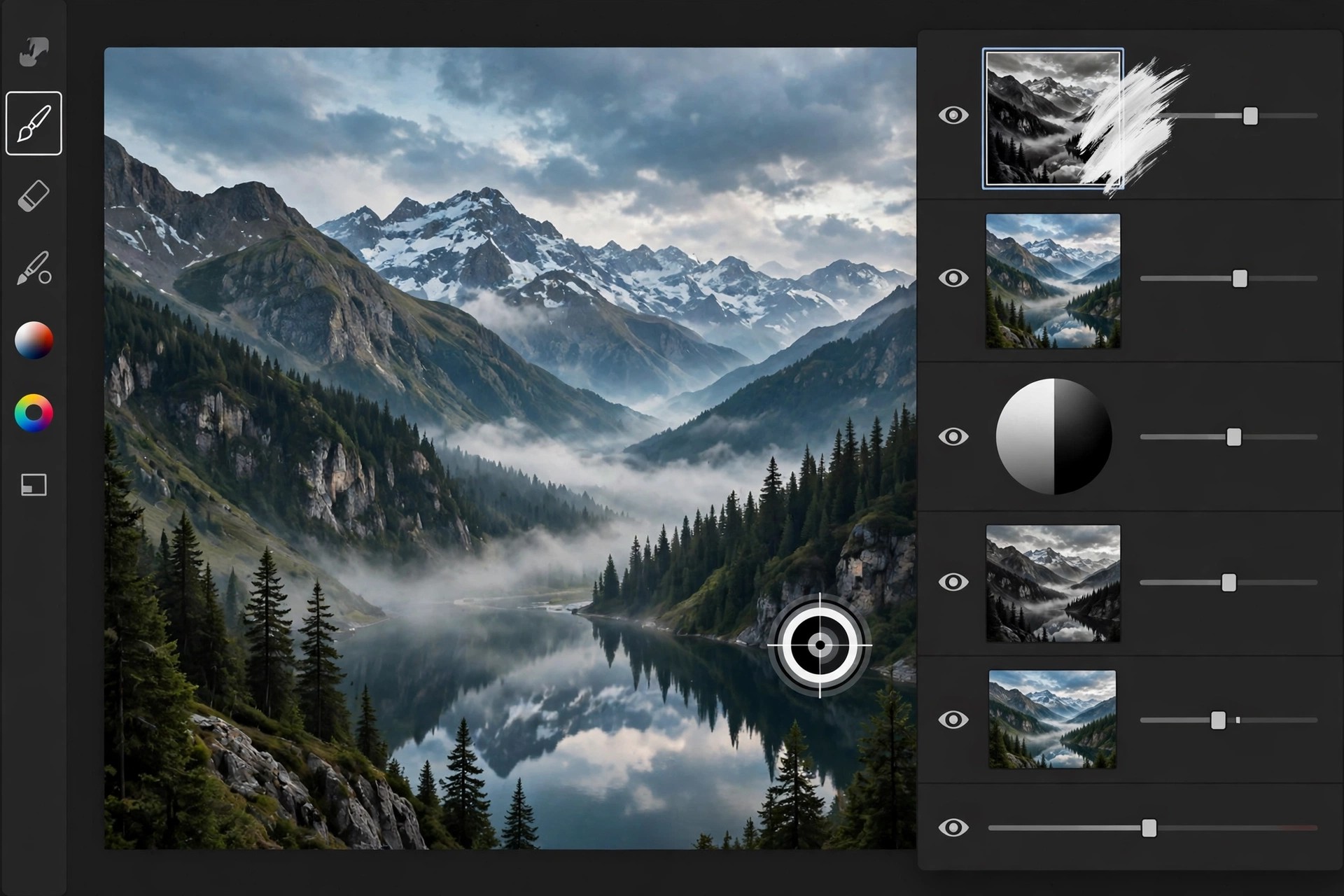
ADP Pro Luminosity Mask Panel for Photoshop 3.2 for Mac
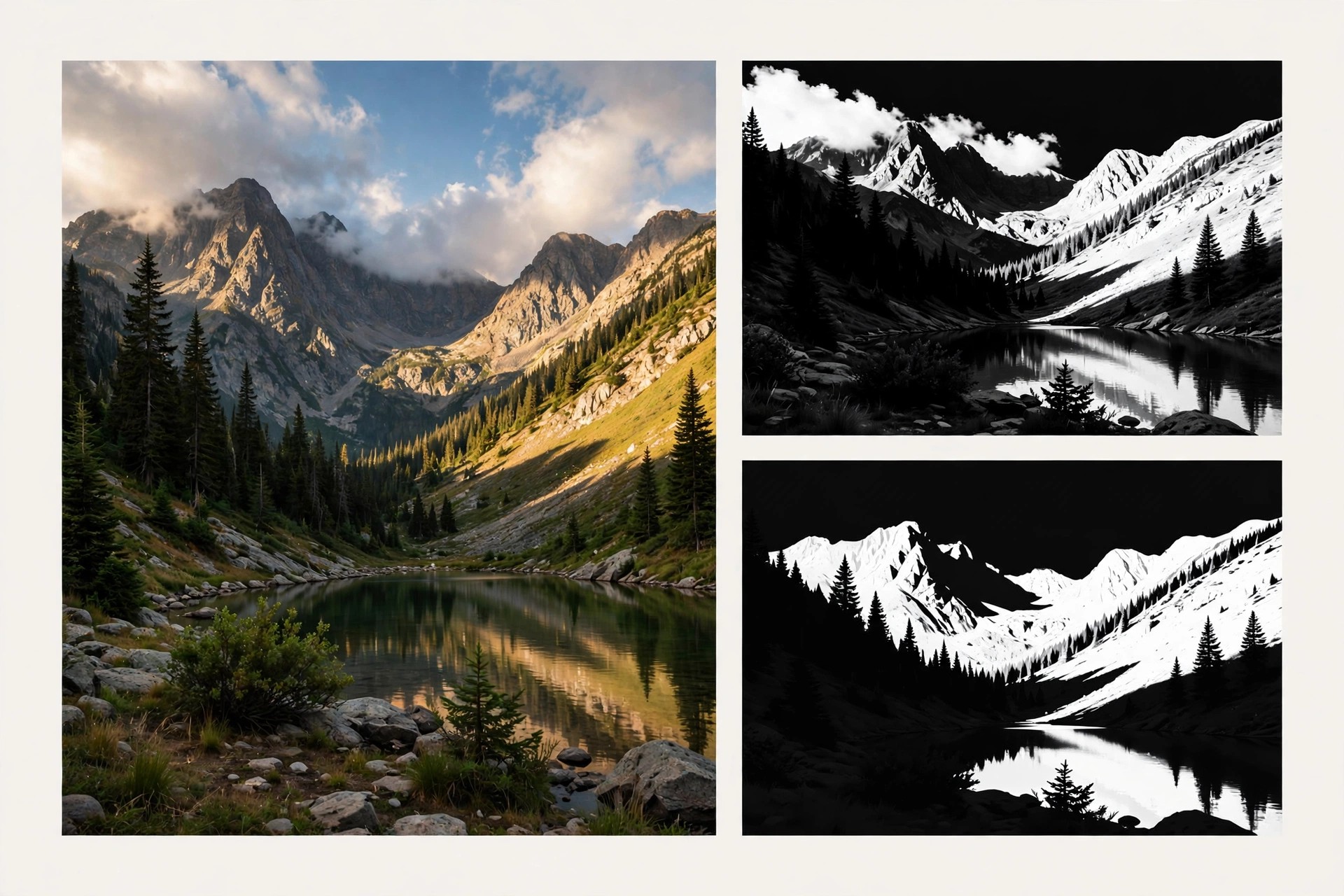
Mac Photo & DesignADP Pro Luminosity Mask Panel for Photoshop 3.2 for Mac is a third-party extension panel from ADP Pro by Aaron Dowling Photography that automates luminosity masking inside Adobe Photoshop. Instead of building masks by hand through channels and repeated calculations, the panel generates lights, darks and midtone masks at the click of a button, so you can target adjustments to exactly the tones you want to change.
It is made for landscape and nature photographers who blend exposures, balance contrast and shape light without the hard edges that selections and brushes leave behind. Because the masks are feathered by the image's own brightness values, edits look natural rather than pasted on. The panel is paid software sold through the maker's own channels; check the official ADP Pro site for current pricing and Photoshop compatibility before buying.
Key Features
- One-click luminosity masks for lights, darks and midtones at several depths
- Colour and saturation masks for targeting specific hues and vivid areas
- Live mask preview so you can refine a mask before applying it
- Apply masks straight to adjustment layers, dodge and burn layers and blending workflows
- Runs inside Photoshop on Mac as a panel, no separate app to switch to
How to Download
- Purchase the panel from ADP Pro and download the Mac installer package from your order link.
- Install the panel, restart Photoshop and open it from the Window > Extensions menu to start masking.
Is ADP Pro free?
No. The ADP Pro panel is a paid Photoshop extension. Be wary of sites offering it as a free download, as those copies are unauthorised and may not work with current Photoshop versions.
Does it work without Photoshop?
No. This is a panel that lives inside Adobe Photoshop, so you need a Photoshop installation (and licence) on your Mac to use it.