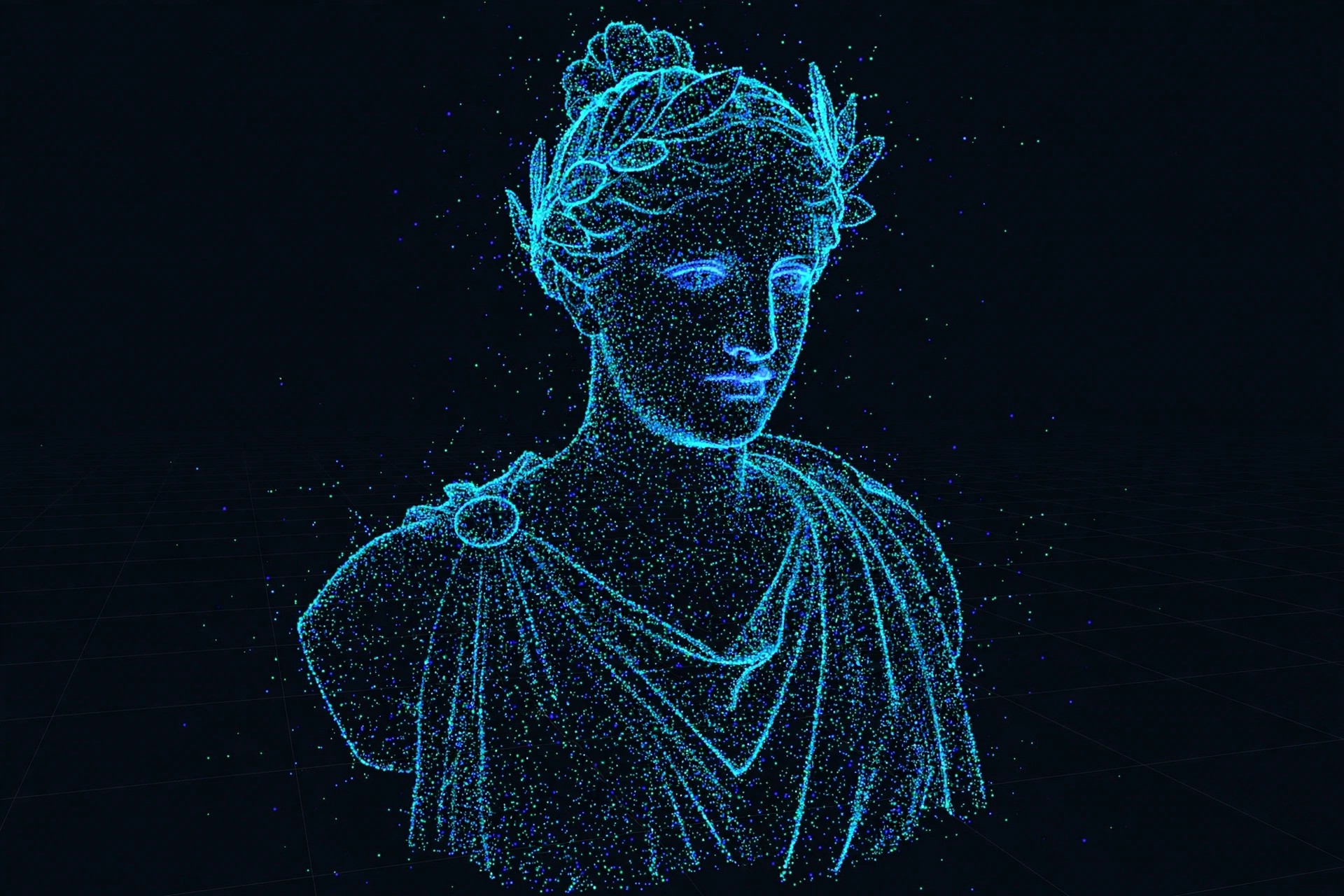
Agisoft Metashape Professional 2.1.3 for Mac
Mac Photo & DesignAgisoft Metashape Professional 2.1.3 for Mac is photogrammetry software from Agisoft that turns sets of ordinary digital photographs into accurate 3D spatial data. Surveyors, archaeologists, drone mapping teams, cultural heritage specialists and visual effects artists use it to build models and measurements from images instead of modelling everything by hand.
The Professional edition goes well beyond the Standard edition. It creates georeferenced orthomosaics, elevation models and dense point clouds, supports ground control points and camera calibration, and can process very large photo sets, including aerial work. On a Mac it runs as a native macOS desktop application, alongside Windows and Linux versions.
Key Features
- Photogrammetric processing of photos into dense point clouds, meshes and textured 3D models
- Georeferenced orthomosaics and digital elevation models for GIS and surveying work
- Ground control point support, camera calibration and measurement tools in the Professional edition
- Handles aerial, close-range and large multi-camera projects, with network and cloud options
- Runs on macOS, Windows and Linux, with Python scripting available for automation
How to Download
- Download from the official site
- On Agisoft's installer page, choose the macOS installer for Metashape Professional.
- Install it, then start the free 30-day trial or enter a purchased licence code to activate it.
Is Metashape Professional free?
No, it is professional paid software, but Agisoft does offer a genuine free trial: the official site provides a free 30-day trial version. After the trial, you need a paid Professional licence to keep using its full features.
What kind of Mac does it need?
Photogrammetry is demanding work. Large photo sets benefit from a fast processor, plenty of RAM and strong graphics, and processing times grow quickly with project size. Check Agisoft's current system recommendations on the official site against your Mac before starting a big job.







Leave a Reply