Category: Mac Photo & Design

  • 3D Coat 4.8.32 for Mac

    3D Coat 4.8.32 for Mac

    3D Coat 4.8.32 for Mac

    3D Coat 4.8.32 for Mac

    Mac Photo & Design
    Updated Nov 4, 2026
    Mac Photo & Design • Updated Nov 4, 2026

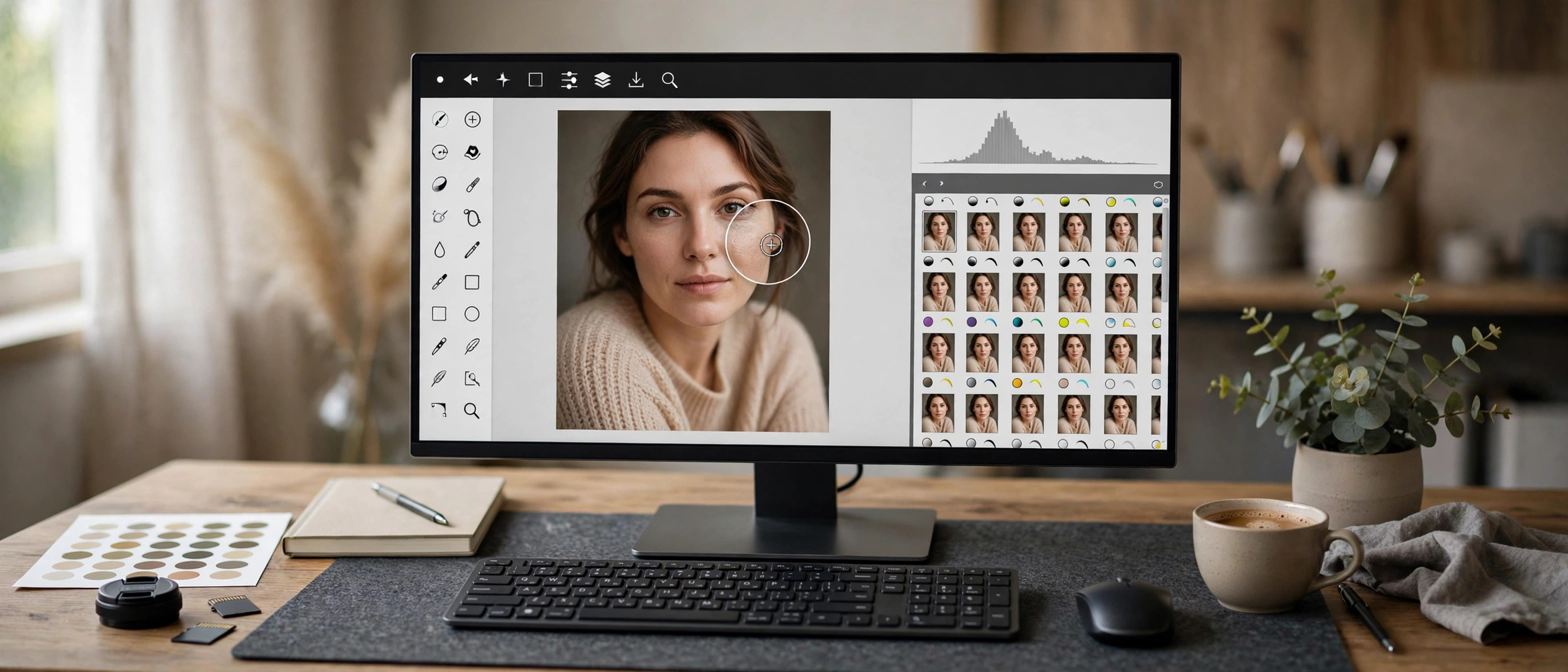
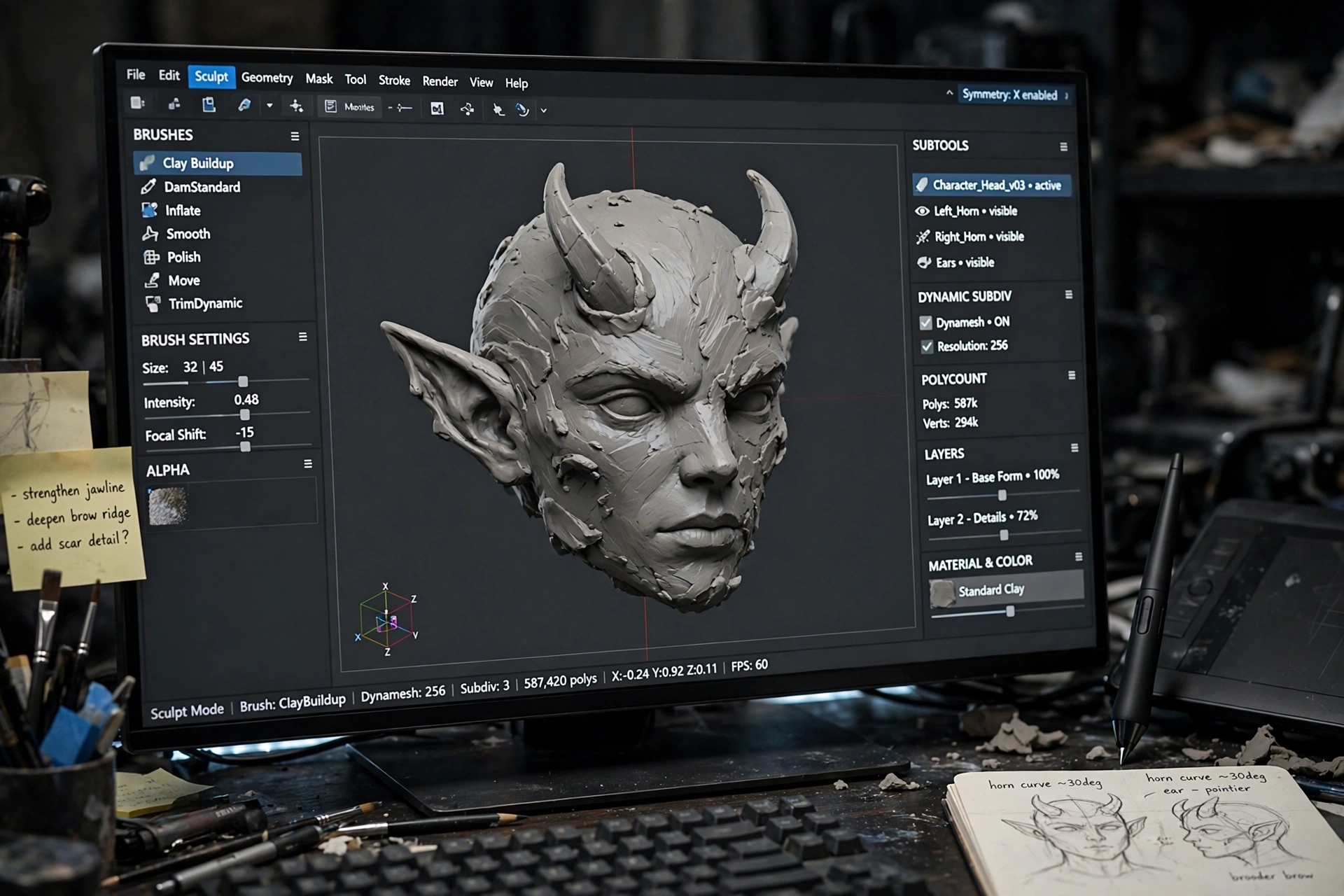
    3D Coat is a digital sculpting application that takes a 3D idea from a rough block of digital clay to a finished, textured model. It is used by game artists, illustrators, and hobbyists who want to sculpt organic shapes and hard surfaces without switching between several separate tools.

    On Mac, it brings sculpting, retopology, UV mapping, texture painting, and rendering into one workspace. That all-in-one approach makes it a practical choice for artists who want to model a character, paint its textures, and preview the result before exporting it to another program.

    Key Features

    • Voxel and surface sculpting for organic and hard-surface models
    • Automatic and manual retopology to create clean, animation-ready meshes
    • UV mapping tools with automatic unwrapping and manual control
    • Natural texture painting with layers, materials, and smart materials
    • Rendering and turntable export to preview and share finished models

    How to Download

    1. Download from the official site
    2. Open the installer and follow the on-screen steps to install 3D Coat.
    3. Launch the app and start with the free trial or sign in with your licence.

    Is 3D Coat free?
    3D Coat is paid software with a 30-day free trial, followed by a free learning mode with limits. It is not a free full version, so check the trial terms before you commit.

    Is it safe to get 3D Coat from unofficial download sites?
    No. Cracked or repacked copies can carry malware and may stop working after updates. Download only from the official Pilgway and 3DCoat site.
  • Portraiture 5 for Mac

    Portraiture 5 for Mac

    Portraiture 5 for Mac

    Portraiture 5 for Mac

    Mac Photo & Design
    Updated Nov 4, 2026
    Mac Photo & Design • Updated Nov 4, 2026

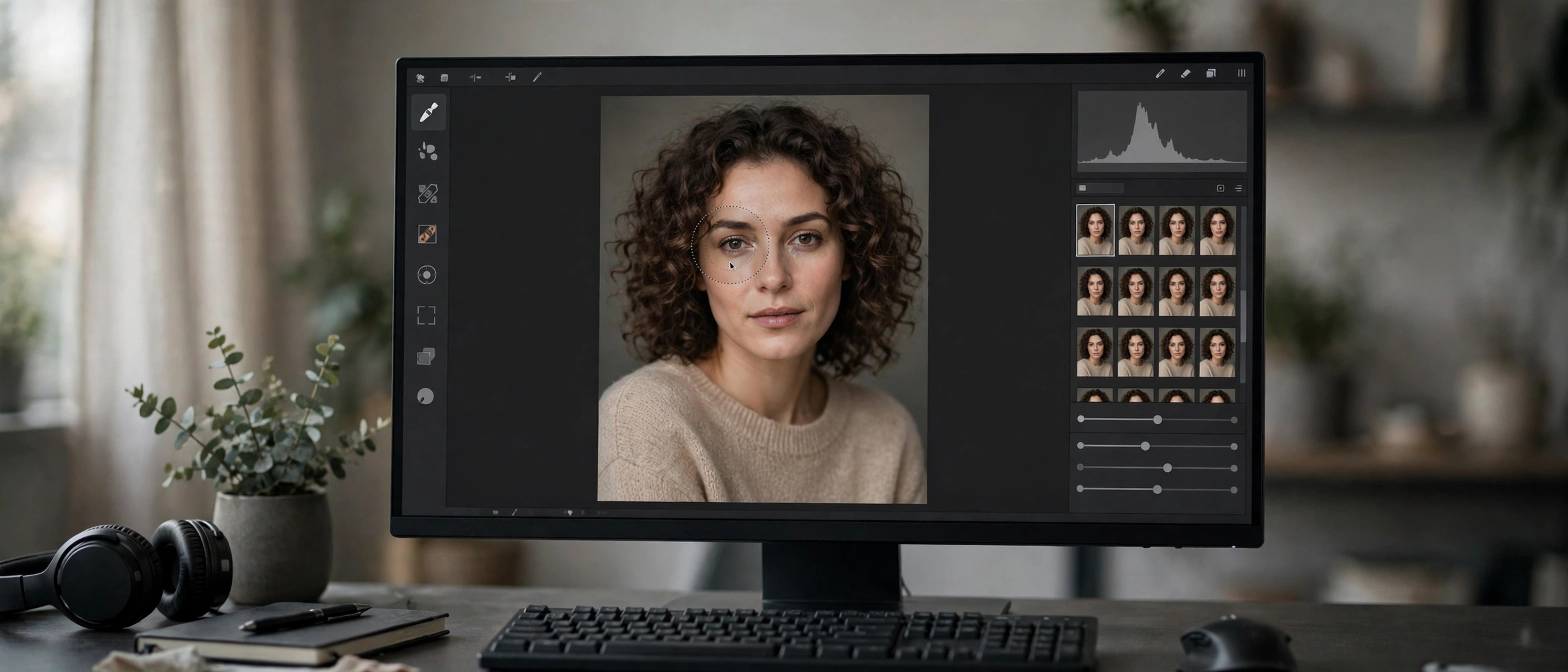
    Imagenomic Portraiture for Photoshop (3.5.7 Build 3570) is the Mac plug-in edition of the skin-retouching tool used by portrait and fashion photographers to get clean, natural-looking skin without hours of manual work. Instead of dodging, burning and frequency separation by hand, Portraiture detects skin tones automatically and applies adaptive smoothing while preserving pores, hair and fine detail — the result reads as retouched but not plastic. It runs directly inside Adobe Photoshop, and the same license line also covers Lightroom and Affinity workflows, so it fits wherever your portraits already go through. This build is tuned for the Mac, and Imagenomic offers a 15-day free trial so you can judge the results on your own images before buying.

    Key Features

    • Automatic skin-tone detection with adaptive smoothing that preserves pores, hair and texture.
    • AI-assisted masking for skin, eyes and hair to keep edits exactly where they belong.
    • Runs natively inside Adobe Photoshop — no round-tripping between apps.
    • Adjustable presets and fine controls for softening, warmth, contrast and sharpness.
    • Batch-friendly workflow for processing full portrait sessions consistently.

    How to Download

    1. Download from the official site to reach the official Portraiture product page.
    2. Start the 15-day free trial — no license key is needed for the trial download, just an email for the link.
    3. Install the plug-in on your Mac, then open it from the Photoshop Filters menu (Imagenomic → Portraiture).

    Is there a free trial of Portraiture for Mac?

    Yes. Imagenomic offers a 15-day free trial of its plug-ins, downloadable directly from the official site with no key required.

    Does one license cover Photoshop and Lightroom?

    Imagenomic's plug-ins run in Photoshop, Lightroom Classic and Affinity, and each license covers two computers on Windows and macOS.

  • Capture One Pro 16.9 for Mac

    Capture One Pro 16.9 for Mac

    Capture One Pro 16.9 for Mac

    Capture One Pro 16.9 for Mac

    Mac Photo & Design
    Updated Nov 4, 2026
    Mac Photo & Design • Updated Nov 4, 2026

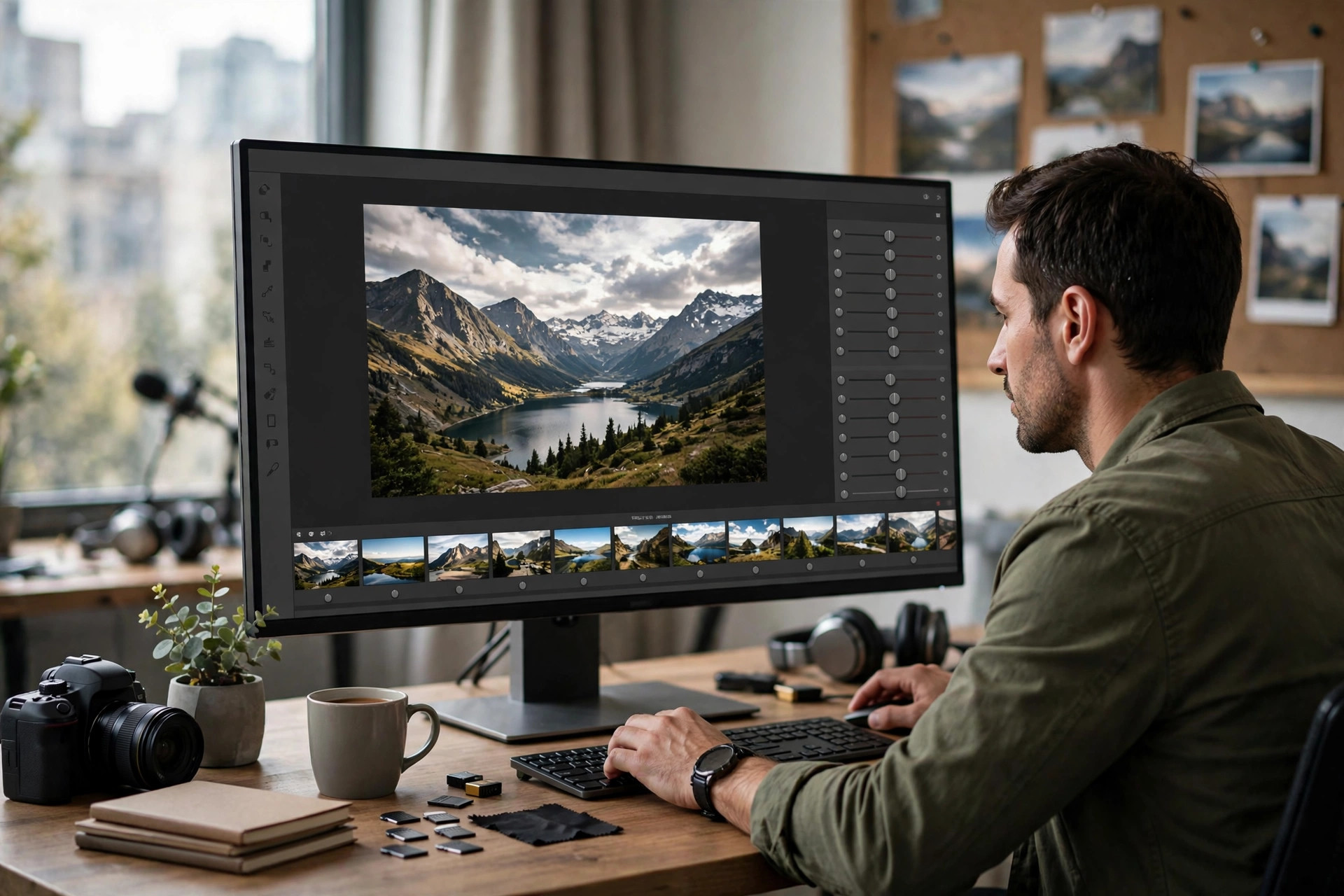
    Capture One Pro 16.7.5.7 for Mac is professional photo editing software built around outstanding RAW processing and true-to-life color. Born from a company with decades of imaging expertise, it gives photographers precise control over every part of the image — from tethered shooting in the studio to the final export. It supports hundreds of camera models and lenses with tailored color profiles, so your files look right from the moment they load. Many professionals choose it for its industry-leading tethered capture and its session-based workflow that keeps client shoots fast and organized.

    Key Features

    • Superb RAW processing: detailed, natural-looking conversions with tailored profiles for nearly 600 cameras.
    • Industry-leading tethering: shoot directly into Capture One with fast, reliable live preview.
    • Precision color tools: advanced color editing, skin tone tools, and true-to-life color science.
    • Layers and masking: local adjustments with AI-assisted masking for selective edits.
    • Flexible workflow: Sessions for shoots and Catalogs for large archives, with Lightroom catalog import.

    How to Download

    1. Go to Capture One's official page and Download from the official site to start the free trial safely.
    2. Install the app on your Mac and sign in with your Capture One account to activate the trial.
    3. Import a few RAW files and explore the editing tools before choosing a subscription or perpetual license.

    Can I try Capture One Pro for free?

    Yes. Capture One offers a free trial from its official website so you can test the full Pro feature set before deciding on a plan.

    Do I need a subscription to use Capture One Pro?

    No. Pro is available as a monthly or annual subscription, but you can also buy a perpetual license that you own outright — the choice is yours.

  • Adobe Photoshop 2026 27.11 for Mac

    Adobe Photoshop 2026 27.11 for Mac

    Adobe Photoshop 2026 27.11 for Mac

    Adobe Photoshop 2026 27.11 for Mac

    Mac Photo & Design
    Updated Nov 4, 2026
    Mac Photo & Design • Updated Nov 4, 2026

    Adobe Photoshop 2026 (version 27.11) is the latest release of the image editor that photographers, designers, and digital artists have relied on for decades. On the Mac it runs natively on Apple silicon, so retouching, compositing, and large-canvas work stay smooth even on complex projects. The 2026 release keeps the familiar layered workflow while building on the AI-assisted tools for faster selections, fills, and cleanups.

    Key Features

    • Layered editing with non-destructive adjustment layers and smart objects
    • Generative Fill and the Remove tool for AI-assisted object replacement and cleanup
    • Camera Raw for professional raw photo development and color work
    • Deep integration with Creative Cloud apps, libraries, and cloud documents
    • Native performance on Apple silicon and support for recent macOS releases

    How to Download

    1. Create a free Adobe account if you don't have one, then Download from the official site — Adobe offers a 7-day free trial of the full app.
    2. The page installs the Creative Cloud desktop app, which then downloads and installs Photoshop on your Mac.
    3. Sign in with your Adobe account to activate. After the trial ends, a paid Creative Cloud plan is required to keep using Photoshop.

    Is Photoshop 2026 free on Mac?
    No. Photoshop is subscription software, but Adobe offers a 7-day free trial of the full app from its own site.

    Will it run on an Apple silicon Mac?
    Yes. Photoshop is native on Apple silicon. Check Adobe's system requirements page for the exact macOS version your machine needs.

  • Adobe Illustrator 2026 30.8.1 for Mac

    Adobe Illustrator 2026 30.8.1 for Mac

    Adobe Illustrator 2026 30.8.1 for Mac

    Adobe Illustrator 2026 30.8.1 for Mac

    Mac Photo & Design
    Updated Nov 4, 2026
    Mac Photo & Design • Updated Nov 4, 2026

    Adobe Illustrator 2026 (version 30.8.1) is Adobe's vector graphics editor — the tool behind logos, icons, packaging, and illustrations that need to scale from a business card to a billboard without losing quality. On the Mac it runs natively on Apple silicon, and the 2026 release continues Adobe's push into AI-assisted vector work alongside the classic pen and shape tools.

    Key Features

    • Precision vector drawing with the Pen, Curvature, and Shape Builder tools
    • Text to Vector Graphic for AI-generated artwork you can edit like any vector
    • Infinitely scalable artwork — designs stay sharp at any size or resolution
    • Smooth round-tripping with Photoshop, InDesign, and other Creative Cloud apps
    • Native performance on Apple silicon Macs

    How to Download

    1. Create a free Adobe account if you don't have one, then Download from the official site — Adobe offers a 7-day free trial.
    2. The Creative Cloud desktop app downloads and installs Illustrator on your Mac.
    3. After the trial, a paid Creative Cloud plan keeps the app active.

    Is Illustrator free?
    No. Illustrator is subscription software, with a 7-day free trial available from Adobe's official site.

    Is Illustrator good for logo design?
    Yes — logos are its classic use case, since vector artwork scales cleanly from tiny app icons to large signage.