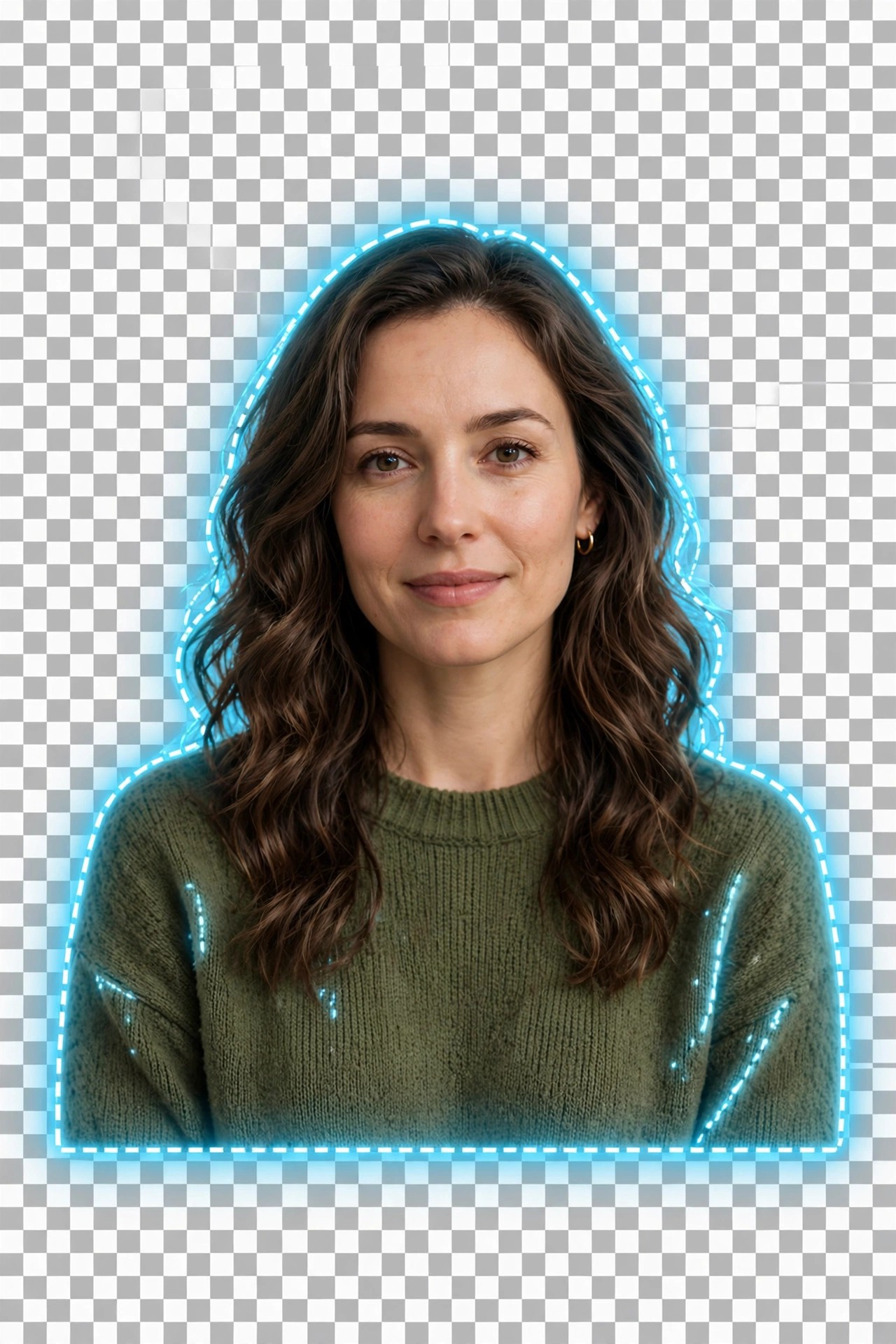
Aiarty Image Matting 2.7 for Mac
Mac Photo & DesignAiarty Image Matting 2.7 for Mac is an AI background-removal app from Digiarty Software. Instead of tracing subjects by hand, it uses alpha matting models to separate people, products, pets and objects from their backgrounds while keeping difficult edges such as hair, fur, lace and semi-transparent glass intact.
It is aimed at e-commerce sellers, designers and marketers who need clean product cutouts and transparent PNGs in volume, and at photographers replacing or blurring backgrounds for portraits. Everything runs locally on the Mac, so client images and product shots never have to be uploaded to an online remover service.
Key Features
- Precise AI alpha matting that preserves hair, fur and transparent objects
- Four specialised AI models for different subjects and edge types
- Batch background removal for large product and photo sets
- Replace backgrounds with solid colours, blur effects or your own images
- Manual refine tools including brush, eraser, dodge and burn for final touch-ups
How to Download
- Download from the official site to get the genuine macOS installer from Digiarty.
- Open the DMG, move Aiarty Image Matting to Applications and launch it.
- Test it with the trial version, then activate a licence in the app to remove trial limits and watermarks.
Is Aiarty Image Matting free?
A trial version is available so you can test the cutout quality, but it limits batch export and adds a watermark to single-image exports. The full version is paid, with yearly and lifetime licence options.
Can it really handle hair and glass?
That is exactly what its matting models are designed for. Fine strands, fur and semi-transparent materials are kept with soft, natural edges instead of the hard cut-out look of simple background erasers.







Leave a Reply