Aiseesoft HEIC Converter 1.0.50 for Mac
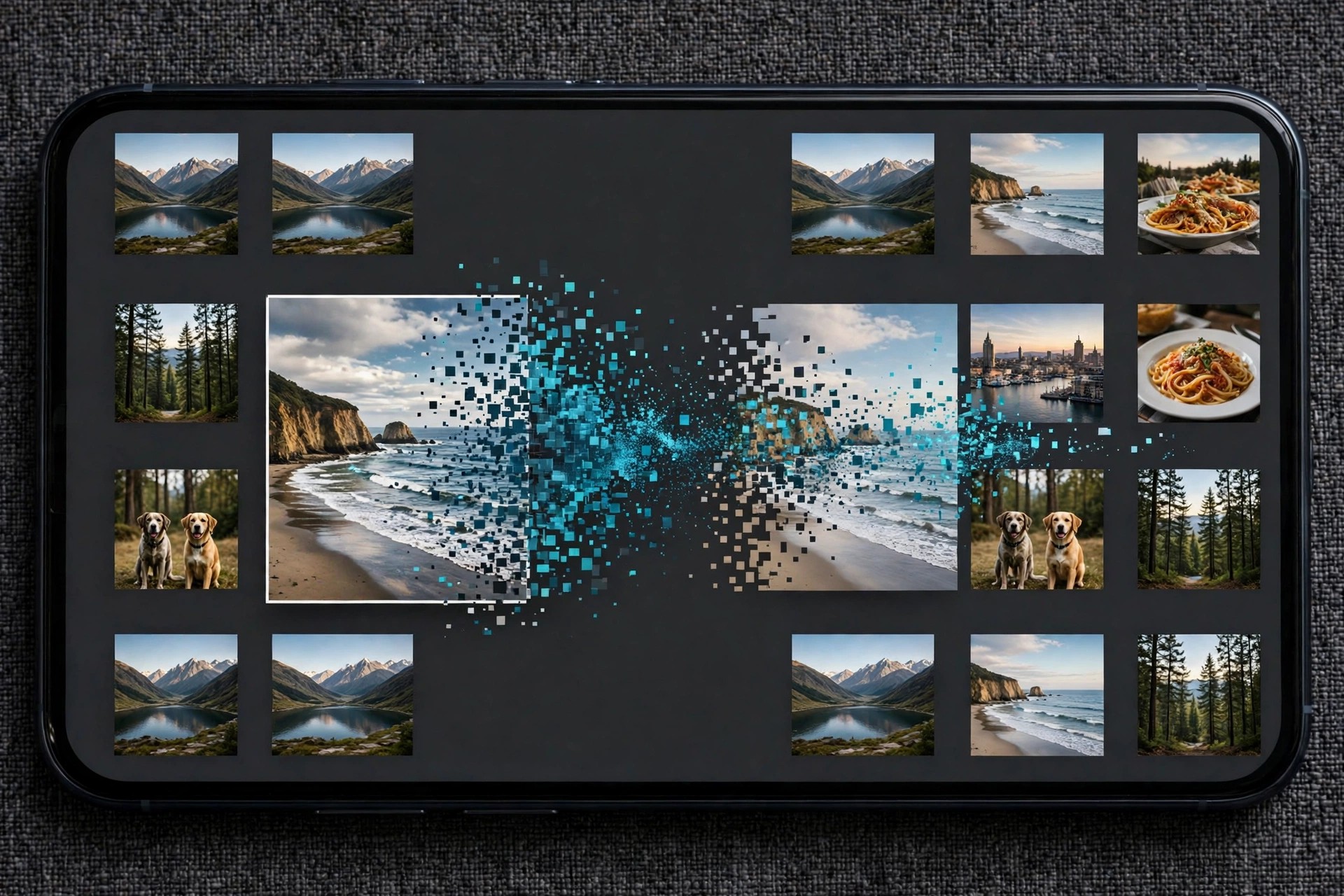
Mac Photo & DesignAiseesoft HEIC Converter for Mac solves a familiar problem: photos taken on an iPhone are saved in Apple's HEIC format, which many websites, older programs and non-Apple devices still cannot open. This focused tool converts HEIC and HEIF images into JPG or PNG files that work almost everywhere.
It is designed for anyone who regularly moves iPhone or iPad photos to a Mac and needs them in a standard format for editing, sharing, uploading or printing. Conversion happens locally on your Mac, and your original HEIC files are left untouched.
Key Features
- Install the app, add your HEIC photos, choose JPG or PNG, and click convert.
Is HEIC Converter free?
The free trial lets you convert a limited number of photos (10 images) so you can check the quality first. Converting without limits requires a paid licence.
Does conversion delete my original photos?
No. The converter creates new JPG or PNG copies in the folder you choose, and your original HEIC files stay exactly as they were.







Leave a Reply