Adobe Substance 3D Sampler 4.0.2 for Mac
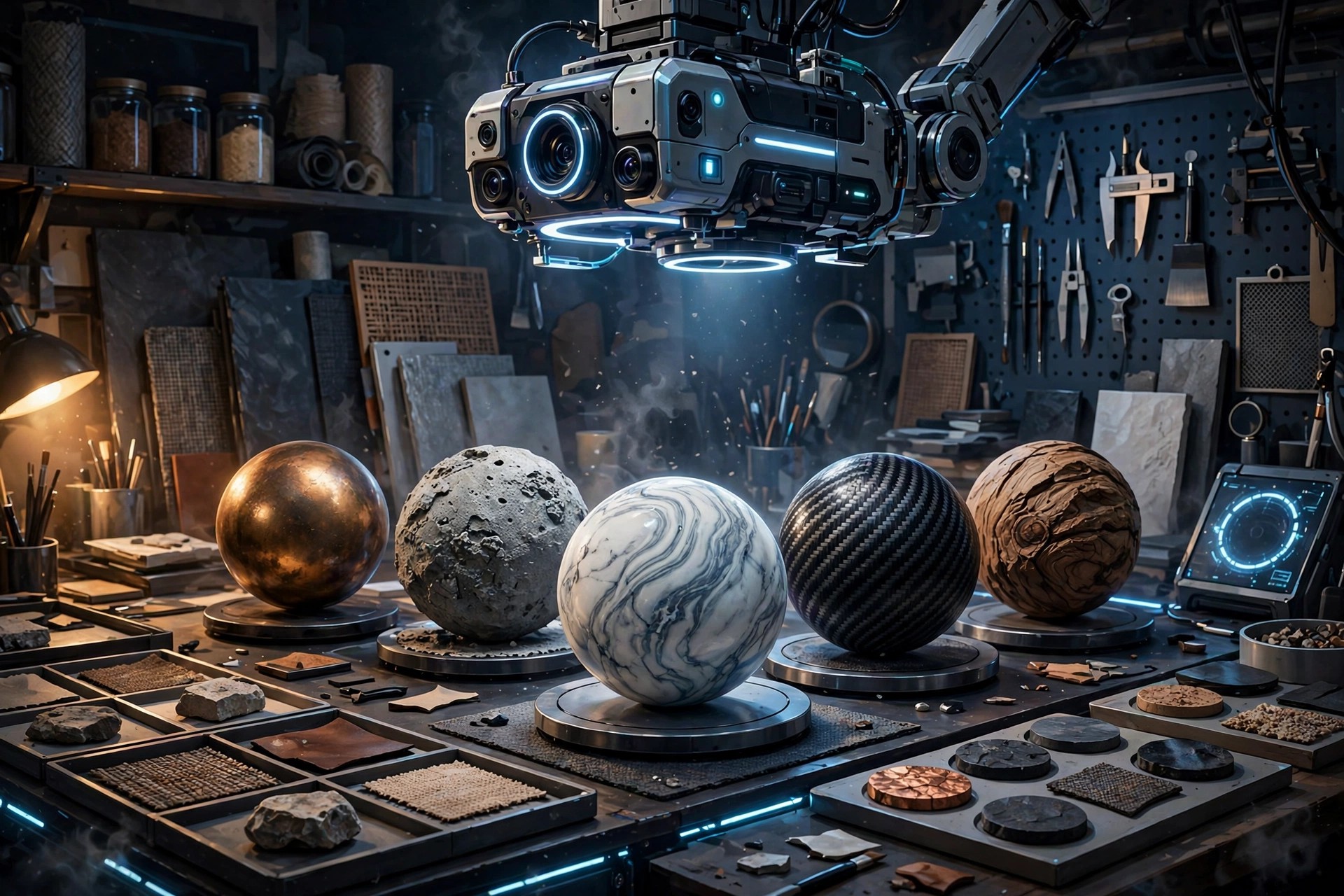
Mac Photo & DesignAdobe Substance 3D Sampler 4.0.2 for Mac turns real-world surfaces into digital materials. Photograph or scan a sample of wood, stone, fabric or ground, and Sampler's AI-powered Image to Material tools remove shadows and generate the albedo, roughness, normal and displacement maps you need for a seamless, tileable PBR material.
It suits 3D artists, arch-viz specialists and product designers who want their own captured materials instead of only using library assets. You can also create HDR environment lights from images and send materials straight to Painter and Stager. Sampler is sold through Adobe's Substance 3D plans with a 30-day free trial; it is not free software.
Key Features
- AI-powered Image to Material converts a photo into a full PBR material
- Automatic tiling, fold and seam removal for flawless digital replicas
- Create and edit HDR environment lights from captured images
- Combine, filter and refine materials, and edit inputs directly in Photoshop
- Send assets directly to Substance 3D Painter and Stager, plus a large assets library
How to Download
- Download from the official site
- Start the 30-day free trial or sign in with the Adobe account that holds your Substance 3D plan, then install the Creative Cloud desktop app.
- Install Sampler from Creative Cloud, launch it and sign in to activate it on your Mac.
Is Adobe Substance 3D Sampler free?
No. Sampler is paid software included in Adobe's Substance 3D plans. A 30-day free trial is available from Adobe, but there is no free full version.
Do I need a scanner to use Sampler?
No. A normal camera or phone photo is enough to create a material. Dedicated scanners can improve capture quality, but they are optional.







Leave a Reply