Adobe Photoshop Elements & Premiere Elements 14 for Mac
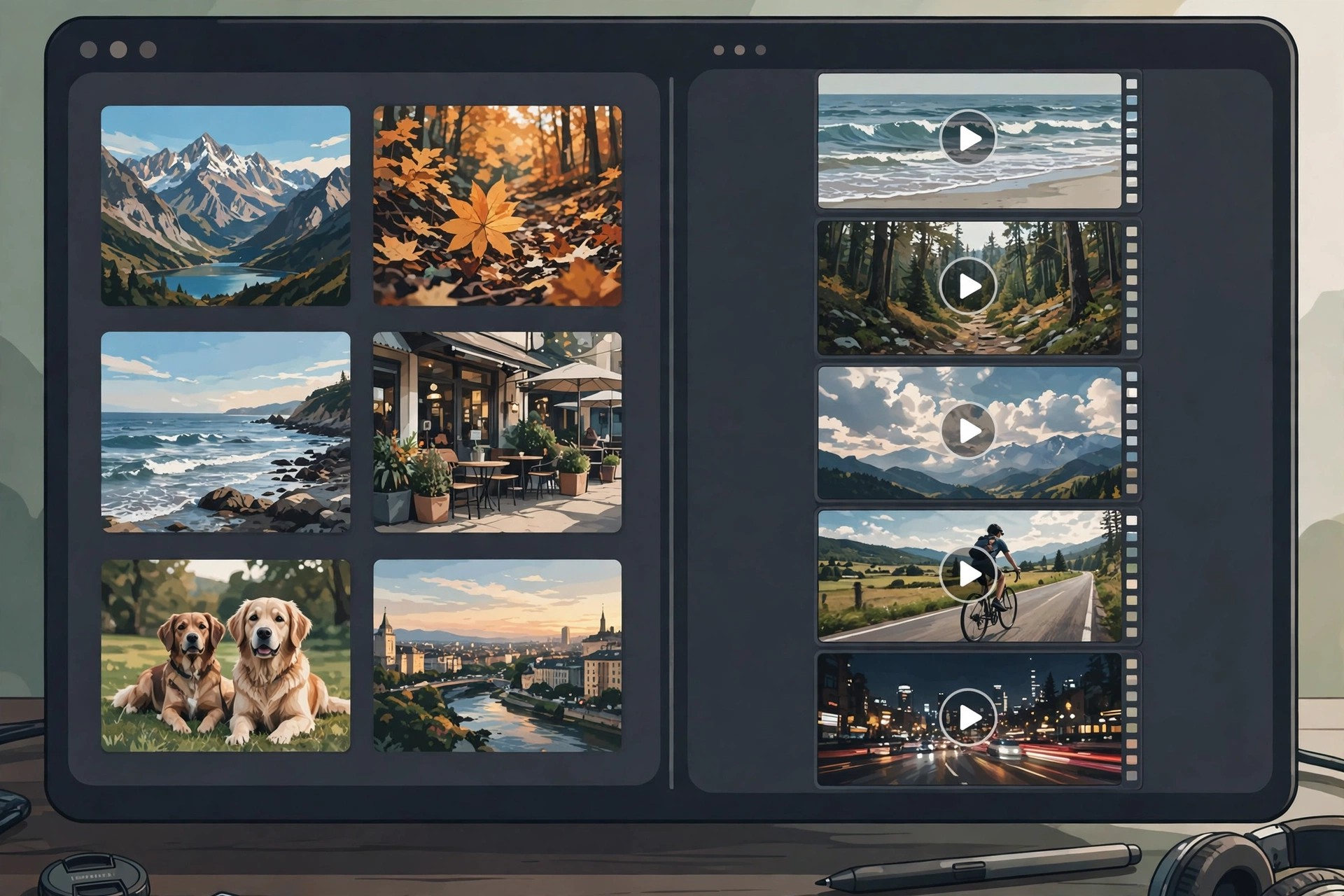
Mac Photo & DesignThis entry covers Adobe's official Elements bundle: Photoshop Elements and Premiere Elements sold together in one box. Photoshop Elements handles photo organising and editing, while Premiere Elements is its video-editing sibling for trimming clips, adding titles and transitions, and producing finished movies. Buying them as a bundle cost less than the two apps separately, which is why Adobe has offered the combo for many years.
Version 14 of both apps dates from 2015 and targeted home creators who shoot both photos and family video. The bundle shares one Organizer across photos and clips, and both editors use the same friendly mix of automatic fixes and Guided Edits. Honest status: version 14 is long discontinued and unsupported on modern macOS. The official bundle page below now sells the current Elements bundle, which is the version to buy for a new Mac.
Key Features
- Photoshop Elements for guided photo editing, effects and creative projects
- Premiere Elements for easy video editing with titles, transitions and music
- One shared Organizer catalogues all your photos and videos together
- Guided Edits in both apps teach techniques while you create
- Bundle pricing works out cheaper than buying each Elements app alone
How to Download
- Download from the official site
- Start the free trial or buy the current bundle, then download both Mac installers from your Adobe account.
- Install Photoshop Elements and Premiere Elements, then sign in with your Adobe ID to activate the bundle.
Is the Elements bundle free?
No. It is paid software, sold as a single purchase covering both apps, with a free trial of the current version available from Adobe. Version 14 itself is no longer sold.
Do I need both apps?
Only if you edit both photos and videos. If you never touch video, Photoshop Elements alone is cheaper; the bundle simply adds Premiere Elements for movie projects at a discount.







Leave a Reply