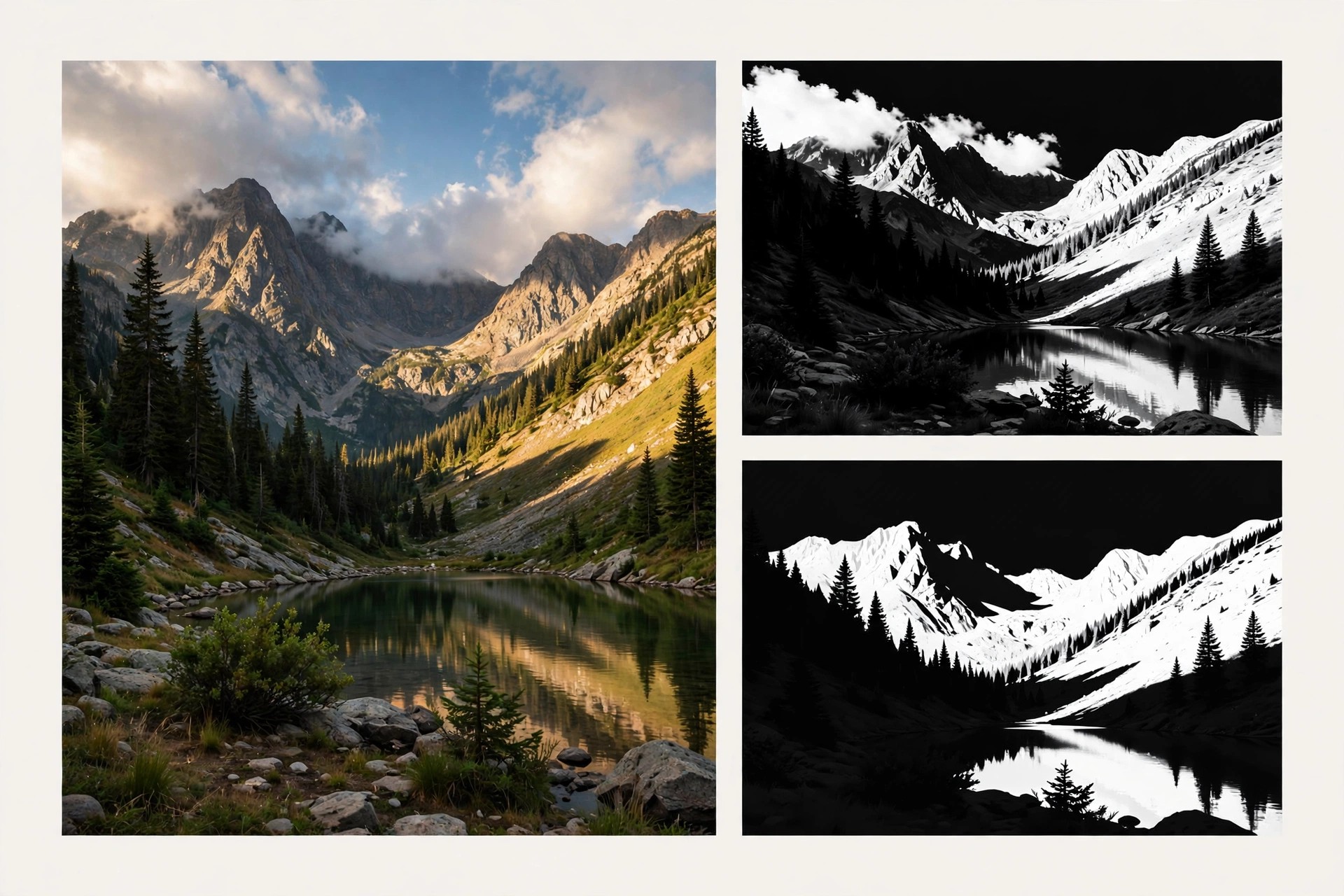
ADP Luminosity Mask Panel Pro 3.1 for Mac
Mac Photo & DesignADP Luminosity Mask Panel Pro 3.1 for Mac, often called the ADP Pro panel, is a Photoshop extension by Aaron Dowling Photography (ADP) for landscape and black-and-white photographers. Luminosity masks select pixels by brightness, letting you target highlights, midtones or shadows precisely, and this panel creates and refines those masks in one click instead of long manual channel workflows.
The panel, sold as ADP Pro and in earlier forms as ADP LumiFlow, organises mask creation, selection refinement and finishing tools into tabs inside Photoshop. Note on availability: the maker's original ADP Pro website could not be verified as a current official sales page when this post was written, so no official download link is listed here. Treat any third-party installer claiming to be this panel with caution.
Key Features
- One-click luminosity masks for lights, darks and midtones with live preview
- Zone and heat-map views to visualise exactly which tones a mask selects
- Colour range masks and precise controls to expand or restrict selections
- One-click adjustment layers, including curves, levels and black-and-white conversions
- Finishing tools such as detail extraction, Orton effect, frequency separation and web sharpening
How to Download
- No verified official vendor page was found for this panel, so check Aaron Dowling Photography's current channels before buying or downloading anywhere.
- Once you have a legitimate copy, install the extension for Photoshop on your Mac and open it from Photoshop's Extensions or Plugins menu.
Is ADP Luminosity Mask Panel Pro free?
The Pro panel was sold as paid software, while some earlier ADP panels were later offered free by the maker. Do not assume a paid Pro installer found on a download site is legitimate or free.
Does it work as a standalone Mac app?
No. This is not a standalone product. It is a panel that runs inside Adobe Photoshop, so you need a working Photoshop installation on your Mac to use it.







Leave a Reply