Author: admin

  • Dark Silence Dark Grand Piano 1.0.2 for Mac

    Dark Silence Dark Grand Piano 1.0.2 for Mac

    Dark Silence Dark Grand Piano 1.0.2 for Mac

    Dark Silence Dark Grand Piano 1.0.2 for Mac

    Mac Audio
    Updated Nov 4, 2026
    Mac Audio • Updated Nov 4, 2026

    Dark Silence Dark Grand Piano 1.0.2 for Mac is a virtual piano instrument by Dark Silence Sound Design, also sold through ADSR Sounds. It is built from samples of a 1920s 85-key grand piano, with every key recorded and processed for a darker, characterful tone that suits cinematic, ambient and moody productions better than a bright pop piano.

    The instrument is aimed at producers and composers who want an expressive grand without a steep price or a complicated interface. Controls stay deliberately simple, covering velocity response, a low-pass filter, release length and volume, plus a built-in reverb. It is paid software that runs as a VST and Audio Unit plug-in in most Mac DAWs; check the vendor page for the current edition, price and system requirements before buying.

    Key Features

    • Full 85-key grand piano sampled from a 1920s instrument, key by key
    • Velocity-sensitive playing with adjustable velocity control
    • Built-in reverb and low-pass filter for shaping mood and tone
    • Release length control to dial in anything from tight to spacious decays
    • VST and AU plug-in formats for Logic Pro, Ableton Live, Cubase, FL Studio and more

    How to Download

    1. Download from the official site
    2. Purchase the instrument from Dark Silence Sound Design or ADSR Sounds and download the Mac installer from your account.
    3. Run the installer, then load Dark Grand Piano as a VST or AU instrument track in your DAW.

    Is Dark Grand Piano free?
    No. It is a paid virtual instrument. Prices and editions change with sales on the vendor and ADSR Sounds stores, so check the official page for the current offer rather than trusting download sites.

    Does it work in Pro Tools?
    The instrument is offered in VST and AU formats and does not include AAX, so it is not natively compatible with Pro Tools. It works in DAWs that host VST or Audio Unit plug-ins.
  • Adsorb 1.0.1 for Mac

    Adsorb 1.0.1 for Mac

    Adsorb 1.0.1 for Mac

    Adsorb 1.0.1 for Mac

    Mac Utilities
    Updated Nov 4, 2026
    Mac Utilities • Updated Nov 4, 2026

    Adsorb 1.0.1 for Mac is a small network-level ad blocker for macOS from the team behind the Murus firewall. Rather than working as a browser extension, Adsorb runs as a system network filter: it keeps a list of known advertising and tracking hostnames and blocks outbound connections to them before they leave your Mac.

    Because the filtering happens at network level, it applies to every app and process, not only Safari, Chrome or Firefox, and there are no per-browser extensions to install and maintain. You control it from a small menu bar icon near the clock, where you can switch the filter on or off and open its preferences. Adsorb is distributed directly from the developer's website; check that page for the current price and macOS requirements.

    Key Features

    • Blocks connections to well-known ad services and trackers system-wide
    • Works with all browsers and apps, with no browser extensions required
    • Simple menu bar control to enable or disable the filter at any time
    • Filter activates automatically each time you launch Adsorb
    • Lightweight design from the makers of the Murus firewall for Mac

    How to Download

    1. Download from the official site
    2. Download the Adsorb disk image from the Murus website and open it on your Mac.
    3. Install the app, launch it, and use the menu bar icon to confirm the filter is enabled.

    Does Adsorb only block ads in my browser?
    No. Because it filters at the network level, Adsorb blocks ad and tracker connections from all apps and background processes, not just web browsers.

    Is Adsorb a VPN?
    No. Adsorb does not route your traffic through remote servers. It filters connections locally on your Mac using its built-in list of blocked hostnames.

  • ADPTR Audio Metric AB 1.1.0 for Mac

    ADPTR Audio Metric AB 1.1.0 for Mac

    ADPTR Audio Metric AB 1.1.0 for Mac

    ADPTR Audio Metric AB 1.1.0 for Mac

    Mac Audio
    Updated Nov 4, 2026
    Mac Audio • Updated Nov 4, 2026

    ADPTR Audio Metric AB 1.1.0 for Mac is a referencing and analysis plug-in from ADPTR Audio, distributed through Plugin Alliance, that sits on your DAW's master channel. It lets you compare your mix against commercial reference tracks with a single A/B click, so you can judge balance, loudness and stereo width against records you trust instead of guessing.

    It suits producers, mix engineers and mastering engineers who reference as part of their workflow. You can load up to 16 reference files in formats such as WAV, MP3, AIFF and FLAC, match their volume instantly and sync playback with your session. Metric AB is paid software, and Plugin Alliance offers a free demo through its installer, so you can test it in your own DAW before buying a licence.

    Key Features

    • Instant A/B switching between your mix and up to 16 loaded reference tracks
    • Automatic volume matching so comparisons are not fooled by loudness differences
    • Analysis views for spectrum, correlation, stereo image and dynamics
    • Industry-standard LUFS loudness and dynamics metering
    • Cue and loop functions with DAW-synced reference playback; AU, VST and AAX formats

    How to Download

    1. Download from the official site
    2. Create a Plugin Alliance account, then download the Installation Manager for Mac from Plugin Alliance.
    3. Install Metric AB through the manager, start the demo or activate your licence, and insert it on your master channel.

    Is Metric AB free?
    No. Metric AB is a paid plug-in. Plugin Alliance provides a free demo period through its Installation Manager, but continued use requires a purchased licence.

    Which DAWs does it work with?
    It runs as an Audio Unit, VST/VST3 and AAX plug-in, so it works in Logic Pro, Ableton Live, Cubase, Pro Tools and other major Mac DAWs.

  • ADP Pro Luminosity Mask Panel for Photoshop 3.2 for Mac

    ADP Pro Luminosity Mask Panel for Photoshop 3.2 for Mac

    ADP Pro Luminosity Mask Panel for Photoshop 3.2 for Mac

    ADP Pro Luminosity Mask Panel for Photoshop 3.2 for Mac

    Mac Photo & Design
    Updated Nov 4, 2026
    Mac Photo & Design • Updated Nov 4, 2026

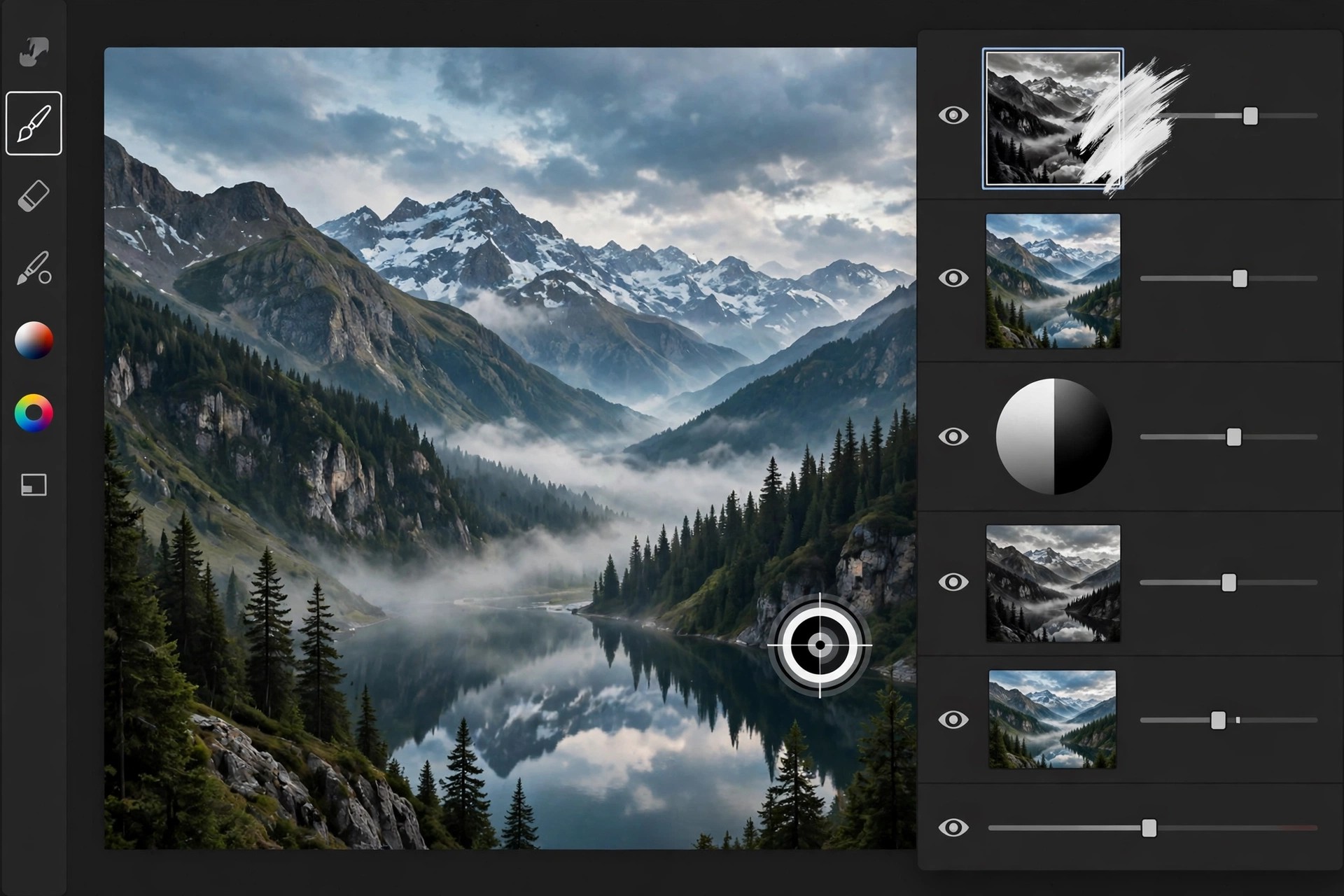
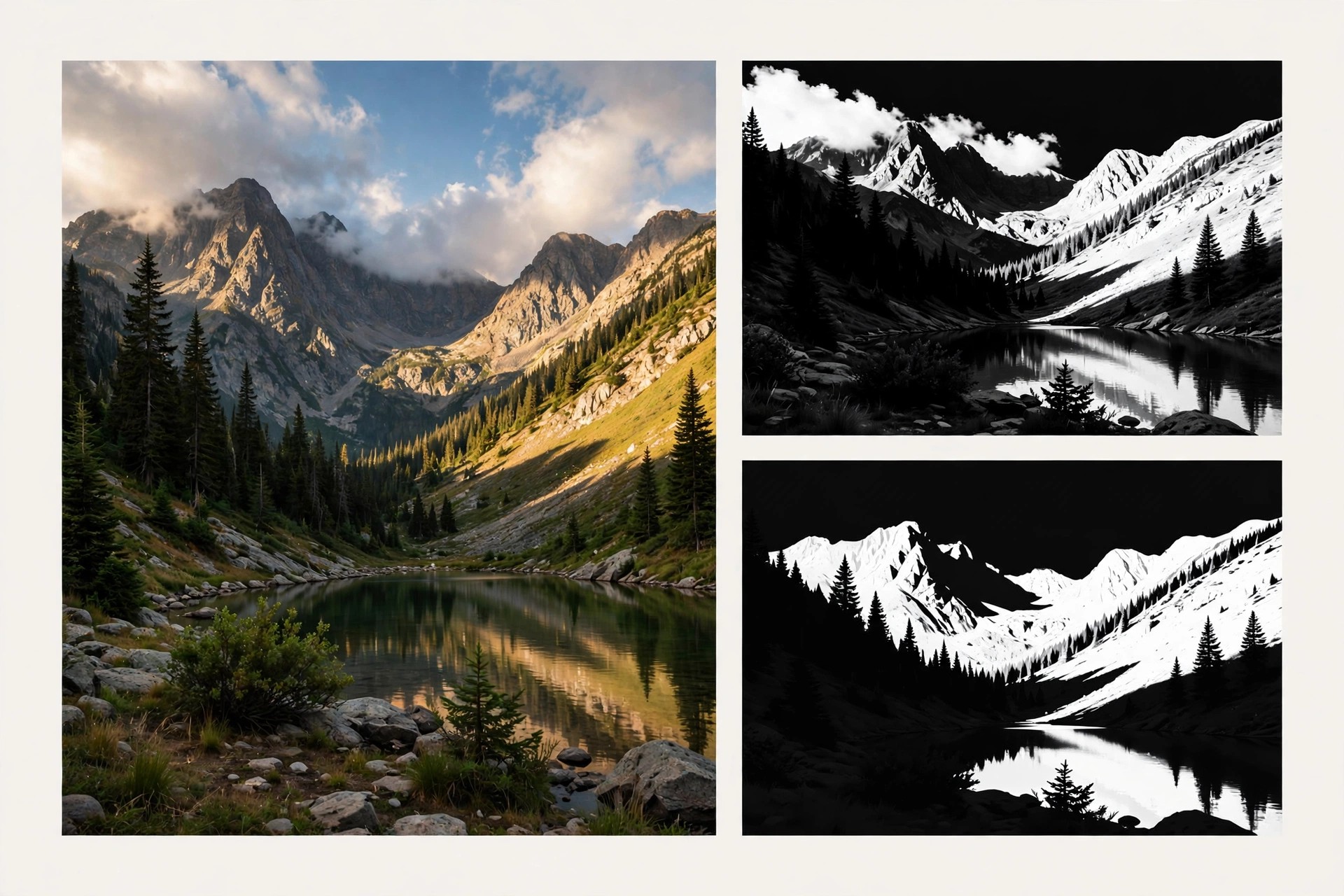
    ADP Pro Luminosity Mask Panel for Photoshop 3.2 for Mac is a third-party extension panel from ADP Pro by Aaron Dowling Photography that automates luminosity masking inside Adobe Photoshop. Instead of building masks by hand through channels and repeated calculations, the panel generates lights, darks and midtone masks at the click of a button, so you can target adjustments to exactly the tones you want to change.

    It is made for landscape and nature photographers who blend exposures, balance contrast and shape light without the hard edges that selections and brushes leave behind. Because the masks are feathered by the image's own brightness values, edits look natural rather than pasted on. The panel is paid software sold through the maker's own channels; check the official ADP Pro site for current pricing and Photoshop compatibility before buying.

    Key Features

    • One-click luminosity masks for lights, darks and midtones at several depths
    • Colour and saturation masks for targeting specific hues and vivid areas
    • Live mask preview so you can refine a mask before applying it
    • Apply masks straight to adjustment layers, dodge and burn layers and blending workflows
    • Runs inside Photoshop on Mac as a panel, no separate app to switch to

    How to Download

    1. Purchase the panel from ADP Pro and download the Mac installer package from your order link.
    2. Install the panel, restart Photoshop and open it from the Window > Extensions menu to start masking.

    Is ADP Pro free?
    No. The ADP Pro panel is a paid Photoshop extension. Be wary of sites offering it as a free download, as those copies are unauthorised and may not work with current Photoshop versions.

    Does it work without Photoshop?
    No. This is a panel that lives inside Adobe Photoshop, so you need a Photoshop installation (and licence) on your Mac to use it.

  • ADP Luminosity Mask Panel Pro 3.1 for Mac

    ADP Luminosity Mask Panel Pro 3.1 for Mac

    ADP Luminosity Mask Panel Pro 3.1 for Mac

    ADP Luminosity Mask Panel Pro 3.1 for Mac

    Mac Photo & Design
    Updated Nov 4, 2026
    Mac Photo & Design • Updated Nov 4, 2026

    ADP Luminosity Mask Panel Pro 3.1 for Mac, often called the ADP Pro panel, is a Photoshop extension by Aaron Dowling Photography (ADP) for landscape and black-and-white photographers. Luminosity masks select pixels by brightness, letting you target highlights, midtones or shadows precisely, and this panel creates and refines those masks in one click instead of long manual channel workflows.

    The panel, sold as ADP Pro and in earlier forms as ADP LumiFlow, organises mask creation, selection refinement and finishing tools into tabs inside Photoshop. Note on availability: the maker's original ADP Pro website could not be verified as a current official sales page when this post was written, so no official download link is listed here. Treat any third-party installer claiming to be this panel with caution.

    Key Features

    • One-click luminosity masks for lights, darks and midtones with live preview
    • Zone and heat-map views to visualise exactly which tones a mask selects
    • Colour range masks and precise controls to expand or restrict selections
    • One-click adjustment layers, including curves, levels and black-and-white conversions
    • Finishing tools such as detail extraction, Orton effect, frequency separation and web sharpening

    How to Download

    1. No verified official vendor page was found for this panel, so check Aaron Dowling Photography's current channels before buying or downloading anywhere.
    2. Once you have a legitimate copy, install the extension for Photoshop on your Mac and open it from Photoshop's Extensions or Plugins menu.

    Is ADP Luminosity Mask Panel Pro free?
    The Pro panel was sold as paid software, while some earlier ADP panels were later offered free by the maker. Do not assume a paid Pro installer found on a download site is legitimate or free.

    Does it work as a standalone Mac app?
    No. This is not a standalone product. It is a panel that runs inside Adobe Photoshop, so you need a working Photoshop installation on your Mac to use it.

  • Adobe XD 59.0.12 for Mac

    Adobe XD 59.0.12 for Mac

    Adobe XD 59.0.12 for Mac

    Adobe XD 59.0.12 for Mac

    Mac Photo & Design
    Updated Nov 4, 2026
    Mac Photo & Design • Updated Nov 4, 2026

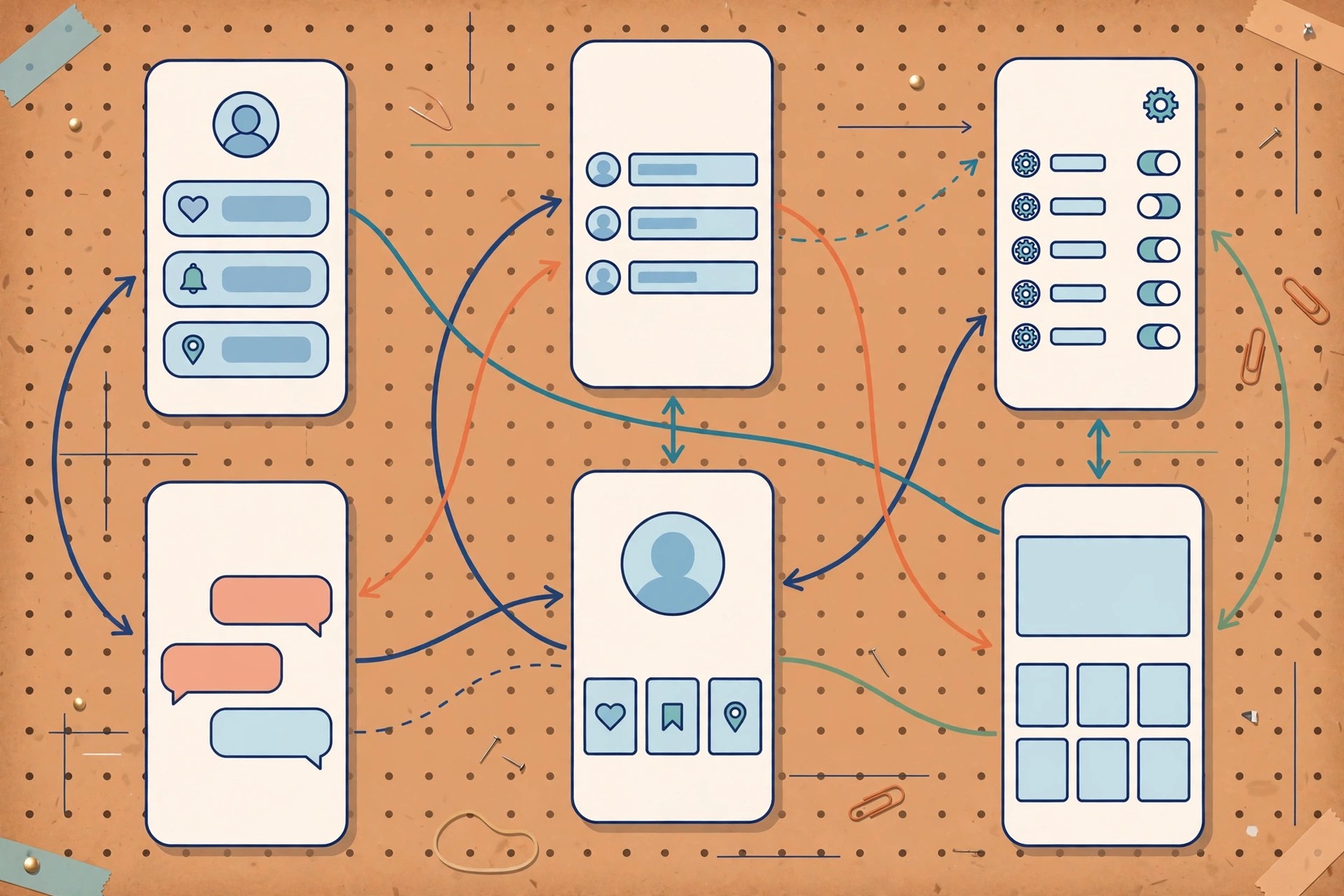
    Adobe XD 59.0.12 for Mac is Adobe's user experience design tool for websites and mobile apps. In one app you lay out screens on artboards, wire them together into clickable prototypes with animations and voice interactions, and share links so stakeholders and developers can review designs and inspect specs.

    An important status note: Adobe has placed XD in maintenance mode. It is no longer sold as a standalone app and Adobe is not shipping new features, only bug fixes and security and privacy updates for existing customers, mainly through Creative Cloud All Apps plans. If you maintain existing XD files it still works, but teams starting new projects should weigh that frozen roadmap honestly.

    Key Features

    • Design website and app interfaces with vector tools, components and repeat grids
    • Build interactive prototypes with auto-animate, drag, voice and timed transitions
    • Share prototype and design-spec links for review, comments and developer handoff
    • Coediting and cloud documents for team work, plus a large plugin ecosystem
    • Preview designs live on iOS and Android with the Adobe XD mobile app

    How to Download

    1. Download from the official site
    2. Check Adobe's current XD availability there, since XD is in maintenance mode and is no longer sold standalone.
    3. If your Creative Cloud plan includes XD, install it from the Creative Cloud desktop app, launch it and sign in on your Mac.

    Is Adobe XD free?
    No. XD was previously offered with a limited free starter plan, but it is now in maintenance mode and no longer sold standalone. Access today is mainly for existing Creative Cloud customers; there is no free full version.

    Is Adobe XD discontinued?
    Not formally ended, but effectively frozen. Adobe says XD remains in maintenance mode with no new features, only bug and security fixes, and promises significant notice before support ends.

  • Adobe XD CC for Mac

    Adobe XD CC for Mac

    Adobe XD CC for Mac

    Adobe XD CC for Mac

    Mac Photo & Design
    Updated Nov 4, 2026
    Mac Photo & Design • Updated Nov 4, 2026

    Adobe XD CC for Mac refers to the Creative Cloud era of Adobe XD, Adobe's tool for designing and prototyping website and mobile app experiences. Designers create screens on artboards, connect them into interactive prototypes, and share review and developer-spec links, all in a fast, Mac-native feeling workflow built for product teams.

    The CC branding is legacy: the app is now simply called Adobe XD, and its status has changed. Adobe has moved XD into maintenance mode, stopped selling it as a standalone app, and stopped developing new features. Existing Creative Cloud customers still receive bug fixes and security updates, but anyone choosing a UI tool today should know XD is being maintained, not advanced.

    Key Features

    • Vector design for app and web interfaces with artboards, components and stacks
    • Interactive prototyping with auto-animate, overlays, drag and voice triggers
    • Shareable links for prototype review, comments and design specs for developers
    • Cloud documents, coediting and Creative Cloud Libraries integration
    • Plugins and integrations with Photoshop, Illustrator and After Effects assets

    How to Download

    1. Download from the official site
    2. Review Adobe's current XD status there, as XD CC is the older name and the app is now in maintenance mode.
    3. If XD is included in your existing Creative Cloud plan, install it from the Creative Cloud desktop app and sign in on your Mac.

    Is Adobe XD CC free?
    No. XD CC was paid Creative Cloud software, apart from a limited starter tier that is no longer the current offer. There is no free full version, and XD is no longer sold standalone.

    What is the difference between Adobe XD CC and Adobe XD?
    Nothing in the product itself. CC was the Creative Cloud-era branding; Adobe later dropped the CC suffix. Both names refer to the same app, now in maintenance mode.

  • Adobe Substance 3D Stager 2.0.1 for Mac

    Adobe Substance 3D Stager 2.0.1 for Mac

    Adobe Substance 3D Stager 2.0.1 for Mac

    Adobe Substance 3D Stager 2.0.1 for Mac

    Mac Photo & Design
    Updated Nov 4, 2026
    Mac Photo & Design • Updated Nov 4, 2026

    Adobe Substance 3D Stager 2.0.1 for Mac is a virtual staging and rendering studio for 3D scenes. You import or build models, apply realistic materials, arrange lighting and cameras, and render a finished shot, without needing to model everything from scratch or master a complex 3D suite first.

    It is designed for product visualisation, branding mockups and design reviews, and it works closely with the other Substance 3D apps and the Substance 3D Assets library. Stager is only available in the Substance 3D Collection plan, not in the cheaper Texturing plan, and Adobe offers a 30-day free trial of the Collection. It is paid subscription software with no free full version.

    Key Features

    • Assemble 3D scenes with drag-and-drop models, materials, lights and cameras
    • Physically based rendering with real-time feedback and high-quality final renders
    • Import FBX, OBJ, glTF, USD and other common 3D formats
    • Starter models and access to the Substance 3D Assets library of models and lights
    • Export rendered images, layered PSD files for Photoshop, and shareable web and AR content

    How to Download

    1. Download from the official site
    2. Start the Substance 3D Collection free trial or sign in with the Adobe account that holds that plan, then install the Creative Cloud desktop app.
    3. Install Stager from Creative Cloud, launch it and sign in to activate it on your Mac.

    Is Adobe Substance 3D Stager free?
    No. Stager is paid software available only in the Substance 3D Collection plan. Adobe offers a 30-day free trial of that plan, but no free full version.

    Is Stager included in every Substance 3D plan?
    No. The Texturing plan includes Painter, Designer and Sampler only. Stager requires the Collection plan, so check Adobe's plan comparison before subscribing.

  • Adobe Substance 3D Sampler 4.0.2 for Mac

    Adobe Substance 3D Sampler 4.0.2 for Mac

    Adobe Substance 3D Sampler 4.0.2 for Mac

    Adobe Substance 3D Sampler 4.0.2 for Mac

    Mac Photo & Design
    Updated Nov 4, 2026
    Mac Photo & Design • Updated Nov 4, 2026

    Adobe Substance 3D Sampler 4.0.2 for Mac turns real-world surfaces into digital materials. Photograph or scan a sample of wood, stone, fabric or ground, and Sampler's AI-powered Image to Material tools remove shadows and generate the albedo, roughness, normal and displacement maps you need for a seamless, tileable PBR material.

    It suits 3D artists, arch-viz specialists and product designers who want their own captured materials instead of only using library assets. You can also create HDR environment lights from images and send materials straight to Painter and Stager. Sampler is sold through Adobe's Substance 3D plans with a 30-day free trial; it is not free software.

    Key Features

    • AI-powered Image to Material converts a photo into a full PBR material
    • Automatic tiling, fold and seam removal for flawless digital replicas
    • Create and edit HDR environment lights from captured images
    • Combine, filter and refine materials, and edit inputs directly in Photoshop
    • Send assets directly to Substance 3D Painter and Stager, plus a large assets library

    How to Download

    1. Download from the official site
    2. Start the 30-day free trial or sign in with the Adobe account that holds your Substance 3D plan, then install the Creative Cloud desktop app.
    3. Install Sampler from Creative Cloud, launch it and sign in to activate it on your Mac.

    Is Adobe Substance 3D Sampler free?
    No. Sampler is paid software included in Adobe's Substance 3D plans. A 30-day free trial is available from Adobe, but there is no free full version.

    Do I need a scanner to use Sampler?
    No. A normal camera or phone photo is enough to create a material. Dedicated scanners can improve capture quality, but they are optional.

  • Adobe Substance 3D Painter 8.3.0 for Mac

    Adobe Substance 3D Painter 8.3.0 for Mac

    Adobe Substance 3D Painter 8.3.0 for Mac

    Adobe Substance 3D Painter 8.3.0 for Mac

    Mac Photo & Design
    Updated Nov 4, 2026
    Mac Photo & Design • Updated Nov 4, 2026

    Adobe Substance 3D Painter 8.3.0 for Mac is the industry-standard app for texturing 3D models. You paint directly onto the model in a real-time viewport, layering materials, effects and detail much like painting in Photoshop, while Painter handles UVs, baking and physically based rendering behind the scenes.

    It is aimed at game artists, film and VFX teams, and product designers who need believable surfaces, from worn metal and leather to skin and fabric. Painter is available through Adobe's Substance 3D Texturing and Collection plans with a 30-day free trial. It is subscription software, not a one-time purchase, and there is no free full version.

    Key Features

    • Paint textures in real time directly onto 3D models with full PBR workflow
    • Smart materials and smart masks that adapt wear and detail to your geometry
    • Integrated bakers for normal, ambient occlusion, curvature and other mesh maps
    • Particle brushes and effects for dirt, scratches, leaks and edge wear
    • Export presets for game engines, renderers and other Substance 3D apps

    How to Download

    1. Download from the official site
    2. Start the 30-day free trial or sign in with the Adobe account that holds your Substance 3D plan, then install the Creative Cloud desktop app.
    3. Install Painter from Creative Cloud, launch it and sign in to activate it on your Mac.

    Is Adobe Substance 3D Painter free?
    No. Painter is paid, subscription-only software. Adobe provides a 30-day free trial through its Substance 3D plans, after which a paid plan is required.

    Is it safe to download Painter from other sites?
    No. Unofficial installers are a common source of malware and broken licences. Always get Painter through Adobe's official site and the Creative Cloud app.