Author: admin

  • Adobe Substance 3D Designer 12.4.0 for Mac

    Adobe Substance 3D Designer 12.4.0 for Mac

    Adobe Substance 3D Designer 12.4.0 for Mac

    Adobe Substance 3D Designer 12.4.0 for Mac

    Mac Photo & Design
    Updated Nov 4, 2026
    Mac Photo & Design • Updated Nov 4, 2026

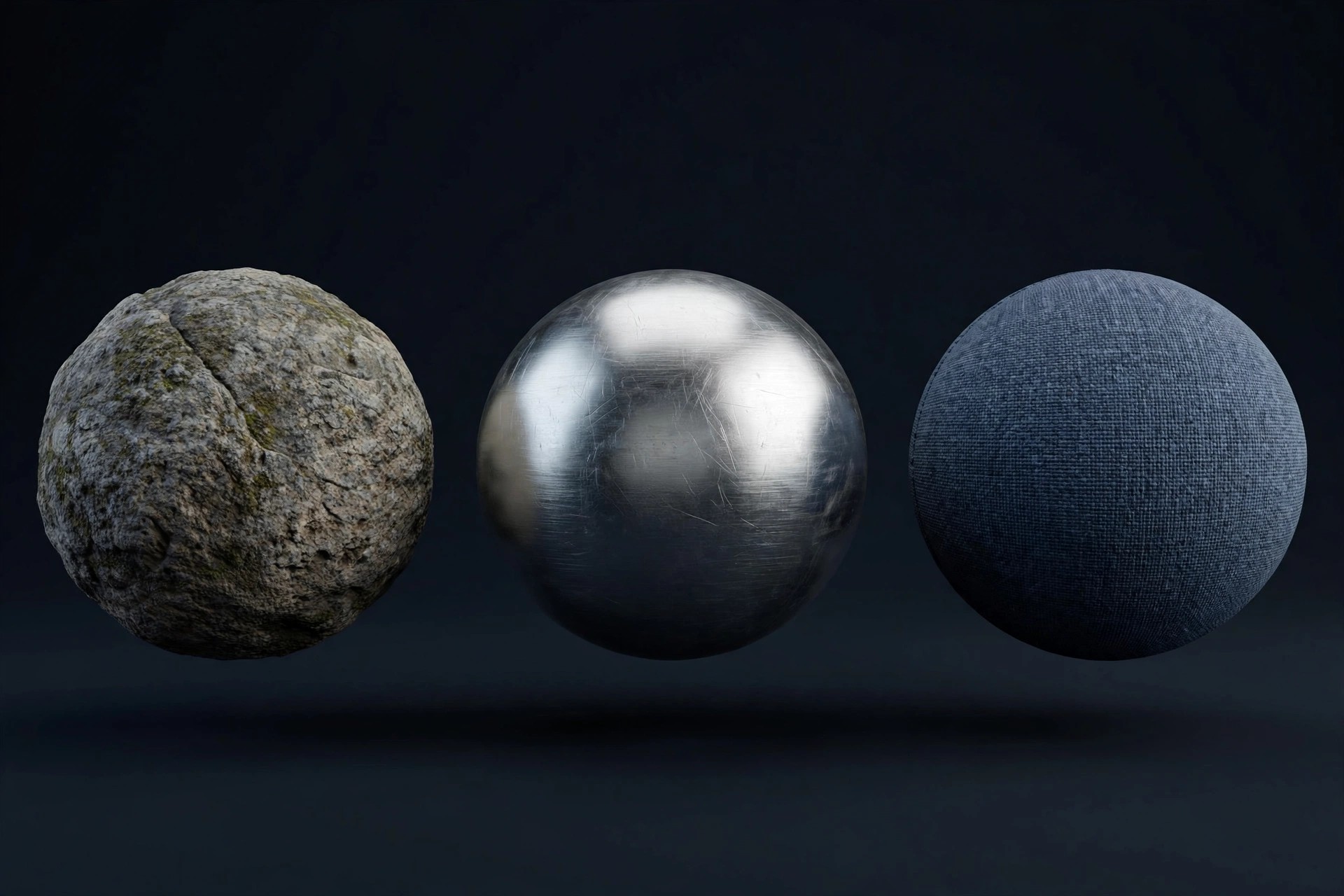
    Adobe Substance 3D Designer 12.4.0 for Mac is Adobe's node-based material authoring tool for 3D artists. Instead of painting a texture once, you build it procedurally from nodes, so every material, pattern, image filter and environment light can be tweaked, randomised and reused with infinite variations at any resolution.

    It is made for game, film, architecture and product-design pipelines where materials need to stay editable right up to delivery. Designer is not sold on its own; Adobe offers it through the Substance 3D Texturing and Substance 3D Collection plans, both available with a 30-day free trial so you can test the full app on your Mac before subscribing.

    Key Features

    • Node-based procedural authoring for seamless materials, patterns and filters
    • Hundreds of nodes, generators, noises and filters in an ever-growing library
    • Non-destructive editing with exposed parameters for use in other apps
    • Create HDR environment lights and export to Painter, Stager, game engines and renderers
    • Extensive APIs for building plugins, utility graphs and pipeline tools

    How to Download

    1. Download from the official site
    2. Start the 30-day free trial or sign in with the Adobe account that holds your Substance 3D plan, then install the Creative Cloud desktop app.
    3. Install Designer from Creative Cloud, launch it and sign in to activate it on your Mac.

    Is Adobe Substance 3D Designer free?
    No. Designer is paid software sold through Adobe's Substance 3D plans. Adobe offers a 30-day free trial, but there is no free full version.

    Can I buy Designer on its own?
    No. Adobe sells Designer only as part of the Substance 3D Texturing or Collection plans, not as a single-app purchase. Buy or start a trial only through Adobe's official site.
  • Adobe SpeedGrade CC 9.0.1 for Mac

    Adobe SpeedGrade CC 9.0.1 for Mac

    Adobe SpeedGrade CC 9.0.1 for Mac

    Adobe SpeedGrade CC 9.0.1 for Mac

    Mac Video
    Updated Nov 4, 2026
    Mac Video • Updated Nov 4, 2026

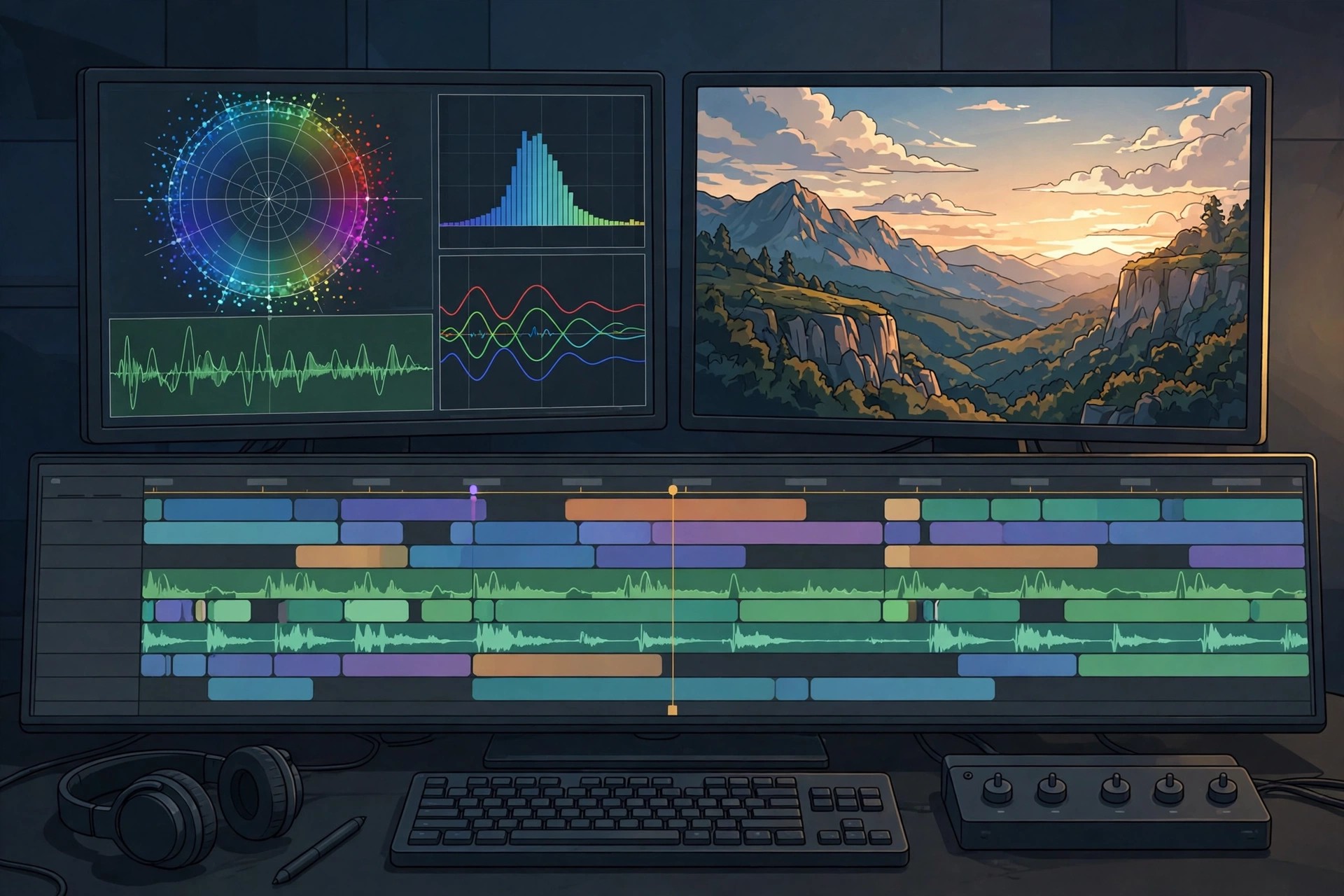
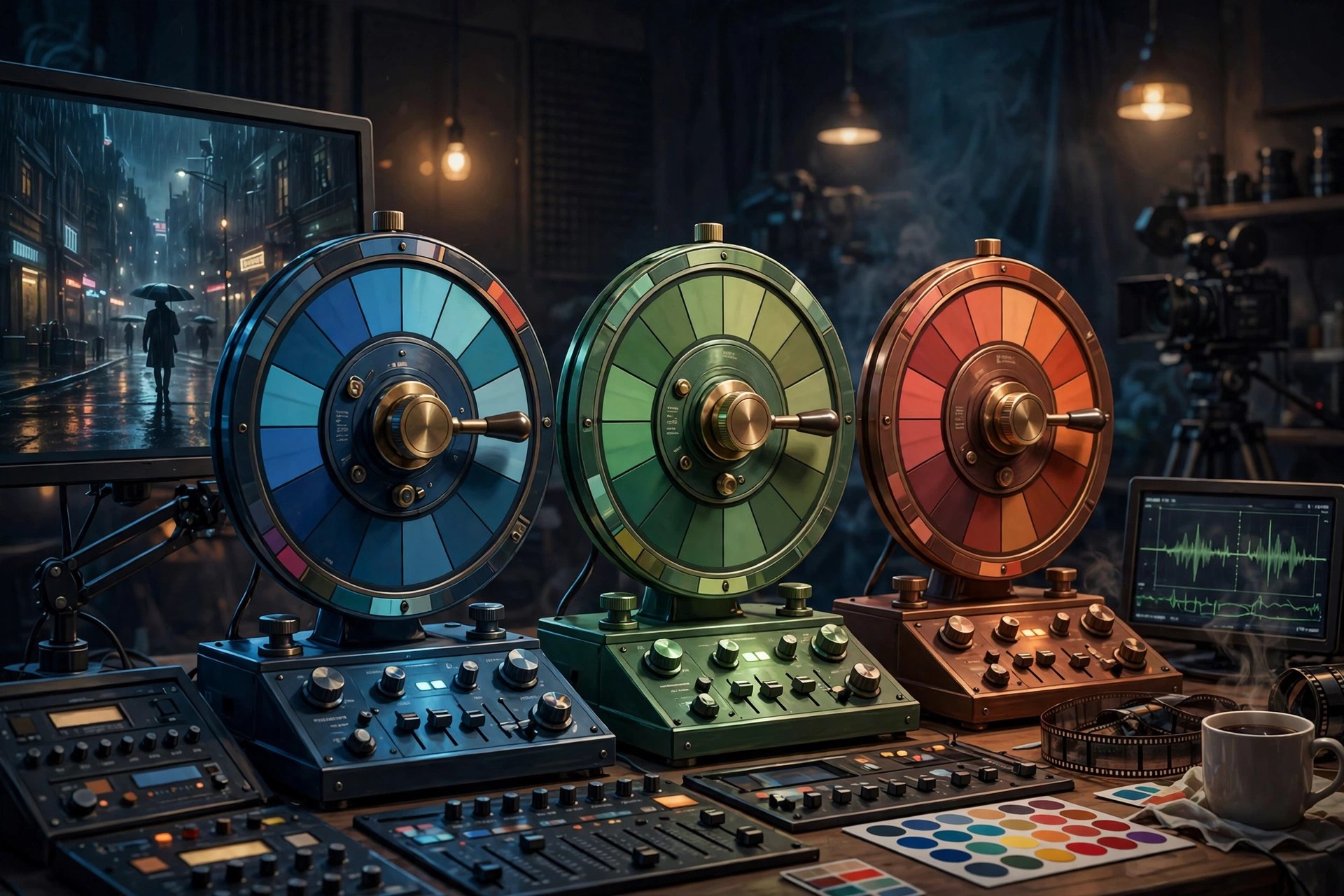
    Adobe SpeedGrade CC 9.0.1 for Mac was Adobe's dedicated colour grading application for film and video work. Built on the Lumetri Deep Colour Engine it acquired from IRIDAS, it let colourists build cinematic looks with layered grades, apply them across whole timelines, and export those looks as .look files and 3D LUTs for use in Premiere Pro and After Effects.

    SpeedGrade is discontinued. Adobe ended its development on 22 August 2017 after moving its colour tools directly into Premiere Pro as the Lumetri Colour panel, and it is no longer sold or offered for download through Creative Cloud. This page is kept for reference for editors maintaining older projects; for new work, Adobe directs users to Lumetri Colour in Premiere Pro instead.

    Key Features

    • Layer-based colour grading with primary and secondary corrections
    • Lumetri Deep Colour Engine with 32-bit floating-point processing
    • Create, save and export .look files and 3D LUTs for Premiere Pro and After Effects
    • Direct Link workflow with Premiere Pro timelines for round-trip grading
    • Shot matching, continuity checking and stereoscopic 3D grading tools

    How to Download

    1. Note that SpeedGrade CC is discontinued and is no longer available as an official download from Adobe.
    2. For current projects, install Premiere Pro instead and use its built-in Lumetri Colour panel, which replaces SpeedGrade.

    Is Adobe SpeedGrade CC free?
    No. SpeedGrade was paid Creative Cloud software while it was sold. It was never released as a free full version, and Adobe no longer sells or distributes it at all.

    Can I still download SpeedGrade CC safely?
    Not from Adobe. Sites offering SpeedGrade installers today are unofficial mirrors that often bundle outdated, patched software. The safe, supported replacement is Lumetri Colour inside a current Premiere Pro subscription.

  • Adobe Scout CC 1.1.3 for Mac

    Adobe Scout CC 1.1.3 for Mac

    Adobe Scout CC 1.1.3 for Mac

    Adobe Scout CC 1.1.3 for Mac

    Mac Developer Tools
    Updated Nov 4, 2026
    Mac Developer Tools • Updated Nov 4, 2026

    Adobe Scout CC 1.1.3 for Mac was Adobe's visual profiler for Flash Player and Adobe AIR content, released in its final form in May 2017. Connected over a telemetry link to running Flash content on a desktop or mobile device, it showed exactly where a game or application spent its time and memory, so developers could find and fix performance bottlenecks.

    It was built for Flash and ActionScript 3 developers, especially game makers using Stage3D, who needed frame-by-frame detail ordinary debuggers could not provide. Scout was freeware through Creative Cloud in its day, but is now discontinued: Flash Player reached end of life in December 2020, Scout was removed from Creative Cloud, and there is no supported version or official download for modern Macs.

    Key Features

    • Frame-by-frame profiling of ActionScript 3 code execution, rendering and memory use
    • Detailed CPU breakdown covering code, 2D DisplayList rendering, network and video
    • Stage3D profiling with rendering preview and draw-call recording and replay
    • Profiling of content running locally or on a remote device over a telemetry connection
    • Historical session data, letting you compare performance before and after a fix

    How to Download

    1. There is no official download today: Scout CC is a discontinued product and is no longer offered on Adobe.com or in the Creative Cloud app.
    2. Developers maintaining legacy Flash or AIR projects should rely on archived, already-installed copies only, and use modern browser and native profiling tools for new work.

    Was Adobe Scout CC free?
    Yes, Scout was offered as freeware to Creative Cloud members in its time, which is different from the paid Adobe editors on this page. That does not help today, however, as the discontinued app has no official download or support.

    Does Scout CC work on current Macs?
    Realistically, no. Scout depends on Flash Player telemetry, Flash reached end of life in 2020, and version 1.1.3 dates from 2017. It should be treated as a historical tool for legacy projects, not a profiler for current development.

  • Adobe Premiere Rush 1.5.62 for Mac

    Adobe Premiere Rush 1.5.62 for Mac

    Adobe Premiere Rush 1.5.62 for Mac

    Adobe Premiere Rush 1.5.62 for Mac

    Mac Video
    Updated Nov 4, 2026
    Mac Video • Updated Nov 4, 2026

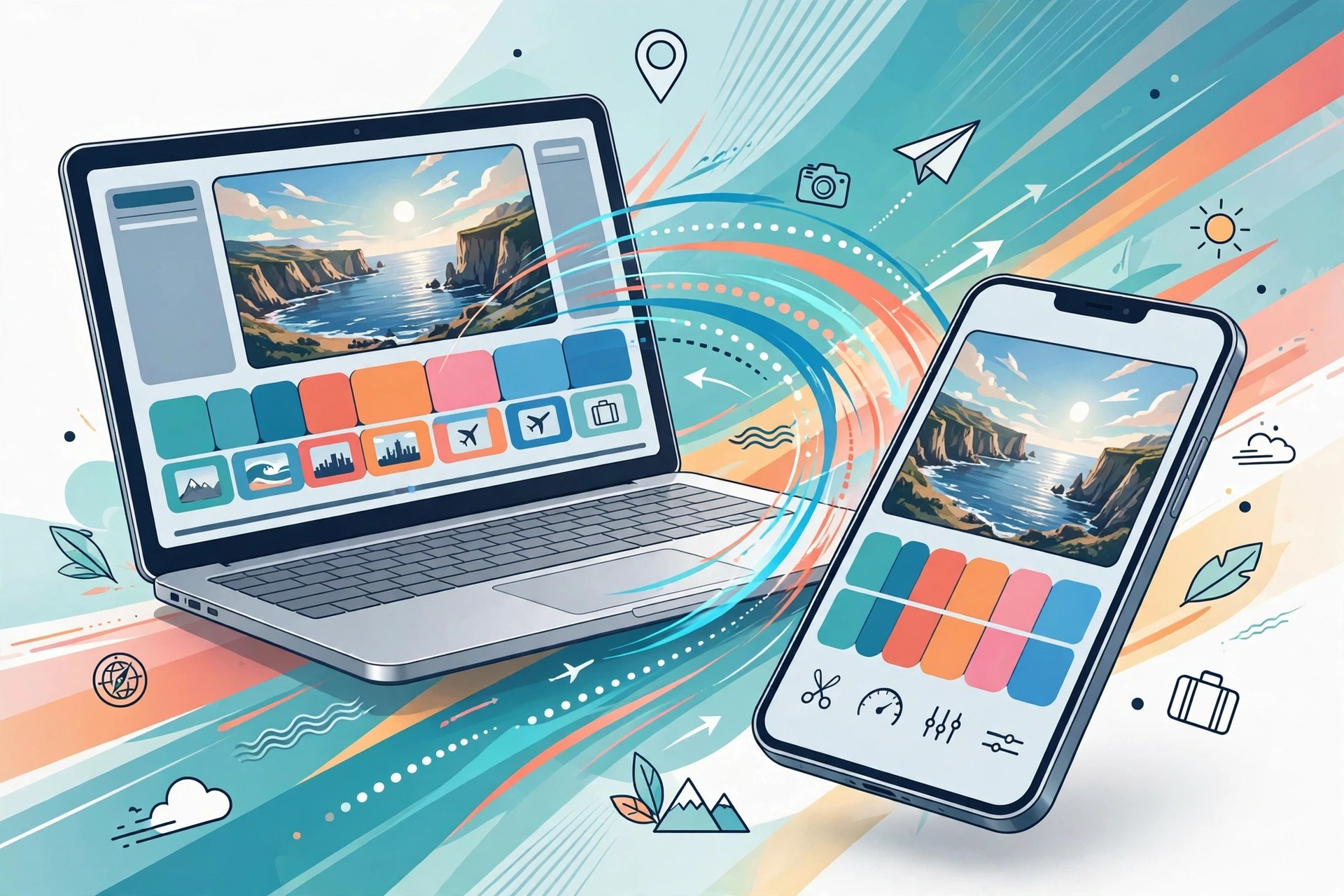
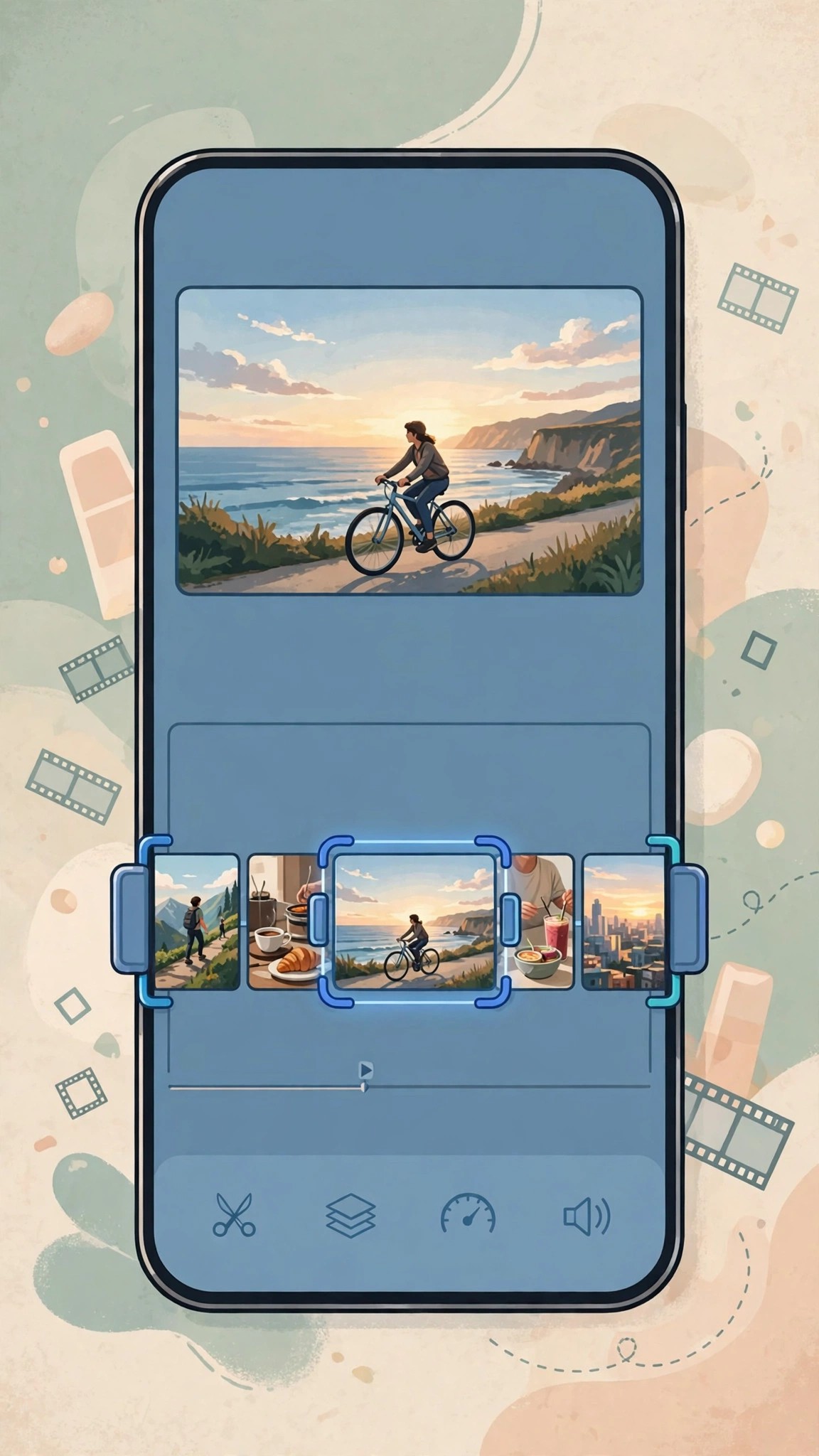
    Adobe Premiere Rush 1.5.62 for Mac was Adobe's simplified, all-in-one video editor for creating and sharing online videos quickly. On one uncluttered timeline you could trim clips, fix colour, adjust audio, add animated titles and transitions, and export for YouTube and social platforms, with projects syncing between Mac, Windows, iPhone and Android.

    It was designed for vloggers, social creators and beginners who found Premiere Pro too complex, and originally offered a free Starter plan with limited exports alongside paid premium plans. Rush has since been discontinued: new downloads stopped on 30 September 2025 and the app ended fully on 30 September 2026, replaced by Premiere on mobile and desktop. There is no current trial or new licence for this version.

    Key Features

    • Simple drag-and-drop timeline for trimming, splitting and arranging clips fast
    • Built-in colour correction, audio ducking and a library of soundtracks and sound effects
    • Customisable animated titles and transitions without needing After Effects
    • Auto Reframe and Pan and Zoom tools for resizing videos for different social formats
    • Cloud project syncing so an edit started on a phone could be finished on a Mac

    How to Download

    1. There is no official new download any more: Adobe removed Rush from Adobe.com and app stores in September 2025, so that link cannot supply a current installer.
    2. If Rush is already installed on your Mac, export any projects you still need, then move to Premiere on desktop or Premiere on mobile as Adobe recommends.

    Is Adobe Premiere Rush free?
    Rush previously had a free Starter plan with limited exports, with premium features sold by subscription. It was never an unlimited free full editor, and since its discontinuation no new free or paid plan can be started.

    What replaces Premiere Rush?
    Adobe lists Premiere on mobile, for iPhone and Android, and Premiere on desktop as the replacements. Existing Rush projects should be exported to finished video files before support and app access end completely.

  • Adobe Premiere Rush CC 1.2.5 for Mac

    Adobe Premiere Rush CC 1.2.5 for Mac

    Adobe Premiere Rush CC 1.2.5 for Mac

    Adobe Premiere Rush CC 1.2.5 for Mac

    Mac Video
    Updated Nov 4, 2026
    Mac Video • Updated Nov 4, 2026

    Adobe Premiere Rush CC 1.2.5 for Mac was an early Creative Cloud-era release of Adobe's lightweight video editor, launched to make shooting, editing and sharing online video much simpler than Premiere Pro. It combined capture, trimming, colour fixes, audio adjustment and animated titles in one friendly interface, on Mac, Windows and mobile.

    It was aimed at YouTubers, vloggers and social creators who wanted a polished video the same day without learning a professional suite. The "CC" branding was dropped shortly afterwards, so Rush CC and Rush are the same product line. Rush has now been discontinued entirely — downloads ended in September 2025 and the app retired in September 2026 — so version 1.2.5 has no current price, trial or supported download.

    Key Features

    • One simple timeline for editing video shot on phones, cameras or the app itself
    • Colour correction presets and one-click fixes for dull or poorly lit footage
    • Built-in Motion Graphics templates for animated titles and overlays
    • Audio tools with auto-ducking so music lowers automatically under speech
    • Direct sharing presets for YouTube, Facebook and Instagram, with cloud-synced projects

    How to Download

    1. No official installer for Rush CC 1.2.5 exists today: Adobe discontinued Rush and removed it from Adobe.com and app stores in September 2025.
    2. For a supported editor now, use Premiere on desktop for Mac work, or Premiere on mobile for quick social videos, as Adobe directs former Rush users.

    Is Adobe Premiere Rush CC free?
    It originally had a limited free Starter plan, with premium features and unlimited exports behind a paid subscription. It was not a free full version, and no plan — free or paid — can be started for this discontinued release now.

    Is Rush CC different from Premiere Rush?
    No. Rush CC was simply the product's original Creative Cloud name; Adobe later shortened it to Premiere Rush. Version 1.2.5 is an early release of that same app, not a separate editor.

  • Adobe Premiere Pro 26.0.2 for Mac

    Adobe Premiere Pro 26.0.2 for Mac

    Adobe Premiere Pro 26.0.2 for Mac

    Adobe Premiere Pro 26.0.2 for Mac

    Mac Video
    Updated Nov 4, 2026
    Mac Video • Updated Nov 4, 2026

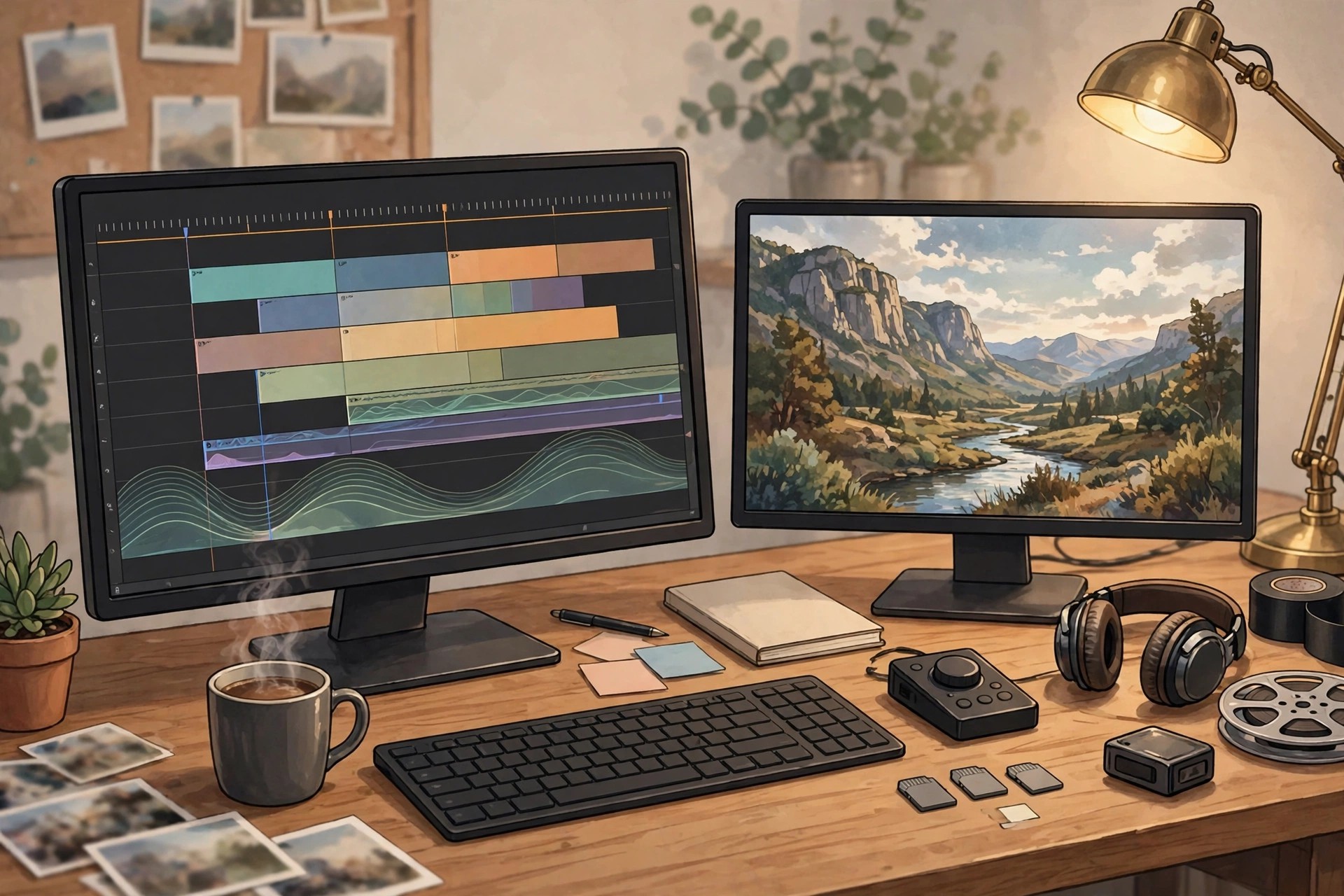
    Adobe Premiere Pro 26.0.2 for Mac is Adobe's professional non-linear video editor, used for everything from YouTube videos and adverts to television programmes and feature films. It edits virtually any camera format natively, handles large multi-track timelines, and integrates tightly with After Effects, Audition, Photoshop and Frame.io for review and collaboration.

    It is built for professional editors, production teams and serious creators who need precise control over picture, colour and sound, plus fast performance on Apple silicon Macs. Premiere Pro is subscription software through Creative Cloud — there is no one-time purchase — but Adobe offers a short free trial for new users, after which a paid plan is required to keep editing and exporting.

    Key Features

    • Professional timeline editing with multi-camera, nested sequences and broad native format support
    • Lumetri colour tools plus a modern colour mode for grading and matching shots
    • AI-powered tools including speech-to-text captions, text-based editing and automatic reframing
    • Essential Sound and graphics panels for mixing audio and building titles quickly
    • Frame.io integration, Productions for team projects and fast exports via Media Encoder

    How to Download

    1. Download from the official site
    2. Start the free trial or subscribe to a Premiere or Creative Cloud plan, then install the Creative Cloud app on your Mac.
    3. Install Premiere Pro from the Creative Cloud app, sign in, and let it update to the latest release for your system.

    Is Adobe Premiere Pro free?
    No. Premiere Pro is paid subscription software. Adobe offers a short free trial for new users, but there is no free full version, and editing stops once the trial ends without a plan.

    Does Premiere Pro 26.0.2 run on Apple silicon Macs?
    Yes. Current Premiere Pro releases run natively on Apple silicon as well as Intel Macs, with hardware acceleration for smoother playback and faster exports. Check Adobe's system requirements for your exact macOS version before installing.

  • Adobe Premiere Pro CC 13.1 for Mac

    Adobe Premiere Pro CC 13.1 for Mac

    Adobe Premiere Pro CC 13.1 for Mac

    Adobe Premiere Pro CC 13.1 for Mac

    Mac Video
    Updated Nov 4, 2026
    Mac Video • Updated Nov 4, 2026

    Adobe Premiere Pro CC 13.1 for Mac is the 2019 release of Adobe's professional video editor, from the period when Adobe used the "CC" name for its Creative Cloud apps. It brought the familiar Premiere timeline to film, TV and online video work, editing most camera formats natively and connecting with After Effects and Audition for effects and sound.

    This version suited professional editors and creators on Macs of that era, with tools for multi-camera edits, colour correction and delivery in many formats. Version 13.1 is a legacy release: Adobe no longer sells it separately, and Premiere Pro is now a continuously updated Creative Cloud subscription, with a short free trial for new users rather than any free full version.

    Key Features

    • Full professional timeline editing with multi-camera support and native format playback
    • Lumetri Color panel for correction, grades and creative looks
    • Essential Graphics and Essential Sound panels for titles, captions and audio mixing
    • Freeform view in the Project panel for visually organising and storyboarding clips
    • Rulers and guides for precise titles, plus faster mask tracking for effects and blurs

    How to Download

    1. Download from the official site
    2. That page covers the current Premiere Pro: start the free trial or subscribe, then install the Creative Cloud app.
    3. Install the current Premiere Pro release from Creative Cloud — legacy version 13.1 itself is no longer offered as a separate download.

    Is Adobe Premiere Pro CC 13.1 free?
    No. Premiere Pro CC was paid subscription software in 2019 and remains paid today. Adobe offers a short free trial of the current version, but version 13.1 was never a free full release.

    Should I still use version 13.1 today?
    For most people, no. It predates native Apple silicon support and years of format, security and performance updates. If you hold an old project in 13.1, back it up first, then open a copy in the current Premiere Pro.

  • Adobe Premiere Elements 21.0 for Mac

    Adobe Premiere Elements 21.0 for Mac

    Adobe Premiere Elements 21.0 for Mac

    Adobe Premiere Elements 21.0 for Mac

    Mac Video
    Updated Nov 4, 2026
    Mac Video • Updated Nov 4, 2026

    Adobe Premiere Elements 21.0 for Mac is the 2023 release of Adobe's consumer video editor, made for home movies, family clips, travel videos and social posts rather than professional film work. It keeps editing approachable with a clear timeline, automatic organisation of your clips, and step-by-step help, so you can turn raw phone and camera footage into a finished video without learning a pro editing suite first.

    It suits beginners, parents and hobbyists who want polished results quickly, with titles, transitions, music and effects applied with little manual work. Premiere Elements is paid software sold as a one-time purchase rather than a subscription, and Adobe offers a free trial so you can test the full editor before buying.

    Key Features

    • Guided Edits walk you through effects, transitions and creative looks step by step
    • Adobe Sensei AI tools for automatic reframing, smart trimming and subject selection
    • Artistic effects, animated overlays and new slideshow templates for photos and video
    • Elements Organizer to import, tag and quickly find clips and photos
    • Easy export and sharing presets for social media, discs and popular file formats

    How to Download

    1. Download from the official site
    2. Start the free trial or buy a licence on Adobe's site, then download the Mac installer for Premiere Elements.
    3. Run the installer, sign in with your Adobe account and enter your serial number if you purchased the boxed or download licence.

    Is Adobe Premiere Elements free?
    No. Premiere Elements is paid software, but Adobe provides a free, full-featured trial for a limited period. After the trial ends you need a paid licence — there is no free full version.

    Is Premiere Elements a subscription?
    No. Unlike Premiere Pro, Premiere Elements 2023 was sold as a one-time purchase with no ongoing monthly fee. Check Adobe's current Elements page for the licensing terms of the newest release before buying.

  • Adobe Prelude 10.0 for Mac

    Adobe Prelude 10.0 for Mac

    Adobe Prelude 10.0 for Mac

    Adobe Prelude 10.0 for Mac

    Mac Video
    Updated Nov 4, 2026
    Mac Video • Updated Nov 4, 2026

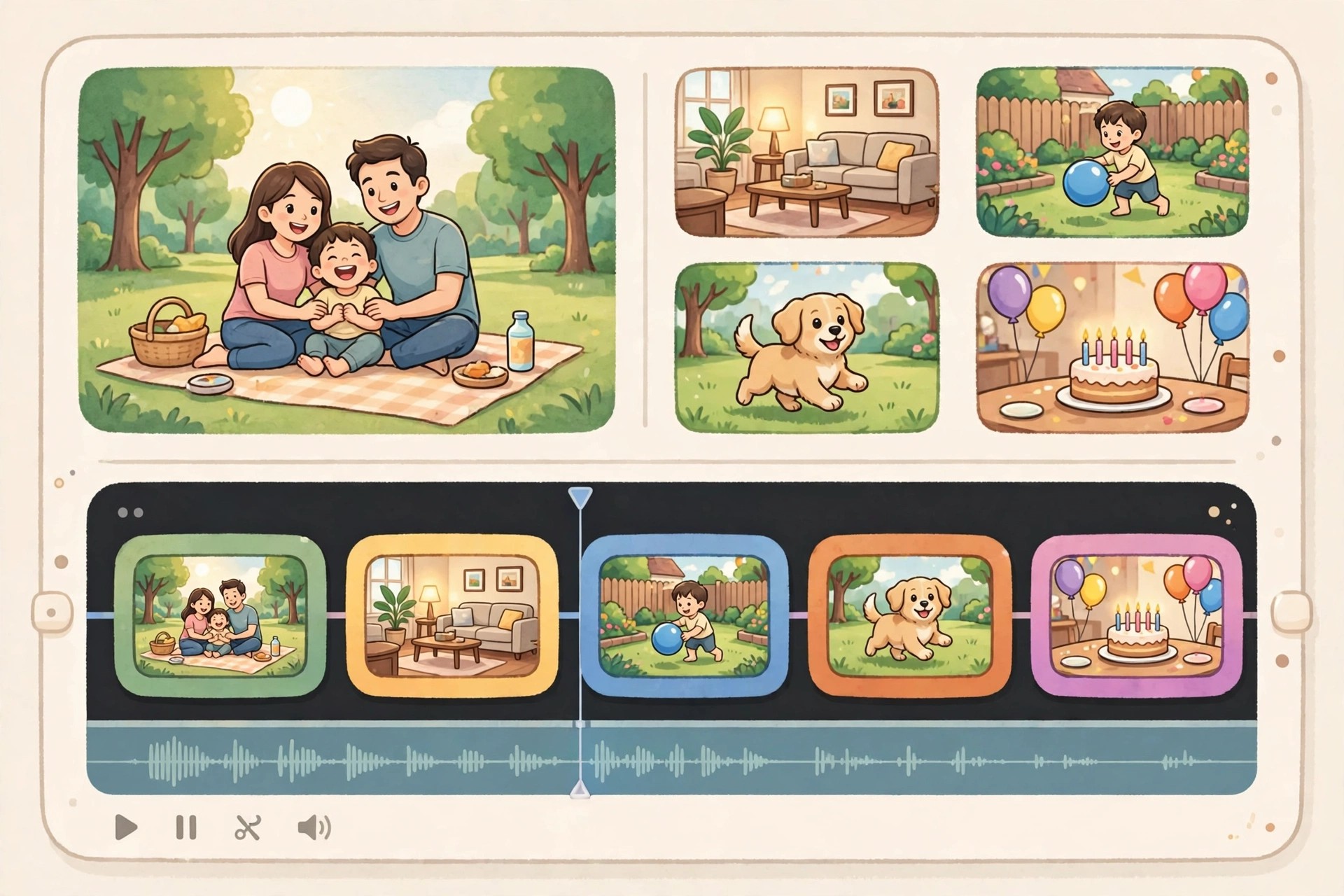
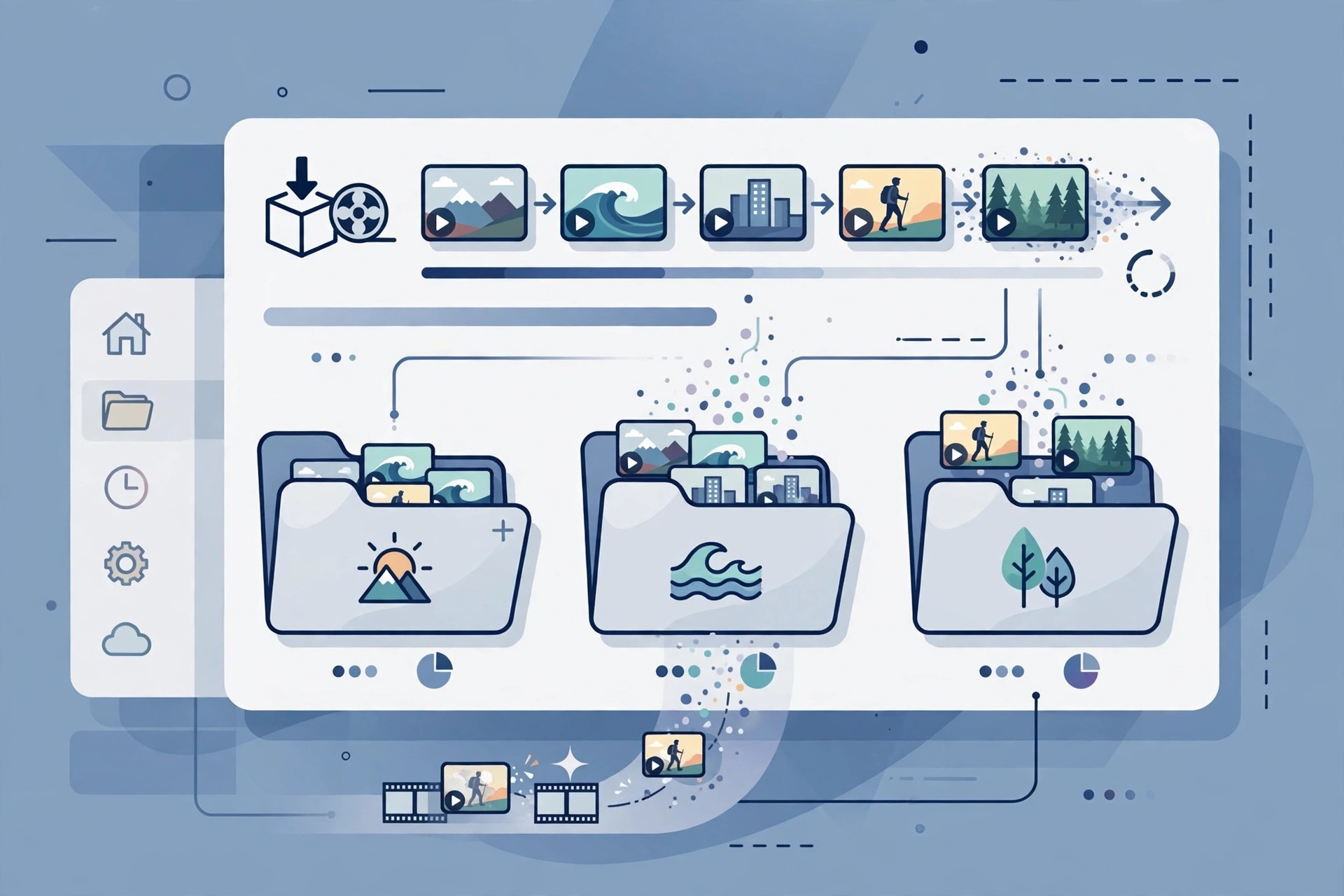
    Adobe Prelude 10.0 for Mac was Adobe's media ingest and logging tool, built to sit in front of Premiere Pro in professional video workflows. Instead of opening an editor straight away, Prelude let you copy camera-card media safely, review clips, add markers and notes, and rename and organise footage before any real editing began.

    It was aimed at editors, assistants and video teams handling large shoots, where finding the right take quickly matters. Adobe discontinued Prelude in 2021, removed it from its website on 8 September 2021, and ended support in September 2024. Its tools now live inside Premiere Pro, so there is no current paid version or free trial of Prelude to buy.

    Key Features

    • Ingest camera-card media with verification, transcoding options and automatic folder organisation
    • Log clips with markers, comments and metadata to make footage searchable later
    • Assemble rough cuts and simple sequence string-outs before editing
    • Send logged media and rough cuts directly into Premiere Pro projects
    • Customisable metadata panels and keyboard-driven review for fast logging work

    How to Download

    1. Please note there is no official download any more: Adobe removed Prelude from Adobe.com in 2021, so that link cannot provide a current installer.
    2. If you still hold an older licensed copy, it may still run, but for new work Adobe directs you to the Prelude workspace inside Premiere Pro instead.

    Is Adobe Prelude free?
    No. Prelude was never free full software — it was paid Creative Cloud software while it was sold. It is now discontinued, so there is no legitimate free version, trial or new licence available from Adobe.

    Can I still download Prelude 10.0 safely?
    Not from an official source. Sites still offering Prelude installers are unofficial mirrors and may bundle outdated or altered files. The safe, supported route today is Premiere Pro, which now includes Prelude's ingest and logging workflow.

  • Adobe Prelude CC 8.1.1 for Mac

    Adobe Prelude CC 8.1.1 for Mac

    Adobe Prelude CC 8.1.1 for Mac

    Adobe Prelude CC 8.1.1 for Mac

    Mac Video
    Updated Nov 4, 2026
    Mac Video • Updated Nov 4, 2026

    Adobe Prelude CC 8.1.1 for Mac was the Creative Cloud-era release of Adobe's pre-production tool for video. It handled the unglamorous but essential first stage of a project: copying footage from camera cards, checking it, adding markers and comments, and building a rough assembly before the footage reached the main editor.

    It suited assistant editors and video teams who logged large amounts of material for Premiere Pro CC projects, where good metadata saved hours later in the edit. Prelude CC is now discontinued — Adobe removed Prelude from its website in September 2021 and ended support in September 2024. There is no current subscription, one-off purchase or free trial for this version, and Adobe has folded its workflow into Premiere Pro.

    Key Features

    • Fast ingest of tapeless camera media with copy verification and preset-based transcoding
    • Marker-based logging with comments, subclips and searchable metadata
    • Rough Cut mode for quickly stringing selected clips into a first sequence
    • Direct handoff of media, markers and rough cuts to Premiere Pro CC
    • Partial ingest, letting you bring in only the marked portions of long clips

    How to Download

    1. Be aware that no official installer is offered today: Prelude CC was discontinued in 2021 and is no longer listed in Creative Cloud.
    2. For the same ingest and logging work on a current Mac, install Premiere Pro and use its built-in Prelude workspace instead.

    Is Adobe Prelude CC free?
    No. Prelude CC was paid Creative Cloud software and was never released as a free full version. Since its discontinuation there is no official trial or licence for version 8.1.1 either.

    Is Prelude CC the same as Prelude?
    Yes, it is the same product line. The "CC" name was Adobe's Creative Cloud branding for Prelude during those years, not a separate application, and both versions have now been retired in favour of Premiere Pro.