Author: admin

  • Adobe Photoshop Elements & Premiere Elements 14 for Mac

    Adobe Photoshop Elements & Premiere Elements 14 for Mac

    Adobe Photoshop Elements & Premiere Elements 14 for Mac

    Adobe Photoshop Elements & Premiere Elements 14 for Mac

    Mac Photo & Design
    Updated Nov 4, 2026
    Mac Photo & Design • Updated Nov 4, 2026

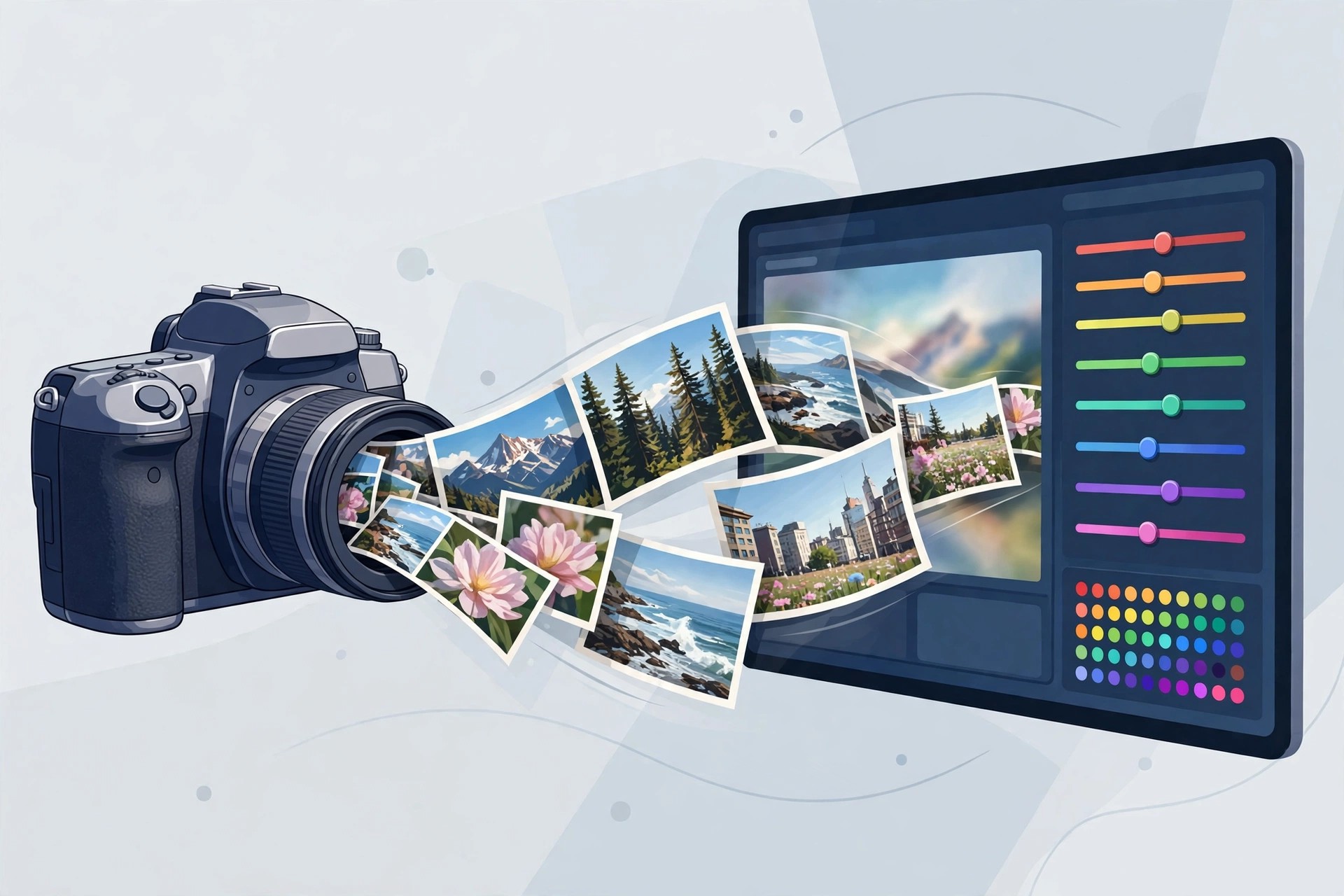
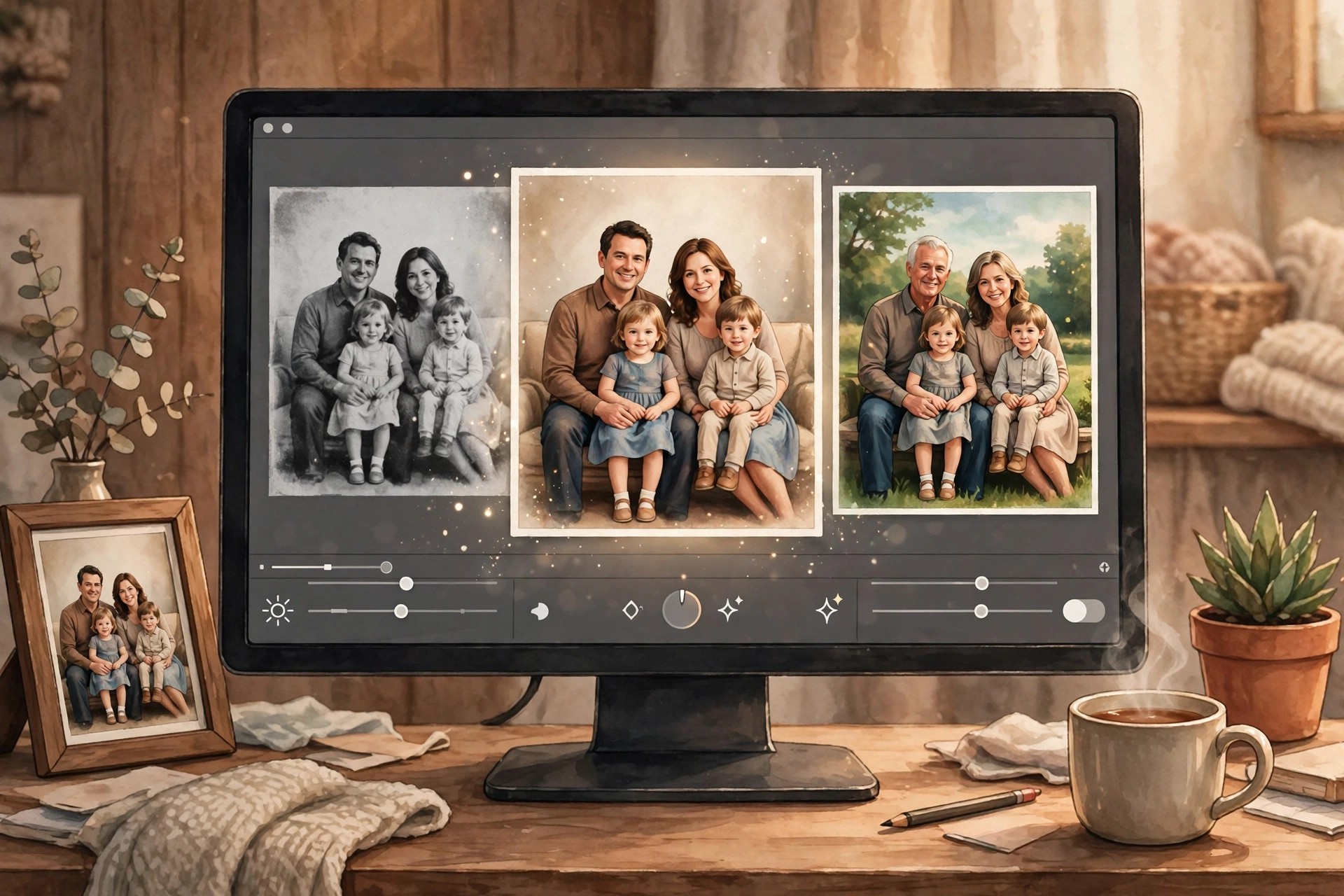
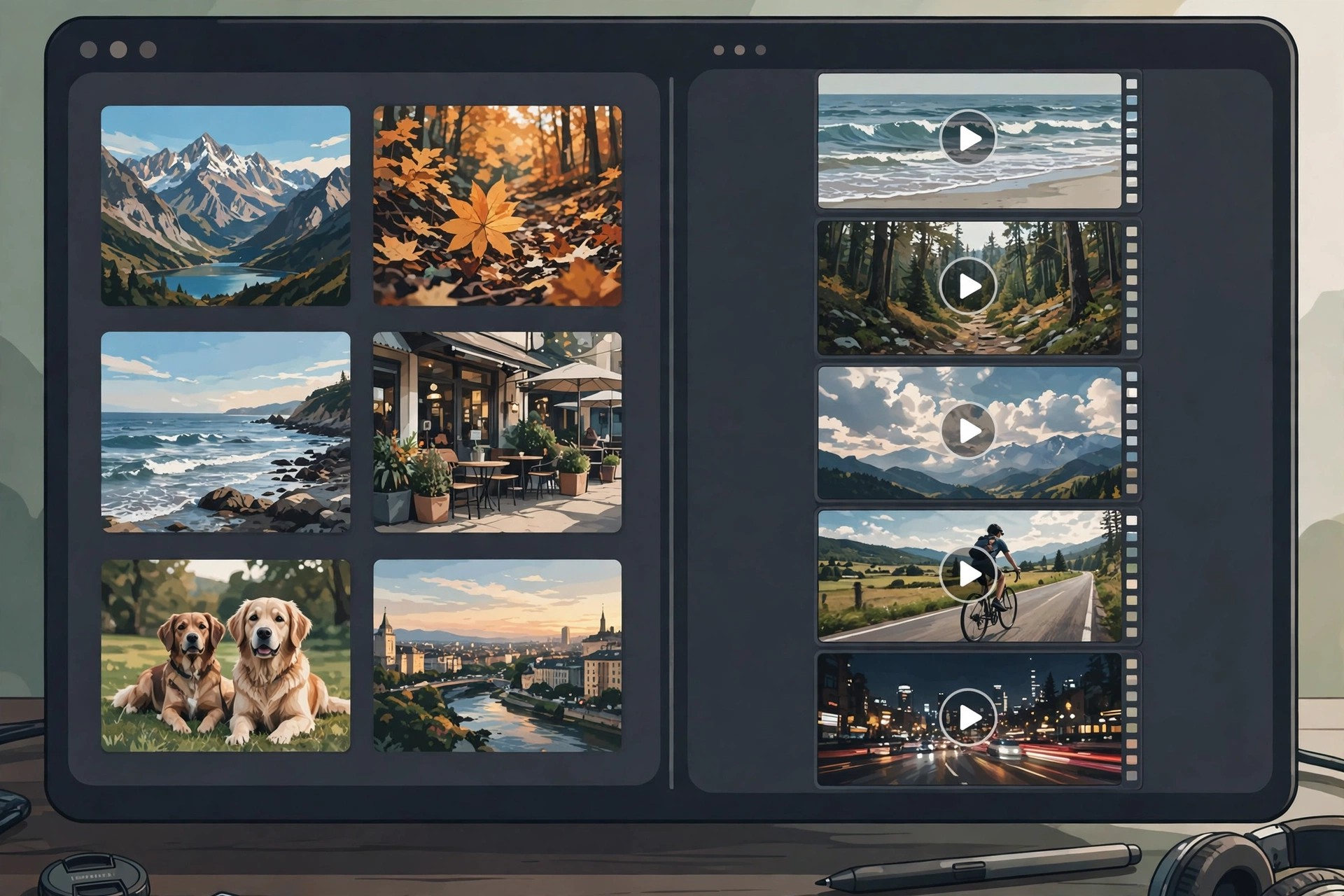
    This entry covers Adobe's official Elements bundle: Photoshop Elements and Premiere Elements sold together in one box. Photoshop Elements handles photo organising and editing, while Premiere Elements is its video-editing sibling for trimming clips, adding titles and transitions, and producing finished movies. Buying them as a bundle cost less than the two apps separately, which is why Adobe has offered the combo for many years.

    Version 14 of both apps dates from 2015 and targeted home creators who shoot both photos and family video. The bundle shares one Organizer across photos and clips, and both editors use the same friendly mix of automatic fixes and Guided Edits. Honest status: version 14 is long discontinued and unsupported on modern macOS. The official bundle page below now sells the current Elements bundle, which is the version to buy for a new Mac.

    Key Features

    • Photoshop Elements for guided photo editing, effects and creative projects
    • Premiere Elements for easy video editing with titles, transitions and music
    • One shared Organizer catalogues all your photos and videos together
    • Guided Edits in both apps teach techniques while you create
    • Bundle pricing works out cheaper than buying each Elements app alone

    How to Download

    1. Download from the official site
    2. Start the free trial or buy the current bundle, then download both Mac installers from your Adobe account.
    3. Install Photoshop Elements and Premiere Elements, then sign in with your Adobe ID to activate the bundle.

    Is the Elements bundle free?
    No. It is paid software, sold as a single purchase covering both apps, with a free trial of the current version available from Adobe. Version 14 itself is no longer sold.

    Do I need both apps?
    Only if you edit both photos and videos. If you never touch video, Photoshop Elements alone is cheaper; the bundle simply adds Premiere Elements for movie projects at a discount.

  • Adobe Photoshop Neural Filters 22.5.1 for Mac

    Adobe Photoshop Neural Filters 22.5.1 for Mac

    Adobe Photoshop Neural Filters 22.5.1 for Mac

    Adobe Photoshop Neural Filters 22.5.1 for Mac

    Mac Photo & Design
    Updated Nov 4, 2026
    Mac Photo & Design • Updated Nov 4, 2026

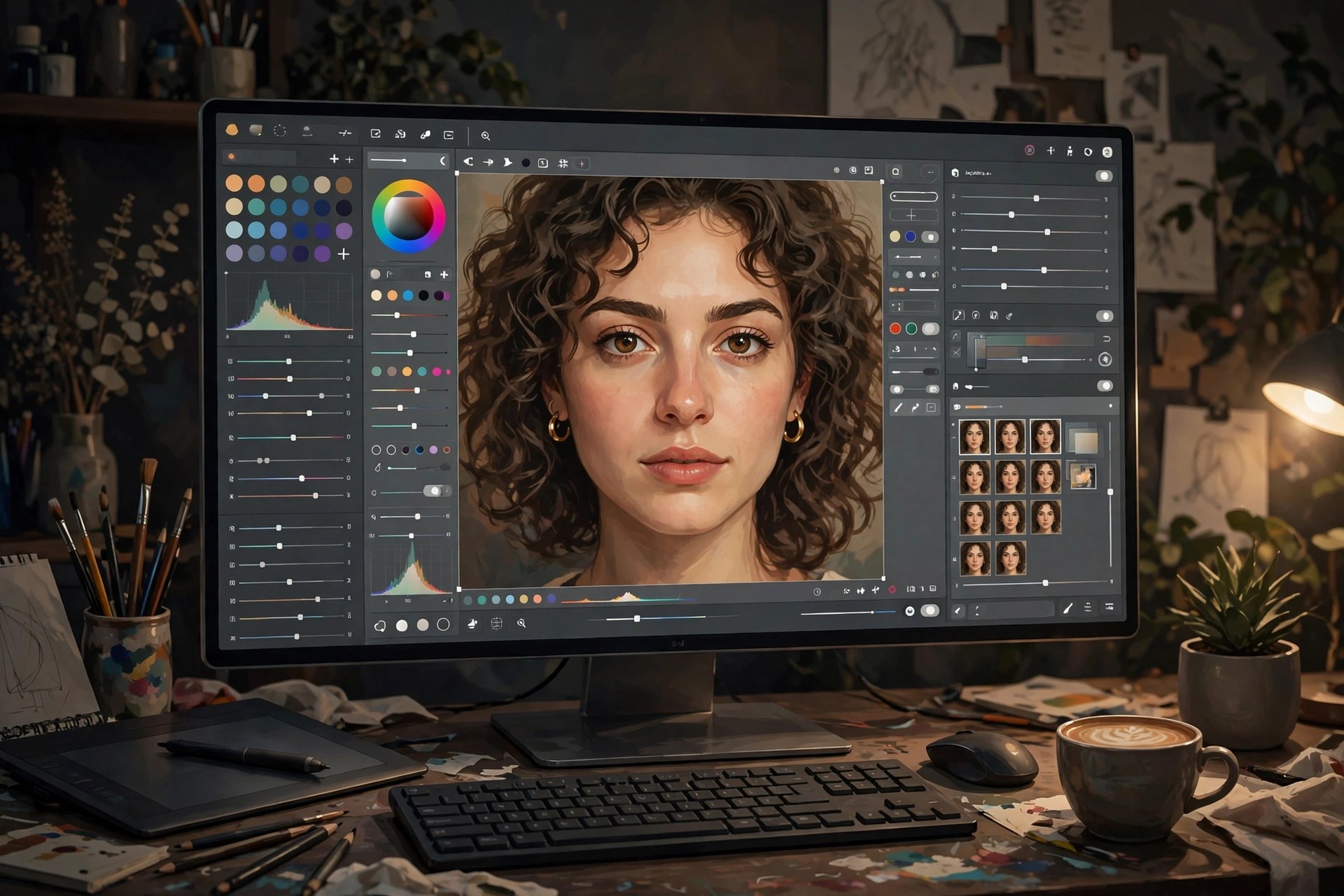
    First, an honest clarification: Adobe Photoshop Neural Filters is not a standalone app you can download on its own. Neural Filters are a set of AI-powered filters built directly into Adobe Photoshop, and version 22.5.1 refers to the Photoshop release they ship with. Powered by Adobe Sensei machine learning, they live under Photoshop's Filter menu and handle edits that once took expert retouching skills.

    Inside Photoshop 22.5.1 on Mac, the Neural Filters workspace includes Skin Smoothing for natural portrait retouching, Smart Portrait for adjusting expression, gaze and apparent age, Colourise for adding realistic colour to black-and-white photos, and JPEG Artefacts Removal, plus experimental beta filters. Some filters download their models on first use and a few process in the cloud. You get them simply by installing Photoshop itself, which is subscription software with a free trial.

    Key Features

    • Skin Smoothing evens skin texture while keeping portraits natural
    • Smart Portrait adjusts expression, gaze direction, hair and lighting with sliders
    • Colourise adds believable colour to black-and-white and faded photos
    • Style Transfer and Colour Transfer restyle images in a few clicks
    • Non-destructive output options keep your original image untouched

    How to Download

    1. Download from the official site
    2. Start a Photoshop free trial or subscription and install Photoshop from the Creative Cloud desktop app.
    3. Open a photo in Photoshop, choose Filter, then Neural Filters, and download the individual filters you want to use.

    Is Adobe Photoshop Neural Filters a separate download?
    No. There is no standalone Neural Filters installer. Any site selling or giving away a separate "Neural Filters pack" is not offering an Adobe product — the real filters only exist inside Photoshop.

    Is it free?
    Neural Filters are included with Photoshop at no extra cost, but Photoshop itself is paid subscription software with a free trial. There is no free standalone version of the filters.

  • Adobe Photoshop 27.11 for Mac

    Adobe Photoshop 27.11 for Mac

    Adobe Photoshop 27.11 for Mac

    Adobe Photoshop 27.11 for Mac

    Mac Photo & Design
    Updated Nov 4, 2026
    Mac Photo & Design • Updated Nov 4, 2026

    Adobe Photoshop 27.11 for Mac is the current professional standard for raster image editing, used for photo retouching, compositing, graphic design and digital painting. Working with layers, masks and adjustment layers, it lets you combine images, remove or replace elements, correct colour precisely and build artwork that stays editable at every step.

    It suits photographers, designers, illustrators and social media creators who need control that phone editors cannot offer, including AI-assisted tools for selection, background work and generative edits inside a full desktop workflow. Photoshop is paid Creative Cloud software sold by subscription; Adobe offers a free trial for new users, but there is no free full version of the desktop app.

    Key Features

    • Layer-based editing with masks, blend modes and non-destructive adjustment layers
    • Advanced retouching: healing, cloning, object removal and AI-assisted selections
    • Precise colour correction, Camera Raw processing and professional print-ready CMYK support
    • Brushes, pen tools and text tools for illustration, painting and graphic design layouts
    • Deep Creative Cloud integration with Lightroom, Illustrator and cloud documents

    How to Download

    1. Download from the official site
    2. Start the free trial or sign in with the Adobe account that holds your subscription, then install Photoshop through the Creative Cloud app.
    3. Open Photoshop from Applications and sign in to activate it on your Mac.

    Is Adobe Photoshop free?
    No. Photoshop is subscription software with a free trial for new users. The separate, limited Photoshop Express app is not a free full version of the desktop program.

    Does Photoshop 27.11 run on Apple Silicon Macs?
    Yes, current Photoshop releases run natively on both Apple Silicon and Intel Macs. Check Adobe's published system requirements for your exact macOS version before installing.

  • Adobe Photoshop Lightroom 6.6.1 for Mac

    Adobe Photoshop Lightroom 6.6.1 for Mac

    Adobe Photoshop Lightroom 6.6.1 for Mac

    Adobe Photoshop Lightroom 6.6.1 for Mac

    Mac Photo & Design
    Updated Nov 4, 2026
    Mac Photo & Design • Updated Nov 4, 2026

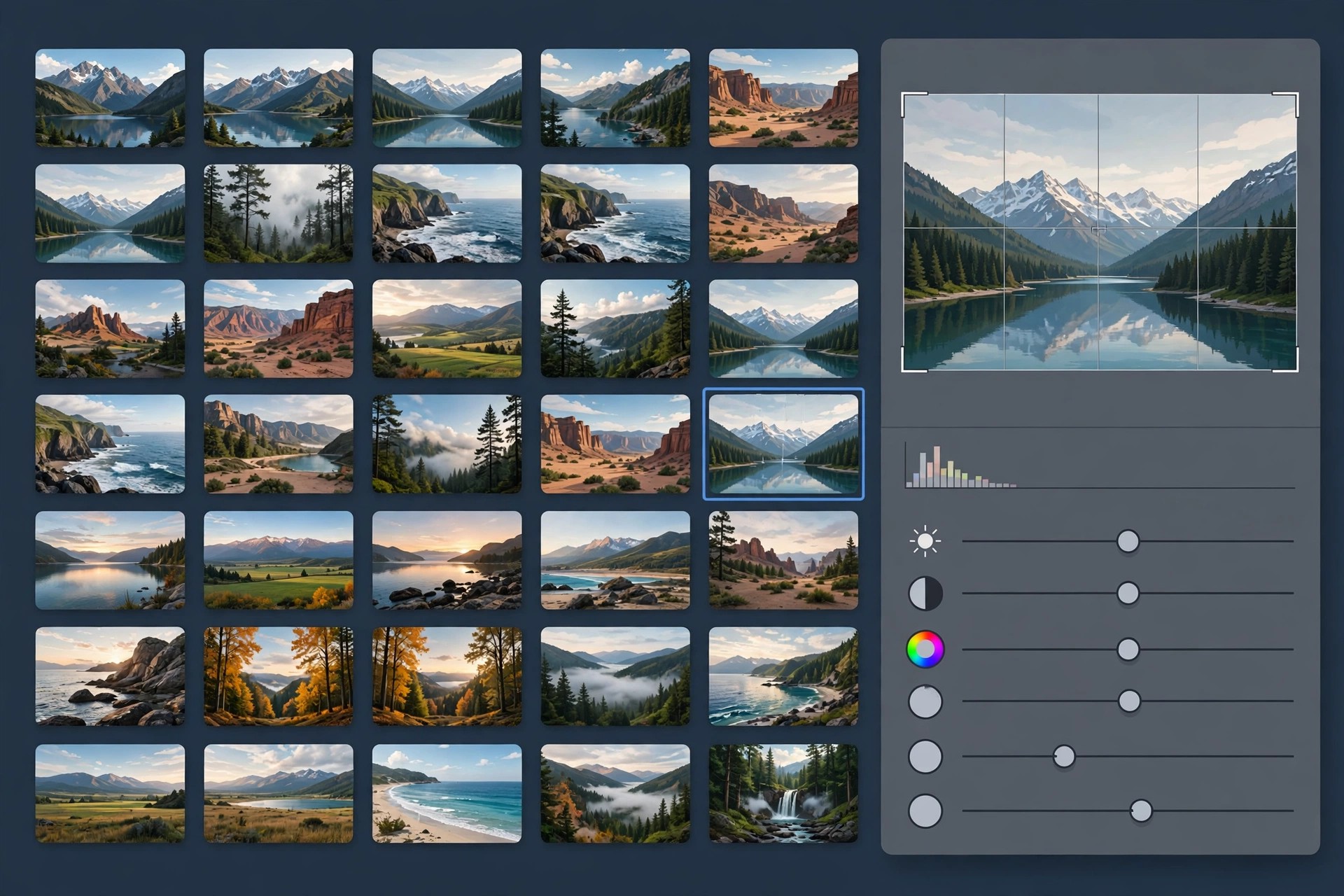
    Adobe Photoshop Lightroom 6.6.1 for Mac holds a special place for photographers: version 6 was the last Lightroom sold with a perpetual licence, meaning you paid once and owned it outright. It is a catalogue-based photo manager and non-destructive RAW editor, designed to import, organise, develop and export large shoots from one library stored on your own drives.

    Its Develop module handles exposure, colour, lens corrections and local adjustments, while the Library module adds keywords, ratings and smart collections. Honest status: Lightroom 6 is discontinued. Adobe ended its updates in December 2017, no longer sells it, and newer cameras' RAW files and current macOS versions are not supported. The official page below now sells the subscription Lightroom, its modern successor.

    Key Features

    • Catalogue-based library with keywords, flags, ratings and smart collections
    • Non-destructive RAW development with lens profiles and camera calibrations
    • HDR and panorama merging built into the Develop workflow
    • Face recognition and tagging for organising portraits and family archives
    • Print, book, slideshow and web gallery modules for sharing finished work

    How to Download

    1. Download from the official site
    2. Lightroom 6 is no longer sold, so that page offers the current subscription Lightroom with a free trial.
    3. Existing owners should sign in to their Adobe account, where previously registered licences and installers may still be listed.

    Is Adobe Photoshop Lightroom 6.6.1 free?
    No. It was paid software and is now discontinued. There is no legal free full version; downloads offered elsewhere are unlicensed copies of unsupported software.

    Should I still use Lightroom 6?
    Only with caution. It cannot open RAW files from cameras released after its final update and gets no security fixes. Most photographers are better served by the current Lightroom or Lightroom Classic subscription.

  • Adobe Photoshop Lightroom Classic CC 8.4.1 for Mac

    Adobe Photoshop Lightroom Classic CC 8.4.1 for Mac

    Adobe Photoshop Lightroom Classic CC 8.4.1 for Mac

    Adobe Photoshop Lightroom Classic CC 8.4.1 for Mac

    Mac Photo & Design
    Updated Nov 4, 2026
    Mac Photo & Design • Updated Nov 4, 2026

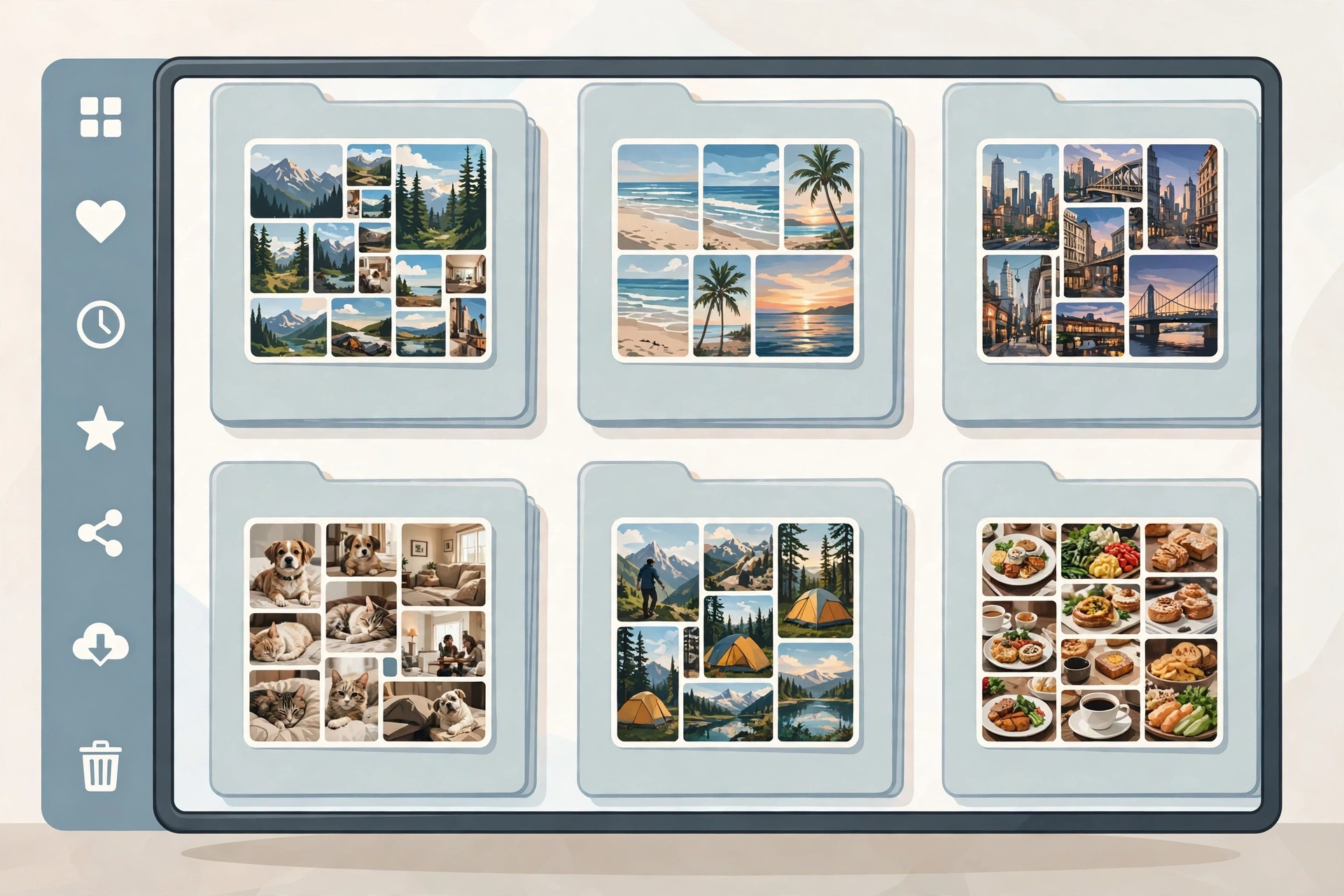
    Adobe Photoshop Lightroom Classic CC 8.4.1 for Mac is the desktop-first version of Lightroom, built for photographers who keep their originals on local drives and need complete control over big catalogues. Where the cloud Lightroom keeps things simple, Classic CC offers the full toolkit: detailed library management, tethered shooting, printing, books and the deepest set of RAW editing controls Adobe makes.

    Version 8.4.1 is a 2019 release, notable for GPU-accelerated editing that made Develop sliders noticeably smoother on capable Macs. It is aimed at working professionals and serious enthusiasts with thousands of images to organise and deliver. Lightroom Classic has always been subscription software through Creative Cloud photography plans, with a free trial available; this specific version has been superseded, and the official page now installs the current release.

    Key Features

    • Local catalogue management with folders, collections, keywords and powerful filtering
    • Full Develop module with profiles, local adjustments and batch processing
    • GPU acceleration for smoother editing and faster rendering on supported Macs
    • Tethered capture, soft proofing and a full print module for studio workflows
    • Sync selected collections to Lightroom mobile and web for editing on the go

    How to Download

    1. Download from the official site
    2. Start the free trial or pick a photography plan, then install Lightroom Classic from the Creative Cloud desktop app.
    3. Launch it, sign in with your Adobe ID, and import your photo folders to build your catalogue.

    Is Adobe Photoshop Lightroom Classic CC free?
    No. It is subscription software with a free trial for new users. Any site promising a free full version of version 8.4.1 is offering an unlicensed, outdated copy.

    Can I still install version 8.4.1 today?
    Adobe's Creative Cloud app installs the current Lightroom Classic release, not old builds like 8.4.1. The current version includes everything 8.4.1 had, plus newer camera support and features.

  • VSCO Film Pack 01 for Lightroom for Mac

    VSCO Film Pack 01 for Lightroom for Mac

    VSCO Film Pack 01 for Lightroom for Mac

    VSCO Film Pack 01 for Lightroom for Mac

    Mac Photo & Design
    Updated Nov 4, 2026
    Mac Photo & Design • Updated Nov 4, 2026

    VSCO Film Pack 01 for Lightroom is a preset collection made by VSCO — not Adobe — that recreates the colour, contrast and grain of classic analogue films inside Adobe Lightroom on Mac. Its looks are modelled on well-known stocks including Kodak Portra 160, 400 and 800, Fuji Pro 400H and 800Z, and Ilford HP5, each in standard, softer and stronger variations, with matching camera profiles for supported RAW files.

    It was made for photographers who love the film look but shoot digital: wedding, portrait and lifestyle shooters especially. Honest history matters here. VSCO discontinued its standalone desktop Film packs in March 2019 and stopped supporting them. VSCO has since brought its Film preset packs back as part of its VSCO One membership, which is how Film 01 is officially offered today — there is no longer a separate one-time pack purchase.

    Key Features

    • Film emulation presets modelled on Kodak Portra, Fuji Pro and Ilford HP5 stocks
    • Each look includes minus, standard, plus and plus-plus strength variations
    • Camera-specific profiles tune the presets to supported RAW files
    • Toolkit presets adjust grain, fade, highlight and shadow colour
    • Works inside Lightroom's normal non-destructive editing workflow

    How to Download

    1. Download from the official site
    2. Join VSCO One, VSCO's membership that now includes the Film preset packs for Lightroom.
    3. Download the presets from your VSCO account and install them into Lightroom using its preset import.

    Is the VSCO Film Pack free?
    No. The original standalone pack was paid software, and today the Film packs are included with a paid VSCO One membership. Copies shared free on file sites are unlicensed distributions of VSCO's work.

    Is this an Adobe product?
    No. VSCO developed these presets independently, and VSCO itself states they are not affiliated with or endorsed by Adobe. They simply run inside Adobe Lightroom, which you need to own separately.

  • Adobe Photoshop Lightroom CC 2.3 for Mac

    Adobe Photoshop Lightroom CC 2.3 for Mac

    Adobe Photoshop Lightroom CC 2.3 for Mac

    Adobe Photoshop Lightroom CC 2.3 for Mac

    Mac Photo & Design
    Updated Nov 4, 2026
    Mac Photo & Design • Updated Nov 4, 2026

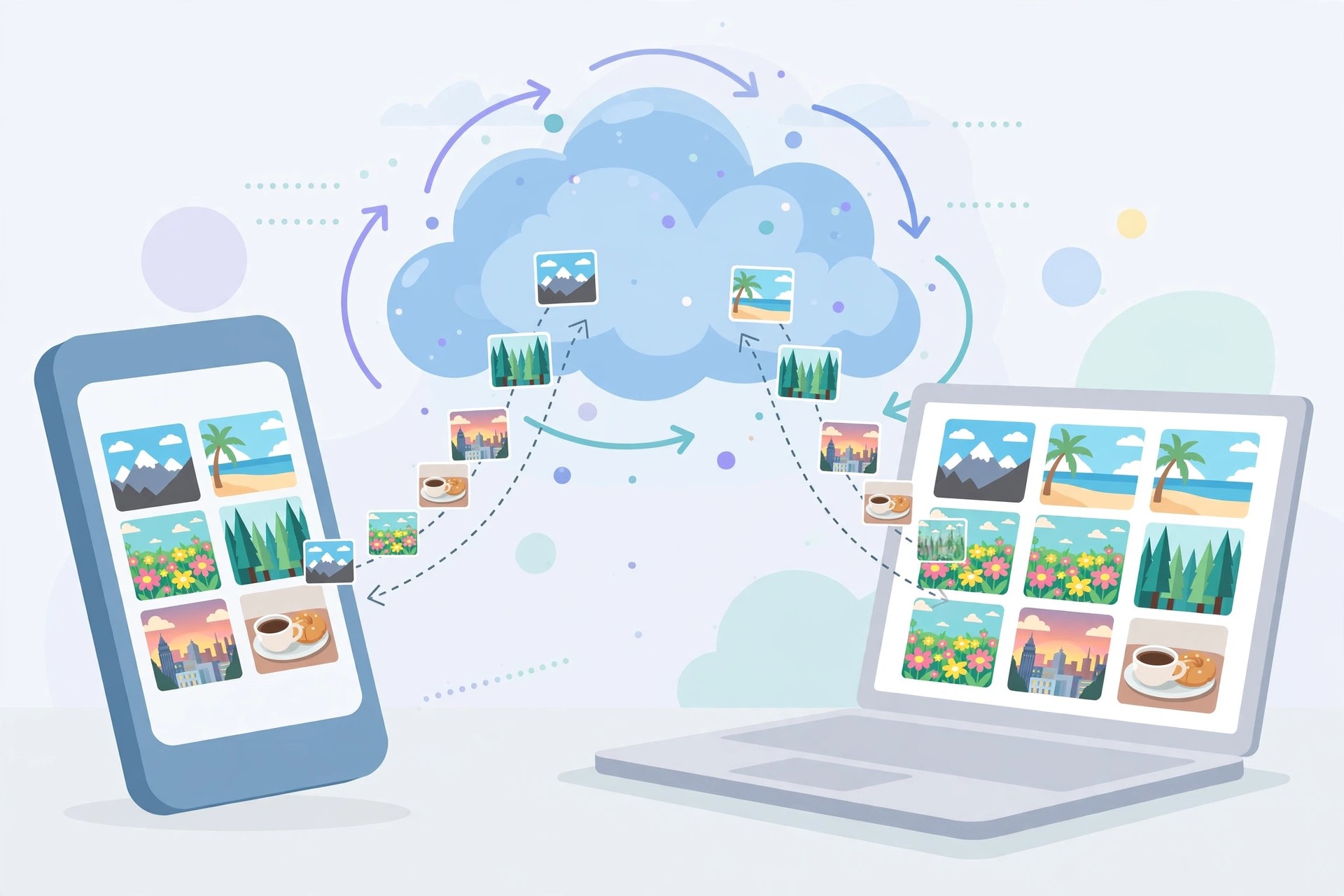
    Adobe Photoshop Lightroom CC 2.3 for Mac is the cloud-based Lightroom from 2019 — the version Adobe launched as a fresh start alongside the older desktop program. Instead of storing originals in folders on one machine, it uploads your full-resolution photos to Adobe's cloud, so the same library, albums and edits appear on your Mac, phone, tablet and the web app automatically.

    It is aimed at photographers who shoot across devices and want editing anywhere without managing hard drives and backups themselves. The interface is deliberately simpler than Lightroom Classic, with powerful RAW editing, presets and search that recognises subjects without keywording. Lightroom CC was always subscription software with cloud storage included, never a one-time purchase, and version 2.3 has since been replaced by newer releases simply called Lightroom.

    Key Features

    • Full-resolution cloud library that syncs originals and edits across all devices
    • Non-destructive RAW editing with profiles, presets and local adjustments
    • AI-powered search finds photos by subject and scene without manual keywords
    • Guided tutorials inside the app teach editing techniques on real photos
    • Easy sharing with web galleries and direct export for social platforms

    How to Download

    1. Download from the official site
    2. Start the free trial or choose a photography plan, then install Lightroom from the Creative Cloud desktop app.
    3. Sign in with your Adobe ID, let your library sync, and your photos will follow you to mobile and web.

    Is Adobe Photoshop Lightroom CC free?
    No. It requires a paid Creative Cloud subscription that includes cloud storage, with a free trial for new users. The mobile apps offer limited free editing, but the full Mac version is not free.

    What is the difference between Lightroom CC and Lightroom Classic?
    Lightroom CC stores your library in the cloud and syncs everywhere with a simpler interface. Classic keeps files on your own drives and offers deeper desktop tools like printing and tethered shooting.

  • Adobe Photoshop Elements 15.0 for Mac

    Adobe Photoshop Elements 15.0 for Mac

    Adobe Photoshop Elements 15.0 for Mac

    Adobe Photoshop Elements 15.0 for Mac

    Mac Photo & Design
    Updated Nov 4, 2026
    Mac Photo & Design • Updated Nov 4, 2026

    Adobe Photoshop Elements 15.0 for Mac is an older release of Adobe's home photo editor, launched in 2016. It was built for everyday photographers who wanted to organise a growing picture library and make polished edits without the complexity or subscription cost of professional Photoshop. Its editor mixes automatic fixes with Guided Edits that teach each technique as you use it.

    Version 15 added touch-friendly editing, face-tilt correction, a paint-on photo effects tool and a combined search across photos and videos. Be clear about its status today: Adobe no longer sells version 15, support for it has ended, and it may not run reliably on current macOS releases. The official Elements page linked below now offers the current version, which is the sensible purchase for a modern Mac.

    Key Features

    • Guided Edits for effects, textures and photo transformations, explained step by step
    • Organizer with face recognition and search across both photos and videos
    • Touch-enabled editing for trackpads and touch input on supported hardware
    • Fix tilted faces and group-shot problems with automatic face tilt correction
    • Make collages, slideshows and cards to share straight from the Organizer

    How to Download

    1. Download from the official site
    2. Version 15 is discontinued, so use that page to trial or buy the current Elements release instead.
    3. If you still hold a valid version 15 licence, sign in to your Adobe account to check your registered downloads before installing anywhere else.

    Is Adobe Photoshop Elements 15 free?
    No. It was paid, one-time-purchase software, and it is no longer on sale. Sites offering it as a free download are distributing unlicensed, outdated installers that can carry malware.

    Will Elements 15 run on a new Mac?
    Possibly not well. It predates Apple silicon and modern macOS security changes, receives no updates, and Adobe no longer supports it. The current Elements version is the supported option.

  • Adobe Photoshop Elements 21.0 for Mac

    Adobe Photoshop Elements 21.0 for Mac

    Adobe Photoshop Elements 21.0 for Mac

    Adobe Photoshop Elements 21.0 for Mac

    Mac Photo & Design
    Updated Nov 4, 2026
    Mac Photo & Design • Updated Nov 4, 2026

    Adobe Photoshop Elements 21.0 for Mac is the 2023 release of Adobe's consumer photo editor, made for people who want strong results without learning the full professional Photoshop. It combines a photo organiser with an editor that leans on automation: one-click fixes, step-by-step Guided Edits, and Adobe Sensei AI tools that handle tasks like selecting a subject or replacing a sky for you.

    It suits family photographers, hobbyists and social-media creators who shoot a lot and want to fix, combine and share pictures quickly. Elements is sold as a one-time purchase rather than a subscription, and Adobe offers a free trial so you can test the full editor on your own Mac before paying. Note that version 21.0 is an older release — Adobe now sells a newer Elements version on the same official page.

    Key Features

    • Guided Edits walk you through effects like duotones, overlays and photo montages step by step
    • AI-powered tools select subjects, replace skies and smooth skin automatically
    • Elements Organizer imports, tags and finds photos by people, places and events
    • Create slideshows, collages, calendars and shareable quote graphics from your library
    • Quick, Guided and Advanced edit modes grow with your skill level

    How to Download

    1. Download from the official site
    2. Start the free trial or buy a licence, then download the Mac installer linked from your Adobe account.
    3. Run the installer, open Elements and sign in with your Adobe ID to activate it.

    Is Adobe Photoshop Elements free?
    No. Elements is paid software sold as a one-time purchase. Adobe offers a free trial of the current version, but there is no free full version, and version 21.0 itself is no longer sold separately.

    Is Photoshop Elements the same as Photoshop?
    No. Elements is the simpler, guided editor for home users. Professional Photoshop is a separate, subscription-only app with far deeper tools for designers and photographers.

  • Adobe Photoshop CS6 13.0 for Mac

    Adobe Photoshop CS6 13.0 for Mac

    Adobe Photoshop CS6 13.0 for Mac

    Adobe Photoshop CS6 13.0 for Mac

    Mac Photo & Design
    Updated Nov 4, 2026
    Mac Photo & Design • Updated Nov 4, 2026

    Adobe Photoshop CS6 13.0 for Mac is the 2012 Creative Suite release of Adobe's image editor, and the last version sold under a perpetual licence before Photoshop moved to Creative Cloud. The English/Japanese wording in old listings describes that Mac build's language options — the software is the familiar CS6, with layer-based editing, retouching and compositing.

    CS6 is discontinued and no longer sold by Adobe, and this page is kept for reference. It introduced a darker interface, background save and improved Content-Aware tools, but it receives no updates and is not supported on modern macOS. Photoshop today is subscription software from Adobe, with a free trial of the current version for new users — never a free full version of CS6.

    Key Features

    • Layer-based editing with masks, blend modes and non-destructive adjustment layers
    • Content-Aware Move and Patch tools for relocating and repairing parts of an image
    • Background Save and Auto-Recovery so work continues saving while you edit
    • Redesigned darker interface, improved crop tool and Mercury Graphics Engine performance
    • Strong typography, vector shapes and 3D tools in the Extended edition of the CS6 generation

    How to Download

    1. There is no official CS6 download any more: Adobe discontinued the CS line and no longer sells or distributes version 13.0.
    2. Install the current Photoshop from Adobe instead; it opens CS6-era PSD files and is the only supported version for a modern Mac.

    Is Adobe Photoshop CS6 free?
    No. CS6 was paid software and Adobe never made it free, despite persistent claims on download sites. Those free CS6 installers are unauthorised copies and a common malware source.

    Can I still buy a legal CS6 licence?
    No. Adobe stopped selling CS6 years ago and moved Photoshop entirely to Creative Cloud subscriptions. A current subscription or its free trial is the legitimate route today.