Author: admin

  • AnyMP4 AVCHD Converter 6.2.27 for Mac

    AnyMP4 AVCHD Converter 6.2.27 for Mac

    AnyMP4 AVCHD Converter 6.2.27 for Mac

    AnyMP4 AVCHD Converter 6.2.27 for Mac

    Mac Video
    Updated Nov 4, 2026
    Mac Video • Updated Nov 4, 2026

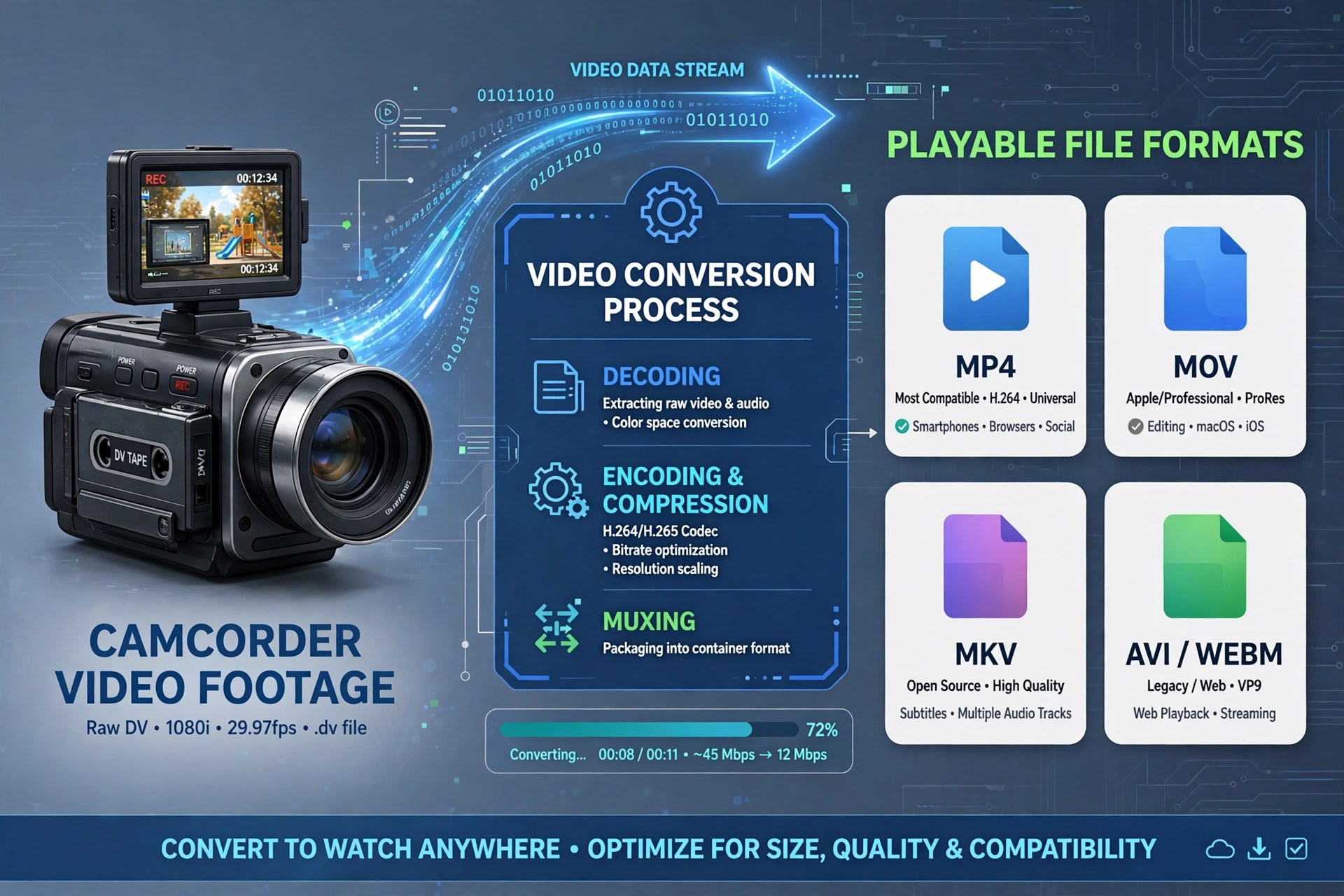
    AnyMP4 AVCHD Converter for Mac was built for one stubborn problem: the MTS and M2TS files that AVCHD camcorders from Sony, Panasonic and Canon produce, which QuickTime, iMovie and most phones refuse to open properly. The converter rewraps that footage into friendly formats such as MP4, MOV, MKV and AVI, and it can also pull the audio out as MP3 or AAC when you only need the soundtrack.

    It was sold by AnyMP4 Studio as paid software with a free trial, aimed at home videographers rather than editing suites. One honest note: AnyMP4 no longer lists this converter as a standalone product, and its current AVCHD conversion is handled by the Video Converter Ultimate line — so treat version 6.2.27 as a legacy release and only obtain AnyMP4 software from the vendor's own pages.

    Key Features

    • Converts AVCHD MTS/M2TS recordings to MP4, MOV, MKV, AVI and other common formats
    • Device-ready presets so camcorder clips play on iPhone, iPad and game consoles
    • Batch mode for converting a whole memory card of clips in one run
    • Trim, crop, merge and watermark tools for quick clean-ups before exporting
    • Adjustable resolution, bitrate and frame rate for balancing quality against file size

    How to Download

    1. Because this standalone edition is a legacy product, check AnyMP4's current catalogue first to see the converter that has replaced it.
    2. Install the Mac build, import your MTS or M2TS files, pick an output preset, and convert a short clip on the trial before buying.

    Why won't QuickTime play my camcorder files?
    AVCHD footage uses a structure macOS handles poorly. Converting MTS/M2TS clips to MP4 or MOV makes them open normally in QuickTime, iMovie and Final Cut.

    Is version 6.2.27 still the current release?
    No. It is a legacy standalone edition; AnyMP4 now covers AVCHD conversion inside its newer Video Converter Ultimate range, which is the safer download today.
  • AnyMP4 Audio Recorder 1.0.10 for Mac

    AnyMP4 Audio Recorder 1.0.10 for Mac

    AnyMP4 Audio Recorder 1.0.10 for Mac

    AnyMP4 Audio Recorder 1.0.10 for Mac

    Mac Audio
    Updated Nov 4, 2026
    Mac Audio • Updated Nov 4, 2026

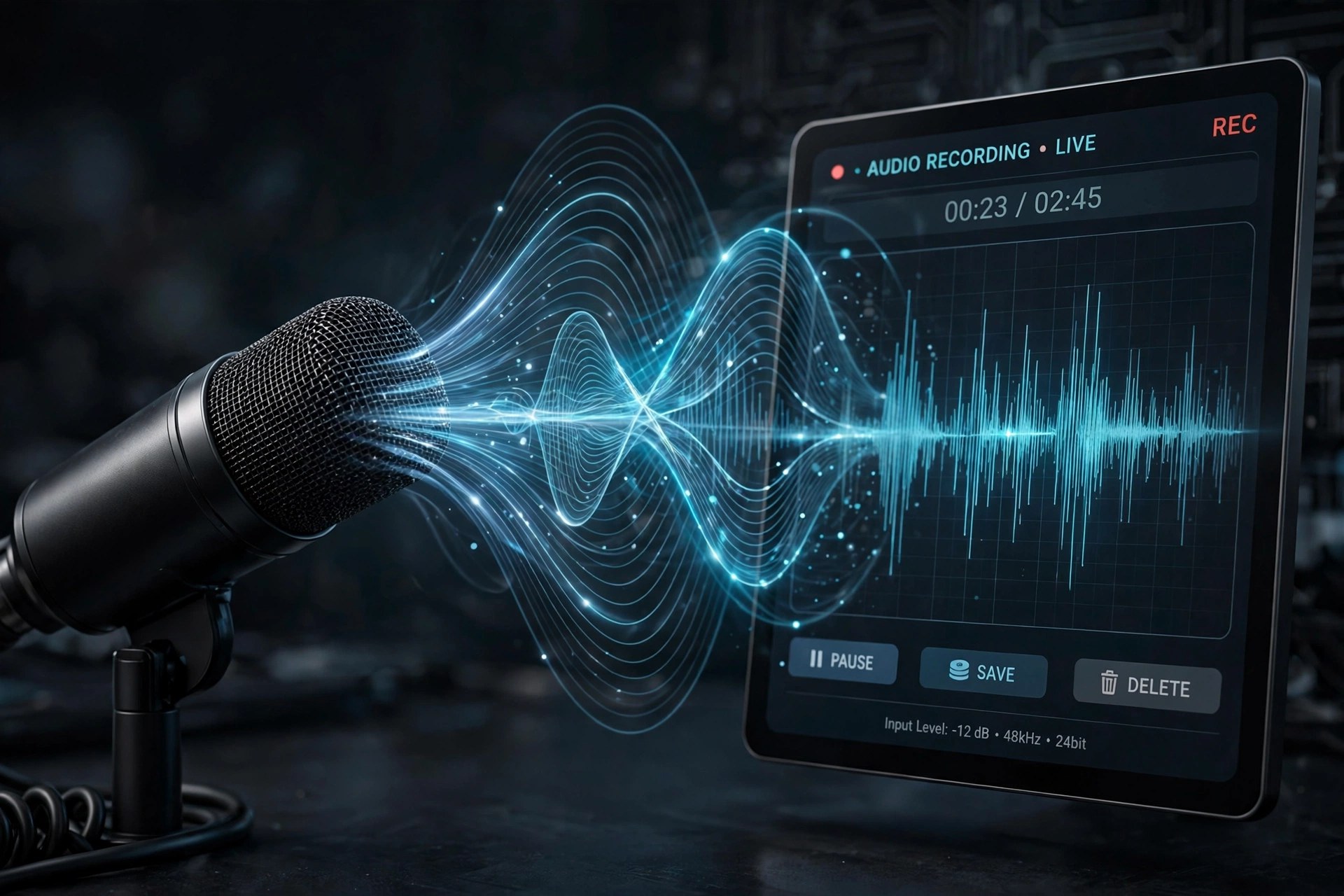
    AnyMP4 Audio Recorder for Mac is a focused capture tool for anyone who needs clean sound without a complicated studio setup. It records whatever plays through your Mac's sound card — streaming music, online lectures, voice calls — alongside anything spoken into a connected microphone, and it can grab both sources at the same time.

    The recorder is paid software from AnyMP4 Studio, sold as monthly, lifetime and multi-user licences, but a free trial lets you test it first — note that trial recordings are capped at three minutes and trimming unlocks after registration. Finished clips export to MP3, M4A, WAV or AAC at quality levels from compact up to lossless.

    Key Features

    • Records system sound, microphone input, or both sources together
    • Exports to MP3, M4A, WAV and AAC with quality up to lossless
    • Built-in library to play, rename, organise and share recordings
    • Preview listening plus a cutter to trim unwanted sections before saving
    • Scheduled recording with set start and stop times, and custom hotkeys

    How to Download

    1. Check that your Mac runs a recent version of macOS and has enough free space for your recordings.
    2. Start your download from the official site: Download from the official site
    3. Open the installer, move the app to Applications, then launch it and enable System Sound, Microphone, or both before pressing REC.

    Is AnyMP4 Audio Recorder free?
    No. It is paid software with a free trial; trial recordings are limited to three minutes, and a licence removes that cap.

    Can it record a call and my voice at once?
    Yes. Turn on both System Sound and Microphone and it captures the call audio together with your own narration in a single file.

  • AnyMP4 Audio Converter 8.2.20 for Mac

    AnyMP4 Audio Converter 8.2.20 for Mac

    AnyMP4 Audio Converter 8.2.20 for Mac

    AnyMP4 Audio Converter 8.2.20 for Mac

    Mac Audio
    Updated Nov 4, 2026
    Mac Audio • Updated Nov 4, 2026

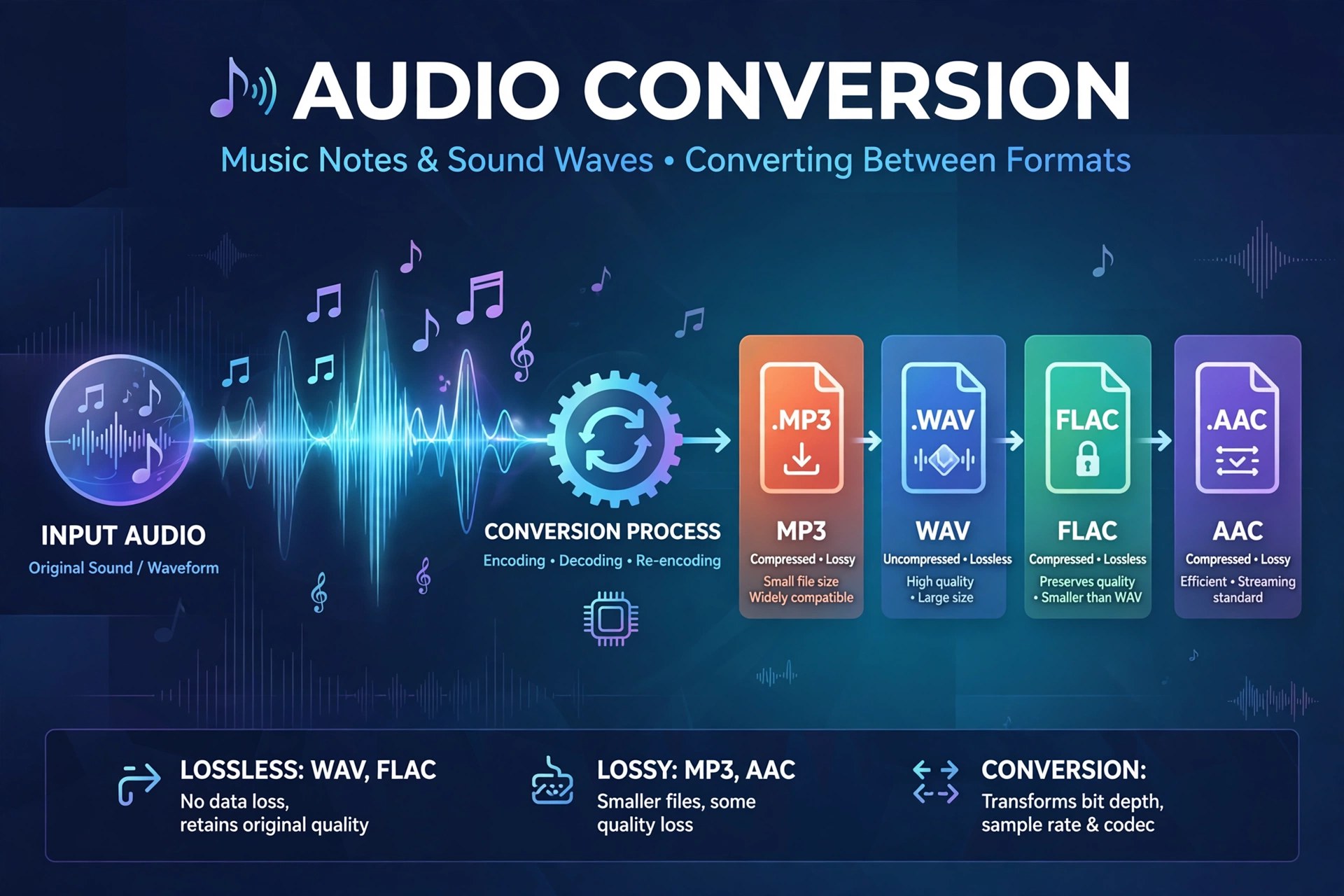
    AnyMP4 Audio Converter is a focused conversion tool for anyone whose music and recordings live in the wrong format. Drop in audio files — or video files whose soundtrack you want — choose an output format such as MP3, AAC, M4A, WAV, FLAC, OGG or AIFF, and convert. It is a practical fix for voice memos a player will not open, lossless files that need shrinking for a phone, or a video clip you only ever listen to.

    Beyond straight conversion, the app lets you trim a long recording down to the section you need, merge several clips into one file, and adjust volume and encoder settings such as sample rate, channels and bitrate before exporting. AnyMP4 offers it as paid software with a free trial download, so you can convert a test file and check the output quality on your own Mac before buying a licence. There is no free full version.

    Key Features

    • Convert between MP3, AAC, M4A, WAV, FLAC, OGG, AIFF and other popular audio formats
    • Extract audio tracks from video files and save them as standalone songs or clips
    • Batch-convert up to eight audio or video files at once
    • Cut clips, merge multiple files into one, and adjust volume from 0 to 199 percent
    • Fine-tune encoder, sample rate, channel and bitrate settings per output profile

    How to Download

    1. Check the supported formats and Mac system requirements on the official product page.
    2. Start your download from the official site: Download from the official site
    3. Install from the download, launch the app, add a file, pick your output format, and test the trial conversion before registering.

    Can it extract audio from a video?
    Yes. Add a video file, choose an audio output format such as MP3 or M4A, and the converter saves just the soundtrack as a new audio file.

    Is AnyMP4 Audio Converter free?
    No. It is paid software, but AnyMP4 provides a free trial so you can test conversions and output quality before purchasing a licence.

  • AnyMP4 Android Data Recovery 2.1.26 for Mac

    AnyMP4 Android Data Recovery 2.1.26 for Mac

    AnyMP4 Android Data Recovery 2.1.26 for Mac

    AnyMP4 Android Data Recovery 2.1.26 for Mac

    Mac Utilities
    Updated Nov 4, 2026
    Mac Utilities • Updated Nov 4, 2026

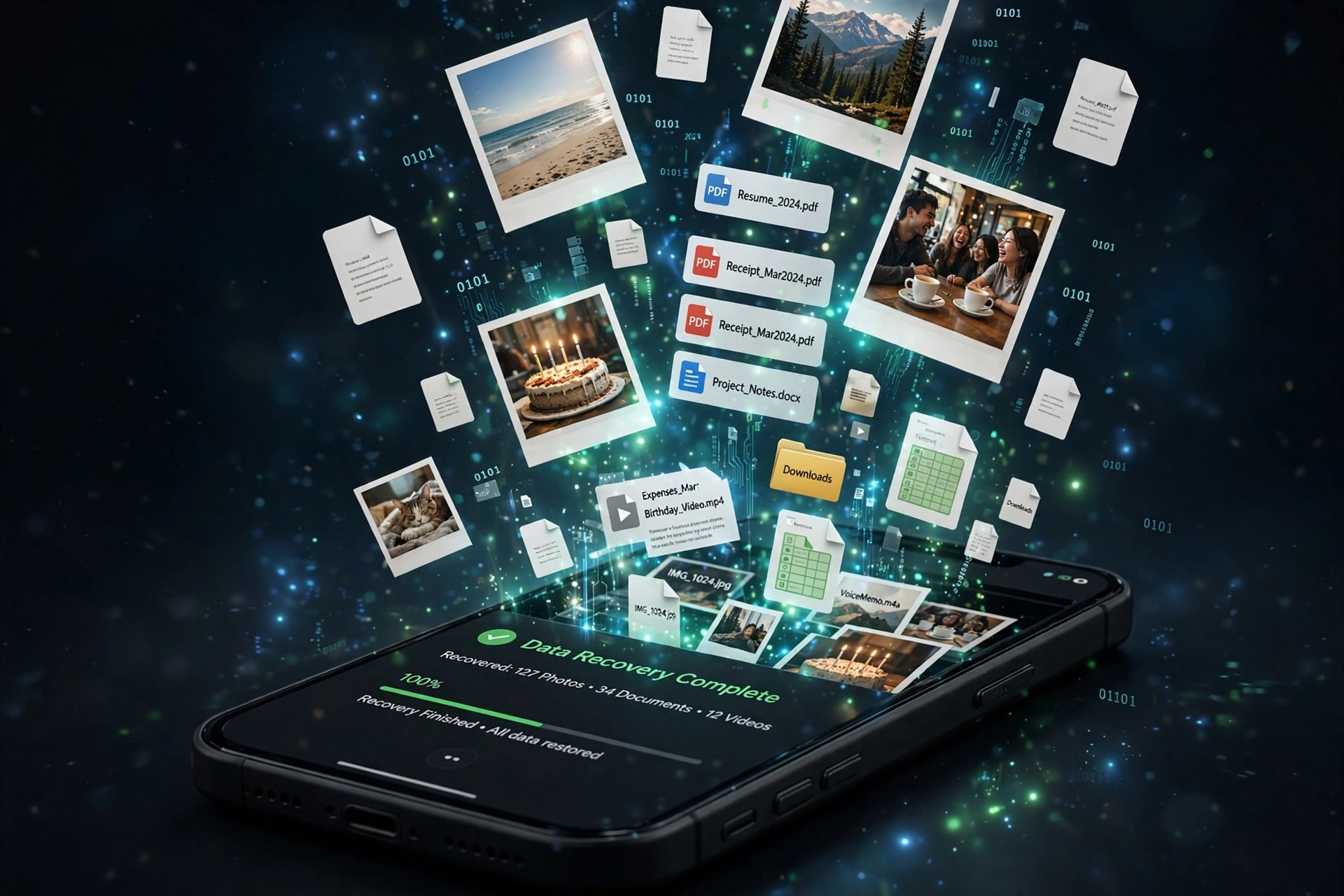
    AnyMP4 Android Data Recovery for Mac is a recovery utility for the moment an Android phone loses something important — a deleted contact list, a cleared message thread, or photos removed by mistake. Connect the phone to your Mac by USB, let the software scan the device, preview what it finds, and restore only the items you actually need to your computer rather than wiping and restoring the whole phone.

    The Mac edition supports phones and tablets from Samsung, Google, Huawei, Xiaomi, Sony, LG and other major brands, and AnyMP4 lists it for Mac OS X 10.7 and later. It is paid software with a free trial: the trial can scan your device and preview recoverable files, which is exactly what you want before paying, because no recovery tool can guarantee that overwritten data is still retrievable.

    Key Features

    • Recover contacts, messages, call history and message attachments from Android
    • Restore photos, videos, audio, documents and gallery files to your Mac
    • Recover WhatsApp messages and attachments alongside standard data types
    • Preview found items and recover selectively instead of restoring everything
    • Also includes Android data backup and restore for supported content

    How to Download

    1. Stop using the phone as much as possible — new data can overwrite what you hope to recover.
    2. Start your download from the official site: Download from the official site
    3. Install the app, connect your Android device by USB, enable USB debugging when prompted, and run a scan to preview recoverable files in the trial.

    Can the free trial recover my files?
    The trial is mainly for scanning and previewing what can be recovered. Saving the recovered data generally requires a paid licence, so use the preview to confirm your files are found first.

    Does it work with every Android phone?
    It supports a wide range of Android phones and tablets from major brands. Very new Android versions and locked or physically damaged devices can limit what any recovery software can access.

  • AnyGo 8.1.0 for Mac

    AnyGo 8.1.0 for Mac

    AnyGo 8.1.0 for Mac

    AnyGo 8.1.0 for Mac

    Mac Utilities
    Updated Nov 4, 2026
    Mac Utilities • Updated Nov 4, 2026

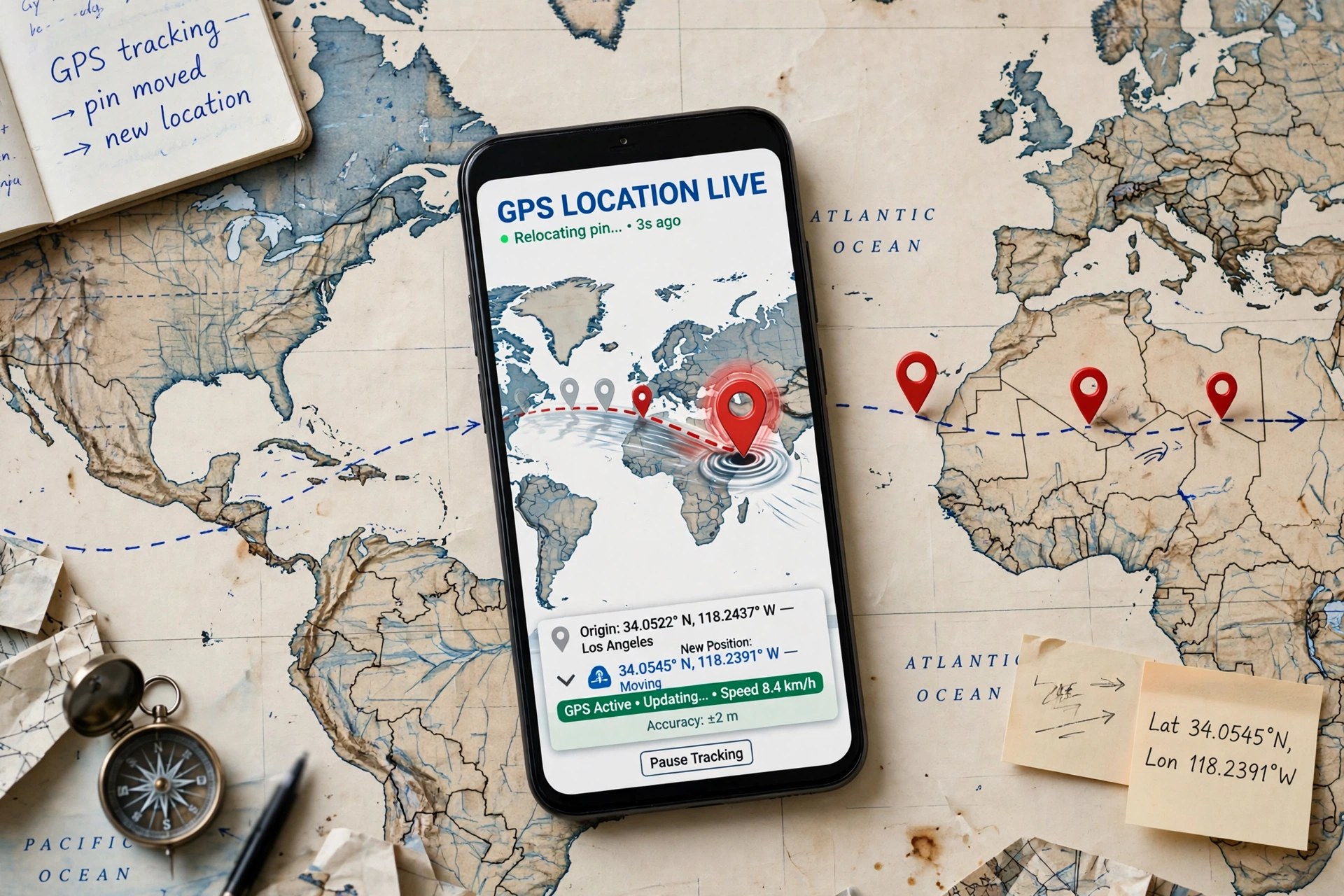
    AnyGo, from iToolab, is a GPS location changer that runs on your Mac and controls the location reported by a connected iPhone, iPad or Android device. Pick a place on the map and the phone reports that location to its apps, or draw a route and the phone appears to walk, cycle or drive along it at a speed you choose. People use it for testing location-aware apps, privacy on location-sharing apps, and location-based games.

    AnyGo does not require a jailbreak, and iToolab offers a free trial with a limited number of location changes so you can test compatibility with your device first. Continued use requires a paid plan, sold monthly, quarterly, yearly and as a lifetime licence. Be aware that spoofing your location in some games and services can breach their terms and risk account penalties, so use it thoughtfully and only on accounts you own.

    Key Features

    • Teleport an iPhone or Android device to any map location in one click, no jailbreak
    • Two-spot and multi-spot modes that simulate movement along custom routes
    • Joystick mode for free 360-degree movement in location-based games
    • Import GPX files to replay recorded routes at adjustable speeds
    • Connect and spoof multiple devices from the same Mac at once

    How to Download

    1. Confirm your iPhone or Android version is supported on the official AnyGo page.
    2. Start your download from the official site: Download from the official site
    3. Install the app, connect your phone by USB or Wi-Fi, pick a location on the map, and use the trial before buying a plan.

    Does AnyGo need a jailbreak?
    No. AnyGo changes location from the Mac over a USB or Wi-Fi connection and is designed to work on standard, non-jailbroken devices.

    Is AnyGo free?
    It has a free trial with limited location changes. Full, ongoing use requires a paid iToolab plan; there is no free full version.

  • AnyDroid 7.5.0.20211008 for Mac

    AnyDroid 7.5.0.20211008 for Mac

    AnyDroid 7.5.0.20211008 for Mac

    AnyDroid 7.5.0.20211008 for Mac

    Mac Utilities
    Updated Nov 4, 2026
    Mac Utilities • Updated Nov 4, 2026

    AnyDroid, made by iMobie and originally released as AnyTrans for Android, is a desktop manager that gives Android phones a proper home on your Mac. Instead of digging through folders, you connect a phone or tablet by USB or Wi-Fi and manage everything from one window: photos, videos, music, contacts, messages, call logs, apps and documents. It is especially handy when switching phones, including moving from an iPhone to Android.

    AnyDroid works with Android devices running Android 5.0 and later from Samsung, Google, Xiaomi, Huawei and other major brands, and the Mac version needs macOS 10.13 or later. It is paid software, but iMobie offers a free trial that can transfer a limited number of items per day, so you can confirm your device connects and your data is readable before buying a licence.

    Key Features

    • Transfer photos, videos, music, contacts and messages between Android and Mac
    • One-click Android-to-Android mover and iOS-to-Android switching support
    • Batch install, uninstall and back up apps, including APK files
    • Connect over Wi-Fi without a cable, or over USB for a more stable transfer
    • Organise files by category and use the phone as temporary storage

    How to Download

    1. Check your Android version and macOS version against the requirements on the official page.
    2. Start your download from the official site: Download from the official site
    3. Install the DMG, launch AnyDroid, connect your Android device by USB or Wi-Fi, and follow the on-screen prompts to begin the trial.

    Is AnyDroid free?
    It offers a free trial with daily transfer limits. Unlimited transfers and full management features require a paid licence from iMobie.

    Does AnyDroid work without a USB cable?
    Yes. After setup you can connect over Wi-Fi on the same network, while USB remains the more stable option for very large photo or video libraries.

  • Any Video Cutter 1.0.4 for Mac

    Any Video Cutter 1.0.4 for Mac

    Any Video Cutter 1.0.4 for Mac

    Any Video Cutter 1.0.4 for Mac

    Mac Video
    Updated Nov 4, 2026
    Mac Video • Updated Nov 4, 2026

    Any Video Cutter is a generic name used for small utilities that claim to do one simple job: cut a section out of a video file and save it as a new clip, without loading a full video editor. Listings using this name and the 1.0.4 version number circulate on third-party download sites, but we could not verify a single official vendor, an official product page, or a Mac App Store listing behind them. That matters, because unnamed repackaged utilities are a common way bundled adware reaches Macs.

    Our honest advice is to treat downloads under this name with caution. If you only need to trim a clip, macOS already includes QuickTime Player, which can trim the start and end of a video at no cost, and iMovie is a free download from Apple for fuller editing. Both come directly from Apple, are signed and notarized, and carry none of the risk of an unverified cutter from a mirror site.

    Key Features

    • Claimed: set start and end points to cut a segment from a video file
    • Claimed: support for common formats such as MP4, MOV and AVI
    • Claimed: save the cut section as a new file without a full editing timeline
    • Safer alternative: QuickTime Player on every Mac trims clips natively and for free
    • Safer alternative: iMovie from Apple adds splitting, joining and titles at no cost

    How to Download

    1. Do not download this title from crack, torrent or mirror sites, as no official source could be verified for it.
    2. For a verified cutter today, open QuickTime Player or install iMovie from the Mac App Store instead.

    Is Any Video Cutter a real Mac product?
    We could not verify an official vendor or product page for a Mac app with this exact name and version. The name appears mainly on third-party listing sites, so we list no official download for it.

    What should I use instead to cut video on Mac?
    Use QuickTime Player for quick trims — it ships with macOS — or iMovie, free from Apple, when you need to split and join multiple clips.

  • Any Video Converter Ultimate 6.1.10 for Mac

    Any Video Converter Ultimate 6.1.10 for Mac

    Any Video Converter Ultimate 6.1.10 for Mac

    Any Video Converter Ultimate 6.1.10 for Mac

    Mac Video
    Updated Nov 4, 2026
    Mac Video • Updated Nov 4, 2026

    Any Video Converter Ultimate is the top edition in Anvsoft's Any Video Converter family for Mac. It includes everything in the Free and Pro editions — format conversion, editing, DVD ripping and burning, and screen recording — and adds the developer's newer AI-assisted tools, parallel downloading, and access to additional creative features. It suits creators who convert a lot of footage and also want enhancement and transcription in the same place.

    Ultimate is paid software, offered with monthly, yearly and perpetual licence options, and a free trial download lets you test the core workflow before paying. Anvsoft notes that older Ultimate versions such as the 6.x and 7.x lines used lifetime licences, while newer releases moved to the current plan structure, so confirm which licence your purchase covers on the official page. There is no free full version of Ultimate.

    Key Features

    • Everything in Pro, plus AI video enhancement, AI video generation and speech-to-text tools
    • Convert to 4K and 1,000+ video and audio formats with custom output presets
    • Download online video and music, with parallel downloads for batches
    • DVD ripping and burning, plus trim, merge, crop and subtitle editing
    • Screen recording, video compression and GIF creation in one toolkit

    How to Download

    1. Review the Ultimate feature list and licence options on the official product page.
    2. Start your download from the official site: Download from the official site
    3. Install from the DMG, launch the app, start the trial, and enter your Ultimate licence key to unlock the full edition if you buy it.

    What is the difference between Pro and Ultimate?
    Pro covers conversion, presets, DVD tools and recording. Ultimate adds parallel downloads and the AI toolset, including video enhancement, generation, speech-to-text and audio splitting.

    Is Any Video Converter Ultimate free?
    No. It is paid software with a free trial available from Anvsoft. The separate Free edition covers basic conversion at no cost, but it does not include the Ultimate AI features.

  • Any Video Converter Pro 7.1.10 for Mac

    Any Video Converter Pro 7.1.10 for Mac

    Any Video Converter Pro 7.1.10 for Mac

    Any Video Converter Pro 7.1.10 for Mac

    Mac Video
    Updated Nov 4, 2026
    Mac Video • Updated Nov 4, 2026

    Any Video Converter Pro is the paid mid-tier edition of Anvsoft's long-running video toolkit for macOS. It is built for people who regularly need to change a video from one format to another — for a phone, a tablet, a TV, or a specific editing app — without wrestling with codec settings. Alongside conversion it bundles light editing, DVD tools, and screen recording, so most everyday video jobs can be finished in one app.

    Anvsoft also offers a free edition with core conversion included, which makes it easy to test the workflow first. Pro is paid software sold on subscription and perpetual plans, and it unlocks faster processing, custom presets, and the fuller editing and recording feature set. There is no free full version of Pro, so check the current pricing and trial terms on the official page before you buy.

    Key Features

    • Convert video and audio between MP4, MOV, MKV, MP3 and 1,000+ other formats and device presets
    • Batch conversion with GPU-accelerated processing for faster exports
    • Trim, crop, merge and split clips, and adjust brightness, subtitles and watermarks
    • Rip and burn DVDs and extract audio tracks from video files
    • Built-in screen and webcam recording for tutorials and calls

    How to Download

    1. Check that your Mac meets the system requirements listed on the official product page.
    2. Start your download from the official site: Download from the official site
    3. Open the downloaded DMG, drag the app to Applications, launch it, and activate Pro with your licence if you have purchased one.

    Is Any Video Converter Pro free?
    No. Pro is a paid edition. Anvsoft offers a separate free edition for basic conversion, and Pro adds presets, DVD tools and faster processing under a paid licence.

    Does it work on Apple Silicon Macs?
    Yes, current Any Video Converter builds for Mac are made for modern macOS on both Apple Silicon and Intel Macs. Download the Mac version specifically, as Windows and Mac licences are sold separately.

  • Any RecScreen 2.0.79 for Mac

    Any RecScreen 2.0.79 for Mac

    Any RecScreen 2.0.79 for Mac

    Any RecScreen 2.0.79 for Mac

    Mac Video
    Updated Nov 4, 2026
    Mac Video • Updated Nov 4, 2026

    Any RecScreen is an easy-to-use screen recorder built for Mac users who make tutorials, product demos, training videos and recorded presentations. You can capture the full screen or draw a customised recording area, and overlay your webcam as a picture-in-picture feed so viewers can see you while you talk them through each step. Audio is covered too: the app records both your microphone narration and your Mac's system sound.

    The app was sold through the Mac App Store as a paid one-time purchase (listed around $14.99), not as a subscription, and version 2.0.79 runs on Intel Macs with older macOS releases supported. We could not verify a live official vendor page for this version, so install it only from the App Store listing under its exact name — screen recorders from random download sites are a common adware vehicle, which is the opposite of what a recording tool should bring to your Mac.

    Key Features

    • Record the full screen or a custom area you select with the mouse
    • Webcam overlay for picture-in-picture tutorials and presentations
    • Captures system audio and microphone narration at the same time
    • Annotation and editing tools to polish recordings and screenshots
    • Simple interface designed for beginners, with no complex setup

    How to Download

    1. Search the Mac App Store for Any RecScreen and check the listing describes this screen recorder.
    2. Launch the app and grant Screen Recording and microphone permissions in System Settings when macOS asks.

    Is Any RecScreen free?
    No. It is a paid app sold as a one-time App Store purchase. There is no legitimate free full version, and "cracked" copies should be avoided.

    Can it record system audio as well as my voice?
    Yes. It captures audio from your Mac's system sound and from a microphone simultaneously, which is what most tutorial and meeting recordings need.