AnyMP4 Audio Recorder 1.0.10 for Mac
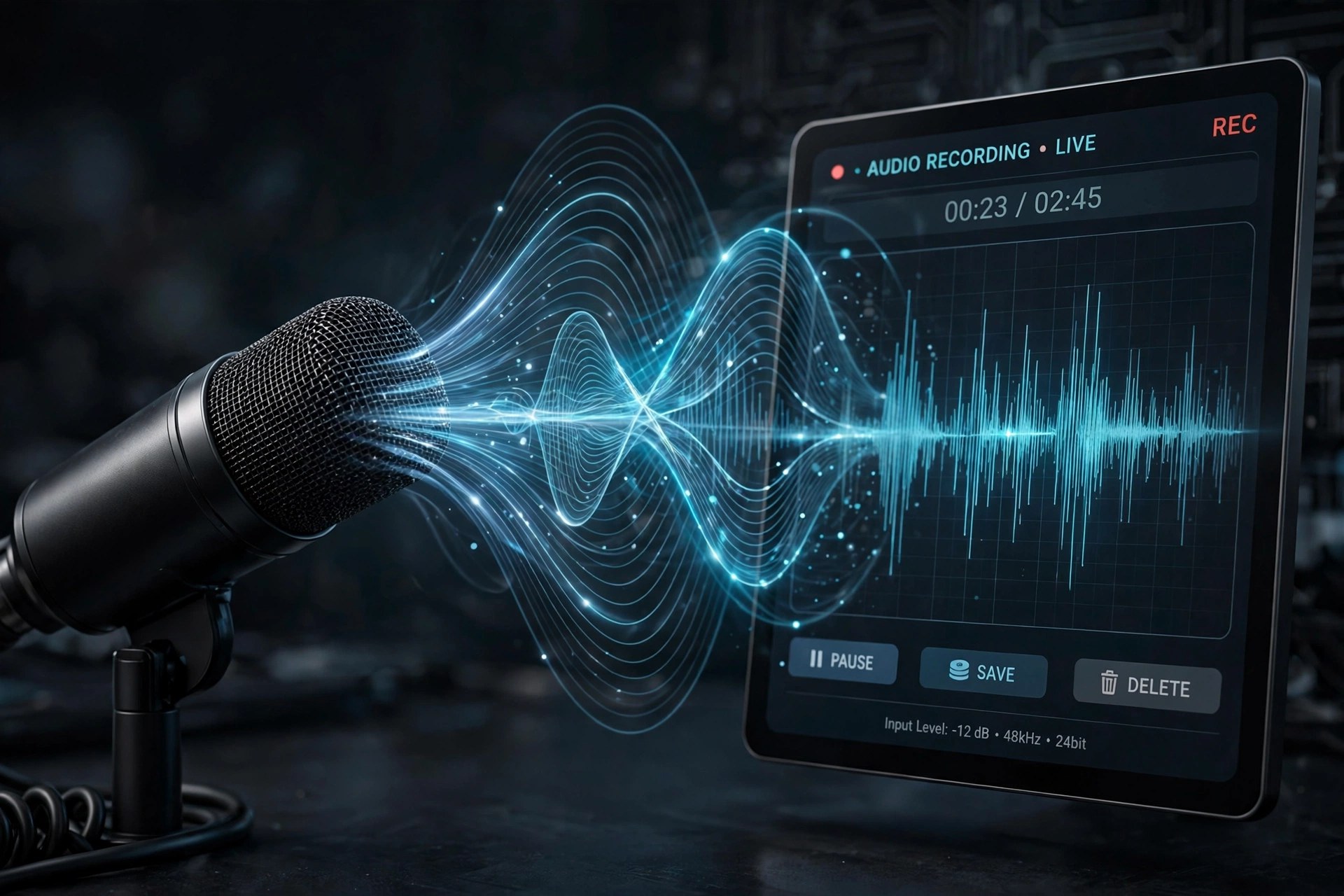
Mac AudioAnyMP4 Audio Recorder for Mac is a focused capture tool for anyone who needs clean sound without a complicated studio setup. It records whatever plays through your Mac's sound card — streaming music, online lectures, voice calls — alongside anything spoken into a connected microphone, and it can grab both sources at the same time.
The recorder is paid software from AnyMP4 Studio, sold as monthly, lifetime and multi-user licences, but a free trial lets you test it first — note that trial recordings are capped at three minutes and trimming unlocks after registration. Finished clips export to MP3, M4A, WAV or AAC at quality levels from compact up to lossless.
Key Features
- Records system sound, microphone input, or both sources together
- Exports to MP3, M4A, WAV and AAC with quality up to lossless
- Built-in library to play, rename, organise and share recordings
- Preview listening plus a cutter to trim unwanted sections before saving
- Scheduled recording with set start and stop times, and custom hotkeys
How to Download
- Check that your Mac runs a recent version of macOS and has enough free space for your recordings.
- Start your download from the official site: Download from the official site
- Open the installer, move the app to Applications, then launch it and enable System Sound, Microphone, or both before pressing REC.
Is AnyMP4 Audio Recorder free?
No. It is paid software with a free trial; trial recordings are limited to three minutes, and a licence removes that cap.
Can it record a call and my voice at once?
Yes. Turn on both System Sound and Microphone and it captures the call audio together with your own narration in a single file.







Leave a Reply