Author: admin

  • AnyMP4 iOS Toolkit 9.0.58 for Mac

    AnyMP4 iOS Toolkit 9.0.58 for Mac

    AnyMP4 iOS Toolkit 9.0.58 for Mac

    AnyMP4 iOS Toolkit 9.0.58 for Mac

    Mac Utilities
    Updated Nov 6, 2026
    Mac Utilities • Updated Nov 6, 2026

    AnyMP4 iOS Toolkit 9.0.58 for Mac is not a single tool but a bundle, gathering AnyMP4's main iPhone utilities behind one interface on your Mac. Its centrepiece is iPhone Data Recovery, which restores deleted photos, messages, contacts, notes and more from the device itself, an iTunes backup or an iCloud backup. Around it sit iOS System Recovery, iOS Data Backup and Restore, and WhatsApp Transfer for iOS.

    That makes the toolkit most useful after something has already gone wrong: a failed update, a phone stuck on the Apple logo, or an accidental deletion with no recent backup. It is commercial software with a free trial that previews what can be recovered; actually saving files and completing repairs requires registration with a paid licence.

    Key Features

    • Recovers up to 20 data types from an iOS device, iTunes backup or iCloud backup, with preview before you restore
    • iOS System Recovery fixes phones stuck in recovery mode, DFU mode, headphone mode or on a black or frozen screen
    • Data Backup and Restore works as a selective iTunes alternative for contacts, messages, photos and media
    • WhatsApp Transfer moves chats, photos, videos and attachments between iPhone and iPad devices
    • Standard repair mode aims to fix system problems without data loss; Advanced mode handles tougher cases

    How to Download

    1. Connect your iPhone to your Mac with a cable you trust, and stop using the phone if you hope to recover deleted files.
    2. Start your download from the official site: Download from the official site
    3. Install the toolkit, choose the module you need, and use the free trial scan to preview recoverable data before buying.

    Is AnyMP4 iOS Toolkit free?
    No. The free trial lets you scan and preview, but recovery, repair and transfer functions need a paid licence. There is no free full version.

    Can it recover data with no backup at all?
    Often, yes — it can scan the device directly for deleted items. Success depends on whether iOS has overwritten that space since deletion, so scan as soon as possible.
  • AnyRec DVD Creator 1.0.8 for Mac

    AnyRec DVD Creator 1.0.8 for Mac

    AnyRec DVD Creator 1.0.8 for Mac

    AnyRec DVD Creator 1.0.8 for Mac

    Mac Video
    Updated Nov 6, 2026
    Mac Video • Updated Nov 6, 2026

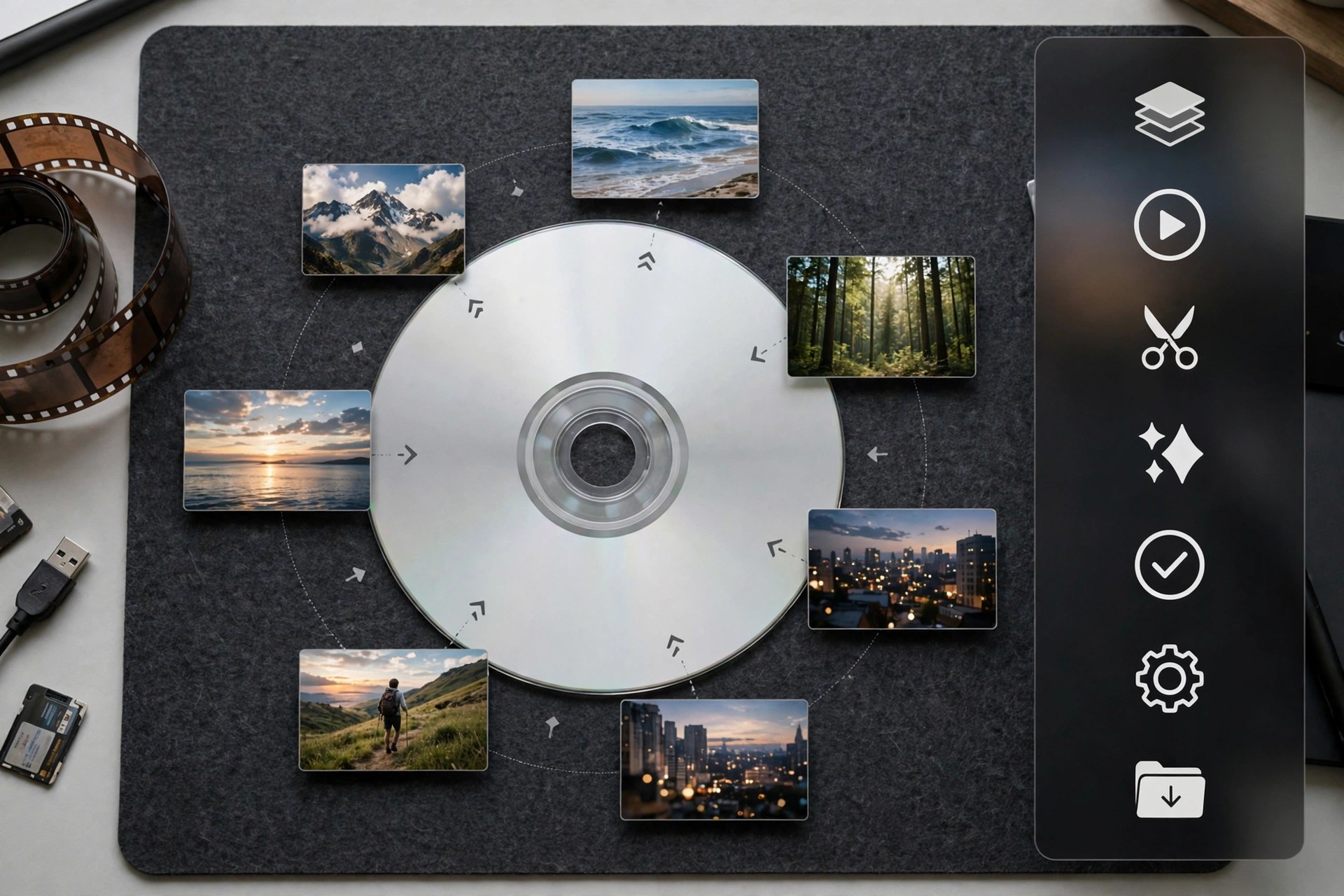
    AnyRec DVD Creator 1.0.8 for Mac turns video files sitting on your Mac into proper DVDs you can play anywhere. It burns homemade DVDs from almost any video format — MP4, MTS, MKV, WMV, MOV and more — whether the footage came from a camera, a camcorder or a phone. For family archives, wedding films and event recordings, a well-made DVD is still the easiest way to hand someone a copy that just plays.

    What lifts it above a plain burner is the authoring layer. You get free menu templates for themes like holidays, family, weddings and travel, and you can customise the menu frame, buttons, fonts, text and thumbnails, add chapters, and adjust audio tracks and subtitles. A built-in editor handles trimming, cropping, rotating, watermarks and effects before burning, and GPU acceleration keeps the burn fast while preserving quality. It is paid software with a trial available from the vendor, AnyRec — note that we could not verify a dedicated official product page for this title, so download only from AnyRec's official domain, anyrec.io, and avoid third-party download sites.

    Key Features

    • Burns videos from cameras, phones and camcorders to DVD in most popular formats
    • Customisable DVD menus with free templates for holidays, family, weddings and travel
    • Built-in editor for trimming, cropping, rotating, watermarks and video effects
    • Add and merge chapters, and edit audio tracks and subtitles before burning
    • GPU-accelerated burning that keeps the original video quality, with real-time menu preview

    How to Download

    1. Visit AnyRec's official website and look for DVD Creator in its product range.
    2. Install the app, add your videos, choose a menu template, and burn to a blank DVD.

    Which video formats can I burn?
    Most common ones, including MP4, MKV, MOV, MTS, WMV, AVI and FLV, from phones, cameras and camcorders. The software converts them to DVD format as part of the burn.

    Is AnyRec DVD Creator free?
    It is paid software, though menu templates are included free and a trial lets you test the workflow. Avoid sites offering a cracked full version — those downloads are unauthorised and often unsafe.

  • AnyMP4 iOS Cleaner 1.0.30 for Mac

    AnyMP4 iOS Cleaner 1.0.30 for Mac

    AnyMP4 iOS Cleaner 1.0.30 for Mac

    AnyMP4 iOS Cleaner 1.0.30 for Mac

    Mac Utilities
    Updated Nov 4, 2026
    Mac Utilities • Updated Nov 4, 2026

    AnyMP4 iOS Cleaner 1.0.30 for Mac runs on your Mac and cleans the iPhone, iPad or iPod you connect to it. When storage fills up with app caches, crash logs, temporary downloads and oversized videos, the program scans the device, shows what is taking space, and lets you remove junk, uninstall unwanted apps and clear out large files selectively instead of guessing inside Settings.

    It also handles the serious end of cleaning: a permanent erase for when you sell or give a device away, with three security levels up to a DoD 5220.22-M wipe for private data. The software is paid, with a free trial that covers limited features only — full cleaning and erasing require a licence, starting with short-term and lifetime options on the official store.

    Key Features

    • Quick scan that finds junk files, caches, invalid files and crash logs to free up space fast
    • Deletes large files and bulk photos, with backup and lossless compression before you remove pictures
    • Uninstalls unwanted apps from the Mac screen, including rarely used and oversized ones
    • Erase All Data and Erase Private Data modes with Low, Middle and High security levels
    • Shows device capacity, used and free space up front, for iPhone, iPad and iPod

    How to Download

    1. Back up your iPhone first, especially if you plan to use any erase feature.
    2. Start your download from the official site: Download from the official site
    3. Install it on your Mac, connect your device by cable, tap Trust, and run a Quick Scan from the free trial.

    Is AnyMP4 iOS Cleaner free?
    No. There is a free trial with limited features, but it is not a free full version. Cleaning large files, compressing photos and permanent erasing need a paid licence.

    Can erased data be recovered afterwards?
    No, and that is the point of the erase modes. The Middle and High levels overwrite data so it cannot be recovered, so always back up anything you still need first.

  • AnyMP4 DVD Ripper 9.0.96 for Mac

    AnyMP4 DVD Ripper 9.0.96 for Mac

    AnyMP4 DVD Ripper 9.0.96 for Mac

    AnyMP4 DVD Ripper 9.0.96 for Mac

    Mac Video
    Updated Nov 4, 2026
    Mac Video • Updated Nov 4, 2026

    AnyMP4 DVD Ripper 9.0.96 for Mac is built for one job: turning a shelf of DVDs you own into files your Mac, iPhone and TV can actually play today. It loads physical discs as well as DVD folders and ISO images, then converts them to MP4, MKV, MOV and hundreds of other video and audio formats, including lossless MPG and device-ready presets. Only rip discs you own, for personal viewing and backup.

    This is paid software, not a free full version. AnyMP4 offers a free trial, but it is limited — the trial converts only the first five minutes of each title — so treat it as a quality check before buying a licence. The Mac build requires macOS 10.12 or later and uses GPU acceleration to keep long movies from taking all afternoon.

    Key Features

    • Rips DVD discs, folders and ISO files to over 500 formats, including MP4, MKV, MOV and MPG Lossless
    • GPU acceleration for much faster conversion on supported Mac hardware
    • Built-in editing: trim, crop, rotate, adjust effects, add watermarks and manage audio and subtitle tracks
    • Toolbox with a video compressor, GIF maker, 3D maker, metadata editor and video enhancer
    • Preserves chapters, audio tracks and subtitles, with separate output formats per title if you need them

    How to Download

    1. Check that your Mac runs macOS 10.12 or later and connect an external DVD drive if yours has none built in.
    2. Start your download from the official site: Download from the official site
    3. Install the app, insert a DVD you own, load it, pick an output format and start with the free trial to test the result.

    Is AnyMP4 DVD Ripper free?
    No. It is paid software with a limited free trial that converts only five minutes per title. A licence is required for full-length, unrestricted ripping.

    Can I rip any DVD with it?
    Use it only on DVDs you personally own, for private backup and viewing. Ripping rented discs or distributing copies is not permitted, and local copyright rules still apply.

  • AnyMP4 DVD Creator 6.2.38 for Mac

    AnyMP4 DVD Creator 6.2.38 for Mac

    AnyMP4 DVD Creator 6.2.38 for Mac

    AnyMP4 DVD Creator 6.2.38 for Mac

    Mac Video
    Updated Nov 4, 2026
    Mac Video • Updated Nov 4, 2026

    AnyMP4 DVD Creator for Mac works in the opposite direction from most tools on this page: it takes the video files scattered across your Mac — MP4, MOV, MKV, MTS, AVI and hundreds more — and authors them into a proper DVD or Blu-ray that plays in a standard living-room player. Output can go straight to a blank disc, or be saved as an ISO file or disc folder for burning later.

    What makes the result feel finished is the menu system. Themed templates for family, travel, weddings and holidays are included, and every element is adjustable: swap in your own background photo or music, move buttons, and edit the titles. Light editing tools handle trimming, cropping, watermarks and subtitle selection before you commit. It is paid software with a free trial that lets you create a disc a few times, runs on macOS 10.9 and later, and follows NTSC and PAL standards so discs play anywhere.

    Key Features

    • Burns almost any video format to DVD or Blu-ray disc, ISO file or folder
    • Supports DVD-5, DVD-9, DVD±R/RW and Blu-ray BD-R/BD-RE media
    • Customisable menu templates with your own backgrounds, music, frames and text
    • Power Tools for merging, clipping, rotating, cropping, filters and watermarks
    • NTSC/PAL TV standard selection plus audio track and subtitle controls

    How to Download

    1. Insert a blank DVD or Blu-ray disc into your Mac's drive, or plan to save an ISO first if no burner is attached.
    2. Start your download from the official site: Download from the official site
    3. Install and open the creator, add your videos, choose a menu template, and click Burn to produce the disc.

    Can the finished disc play in a regular DVD player?
    Yes. The creator authors a standard video DVD (or Blu-ray) with menus and chapters, and you pick NTSC or PAL to match your region's players.

    What can I do on the free trial?
    The trial lets you create DVDs or Blu-rays a limited number of times — AnyMP4 lists three creations — which is enough to test menus and burning before buying.

  • AnyMP4 DVD Copy 3.1.36 for Mac

    AnyMP4 DVD Copy 3.1.36 for Mac

    AnyMP4 DVD Copy 3.1.36 for Mac

    AnyMP4 DVD Copy 3.1.36 for Mac

    Mac Video
    Updated Nov 4, 2026
    Mac Video • Updated Nov 4, 2026

    AnyMP4 DVD Copy for Mac does the opposite of a ripper: instead of turning a disc into a different kind of file, it clones the DVD itself. The copy keeps the original structure — menus, chapters, trailers, subtitle and audio choices — and lands on a blank disc, as an ISO image, or as a DVD folder on your hard drive, at a true 1:1 ratio with no quality loss. It can also squeeze a dual-layer DVD-9 down to a single-layer DVD-5 when blanks are scarce.

    Three modes cover the usual situations: Full Copy clones everything, Main Movie keeps just the feature, and Customize lets you pick individual titles and decide which audio tracks and subtitles survive. Playback options such as removing the menu or looping titles are set before you burn. The free trial lasts 15 days and covers up to three DVDs; after that a paid licence unlocks unlimited copying of your own discs.

    Key Features

    • 1:1 DVD cloning to blank disc, ISO image or DVD folder with original quality
    • Full Copy, Main Movie and Customize modes for different backup needs
    • Compresses DVD-9 to DVD-5 while keeping the movie watchable
    • Choose audio tracks and subtitles, remove or keep the menu, set loop playback
    • Supports DVD±R/RW, DVD-RAM and dual-layer 8.5GB discs and most burners

    How to Download

    1. Insert the source DVD into your Mac's built-in or external drive and have a blank disc ready if you are cloning disc-to-disc.
    2. Start your download from the official site: Download from the official site
    3. Install and launch the app, select the source and a copy mode, set your target, and click Start to clone.

    How long does the free trial last?
    The trial runs for 15 days and lets you copy up to three DVDs, which is enough to test disc-to-disc, ISO and folder backups.

    Does copying shrink the quality like converting does?
    No. A 1:1 clone keeps the disc's original data untouched. Quality only changes if you deliberately choose the DVD-9 to DVD-5 compression option.

  • AnyMP4 DVD Converter 8.2.18 for Mac

    AnyMP4 DVD Converter 8.2.18 for Mac

    AnyMP4 DVD Converter 8.2.18 for Mac

    AnyMP4 DVD Converter 8.2.18 for Mac

    Mac Video
    Updated Nov 4, 2026
    Mac Video • Updated Nov 4, 2026

    AnyMP4 DVD Converter for Mac combines two jobs in a single window: a DVD ripper that loads discs, ISO images and VIDEO_TS folders, and a general video converter that translates ordinary files between formats. Point it at a DVD you own and it produces MP4, MKV, MOV or device-specific files for your phone, tablet or TV; point it at a folder of mixed clips and it standardises them just as easily.

    The editing bench is where this converter earns its keep. You can cut a long recording into clips and merge them back together, rotate sideways phone footage, crop away black borders, convert flat video to 3D, attach an external subtitle file, adjust the audio track, and stamp a text or image watermark. It is paid software with a free trial, so you can convert a chapter or two and check quality before buying.

    Key Features

    • Rips DVD discs, ISO files and folders, and converts regular video between formats
    • Clip and merge tools to cut unwanted sections and join clips into one file
    • Rotate, flip and crop controls with 16:9 and 4:3 output ratios
    • 3D conversion with Anaglyph and Split Screen modes and adjustable depth
    • Add external subtitles, edit audio tracks, and apply text or image watermarks

    How to Download

    1. Insert your DVD into a built-in or external drive, or locate the ISO or folder you want to convert.
    2. Start your download from the official site: Download from the official site
    3. Install the app, load your disc or files, choose an output format, make any edits, and start the conversion.

    Can it convert normal video files, not just DVDs?
    Yes. Alongside DVD ripping it converts everyday video between popular formats, which is why it suits mixed libraries of discs and downloads.

    Can I add my own subtitles to a converted movie?
    Yes. Load an external subtitle file from your Mac and the converter syncs it with the video so foreign-language films are easier to follow.

  • AnyMP4 Data Recovery 1.5.18 for Mac

    AnyMP4 Data Recovery 1.5.18 for Mac

    AnyMP4 Data Recovery 1.5.18 for Mac

    AnyMP4 Data Recovery 1.5.18 for Mac

    Mac Utilities
    Updated Nov 4, 2026
    Mac Utilities • Updated Nov 4, 2026

    AnyMP4 Data Recovery for Mac is the tool you reach for after disaster: a folder emptied from the Trash, a USB stick formatted by mistake, a drive that stopped mounting after a crash. It scans Mac drives, external disks, flash drives and camera memory cards, then lists the photos, documents, emails, audio and video it can still find so you can preview and restore what matters.

    Recovery works best when you act quickly and stop writing new data to the affected drive, and no software can promise miracles on overwritten files — this one lets you preview before you commit. It is paid software, but scanning and previewing are free on the trial, so you only need a licence once you can see your files are recoverable. It runs on Mac OS X 10.7 and later.

    Key Features

    • Recovers photos, documents, emails, audio, video and other file types
    • Scans internal drives, external disks, USB flash drives and memory cards
    • Quick Scan for recent deletions and Deep Scan for formatted or crashed drives
    • Filter and search tools with preview, so you restore only the files you need
    • Handles loss from emptying the Trash, system crashes, re-partitioning and virus damage

    How to Download

    1. Install the software on a different drive from the one you lost files on, to avoid overwriting them.
    2. Start your download from the official site: Download from the official site
    3. Launch it, select the file types and the drive to scan, then preview the results and click Recover for the files you want back.

    Can I check whether my files are recoverable for free?
    Yes. The trial scans and previews found files at no cost; you only pay for a licence when you are ready to actually restore them.

    Why did Deep Scan find files Quick Scan missed?
    Quick Scan checks recent deletion records, while Deep Scan reads the drive sector by sector — slower, but it surfaces files from formatted or damaged volumes.

  • AnyMP4 Blu-ray Ripper 9.0.80 for Mac

    AnyMP4 Blu-ray Ripper 9.0.80 for Mac

    AnyMP4 Blu-ray Ripper 9.0.80 for Mac

    AnyMP4 Blu-ray Ripper 9.0.80 for Mac

    Mac Video
    Updated Nov 4, 2026
    Mac Video • Updated Nov 4, 2026

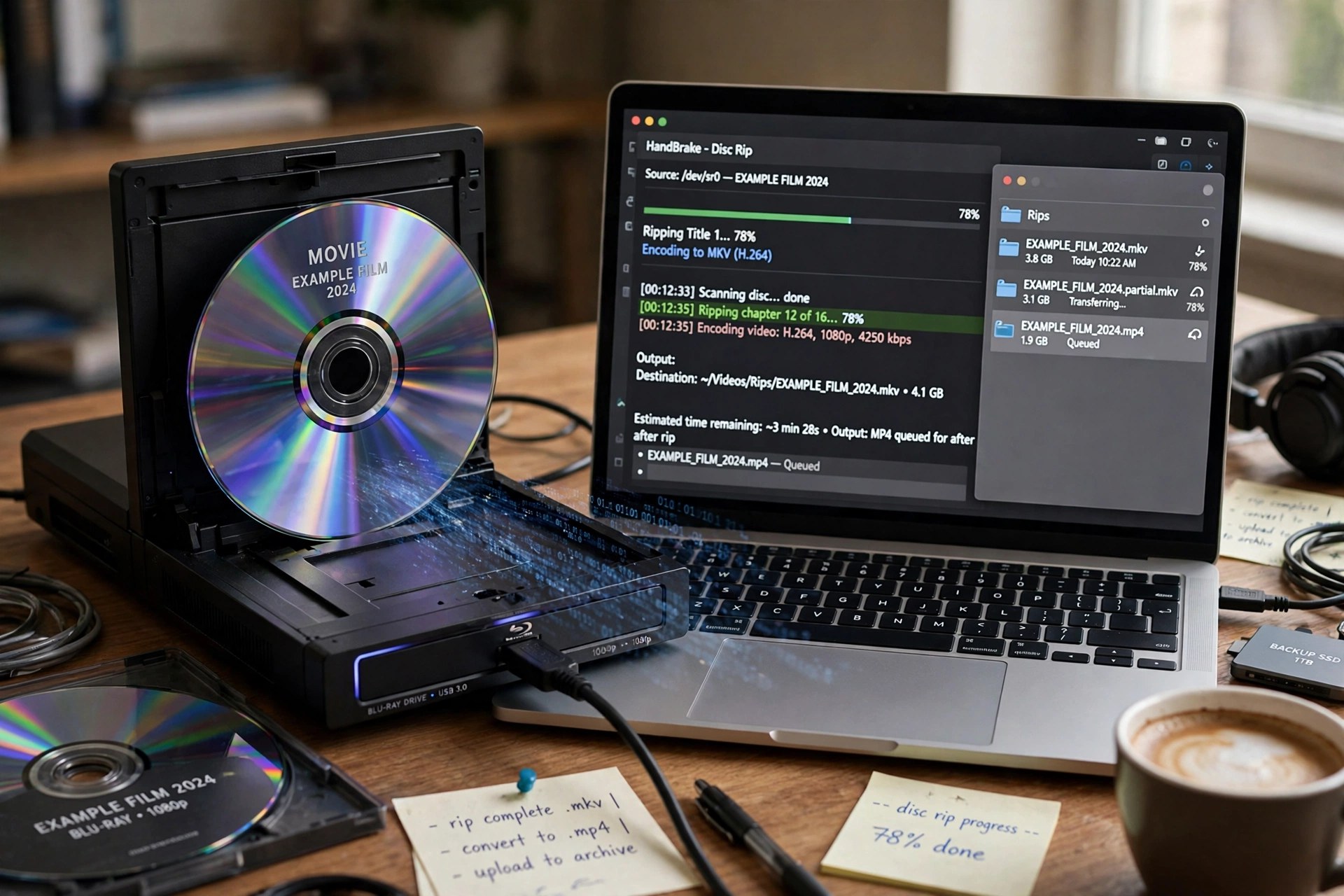
    AnyMP4 Blu-ray Ripper for Mac turns your own Blu-ray collection into files your devices can actually use. Load a disc through an external drive — or point it at a BDMV folder or ISO image — choose a title, and it converts the movie to MP4, MKV, MOV and hundreds of other formats, including 4K profiles. A lossless MPG/MKV option keeps the original picture, every audio track, subtitles and chapter breaks when you would rather archive than shrink.

    Before ripping you can trim scenes, crop black bars, apply filters, add a watermark and swap subtitle and audio tracks, and a toolbox adds a video enhancer, compressor, GIF maker and metadata editor. It is paid software with a free trial; the trial restricts how much of each disc you can convert, and GPU acceleration on the full version keeps long movies from taking all evening. Only rip discs you personally own.

    Key Features

    • Rips Blu-ray discs, folders and ISO images to 500+ video and audio formats
    • Lossless profiles that preserve original quality, subtitles, audio tracks and chapters
    • Built-in editor: trim, crop, rotate, effects, filters, watermarks and subtitle tools
    • GPU-accelerated conversion for much faster ripping on supported Macs
    • Toolbox extras including Video Enhancer, Compressor, GIF Maker and 3D Maker

    How to Download

    1. Connect an external Blu-ray drive to your Mac if you plan to rip physical discs.
    2. Start your download from the official site: Download from the official site
    3. Install and launch the ripper, click Load Blu-ray, pick your output format, and press Rip All.

    Which format should I choose for archiving?
    Pick the lossless MKV or MPG profile. It keeps the disc's original video, all audio tracks and subtitles in one file, at the cost of a larger size.

    What does the free trial limit?
    The trial only converts a short portion of each title. A paid licence removes the length and usage limits for discs you own.

  • AnyMP4 Blu-ray Player 6.3.78 for Mac

    AnyMP4 Blu-ray Player 6.3.78 for Mac

    AnyMP4 Blu-ray Player 6.3.78 for Mac

    AnyMP4 Blu-ray Player 6.3.78 for Mac

    Mac Video
    Updated Nov 4, 2026
    Mac Video • Updated Nov 4, 2026

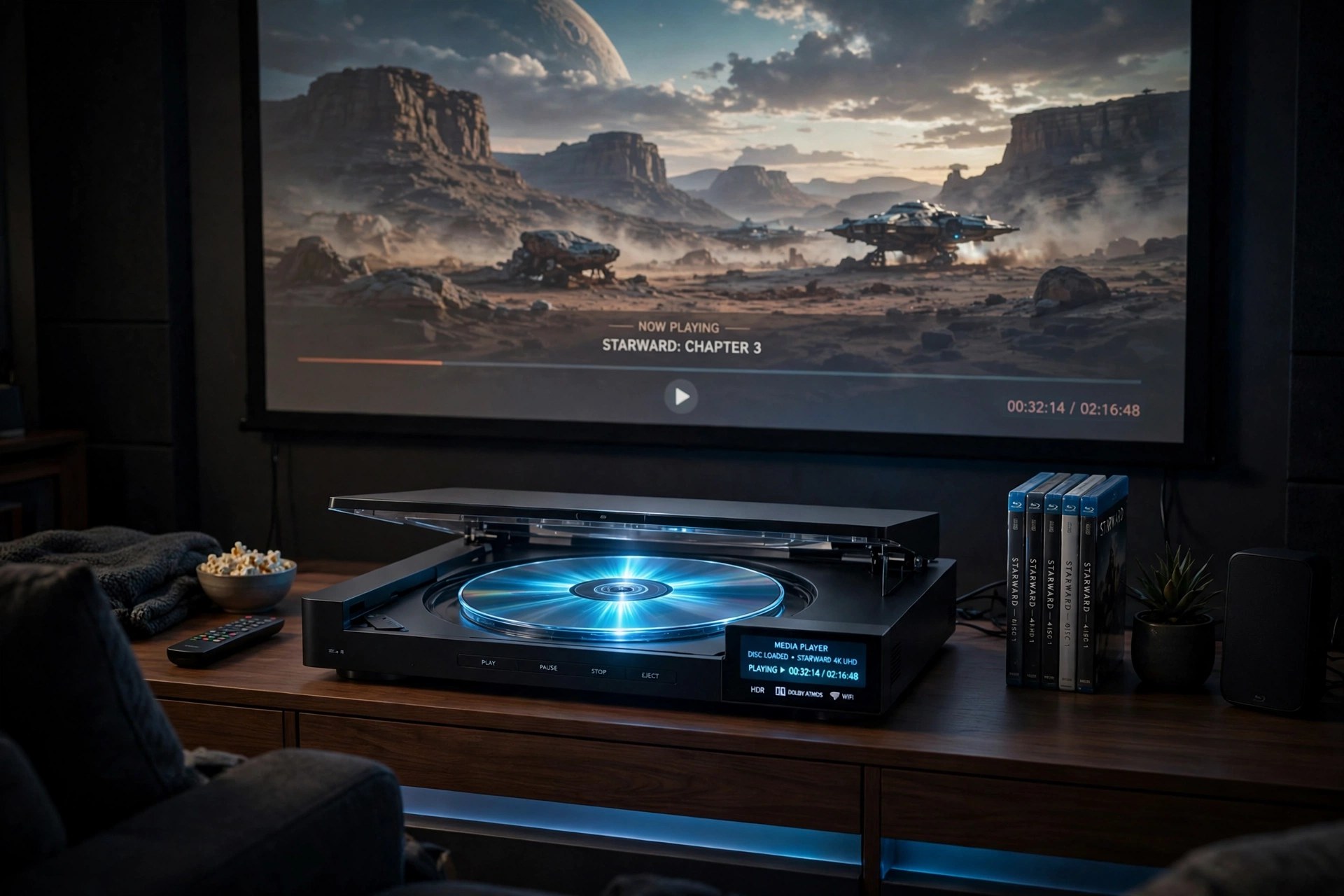
    macOS has never shipped with Blu-ray playback, which leaves Mac owners with an external drive and a shelf of discs but nothing to watch them with. AnyMP4 Blu-ray Player for Mac fills that gap: connect a Blu-ray drive, insert a disc, and it plays the movie with its menus, subtitle tracks and audio options intact. It is region-free, handling Blu-ray regions A, B and C plus DVDs from every region, and it opens BDMV folders and ISO images as happily as physical discs.

    Beyond discs, it doubles as an everyday media player for MP4, MKV, MOV, WebM and similar files, including 4K UHD video, with Dolby and DTS surround support up to 7.1 channels. The player is paid software — monthly and lifetime licences are offered — with a free trial so you can test your drive and discs first; the trial adds a watermark to Blu-ray playback.

    Key Features

    • Plays Blu-ray discs, BDMV folders and ISO files, plus DVD discs and images
    • Region-free playback for Blu-ray regions A/B/C and DVD regions 0–6
    • Lossless 4K UHD playback and wide digital format support, from MKV to FLV
    • Dolby, DTS-HD and TrueHD audio with 5.1 and 7.1 surround output
    • Smart menu navigation, snapshot capture, playback hotkeys and a recent-files playlist

    How to Download

    1. Make sure you have an external USB Blu-ray drive for your Mac — most models ship without one.
    2. Start your download from the official site: Download from the official site
    3. Install the Mac version (macOS 10.9 or later), connect your drive, and use Open Disc or Open File to start watching.

    Does it work on Apple Silicon Macs?
    Yes. Current AnyMP4 builds run on M-series Macs as well as Intel models, and hardware acceleration keeps 4K playback smooth on both.

    Is the trial fully featured?
    Almost — you can test discs, ISOs and files, but Blu-ray playback in the trial carries a watermark until you register a licence.