AnyDroid 7.5.0.20211008 for Mac
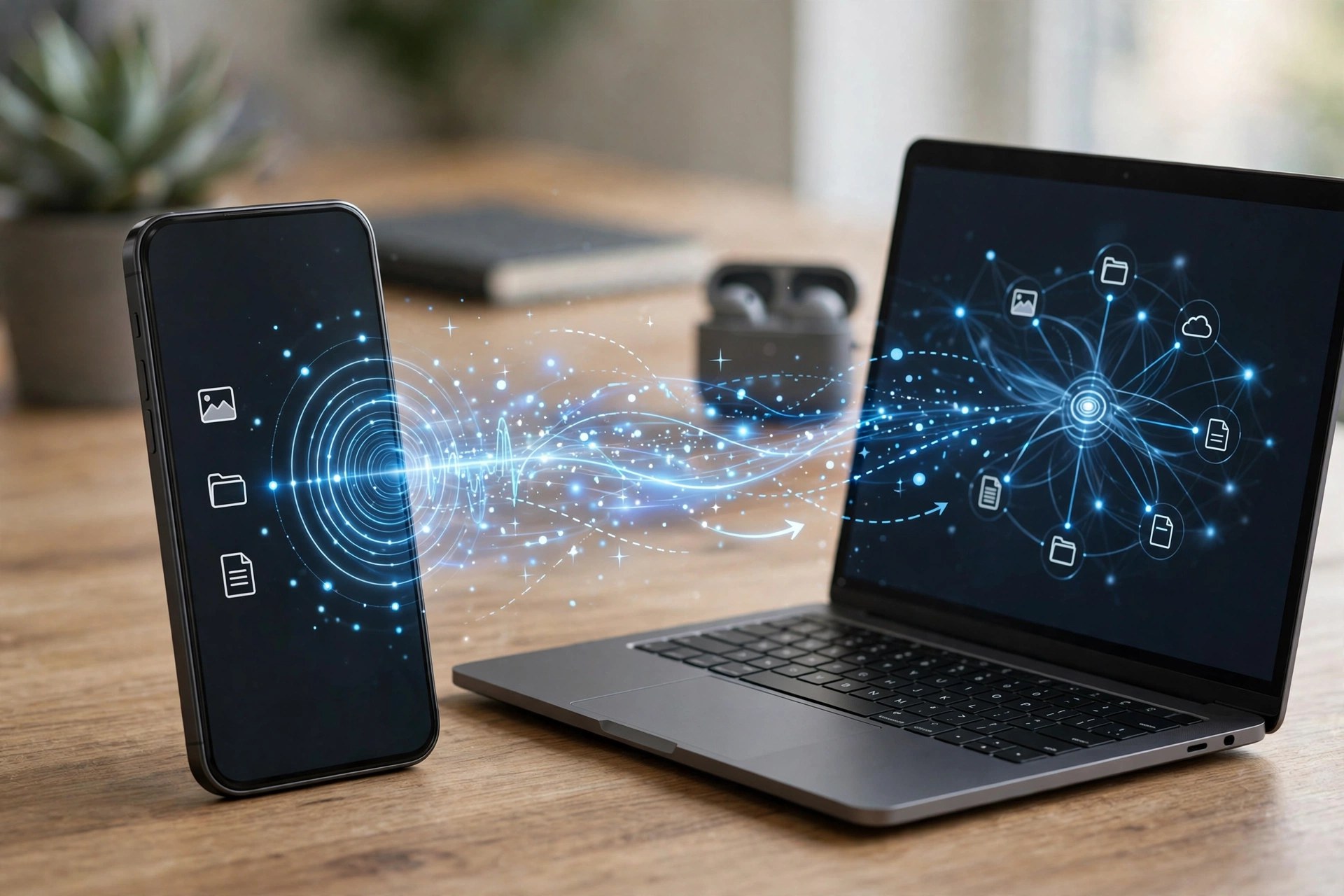
Mac UtilitiesAnyDroid, made by iMobie and originally released as AnyTrans for Android, is a desktop manager that gives Android phones a proper home on your Mac. Instead of digging through folders, you connect a phone or tablet by USB or Wi-Fi and manage everything from one window: photos, videos, music, contacts, messages, call logs, apps and documents. It is especially handy when switching phones, including moving from an iPhone to Android.
AnyDroid works with Android devices running Android 5.0 and later from Samsung, Google, Xiaomi, Huawei and other major brands, and the Mac version needs macOS 10.13 or later. It is paid software, but iMobie offers a free trial that can transfer a limited number of items per day, so you can confirm your device connects and your data is readable before buying a licence.
Key Features
- Transfer photos, videos, music, contacts and messages between Android and Mac
- One-click Android-to-Android mover and iOS-to-Android switching support
- Batch install, uninstall and back up apps, including APK files
- Connect over Wi-Fi without a cable, or over USB for a more stable transfer
- Organise files by category and use the phone as temporary storage
How to Download
- Check your Android version and macOS version against the requirements on the official page.
- Start your download from the official site: Download from the official site
- Install the DMG, launch AnyDroid, connect your Android device by USB or Wi-Fi, and follow the on-screen prompts to begin the trial.
Is AnyDroid free?
It offers a free trial with daily transfer limits. Unlimited transfers and full management features require a paid licence from iMobie.
Does AnyDroid work without a USB cable?
Yes. After setup you can connect over Wi-Fi on the same network, while USB remains the more stable option for very large photo or video libraries.







Leave a Reply