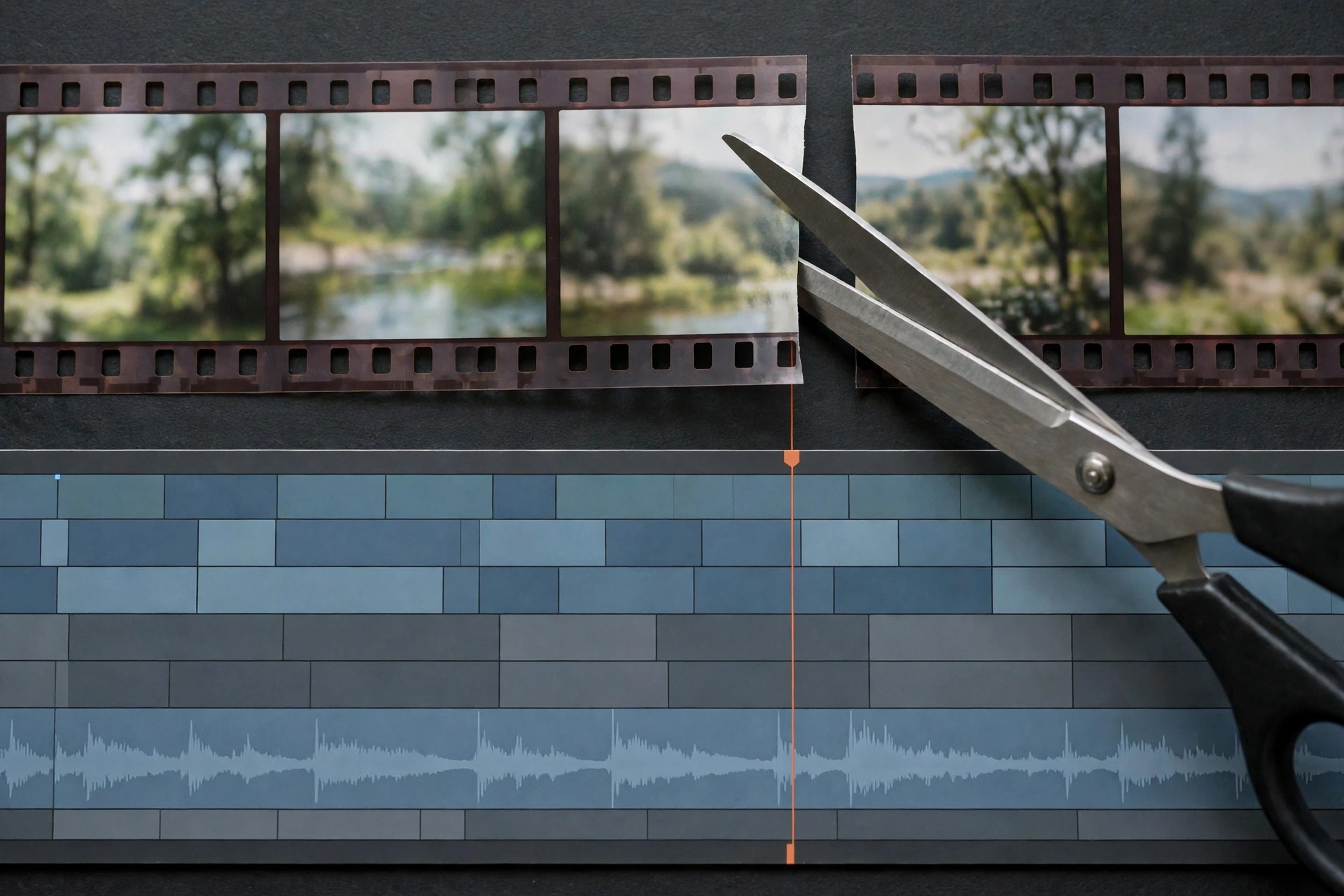
Any Video Cutter 1.0.4 for Mac
Mac VideoAny Video Cutter is a generic name used for small utilities that claim to do one simple job: cut a section out of a video file and save it as a new clip, without loading a full video editor. Listings using this name and the 1.0.4 version number circulate on third-party download sites, but we could not verify a single official vendor, an official product page, or a Mac App Store listing behind them. That matters, because unnamed repackaged utilities are a common way bundled adware reaches Macs.
Our honest advice is to treat downloads under this name with caution. If you only need to trim a clip, macOS already includes QuickTime Player, which can trim the start and end of a video at no cost, and iMovie is a free download from Apple for fuller editing. Both come directly from Apple, are signed and notarized, and carry none of the risk of an unverified cutter from a mirror site.
Key Features
- Claimed: set start and end points to cut a segment from a video file
- Claimed: support for common formats such as MP4, MOV and AVI
- Claimed: save the cut section as a new file without a full editing timeline
- Safer alternative: QuickTime Player on every Mac trims clips natively and for free
- Safer alternative: iMovie from Apple adds splitting, joining and titles at no cost
How to Download
- Do not download this title from crack, torrent or mirror sites, as no official source could be verified for it.
- For a verified cutter today, open QuickTime Player or install iMovie from the Mac App Store instead.
Is Any Video Cutter a real Mac product?
We could not verify an official vendor or product page for a Mac app with this exact name and version. The name appears mainly on third-party listing sites, so we list no official download for it.
What should I use instead to cut video on Mac?
Use QuickTime Player for quick trims — it ships with macOS — or iMovie, free from Apple, when you need to split and join multiple clips.







Leave a Reply