AnyMP4 AVCHD Converter 6.2.27 for Mac
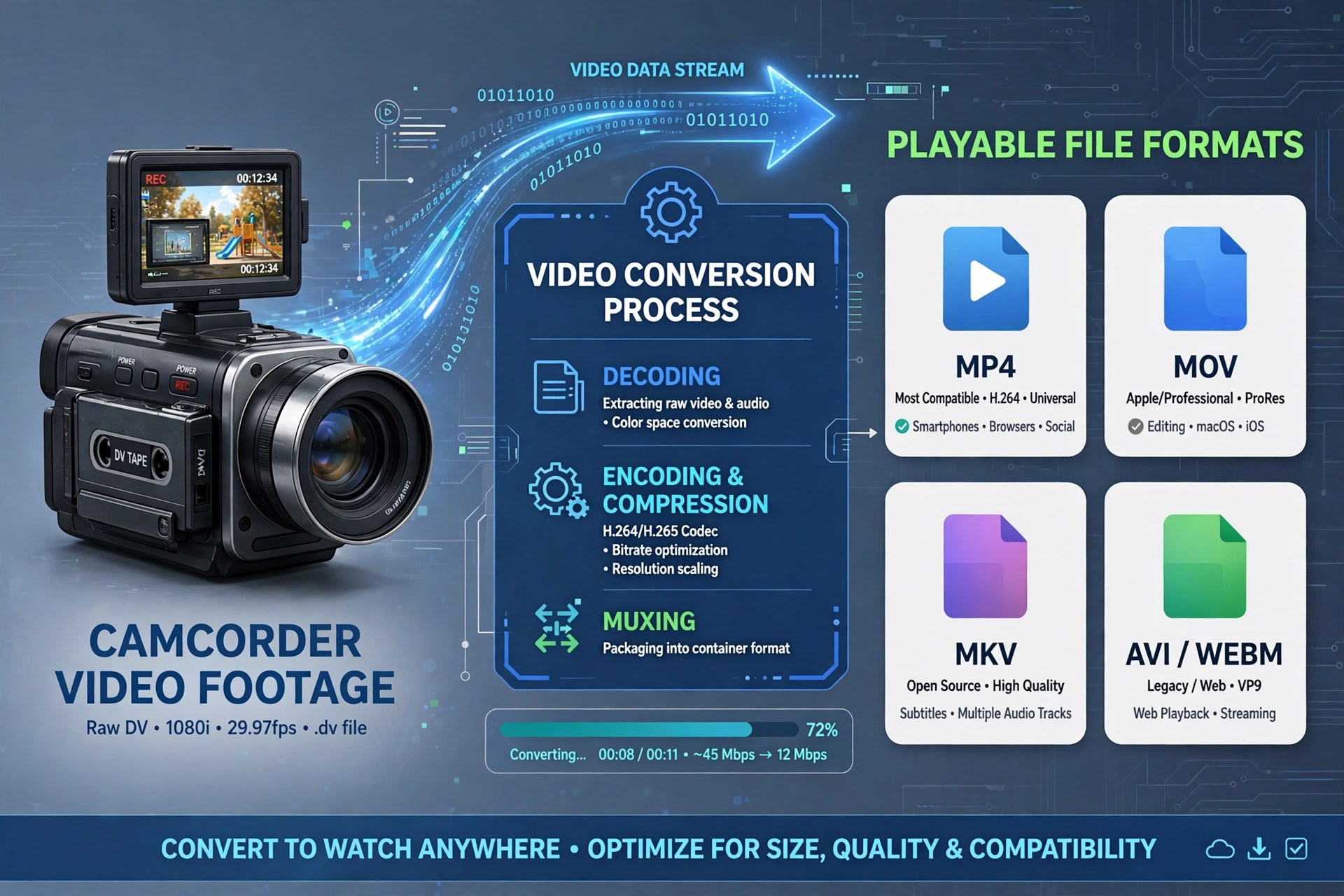
Mac VideoAnyMP4 AVCHD Converter for Mac was built for one stubborn problem: the MTS and M2TS files that AVCHD camcorders from Sony, Panasonic and Canon produce, which QuickTime, iMovie and most phones refuse to open properly. The converter rewraps that footage into friendly formats such as MP4, MOV, MKV and AVI, and it can also pull the audio out as MP3 or AAC when you only need the soundtrack.
It was sold by AnyMP4 Studio as paid software with a free trial, aimed at home videographers rather than editing suites. One honest note: AnyMP4 no longer lists this converter as a standalone product, and its current AVCHD conversion is handled by the Video Converter Ultimate line — so treat version 6.2.27 as a legacy release and only obtain AnyMP4 software from the vendor's own pages.
Key Features
- Converts AVCHD MTS/M2TS recordings to MP4, MOV, MKV, AVI and other common formats
- Device-ready presets so camcorder clips play on iPhone, iPad and game consoles
- Batch mode for converting a whole memory card of clips in one run
- Trim, crop, merge and watermark tools for quick clean-ups before exporting
- Adjustable resolution, bitrate and frame rate for balancing quality against file size
How to Download
- Because this standalone edition is a legacy product, check AnyMP4's current catalogue first to see the converter that has replaced it.
- Install the Mac build, import your MTS or M2TS files, pick an output preset, and convert a short clip on the trial before buying.
Why won't QuickTime play my camcorder files?
AVCHD footage uses a structure macOS handles poorly. Converting MTS/M2TS clips to MP4 or MOV makes them open normally in QuickTime, iMovie and Final Cut.
Is version 6.2.27 still the current release?
No. It is a legacy standalone edition; AnyMP4 now covers AVCHD conversion inside its newer Video Converter Ultimate range, which is the safer download today.







Leave a Reply