AnyMP4 MXF Converter 8.2.22 for Mac
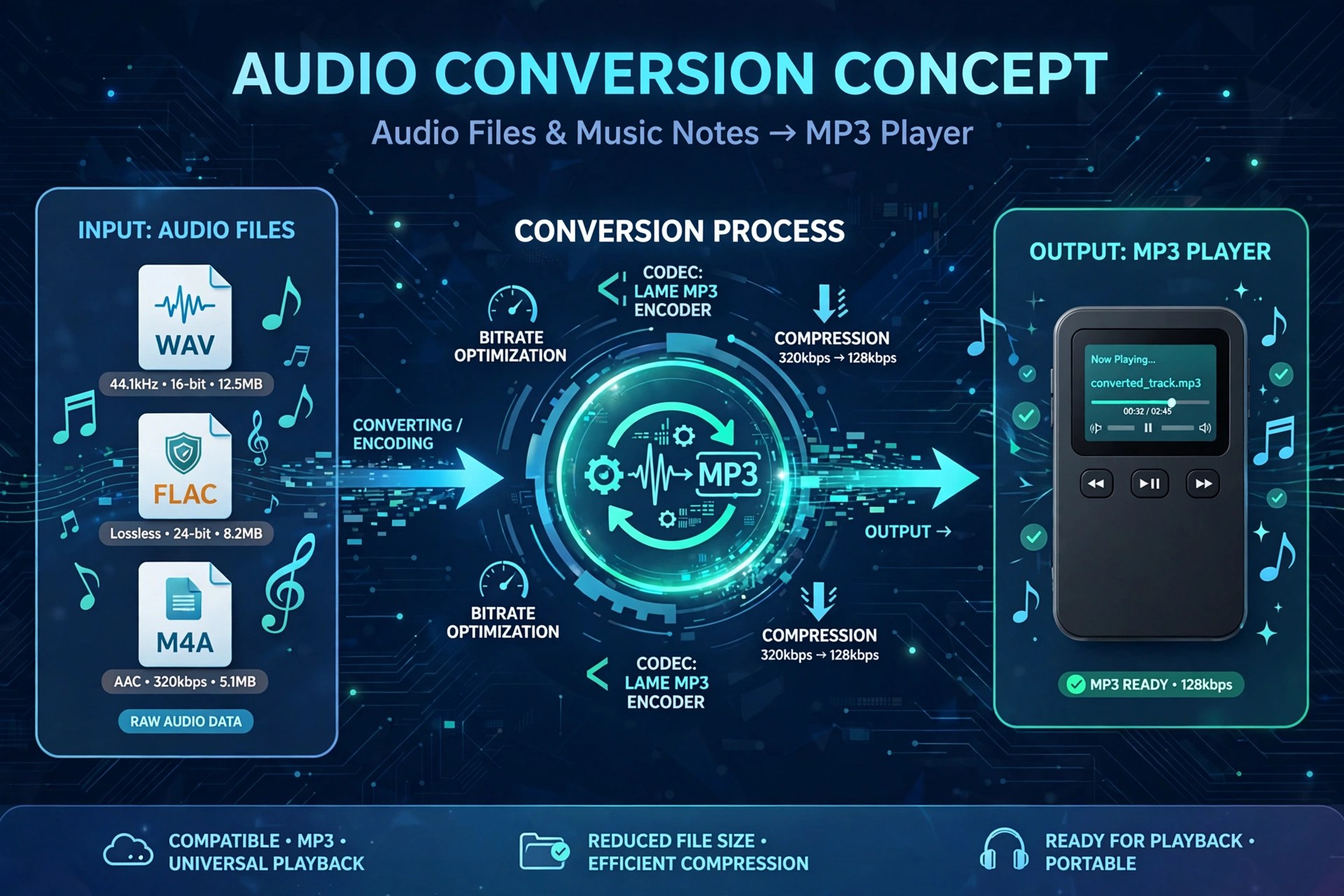
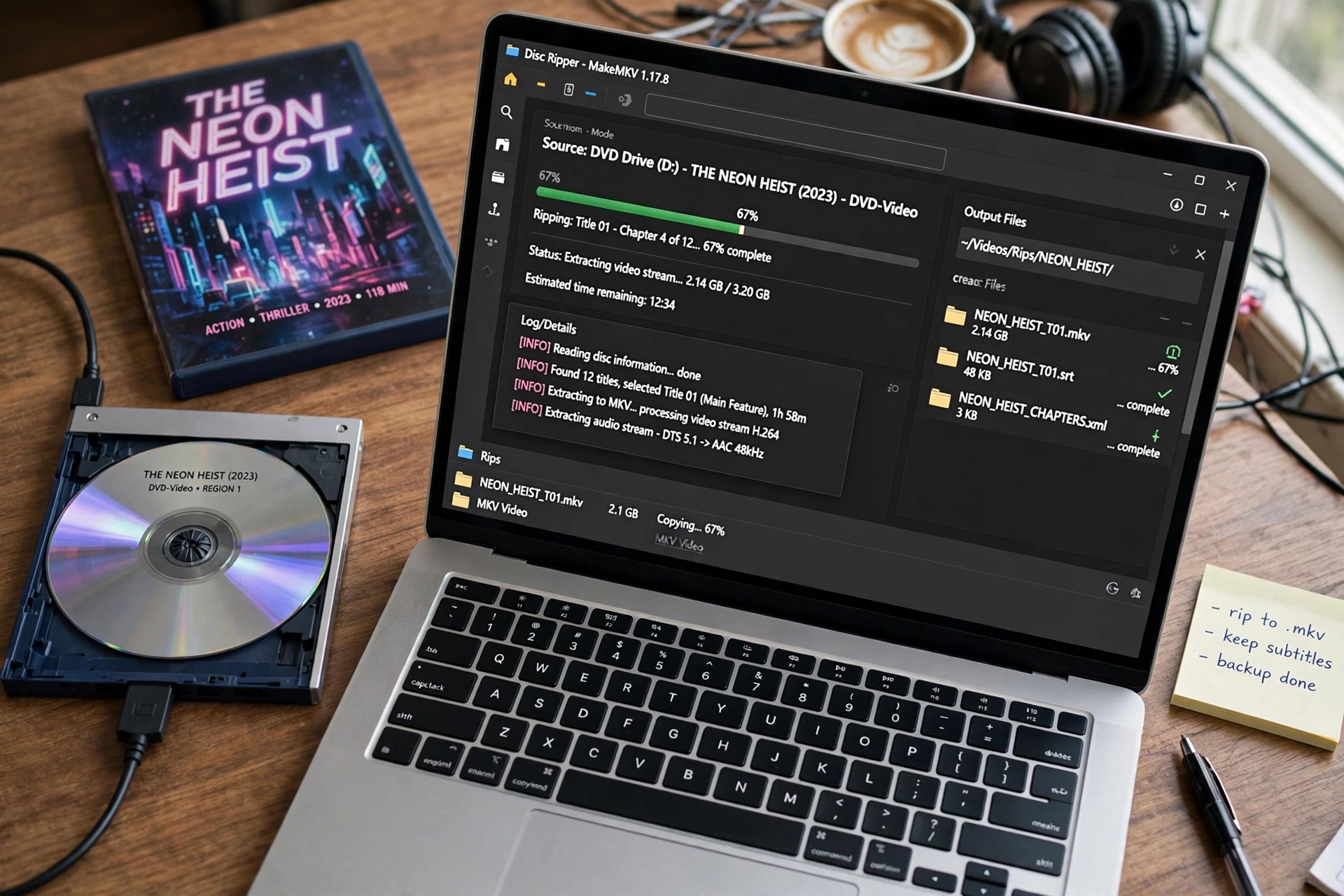
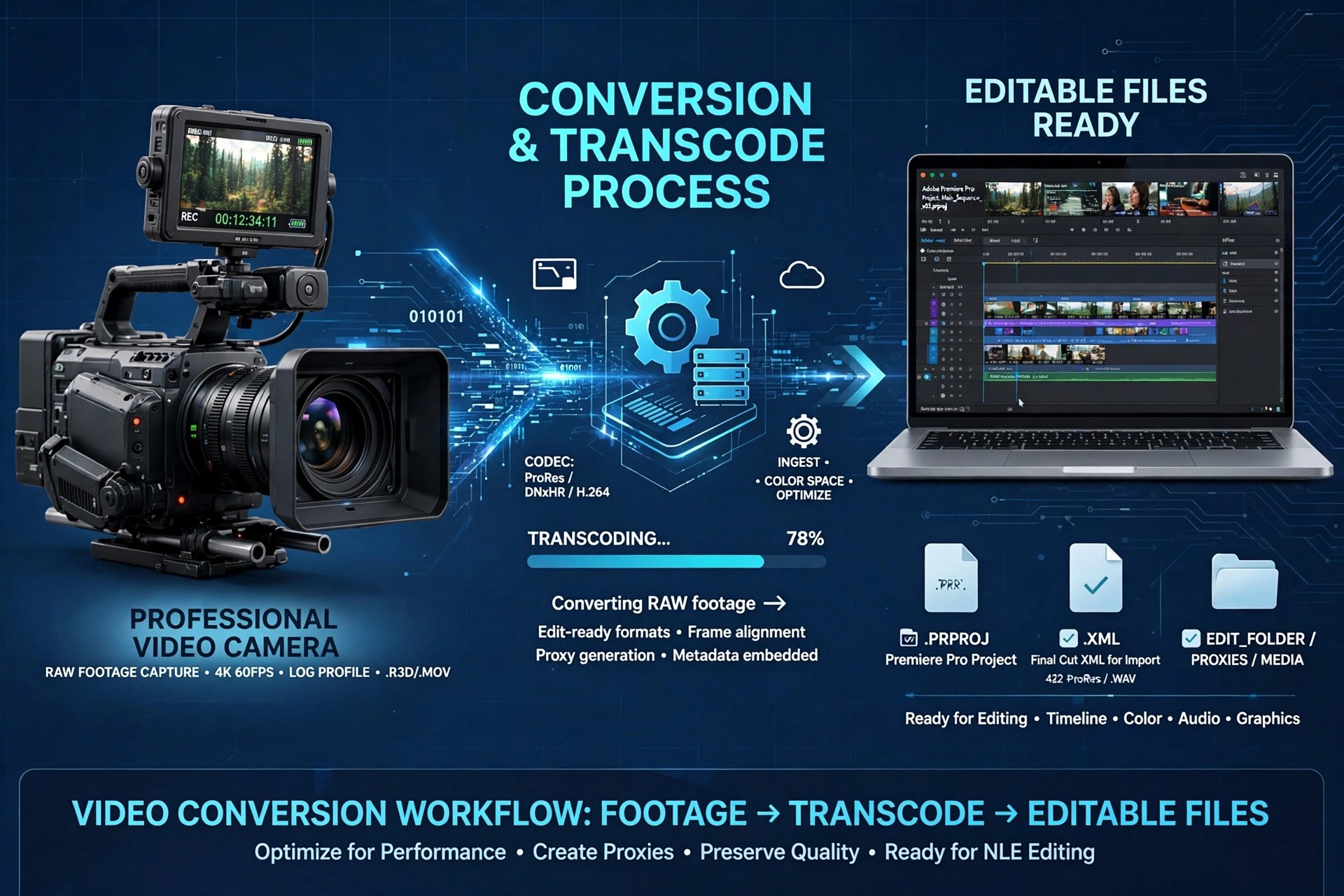
Mac VideoMXF is the wrapper professional camcorders record in — Panasonic P2, Canon XF and Sony XDCAM footage all arrives that way — and many Mac apps still refuse to open it directly. AnyMP4 MXF Converter 8.2.22 for Mac exists for that headache: it converts MXF clips to MP4, MOV, MKV and AVI, including Apple ProRes outputs that drop cleanly into Final Cut Pro, iMovie, Premiere Pro and Avid.
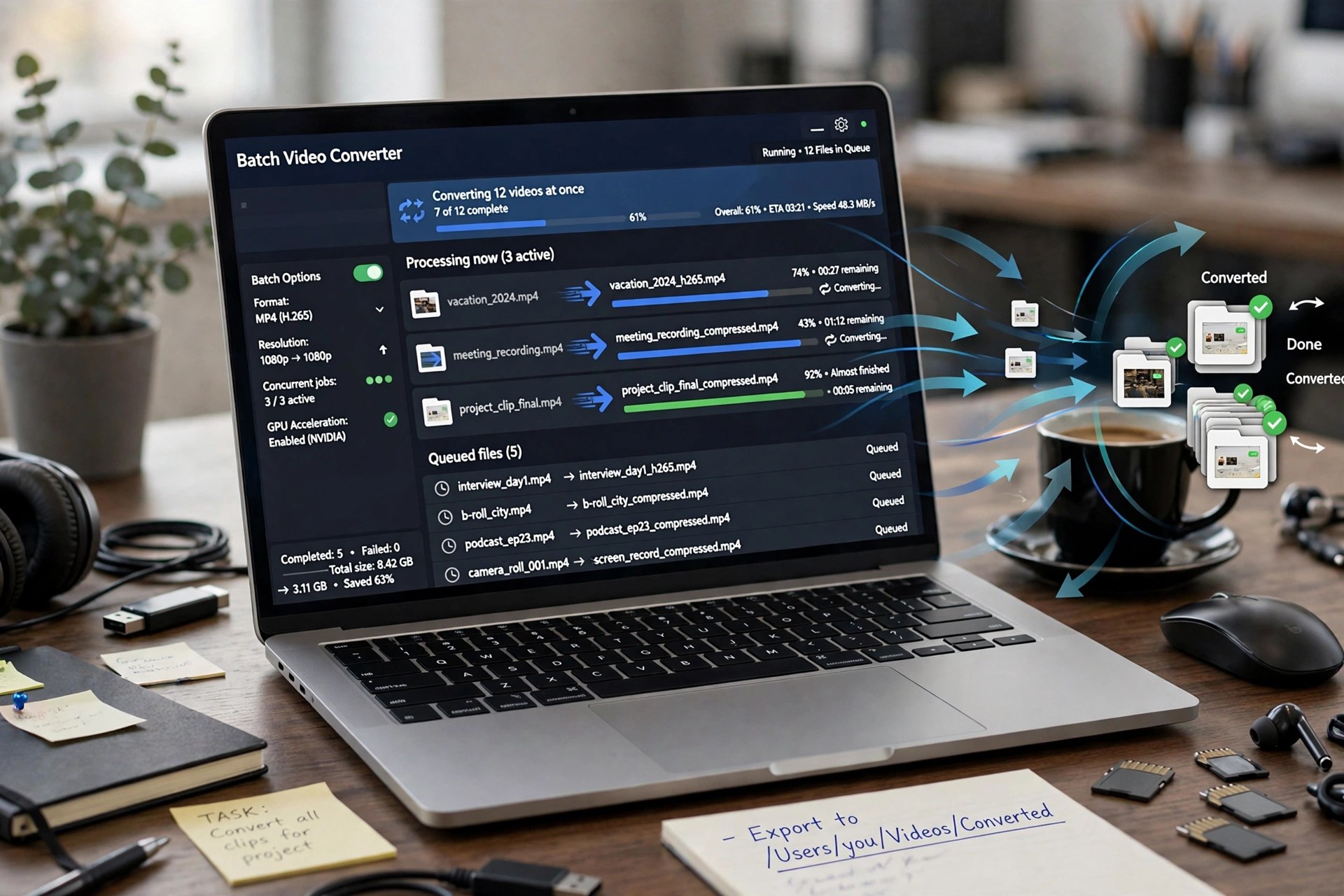
Beyond straight conversion, it offers trimming, cropping, merging, watermarking and basic colour adjustments, with batch processing for a full card of clips. The official page lists pricing from a one-month licence to a lifetime option, with a free trial first — so it is paid software, and the trial is the safe way to confirm your camera's MXF converts correctly.
Key Features
- Converts MXF from Panasonic, Canon and Sony camcorders to MP4, MOV, MKV and 300+ outputs
- Editor-ready ProRes and intermediate formats for Final Cut Pro, iMovie, Premiere Pro and Avid
- Batch conversion for converting a whole memory card of clips in one run
- Editing tools to trim, crop, merge, rotate, watermark and adjust brightness and audio volume
- Device presets for iPhone, iPad, Apple TV and games consoles alongside full HD and 4K support
How to Download
- Copy one short MXF clip from your camera card to test with during the trial.
- Start your download from the official site: Download from the official site
- Install and launch the app, add your MXF files, choose an output profile such as ProRes or MP4, and click Convert.
Which cameras produce MXF files?
Mainly professional models: Panasonic P2 series, Canon XF series and Sony XDCAM cameras are the common sources. If your editing app will not import that footage, converting it first is the usual fix.
Is AnyMP4 MXF Converter free?
No. It is paid software — the official page shows monthly and lifetime licences — with a free trial download to test compatibility. There is no free full version.