Category: Mac Video

  • Adobe Prelude 10.0 for Mac

    Adobe Prelude 10.0 for Mac

    Adobe Prelude 10.0 for Mac

    Adobe Prelude 10.0 for Mac

    Mac Video
    Updated Nov 4, 2026
    Mac Video • Updated Nov 4, 2026

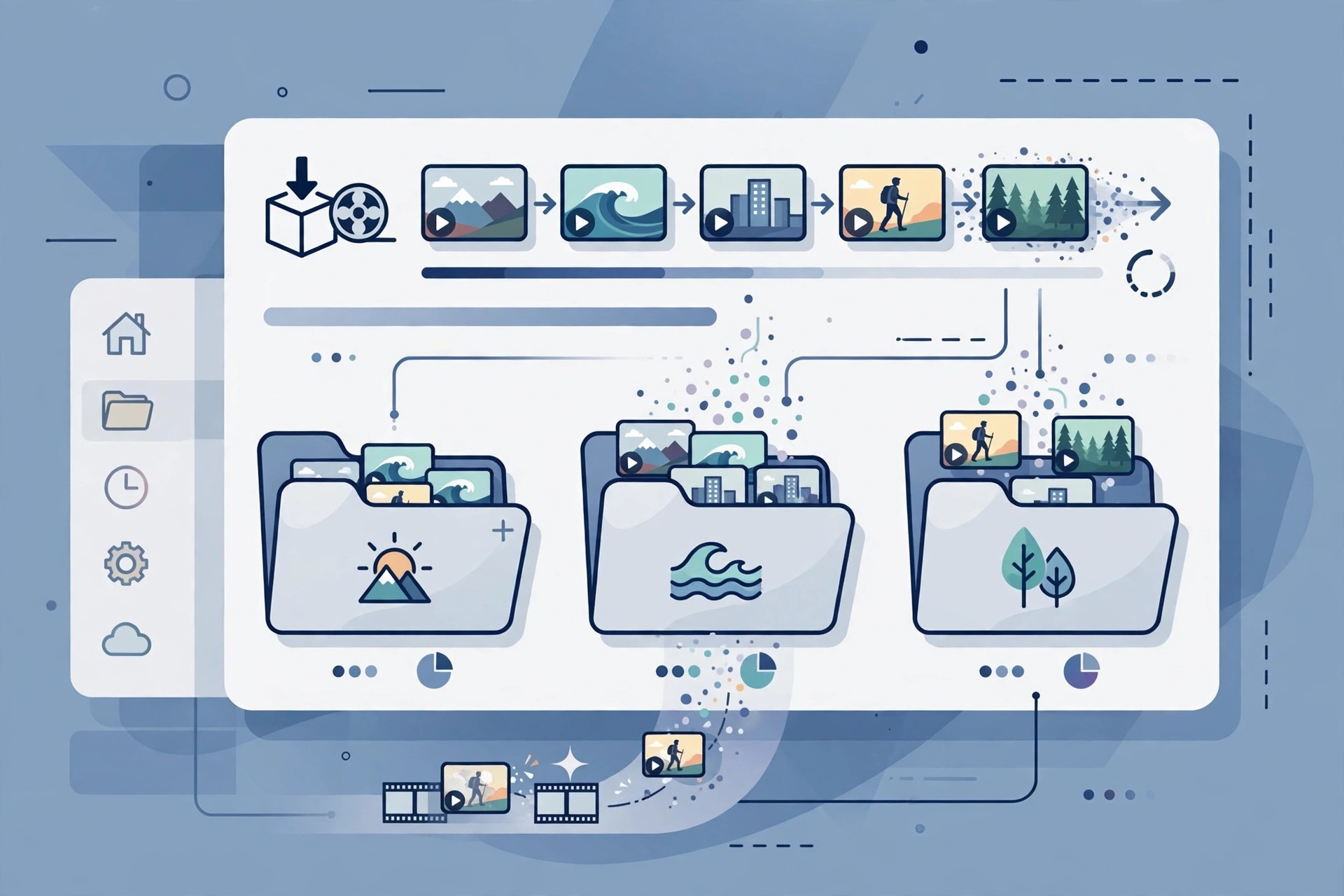
    Adobe Prelude 10.0 for Mac was Adobe's media ingest and logging tool, built to sit in front of Premiere Pro in professional video workflows. Instead of opening an editor straight away, Prelude let you copy camera-card media safely, review clips, add markers and notes, and rename and organise footage before any real editing began.

    It was aimed at editors, assistants and video teams handling large shoots, where finding the right take quickly matters. Adobe discontinued Prelude in 2021, removed it from its website on 8 September 2021, and ended support in September 2024. Its tools now live inside Premiere Pro, so there is no current paid version or free trial of Prelude to buy.

    Key Features

    • Ingest camera-card media with verification, transcoding options and automatic folder organisation
    • Log clips with markers, comments and metadata to make footage searchable later
    • Assemble rough cuts and simple sequence string-outs before editing
    • Send logged media and rough cuts directly into Premiere Pro projects
    • Customisable metadata panels and keyboard-driven review for fast logging work

    How to Download

    1. Please note there is no official download any more: Adobe removed Prelude from Adobe.com in 2021, so that link cannot provide a current installer.
    2. If you still hold an older licensed copy, it may still run, but for new work Adobe directs you to the Prelude workspace inside Premiere Pro instead.

    Is Adobe Prelude free?
    No. Prelude was never free full software — it was paid Creative Cloud software while it was sold. It is now discontinued, so there is no legitimate free version, trial or new licence available from Adobe.

    Can I still download Prelude 10.0 safely?
    Not from an official source. Sites still offering Prelude installers are unofficial mirrors and may bundle outdated or altered files. The safe, supported route today is Premiere Pro, which now includes Prelude's ingest and logging workflow.
  • Adobe Prelude CC 8.1.1 for Mac

    Adobe Prelude CC 8.1.1 for Mac

    Adobe Prelude CC 8.1.1 for Mac

    Adobe Prelude CC 8.1.1 for Mac

    Mac Video
    Updated Nov 4, 2026
    Mac Video • Updated Nov 4, 2026

    Adobe Prelude CC 8.1.1 for Mac was the Creative Cloud-era release of Adobe's pre-production tool for video. It handled the unglamorous but essential first stage of a project: copying footage from camera cards, checking it, adding markers and comments, and building a rough assembly before the footage reached the main editor.

    It suited assistant editors and video teams who logged large amounts of material for Premiere Pro CC projects, where good metadata saved hours later in the edit. Prelude CC is now discontinued — Adobe removed Prelude from its website in September 2021 and ended support in September 2024. There is no current subscription, one-off purchase or free trial for this version, and Adobe has folded its workflow into Premiere Pro.

    Key Features

    • Fast ingest of tapeless camera media with copy verification and preset-based transcoding
    • Marker-based logging with comments, subclips and searchable metadata
    • Rough Cut mode for quickly stringing selected clips into a first sequence
    • Direct handoff of media, markers and rough cuts to Premiere Pro CC
    • Partial ingest, letting you bring in only the marked portions of long clips

    How to Download

    1. Be aware that no official installer is offered today: Prelude CC was discontinued in 2021 and is no longer listed in Creative Cloud.
    2. For the same ingest and logging work on a current Mac, install Premiere Pro and use its built-in Prelude workspace instead.

    Is Adobe Prelude CC free?
    No. Prelude CC was paid Creative Cloud software and was never released as a free full version. Since its discontinuation there is no official trial or licence for version 8.1.1 either.

    Is Prelude CC the same as Prelude?
    Yes, it is the same product line. The "CC" name was Adobe's Creative Cloud branding for Prelude during those years, not a separate application, and both versions have now been retired in favour of Premiere Pro.

  • Adobe Media Encoder 26.0.0 for Mac

    Adobe Media Encoder 26.0.0 for Mac

    Adobe Media Encoder 26.0.0 for Mac

    Adobe Media Encoder 26.0.0 for Mac

    Mac Video
    Updated Nov 4, 2026
    Mac Video • Updated Nov 4, 2026

    Adobe Media Encoder 26.0.0 for Mac is Adobe's dedicated encoding and transcoding application for video and audio. Editors send finished sequences to it from Premiere Pro and After Effects so rendering happens in a queue in the background, while the same tool also works standalone to convert media files between formats, create lightweight proxies and prepare deliverables for broadcast, the web and social platforms.

    It is built for video professionals and serious creators who deliver to many specifications: one master can become a YouTube upload, a broadcast file and a phone-friendly proxy in a single queued run. Media Encoder is not sold as a cheap standalone download in the usual way — Adobe licenses it through Creative Cloud, principally alongside Premiere Pro and the All Apps plan, and a free trial of the current release is available from Adobe. There is no free full version.

    Key Features

    • Transcode and export video and audio to a huge range of formats and codecs
    • Preset browser plus custom presets for repeatable delivery specifications
    • Watch Folders encode files automatically the moment they are dropped in
    • Proxy workflows and ingest with automatic copy and checksum verification
    • Tight integration queues renders from Premiere Pro, After Effects and Audition

    How to Download

    1. Download from the official site
    2. Start the free trial or sign in with the Adobe account that holds your Creative Cloud plan, then install the Creative Cloud desktop app.
    3. Install Media Encoder from the Apps panel — it is usually added automatically alongside Premiere Pro — then launch and sign in.

    Is Adobe Media Encoder free?
    No. Media Encoder is licensed through Creative Cloud plans, mainly with Premiere Pro or the All Apps plan. Adobe offers a free trial of the current version, but there is no free standalone edition.

    Can I use Media Encoder without Premiere Pro?
    Yes, as a standalone converter it opens media files directly and encodes them with presets or watch folders. However, you still need a Creative Cloud plan that includes it — it is not distributed separately for free.

  • Adobe Media Encoder CC 13.1.5 for Mac

    Adobe Media Encoder CC 13.1.5 for Mac

    Adobe Media Encoder CC 13.1.5 for Mac

    Adobe Media Encoder CC 13.1.5 for Mac

    Mac Video
    Updated Nov 4, 2026
    Mac Video • Updated Nov 4, 2026

    Adobe Media Encoder CC 13.1.5 for Mac is Adobe's dedicated media processing app for video editors who need to convert footage from one format to another without tying up their editor. It ingests, transcodes, creates proxies and outputs finished files to almost any format while you keep editing.

    It is aimed at video professionals and serious creators who deliver to several platforms at once: the same project can be queued for YouTube, broadcast, archive and social formats in a single run. Media Encoder is a paid Creative Cloud app — it is included with Premiere Pro and Creative Cloud Pro plans, and Adobe offers a free trial for new users, but there is no free full version.

    Key Features

    • Transcode and export video and audio to a wide range of delivery formats and codecs
    • Built-in presets for YouTube, Vimeo, broadcast and devices, plus your own custom presets
    • Watch Folders that automatically encode any file dropped into them
    • Create proxies for smooth editing of heavy footage, and publish directly to destinations
    • Tight integration with Premiere Pro, After Effects, Audition and Character Animator queues

    How to Download

    1. Download from the official site
    2. Start the free trial or sign in with the Adobe account that holds your Creative Cloud subscription, then install Media Encoder through the Creative Cloud app.
    3. Launch it from Applications, queue your first file and choose a preset to start encoding.

    Is Adobe Media Encoder CC free?
    No. Version 13.1.5 was a Creative Cloud release supplied by subscription, and current versions are still subscription software with a free trial for new users. It is not a free full version.

    Can I use Media Encoder without Premiere Pro?
    Yes, it works as a standalone transcoder, though its queue integration is most useful alongside Premiere Pro or After Effects. Only install it from Adobe — unofficial installers often carry malware.

  • Adobe Flash Professional CC 15.0.1 for Mac

    Adobe Flash Professional CC 15.0.1 for Mac

    Adobe Flash Professional CC 15.0.1 for Mac

    Adobe Flash Professional CC 15.0.1 for Mac

    Mac Video
    Updated Nov 4, 2026
    Mac Video • Updated Nov 4, 2026

    Adobe Flash Professional CC 15.0.1 for Mac was Adobe's authoring tool for interactive animation, used for web cartoons, banner ads, games, e-learning and early mobile content. Animators drew vector characters directly in the app, animated them on a timeline with tweens and inverse kinematics, and added interactivity and video with ActionScript.

    The Flash Professional name itself is discontinued. In February 2016 Adobe renamed the product Adobe Animate to reflect that most output was no longer Flash Player content, and Animate is the supported continuation today, exporting to HTML5 Canvas, WebGL, SVG and video. The Flash Player plugin itself reached end of life in 2020. The official link here therefore points to Adobe Animate, the direct successor, which is paid Creative Cloud software with a free trial.

    Key Features

    • Vector drawing, brushes and a professional timeline for frame-by-frame and tweened animation
    • Character rigging with bone tools and inverse kinematics for natural movement
    • Publishing to HTML5 Canvas and WebGL alongside legacy Flash and AIR formats of its era
    • ActionScript support for interactive ads, games, quizzes and e-learning content
    • Video export and integration with Photoshop and Illustrator artwork via Creative Cloud

    How to Download

    1. Download from the official site
    2. Flash Professional CC is no longer sold under that name — on Adobe's site, choose Adobe Animate, start the free trial or sign in with your subscription.
    3. Install Animate through the Creative Cloud desktop app, launch it on your Mac and open or convert your older FLA project files there.

    Is Adobe Flash Professional CC free?
    No. It was paid Creative Cloud software, and its successor Adobe Animate is also paid, with a short free trial for new users. There is no free full version of either product.

    Can I still publish Flash SWF content?
    You should not for the web. Browsers removed Flash Player support after its 2020 end of life. Animate is designed to republish that animation work as HTML5, WebGL or video instead.

  • Adobe Character Animator 26.0.0 for Mac

    Adobe Character Animator 26.0.0 for Mac

    Adobe Character Animator 26.0.0 for Mac

    Adobe Character Animator 26.0.0 for Mac

    Mac Video
    Updated Nov 4, 2026
    Mac Video • Updated Nov 4, 2026

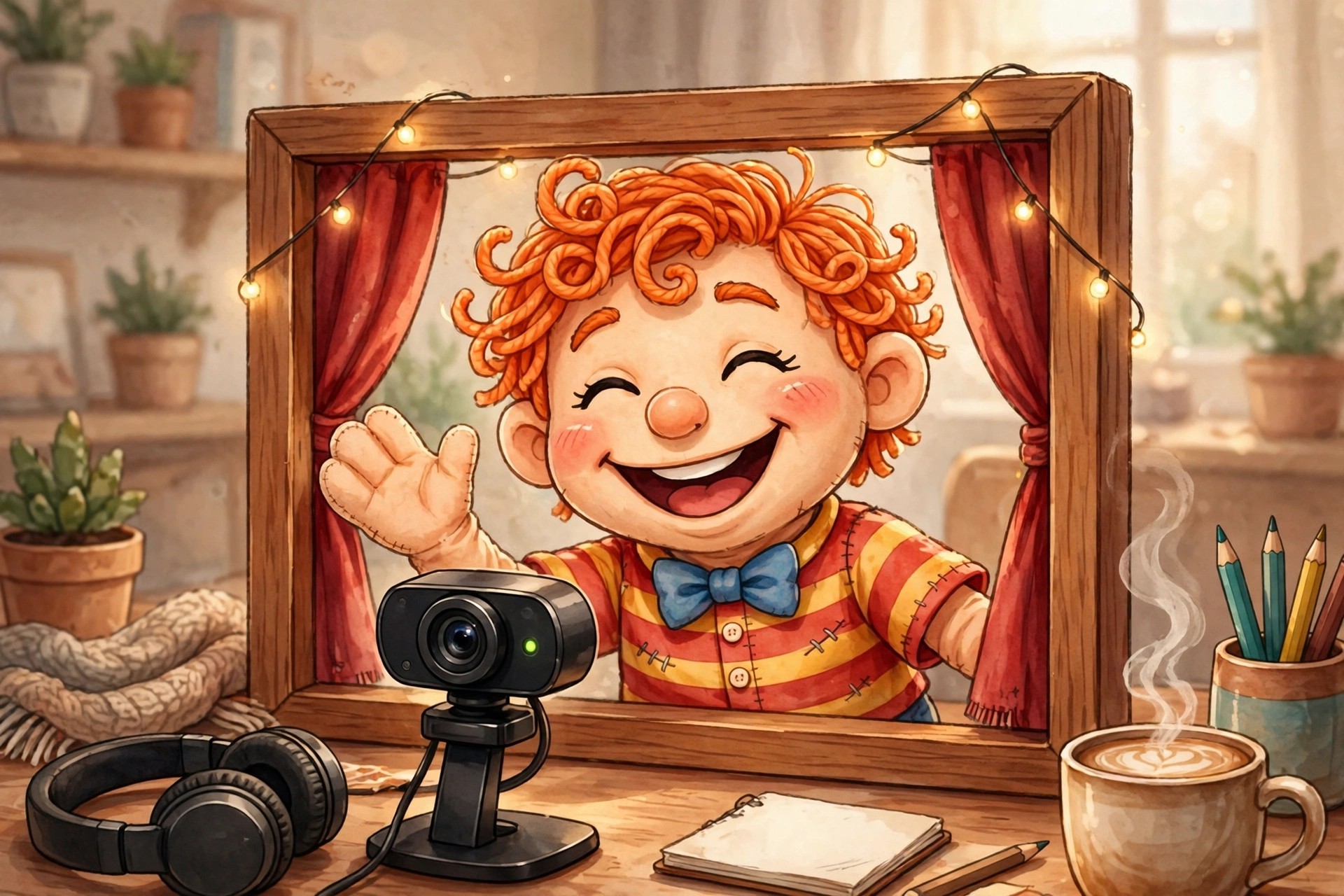
    Adobe Character Animator 26.0.0 for Mac turns an ordinary webcam and microphone into a live animation studio. Instead of drawing every frame, you perform the scene yourself: the software tracks your face, voice and movements in real time and applies them to a layered 2D character, called a puppet, built from Photoshop or Illustrator artwork.

    It is made for streamers, YouTubers, teachers and small animation teams who need finished character scenes quickly, including live broadcasts. Character Animator is not a one-time purchase: a limited Starter mode is free, while the full Pro feature set comes with a paid Creative Cloud All Apps subscription, with trials available for new subscribers.

    Key Features

    • Real-time face and body tracking drives your puppet from your webcam performance
    • Automatic lip sync matches the character's mouth to your recorded or live voice
    • Puppet Maker builds customised characters from built-in templates and styles
    • Triggers and replays fire gestures, expressions and pre-recorded actions on cue
    • Stream live, or export finished scenes for editing in other Adobe apps

    How to Download

    1. Download from the official site
    2. Start with the free Starter mode, or sign in with the Adobe account holding your Creative Cloud subscription to unlock Pro features.
    3. Install Character Animator through the Creative Cloud desktop app and sign in to activate it on your Mac.

    Is Adobe Character Animator free?
    Partly. Starter mode is free but limited to basic puppets and shorter scenes. Pro mode, with custom puppets, triggers and full export options, is paid software included with a Creative Cloud All Apps subscription — not a free full version.

    Do I need drawing skills to use it?
    No. Ready-made puppets and Puppet Maker let you start without drawing anything. For a fully original character, build one from your own Photoshop or Illustrator artwork and rig it inside the app.

  • Adobe Character Animator CC 2.1.1 for Mac

    Adobe Character Animator CC 2.1.1 for Mac

    Adobe Character Animator CC 2.1.1 for Mac

    Adobe Character Animator CC 2.1.1 for Mac

    Mac Video
    Updated Nov 4, 2026
    Mac Video • Updated Nov 4, 2026

    Adobe Character Animator CC 2.1.1 for Mac is an older release from when Adobe still put "CC" in the product name. Like the current version, it animates layered 2D puppets in real time: your webcam and microphone capture your expressions, head turns and voice, and the software maps that performance onto a character drawn in Photoshop or Illustrator.

    Honestly, Adobe no longer sells or promotes this specific build. Character Animator is now delivered in its current version through the Creative Cloud desktop app on subscription. If 2.1.1 is offered as a standalone download elsewhere, it is an old copy being redistributed — the supported route is the subscription, which also keeps the app up to date.

    Key Features

    • Automatic lip sync generated from a voice recording or live microphone input
    • Face, eye and head tracking mirrors your own performance onto the puppet
    • Triggers and replays for one-key gestures, prop changes and repeated actions
    • Characterizer turns a photo or webcam capture into a simple stylised puppet
    • Live output for streaming, plus scene export for Premiere Pro or After Effects

    How to Download

    1. Download from the official site
    2. Sign in with an Adobe account holding a Creative Cloud All Apps subscription, or start Adobe's trial if one is offered to you.
    3. Install Character Animator from the Creative Cloud desktop app — Adobe supplies the current supported version, not the old 2.1.1 build.

    Is Adobe Character Animator CC 2.1.1 free?
    No. The CC releases were subscription software, and 2.1.1 was never a free full version. Newer releases include a limited free Starter mode, but full features have always required a paid Creative Cloud plan.

    Can I still install version 2.1.1 today?
    Not through any current Adobe offer. Adobe distributes the latest version via Creative Cloud, and older builds on third-party sites are unsupported and often bundled with unwanted software, so the official current release is safer.

  • Adobe Audio and Video Editors for Mac

    Adobe Audio and Video Editors for Mac

    Adobe Audio and Video Editors for Mac

    Adobe Audio and Video Editors for Mac

    Mac Video
    Updated Nov 4, 2026
    Mac Video • Updated Nov 4, 2026

    Adobe Audio and Video Editors for OS X is not a single standalone product. It is a collection label for Adobe's professional video and audio lineup on Mac, mainly Premiere Pro for video editing, After Effects for motion graphics and visual effects, and Audition for recording, mixing and restoring sound. Each app is installed separately through the Creative Cloud desktop app.

    The lineup suits YouTubers, filmmakers, editors and podcasters who want tools that work together: a Premiere Pro timeline can send audio to Audition for cleanup and link to After Effects compositions without rendering in between. All three are subscription software with no perpetual licence, although Adobe offers a short free trial of each app and discounted All Apps plans for students.

    Key Features

    • Premiere Pro: timeline video editing, colour tools and fast exports for film, TV and social video
    • After Effects: motion graphics, titles, compositing and visual effects
    • Audition: multitrack recording, noise reduction and audio restoration
    • Dynamic Link moves clips between the apps without intermediate renders
    • Shared Creative Cloud libraries, fonts and cloud storage across the lineup

    How to Download

    1. Download from the official site
    2. Choose a single-app plan or the All Apps plan, start the free trial if you are new, and install the Creative Cloud desktop app.
    3. Install Premiere Pro, After Effects or Audition from the Apps tab and sign in to activate them.

    Is this a free download?
    No. There is no single free bundle with this name. Each editor is paid Creative Cloud software with a short free trial, and any site offering this collection as one free installer is not affiliated with Adobe.

    Can I buy just one editor?
    Yes. Adobe sells Premiere Pro, After Effects and Audition as individual subscriptions, so you only need the All Apps plan if you regularly use several of them.

  • Adobe Animate 24.0.2 for Mac

    Adobe Animate 24.0.2 for Mac

    Adobe Animate 24.0.2 for Mac

    Adobe Animate 24.0.2 for Mac

    Mac Video
    Updated Nov 4, 2026
    Mac Video • Updated Nov 4, 2026

    Adobe Animate 24.0.2 for Mac is Adobe's 2D animation and multimedia authoring tool, the successor to Flash Professional. Animators, illustrators and interactive designers use it to create cartoons, banner ads, game animations, animated infographics and eLearning content, drawing and animating vector characters directly inside the app.

    It suits both traditional frame-by-frame animators and designers publishing interactive content for the web. Animate is paid software, sold by subscription on its own or within Creative Cloud All Apps, and new users can start with a free trial. Adobe now keeps Animate in maintenance mode, meaning it remains available and supported but no longer receives major new feature updates.

    Key Features

    • Vector drawing, rigging and frame-by-frame animation tools
    • Publish to HTML5 Canvas, WebGL, SVG, video and GIF formats
    • Interactive content for games and ads with built-in coding tools
    • Adobe Fresco live brushes for natural, expressive character drawing
    • Asset export and integration with other Creative Cloud apps

    How to Download

    1. Download from the official site
    2. Start the free trial or sign in with the Adobe account that holds your subscription, then install the Creative Cloud desktop app.
    3. Install Animate from Creative Cloud, launch it on your Mac and sign in to activate it.

    Is Adobe Animate free?
    No. Animate is paid subscription software. Adobe offers a free trial of the full app for new users, but there is no free full version, and continued use requires an active plan after the trial ends.

    Is Adobe Animate being discontinued?
    No. Adobe has confirmed Animate remains available for new and existing customers. It is in maintenance mode, so it continues to be supported and sold, but without major new feature development.

  • Adobe Animate CC 19.2.1 for Mac

    Adobe Animate CC 19.2.1 for Mac

    Adobe Animate CC 19.2.1 for Mac

    Adobe Animate CC 19.2.1 for Mac

    Mac Video
    Updated Nov 4, 2026
    Mac Video • Updated Nov 4, 2026

    Adobe Animate CC 19.2.1 for Mac is a legacy Creative Cloud release of Adobe's 2D animation tool, from the Animate CC 2019 generation. Formerly known as Flash Professional, Animate CC let designers and animators create interactive animations, cartoons, banner ads, game assets and eLearning content for the web and screens of every size.

    This exact version is no longer the current release; Creative Cloud now installs the latest Animate, which carries newer export options and better macOS compatibility. Animate CC required a paid Creative Cloud subscription when version 19.2.1 was current, and the same subscription model applies today. New users can evaluate the current version first with Adobe's free trial before paying anything.

    Key Features

    • Vector drawing and animation with layer parenting and rigging
    • Frame-by-frame animation, tweens and an improved motion editor
    • Export to HTML5 Canvas, WebGL, SVG, GIF and 4K video
    • Interactive authoring for games, ads and eLearning content
    • Integration with Photoshop, Illustrator and Creative Cloud Libraries

    How to Download

    1. Download from the official site for the current version of Animate for Mac.
    2. Start the free trial or sign in with an Adobe account that has an active subscription, then install Creative Cloud.
    3. Install Animate from the Creative Cloud app and sign in on your Mac to activate it.

    Is Adobe Animate CC 19.2.1 free?
    No. This version was subscription software and was never offered as a free full version. The legitimate way to try Animate without paying upfront is the free trial of the current release on Adobe's official site.

    Can I still install Animate CC 19.2.1 today?
    Usually not. Creative Cloud keeps the current release and only a limited range of older versions available. For reliability and security on a modern Mac, installing the latest Animate is the recommended route.