Category: Mac Video

  • 4Easysoft DVD Creator 1.0.16 for Mac

    4Easysoft DVD Creator 1.0.16 for Mac

    4Easysoft DVD Creator 1.0.16 for Mac

    4Easysoft DVD Creator 1.0.16 for Mac

    Mac Video
    Updated Nov 4, 2026
    Mac Video • Updated Nov 4, 2026

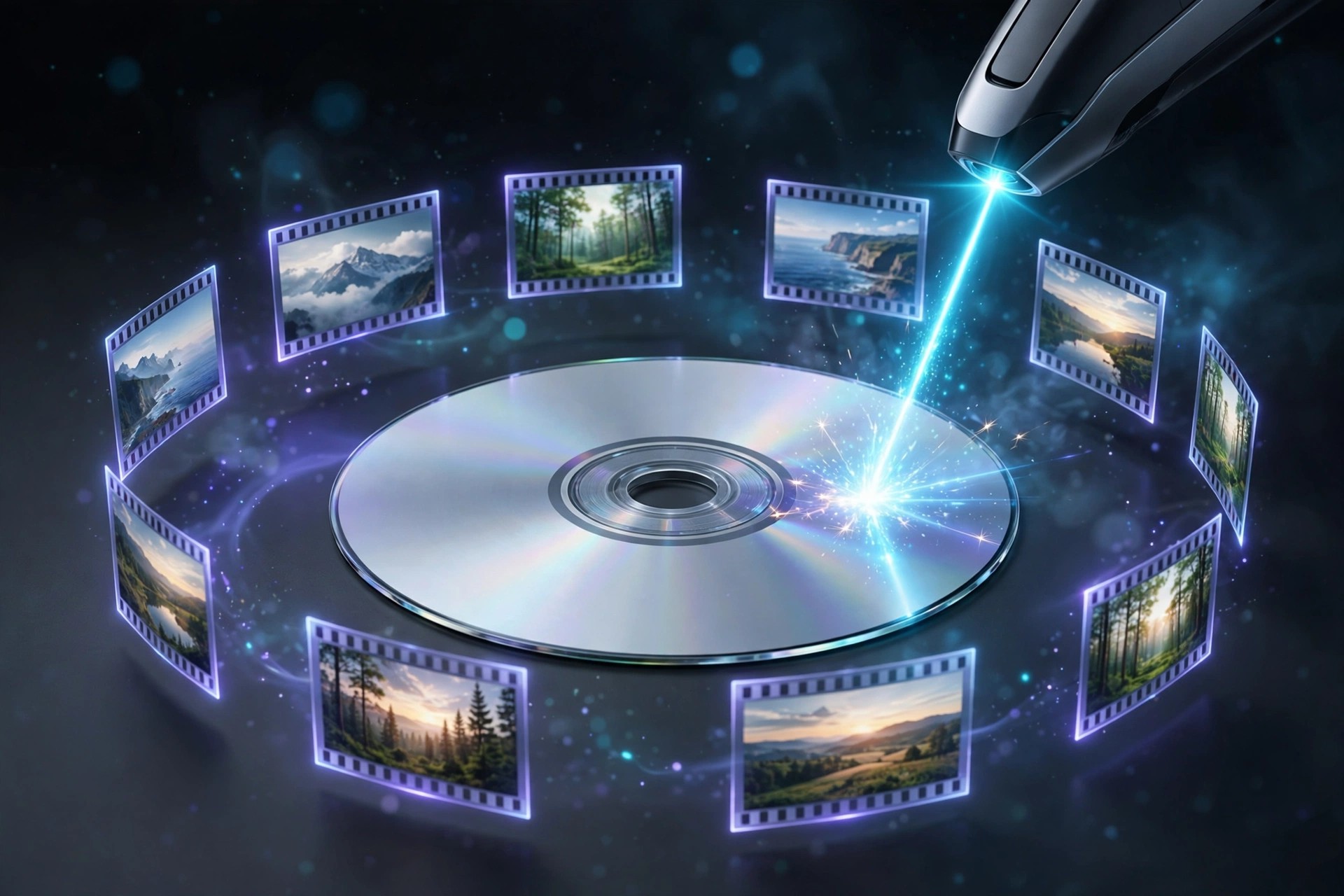
    4Easysoft DVD Creator for Mac turns your video files into proper DVDs you can play on a standalone player or share with family. You add your clips, pick a menu style, and burn — no need to understand disc authoring or video formats first.

    It accepts many common formats, including MP4, MOV, MKV, AVI, and VOB, and can output to a DVD disc, a DVD folder, or an ISO file. Menu templates, subtitles, and audio track options let a home movie or event recording feel finished rather than quickly copied.

    Key Features

    • Burns videos to DVD disc, DVD folder, or ISO file on Mac
    • Supports MP4, MOV, MKV, WMV, AVI, VOB, and many other formats
    • Customisable DVD menus with themed templates and your own titles
    • Add subtitles and audio tracks, and trim or adjust clips before burning
    • Supports common disc types, including DVD-5 and DVD-9

    How to Download

    1. Download from the official site
    2. Install the app, insert a blank DVD, and add the videos you want to burn.
    3. Choose a menu template, set your disc options, and start burning.

    Is 4Easysoft DVD Creator free?
    It is paid software with a free trial. The trial may add limits such as a watermark, so it is best for testing the workflow before you buy the full version.

    Should I get it from unofficial download sites?
    No. Use only the official 4Easysoft site. Unofficial copies can be unsafe or incomplete, and they will not receive proper updates or support.

  • 4Easysoft Blu-ray Player 1.0.20 for Mac

    4Easysoft Blu-ray Player 1.0.20 for Mac

    4Easysoft Blu-ray Player 1.0.20 for Mac

    4Easysoft Blu-ray Player 1.0.20 for Mac

    Mac Video
    Updated Nov 4, 2026
    Mac Video • Updated Nov 4, 2026

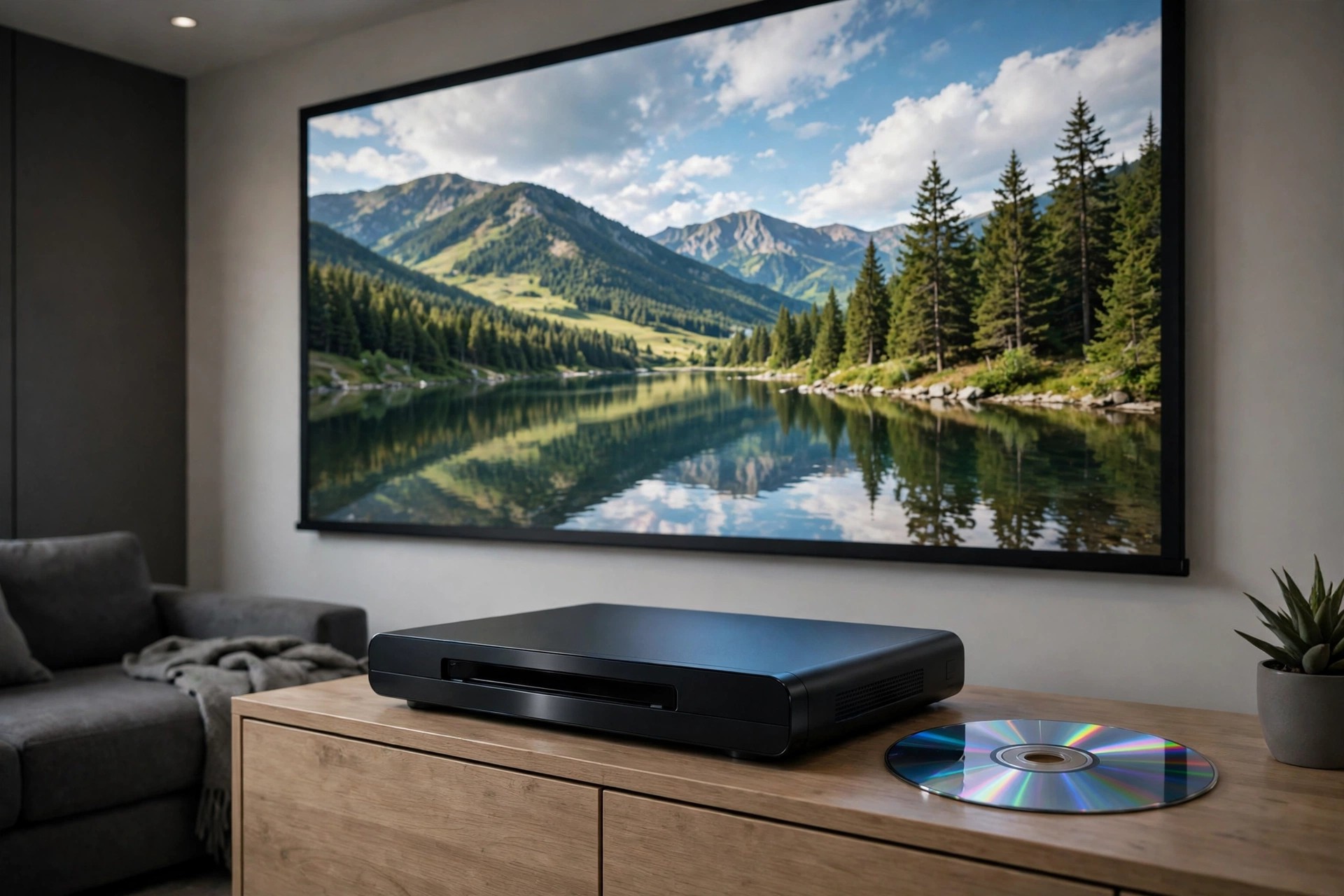
    Macs do not play Blu-ray discs out of the box, and 4Easysoft Blu-ray Player is built to fill that gap. Connect an external Blu-ray drive, insert a disc, and it handles playback directly, including discs, folders, and ISO files, without complicated setup steps.

    Beyond discs, it doubles as a capable media player for the video files already on your Mac. It supports a wide range of formats, high-resolution playback up to 4K, and quality-focused audio, making movie nights feel closer to a home theatre than a laptop screen.

    Key Features

    • Plays Blu-ray discs, Blu-ray folders, ISO files, and DVDs on Mac
    • Supports 4K and HD video playback with smooth, stable performance
    • Handles 500+ video and audio formats, including MP4, MKV, and FLAC
    • High-quality surround audio support, including Dolby and DTS formats
    • Hardware acceleration and AI enhancement for clearer picture quality

    How to Download

    1. Download from the official site
    2. Open the installer, install the player, and connect your Blu-ray drive.
    3. Insert a disc or open a file, then choose Open Disc or Open File to play.

    Is 4Easysoft Blu-ray Player free?
    It is paid software with a free trial, not a free full version. The trial lets you test playback on your own discs and files before deciding whether to buy a licence.

    Is it safe to download it from other sites?
    Only download from the official 4Easysoft site. Unofficial download sites may bundle altered installers or outdated builds, so avoid them even if they advertise it as free.

  • 3D Photo Animator for Final Cut Pro for Mac

    3D Photo Animator for Final Cut Pro for Mac

    3D Photo Animator for Final Cut Pro for Mac

    3D Photo Animator for Final Cut Pro for Mac

    Mac Video
    Updated Nov 4, 2026
    Mac Video • Updated Nov 4, 2026

    3D Photo Animator is a Final Cut Pro and Apple Motion template that turns flat photographs into animated, three-dimensional-looking clips. It adds depth, parallax movement, and camera-style motion to portraits and landscapes, giving still images a filmed feel inside a video project.

    It is aimed at editors who want slideshow and intro sequences without hand-keyframing every move. Ready-made camera presets and masks let you drop in a photo, adjust the framing, and export a polished animation in minutes rather than building the effect from scratch.

    Key Features

    • Turns 2D photos into 3D-style animations with parallax and depth effects
    • Camera animation presets for smooth moves, zooms, and reveals
    • Face and perspective masks to shape how the depth effect behaves
    • Works inside Final Cut Pro and Apple Motion timelines
    • High-resolution output suitable for 4K video projects

    How to Download

    1. Alternatively, find the template on its official marketplace listing and check its requirements.
    2. Import it into Final Cut Pro or Motion and apply it to a photo clip.

    Is 3D Photo Animator free?
    No verified free full version was found for this template. It is normally sold through a marketplace, so treat any site offering it for free with caution and check the listing terms first.

    Why is there no official download link here?
    No single official vendor page for this exact template could be verified, so the link above may be empty. Avoid unofficial download sites, which often host outdated or tampered copies.

  • 1Click Screen Recorder 4.3.0 for Mac

    1Click Screen Recorder 4.3.0 for Mac

    1Click Screen Recorder 4.3.0 for Mac

    1Click Screen Recorder 4.3.0 for Mac

    Mac Video
    Updated Nov 4, 2026
    Mac Video • Updated Nov 4, 2026

    1Click Screen Recorder 4.3.0 for Mac is a straightforward recording tool for moments when a screenshot is not enough. Whether you are showing a colleague how a setting works, recording a software bug for support, or saving a short walkthrough for later, it lets you start capturing your screen without wrestling with complicated production software first.

    You can record the whole display or just the area that matters, add your voice through the microphone, and include system sound where macOS permissions allow it. The result is a shareable video file you can attach to an email, a ticket or a chat message. For quick, everyday recordings, that simple workflow is exactly the point of an app like this.

    Key Features

    • Record the full screen or a selected region with minimal setup before you start
    • Capture microphone narration alongside your screen for clear explanations
    • Include system audio in recordings where supported and permitted by macOS
    • Save recordings as standard video files that are easy to share or archive
    • Lightweight controls suited to tutorials, demos, lessons and support reports

    How to Download

    1. Install the app, launch it and allow Screen Recording and Microphone access in System Settings if prompted.
    2. Choose your recording area, press record, and stop when finished to save the video.

    Is 1Click Screen Recorder free?
    Screen recorders like this are typically paid, sometimes with a limited trial that restricts recording length or adds a watermark. Do not expect a free full version; check the official listing for current terms.

    Why should I avoid unofficial recorder downloads?
    Unofficial sites can bundle modified installers with adware, which is especially risky for an app that needs screen-recording permission. The official source is the only safe place to get it.

  • Final Cut Pro 12.4 for Mac

    Final Cut Pro 12.4 for Mac

    Final Cut Pro 12.4 for Mac

    Final Cut Pro 12.4 for Mac

    Mac Video
    Updated Nov 4, 2026
    Mac Video • Updated Nov 4, 2026

    Final Cut Pro 12.4 is Apple's professional video editor for Mac, built around the Magnetic Timeline that keeps clips in sync as you rearrange your story. It is optimized for Apple silicon, so 4K and higher-resolution timelines play and export quickly. Apple sells it as a one-time purchase, distributed exclusively through the Mac App Store.

    Key Features

    • Magnetic Timeline for fast, sync-safe editing without track collisions
    • Native Apple silicon performance with ProRes hardware acceleration
    • Professional color grading, audio mixing, and motion graphics tools built in
    • Multicam editing, 360-degree video, and HDR support
    • Companion apps Motion and Compressor available for titles and delivery

    How to Download

    1. Download from the official site — the App Store listing sold by Apple Inc.
    2. Buy it as a one-time purchase and it installs automatically through the App Store.
    3. Prefer a subscription? It is also bundled in Apple Creator Studio, which includes a free trial for new subscribers.

    Is Final Cut Pro free?
    No. It is a paid app — either a one-time purchase on the Mac App Store, or included in the Apple Creator Studio subscription (with a free trial).

    Does it work on Windows?
    No. Final Cut Pro is available for Mac and iPad only — there is no Windows version.

  • Filmora 16.0 for Mac

    Filmora 16.0 for Mac

    Filmora 16.0 for Mac

    Filmora 16.0 for Mac

    Mac Video
    Updated Nov 4, 2026
    Mac Video • Updated Nov 4, 2026

    Filmora is Wondershare's video editor aimed at creators who want professional-looking results without the learning curve of pro suites. The Mac version runs natively on both Apple Silicon and Intel Macs (macOS 10.15 or later) and packs a full editing timeline together with AI-powered tools: AI video enhancer, smart short-clip generator, auto captions, and a pen tool, plus screen recording and audio editing built in. It's the kind of editor that works for YouTube videos, social clips, and marketing content where speed matters more than frame-by-frame precision.

    Filmora is free to download and you can edit with every feature, but exports from the free version carry a Filmora watermark — there's no time limit on the trial. A paid plan removes the watermark, and the current release line is Filmora 16.

    Key Features

    • Multi-track timeline editor designed for beginners and semi-pros
    • AI tools: video enhancer, smart short clips, auto captions, and pen tool
    • Built-in screen recorder and audio editing workflow
    • Large library of effects, transitions, titles, and stock media
    • Native support for Apple Silicon and Intel Macs

    How to Download

    1. Go to the official Wondershare Filmora website and make sure you pick the Mac version.
    2. Get the official installer here: Download from the official site
    3. Open the downloaded Filmora Installer DMG, agree to the prompts, and install it on your Mac to start the free trial.

    Is Filmora free?
    It's free to download and edit with, but exported videos carry a watermark until you buy a plan. There's no free full version without the watermark.

    Which macOS versions are supported?
    The current version supports macOS 10.15 (Catalina) through macOS 26 (Tahoe), on both Intel and Apple Silicon Macs.

  • DaVinci Resolve Studio 21.2 for Mac

    DaVinci Resolve Studio 21.2 for Mac

    DaVinci Resolve Studio 21.2 for Mac

    DaVinci Resolve Studio 21.2 for Mac

    Mac Video
    Updated Nov 4, 2026
    Mac Video • Updated Nov 4, 2026

    DaVinci Resolve Studio 21.1.1 is Blackmagic Design's paid edition of its all-in-one post-production suite, combining editing, color grading, visual effects, motion graphics, and audio mixing in a single app. It builds on the genuinely free DaVinci Resolve with the Neural Engine AI tools, extra effects, and professional format support. Version 21.1.1 belongs to the Resolve 21 family released for Mac, Windows, and Linux.

    Key Features

    • Editing, color, VFX, motion graphics, and Fairlight audio in one application
    • DaVinci Neural Engine tools like Magic Mask and smart reframing
    • Over 100 extra Resolve FX, temporal noise reduction, and HDR grading in the Studio edition
    • Support for 10-bit video, higher frame rates, and resolutions beyond 4K
    • One-time purchase license — no subscription

    How to Download

    1. Download from the official site — choose the DaVinci Resolve Studio installer for Mac from Blackmagic's download page.
    2. Studio needs an activation key, dongle, or assigned Cloud license. If you bought Studio on the Mac App Store, use the Store edition instead.
    3. Run the installer, enter your license details, and activate.

    Is there a free version?
    Yes. The standard DaVinci Resolve is free and genuinely capable. Studio is the paid one-time upgrade aimed at professionals.

    Is Studio a subscription?
    No. DaVinci Resolve Studio is sold as a one-time purchase license.

  • Compressor 5.4 for Mac

    Compressor 5.4 for Mac

    Compressor 5.4 for Mac

    Compressor 5.4 for Mac

    Mac Video
    Updated Nov 4, 2026
    Mac Video • Updated Nov 4, 2026

    Compressor is Apple's professional encoding companion for Final Cut Pro and Motion, built for editors who need precise control over how video is compressed and delivered. Where Final Cut Pro covers fast, preset-based sharing, Compressor opens up the settings underneath: you can fine-tune codecs, resolutions, captions and packaging for broadcast, streaming or archive. The 5.0 generation brought the interface and engine up to date for modern workflows, including spatial and immersive video formats alongside everyday standards like H.264 and HEVC. It is a one-time purchase through the Mac App Store rather than a subscription, which makes it an easy add-on for freelancers and small studios. If you are finishing projects on a Mac and want delivery-ready files every time, Compressor earns its place in the toolkit.

    Key Features

    • Deep integration with Final Cut Pro and Motion — send timelines straight to Compressor with your custom settings.
    • Wide codec support, including ProRes, H.264, HEVC and caption formats such as CEA-608, iTT and SRT.
    • Batch encoding with droplet workflows to convert whole folders of files in one pass.
    • Distributed encoding across multiple Macs on a network to finish large jobs faster.
    • Custom export presets that you can create once and reuse across every project.

    How to Download

    1. Open the Mac App Store on your Mac and make sure you are signed in with your Apple Account.
    2. Search for Compressor or Download from the official site to open the app's official Mac App Store page.
    3. Complete the one-time purchase, click Get or the download icon, and the app installs to your Applications folder automatically.

    Is Compressor included with Final Cut Pro?

    No. Compressor is sold separately on the Mac App Store, although it integrates tightly with Final Cut Pro and Motion once installed.

    Does Compressor offer a free trial?

    Apple does not currently offer a free trial of Compressor; it is a paid one-time purchase, with no subscription required.

  • Adobe Premiere Pro 2026 26.5.2 for Mac

    Adobe Premiere Pro 2026 26.5.2 for Mac

    Adobe Premiere Pro 2026 26.5.2 for Mac

    Adobe Premiere Pro 2026 26.5.2 for Mac

    Mac Video
    Updated Nov 4, 2026
    Mac Video • Updated Nov 4, 2026

    Adobe Premiere Pro 2026 (version 26.0.2) is Adobe's timeline-based video editor for everything from social clips to feature films. The Mac version runs on Apple silicon and works natively with camera formats like H.264, H.265, and ProRes. Dynamic Link lets you move work between Premiere, After Effects, and Audition without intermediate renders.

    Key Features

    • Professional timeline editing with multi-cam and proxy workflows
    • Native support for modern camera formats — no transcoding needed
    • Auto Color, Lumetri tools, and audio cleanup for faster finishing
    • Dynamic Link with After Effects and Audition for seamless round-trips
    • Optimized for Apple silicon and recent macOS releases

    How to Download

    1. Download from the official site and start the 7-day free trial with a free Adobe account.
    2. The Creative Cloud desktop app handles the installation on your Mac.
    3. Keep it going with a paid plan, or cancel before the trial ends if it isn't for you.

    Is Premiere Pro free?
    No. Premiere Pro is a subscription product — Adobe offers only a 7-day free trial.

    Can it edit 4K footage on a MacBook?
    Yes. Hardware acceleration on Apple silicon Macs makes 4K timelines practical, especially with proxy workflows for heavier projects.