Geometric Filter for After Effects 1.2.0 for Mac
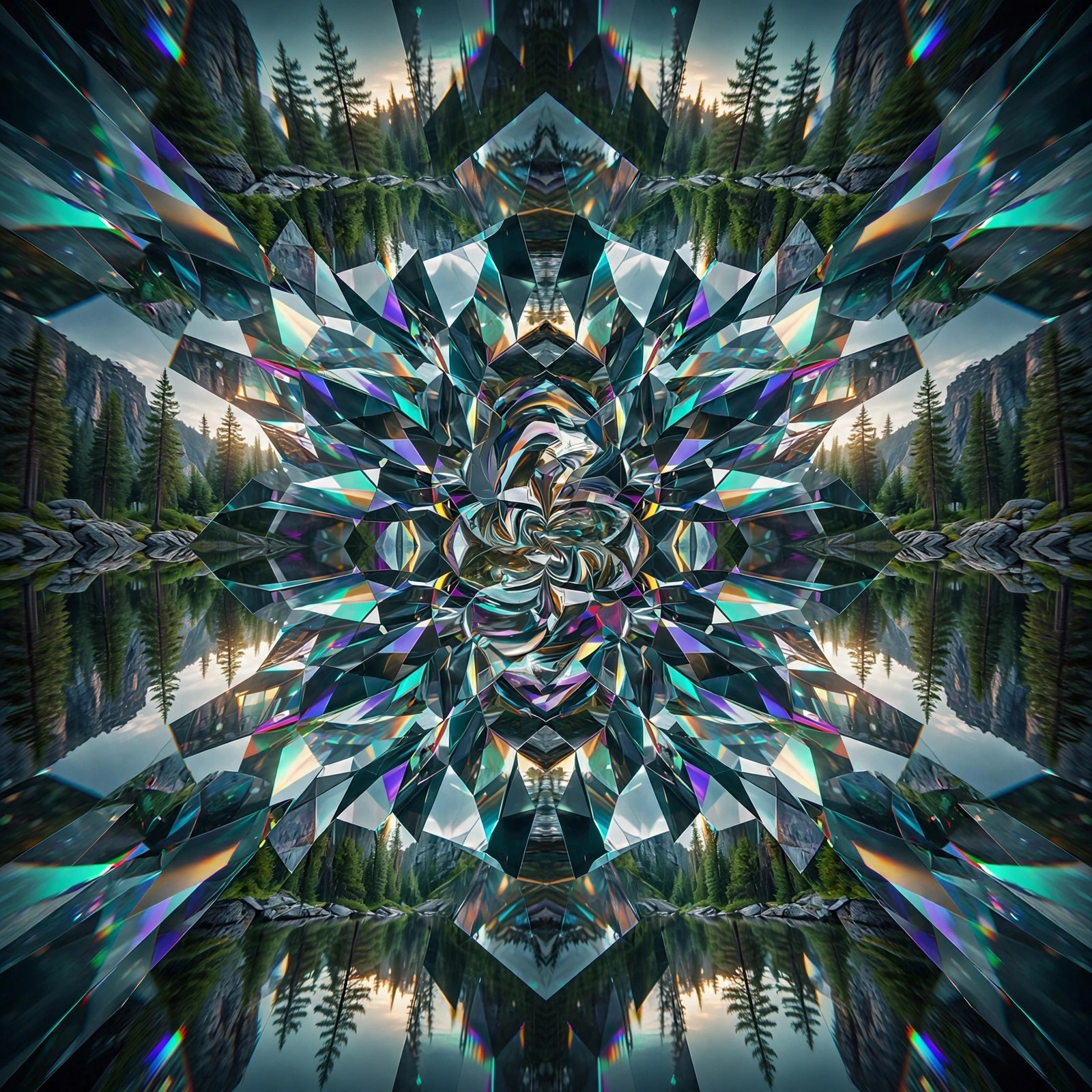
Mac VideoGeometric Filter for After Effects 1.2.0 for Mac is a plug-in by Satori, sold on the aescripts marketplace, that rebuilds your footage out of geometric shapes. Its custom proximity-matching algorithm groups similar pixels and connects them with lines, curves, triangles, squares, circles or rectangles, tracing contours in a way that feels surprisingly hand-drawn.
It is made for artists, motion designers and VJs who want stylised, illustrated looks for music videos, visualisations and live visuals rather than a clean photographic image. Geometric Filter works inside Adobe After Effects and Premiere Pro, so a host app is required — it is not standalone software. It is a paid plug-in, listed at around $43.99, with a trial available on the official page so you can test the look on your own footage first.
Key Features
- Transforms footage into a geometric approximation using six shape types: lines, curves, triangles, squares, circles and rectangles
- Custom proximity-matching algorithm that traces contours and similar regions
- 20 built-in presets, plus your own presets with fully keyframable parameters
- Controls for shape size, fill, outline, randomness and compositing over the original image
- Works in both Adobe After Effects and Premiere Pro on Mac and Windows
How to Download
- Download from the official site
- Sign in to aescripts, try the trial or buy a licence, then download the Mac installer from your account.
- Install with the aescripts + aeplugins manager app and restart After Effects or Premiere Pro to use the effect.
Is Geometric Filter free?
No. It is a paid plug-in sold through aescripts. A trial version is available on the official page, but there is no free full version.
Does Geometric Filter work without Adobe software?
No. It is a plug-in and needs Adobe After Effects or Premiere Pro installed on your Mac. The official page lists the supported host versions from CS6 onwards.