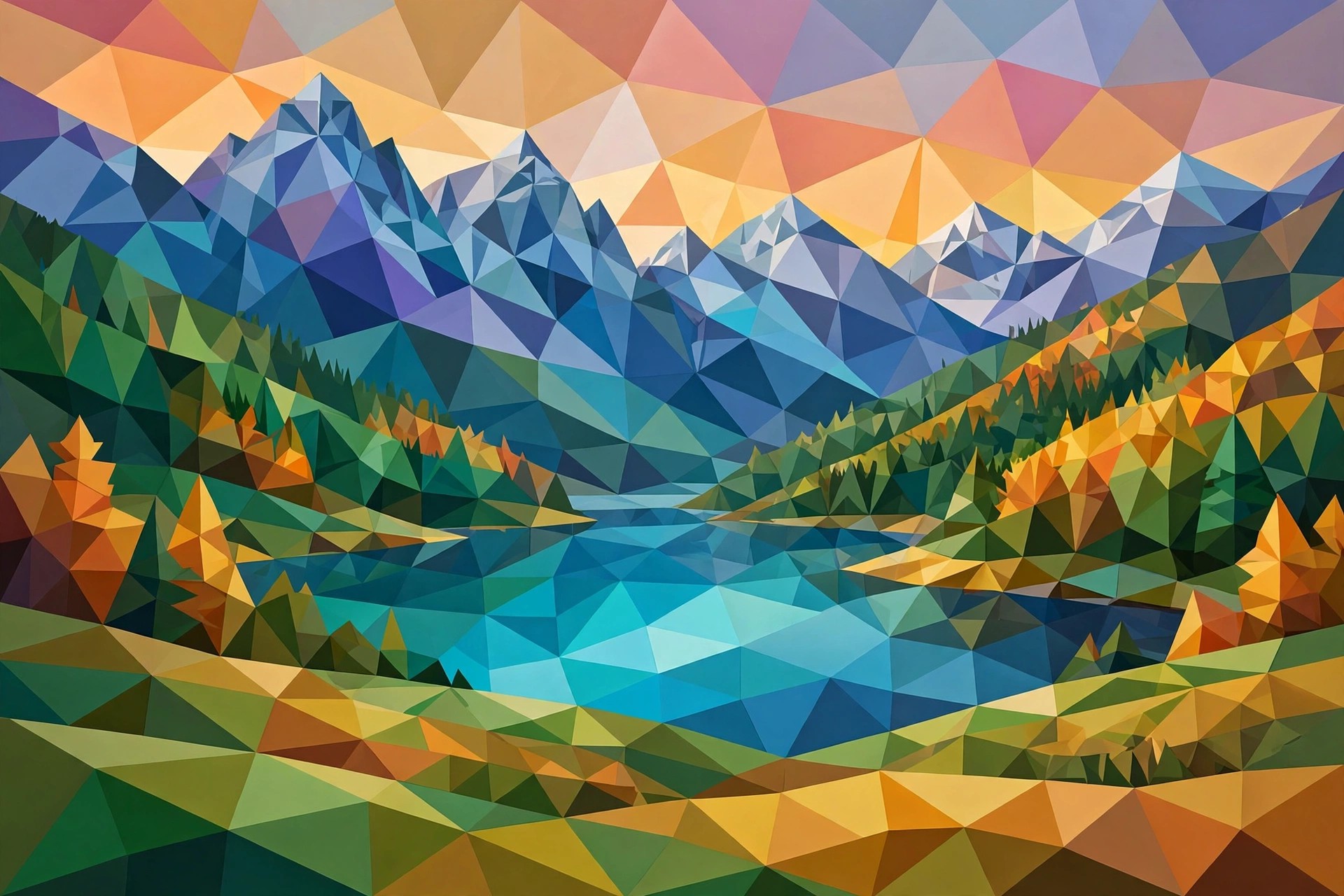
Aescripts Geometrize 1.0.0.1 for Mac
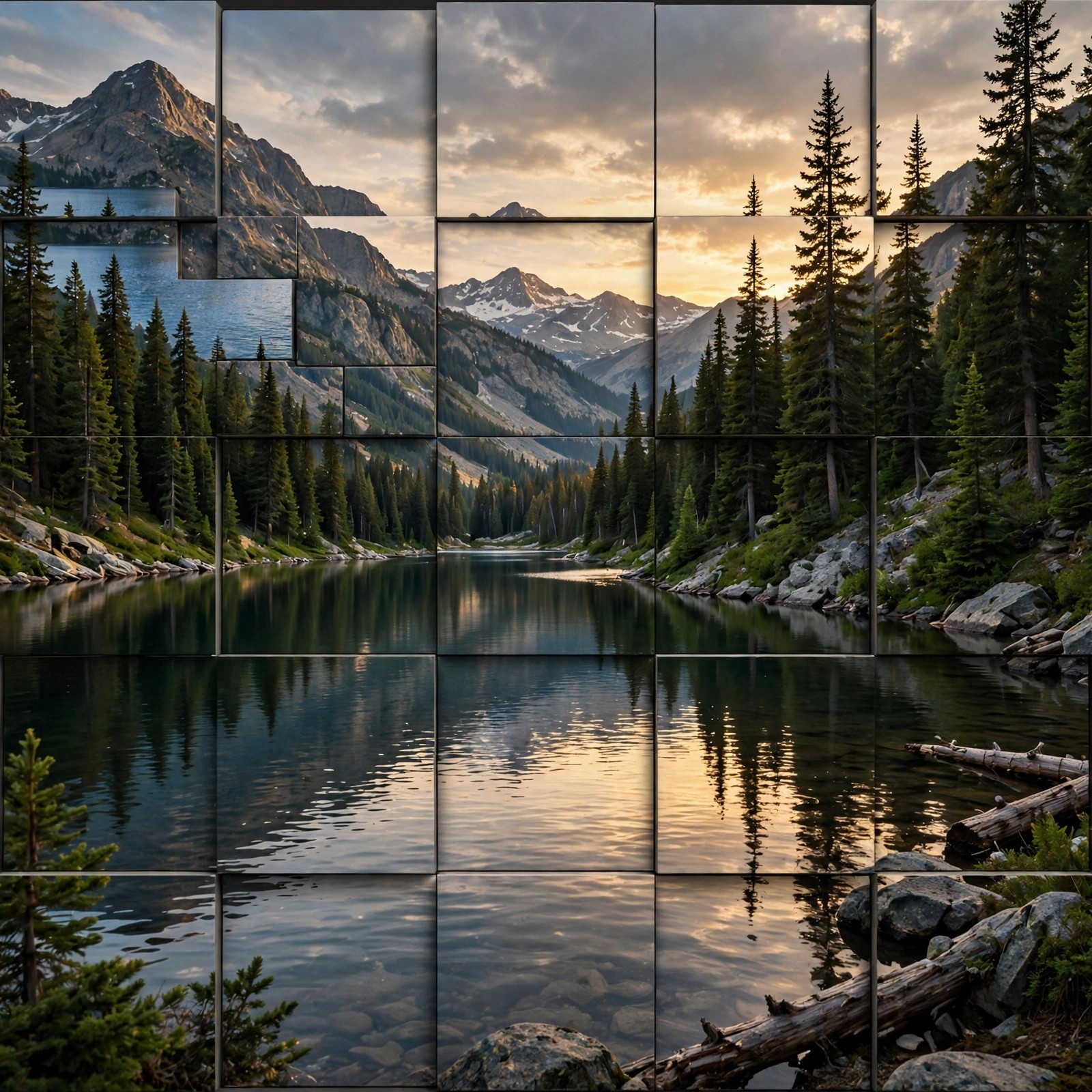
Mac VideoGeometrize! is an Adobe After Effects extension sold through aescripts + aeplugins that recreates a still image as an abstract arrangement of shapes. Given a source picture, it generates hundreds of candidate rectangles, triangles and ellipses, then repeatedly mutates and ranks thousands of them behind the scenes, keeping only the best-fitting shapes in the final artwork.
That hill-climbing approach makes it popular with Mac motion designers who want a distinctive geometric illustration style for posters, title cards and social graphics, without placing every shape by hand. The result stays editable inside After Effects on macOS and can also be exported for use elsewhere.
Key Features
- Recreates images using three geometric primitives: rectangles, triangles and ellipses
- Hill-climbing optimisation ranks thousands of generated shapes and keeps the best fits
- Alpha channel support for images with transparency
- Export finished artwork to SVG and PNG formats
- Works as a panel extension inside After Effects on Mac
How to Download
- Confirm your version of After Effects for Mac is listed as compatible on the product page.
- Get the extension from the official listing: Download from the official site
- Install it with the aescripts + aeplugins manager app, restart After Effects, and open it from the Window menu.
Is Geometrize free?
No. It is a paid extension (listed at $49.90). A trial version is available, limited to 150 shapes and 3 states, which is enough to judge the style before buying.
Can I use the output outside After Effects?
Yes. You can export your geometrized artwork as SVG or PNG, so it can be finished in a vector editor, used in print, or dropped into other design tools.