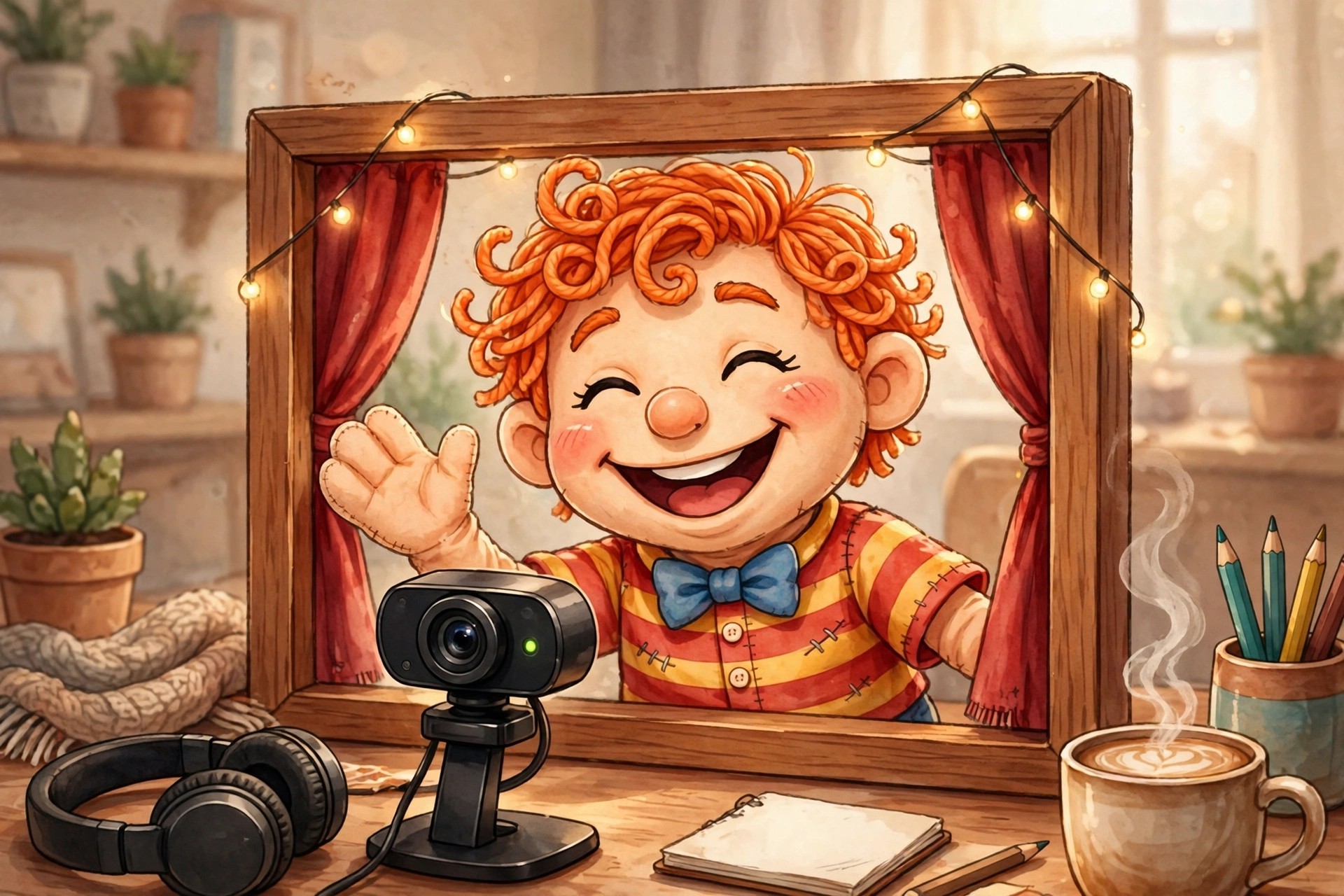
Adobe Character Animator 26.0.0 for Mac
Mac VideoAdobe Character Animator 26.0.0 for Mac turns an ordinary webcam and microphone into a live animation studio. Instead of drawing every frame, you perform the scene yourself: the software tracks your face, voice and movements in real time and applies them to a layered 2D character, called a puppet, built from Photoshop or Illustrator artwork.
It is made for streamers, YouTubers, teachers and small animation teams who need finished character scenes quickly, including live broadcasts. Character Animator is not a one-time purchase: a limited Starter mode is free, while the full Pro feature set comes with a paid Creative Cloud All Apps subscription, with trials available for new subscribers.
Key Features
- Real-time face and body tracking drives your puppet from your webcam performance
- Automatic lip sync matches the character's mouth to your recorded or live voice
- Puppet Maker builds customised characters from built-in templates and styles
- Triggers and replays fire gestures, expressions and pre-recorded actions on cue
- Stream live, or export finished scenes for editing in other Adobe apps
How to Download
- Download from the official site
- Start with the free Starter mode, or sign in with the Adobe account holding your Creative Cloud subscription to unlock Pro features.
- Install Character Animator through the Creative Cloud desktop app and sign in to activate it on your Mac.
Is Adobe Character Animator free?
Partly. Starter mode is free but limited to basic puppets and shorter scenes. Pro mode, with custom puppets, triggers and full export options, is paid software included with a Creative Cloud All Apps subscription — not a free full version.
Do I need drawing skills to use it?
No. Ready-made puppets and Puppet Maker let you start without drawing anything. For a fully original character, build one from your own Photoshop or Illustrator artwork and rig it inside the app.







Leave a Reply