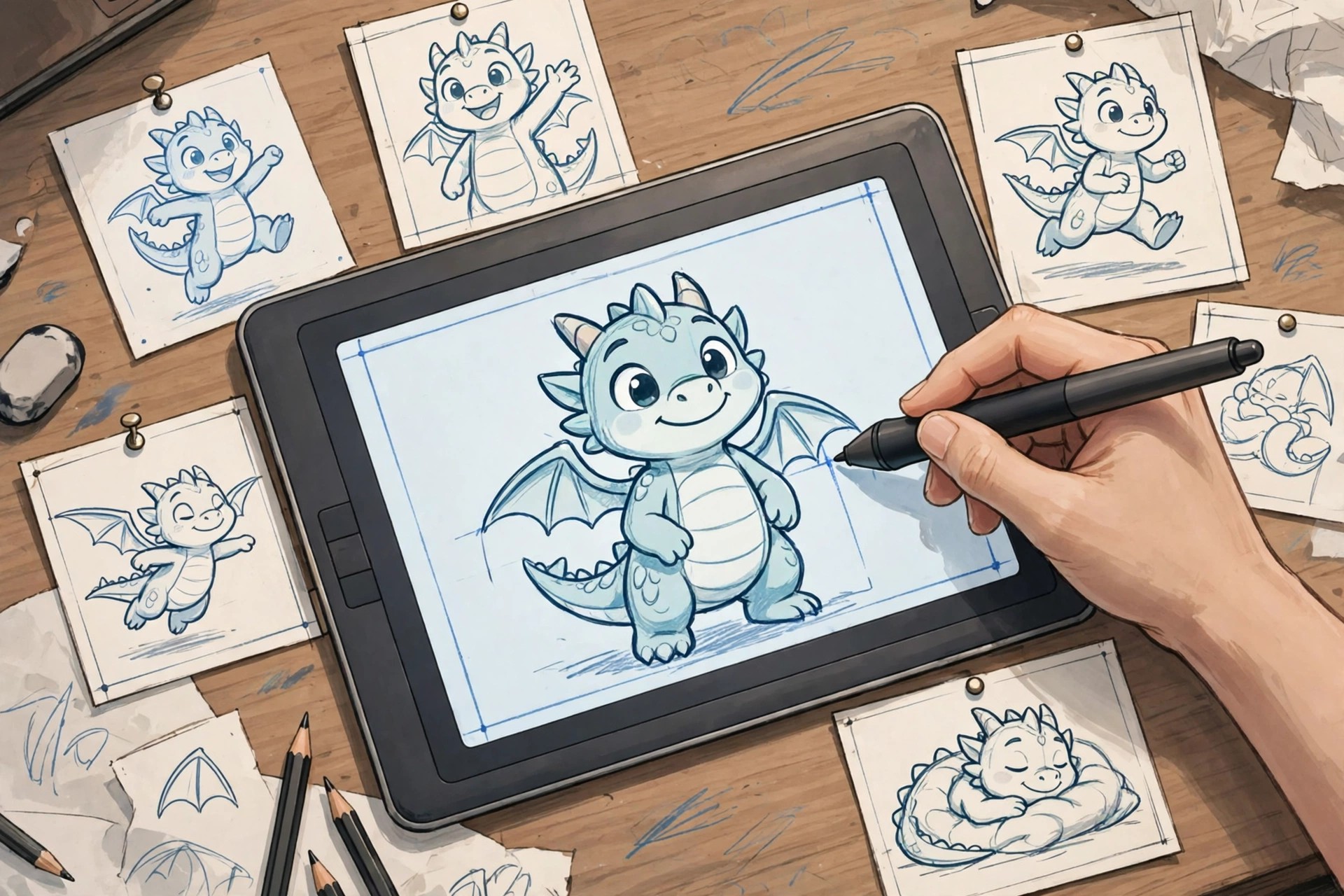
Adobe Animate CC 19.2.1 for Mac
Mac VideoAdobe Animate CC 19.2.1 for Mac is a legacy Creative Cloud release of Adobe's 2D animation tool, from the Animate CC 2019 generation. Formerly known as Flash Professional, Animate CC let designers and animators create interactive animations, cartoons, banner ads, game assets and eLearning content for the web and screens of every size.
This exact version is no longer the current release; Creative Cloud now installs the latest Animate, which carries newer export options and better macOS compatibility. Animate CC required a paid Creative Cloud subscription when version 19.2.1 was current, and the same subscription model applies today. New users can evaluate the current version first with Adobe's free trial before paying anything.
Key Features
- Vector drawing and animation with layer parenting and rigging
- Frame-by-frame animation, tweens and an improved motion editor
- Export to HTML5 Canvas, WebGL, SVG, GIF and 4K video
- Interactive authoring for games, ads and eLearning content
- Integration with Photoshop, Illustrator and Creative Cloud Libraries
How to Download
- Download from the official site for the current version of Animate for Mac.
- Start the free trial or sign in with an Adobe account that has an active subscription, then install Creative Cloud.
- Install Animate from the Creative Cloud app and sign in on your Mac to activate it.
Is Adobe Animate CC 19.2.1 free?
No. This version was subscription software and was never offered as a free full version. The legitimate way to try Animate without paying upfront is the free trial of the current release on Adobe's official site.
Can I still install Animate CC 19.2.1 today?
Usually not. Creative Cloud keeps the current release and only a limited range of older versions available. For reliability and security on a modern Mac, installing the latest Animate is the recommended route.







Leave a Reply