Category: Mac Video

  • Applian Replay Media Catcher 3.0.2.310 for Mac

    Applian Replay Media Catcher 3.0.2.310 for Mac

    Applian Replay Media Catcher 3.0.2.310 for Mac

    Applian Replay Media Catcher 3.0.2.310 for Mac

    Mac Video
    Updated Nov 6, 2026
    Mac Video • Updated Nov 6, 2026

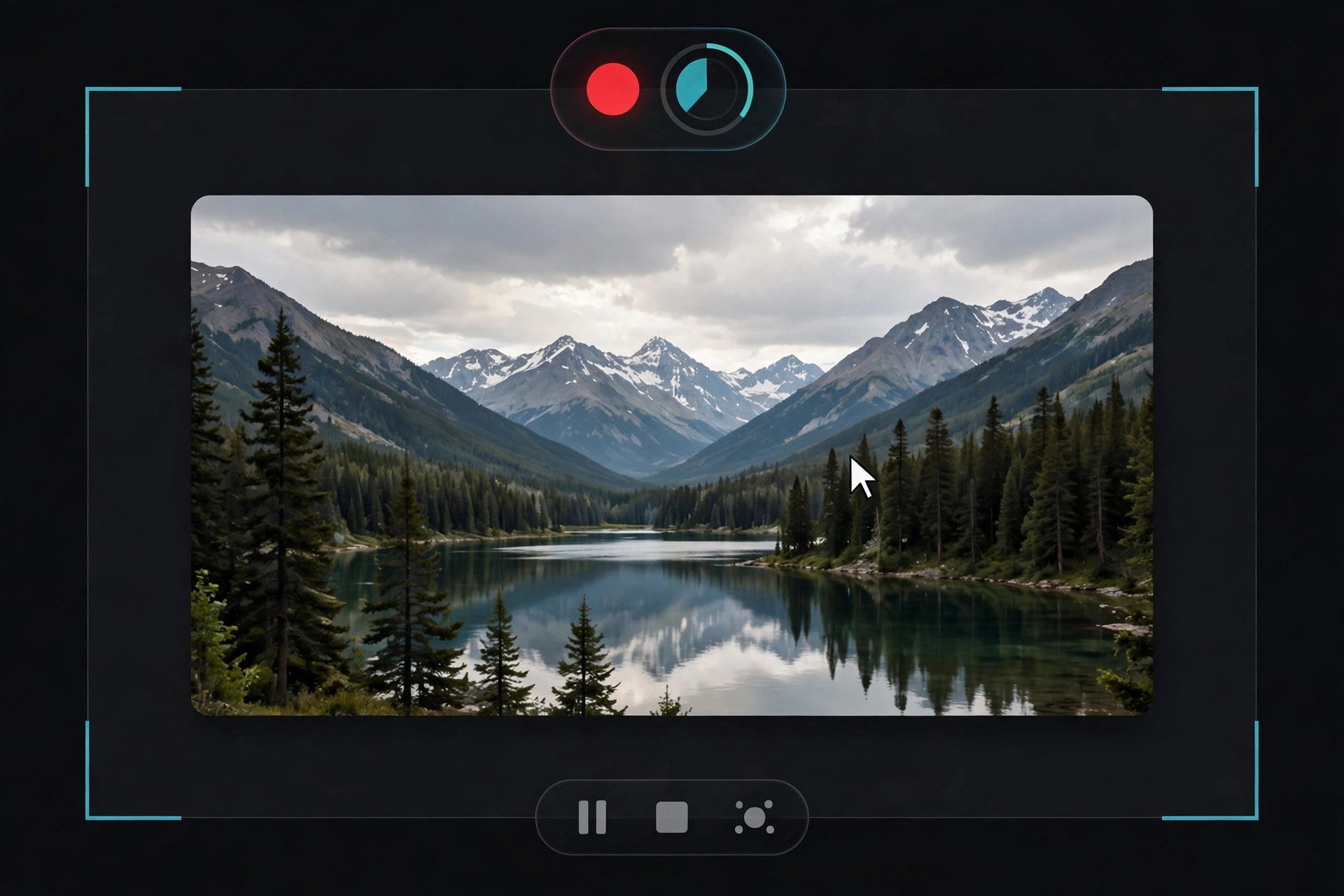
    Replay Media Catcher, from Applian Technologies, is the best-known tool in the Replay family. Instead of recording your screen, it detects a stream as it plays in your browser and tries to download the underlying video or audio file directly, which usually means a cleaner copy and a faster finish than a screen recording. A built-in media guide, a scheduler and a format converter round it out, so a captured clip can be queued, renamed and converted for a phone or tablet in the same session.

    An honest note on the Mac side: version 3.0.2.310 is a legacy build, and Applian's Replay line has always been Windows-first. Applian's current site centres on the Replay Capture Suite for Windows and steers Mac users toward its Jaksta range, so do not assume a current, supported Mac edition of Media Catcher is on sale. Check platform availability and pricing on Applian's official site before paying, use the free trial where one is offered, and only ever record content you have the right to record, for personal use.

    Key Features

    • Automatic stream detection — play a video or song and capture starts
    • Direct downloading of streaming video and audio where the site allows it
    • Built-in converter with presets for phones, tablets and media players
    • Media guide and scheduler for finding and queuing content
    • Audio capture mode for saving music and radio streams as files

    How to Download

    1. Visit Applian's official site and check the Replay Media Catcher page for current Mac availability.
    2. Start your download from the official site: Download from the official site
    3. If a Mac trial is listed, install only that official build; otherwise consider Applian's Jaksta tools for Mac instead.

    Is there a current Mac version of Replay Media Catcher?
    Not clearly. The 3.0.2.310 build is legacy, Applian's current focus is Windows, and its Mac offering is the Jaksta range. Confirm the latest status on the official site before buying.

    Is Replay Media Catcher free?
    No. It is paid software, historically sold with a limited free trial — there is no free full version, and cracked copies from mirror sites are unsafe and unauthorised.

  • Applian Replay Converter 3.0.2.310 for Mac

    Applian Replay Converter 3.0.2.310 for Mac

    Applian Replay Converter 3.0.2.310 for Mac

    Applian Replay Converter 3.0.2.310 for Mac

    Mac Video
    Updated Nov 6, 2026
    Mac Video • Updated Nov 6, 2026

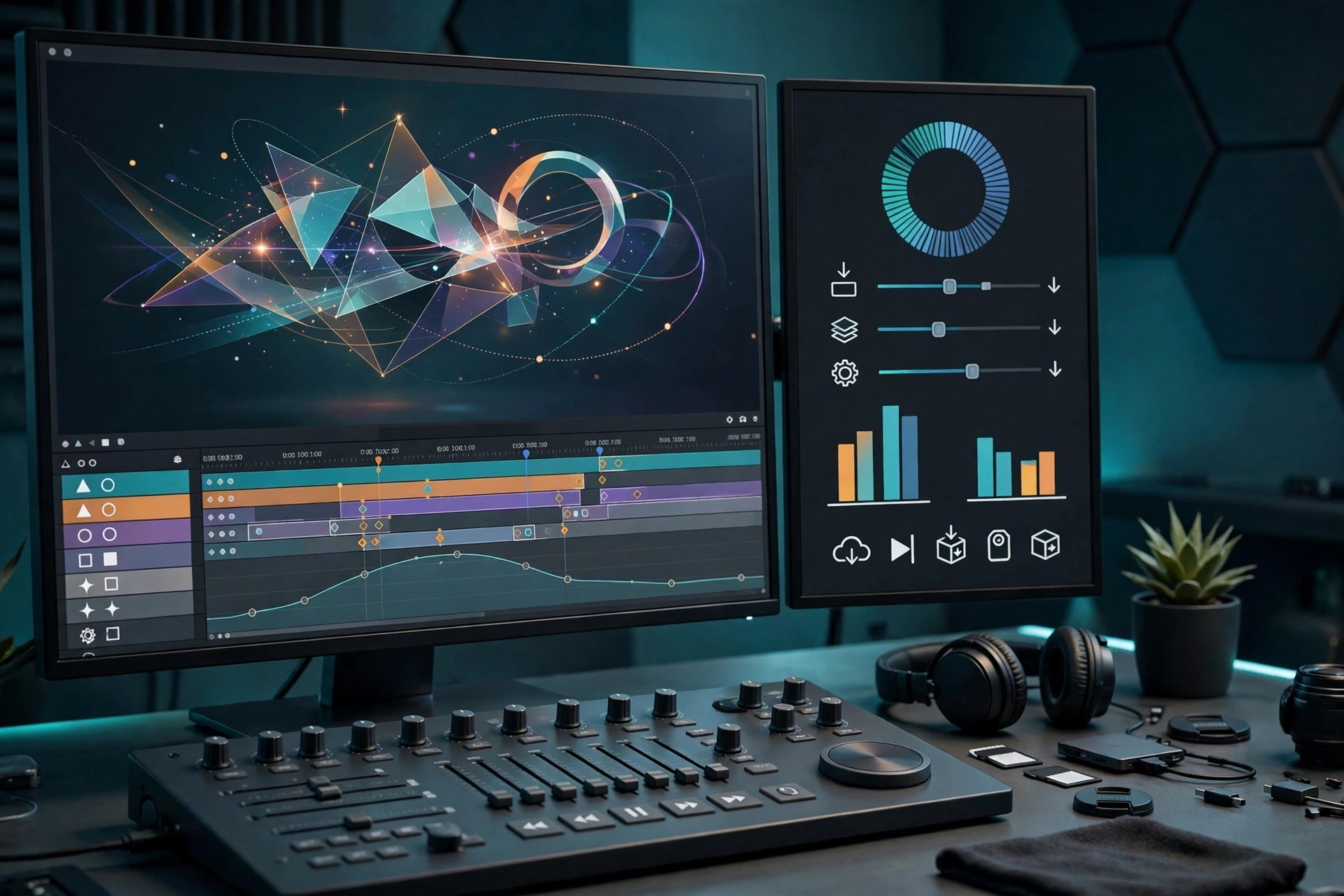
    Replay Converter, from Applian Technologies, is a straightforward media conversion tool: you add audio or video files, pick an output format or device preset from a list, and it converts the batch in one go. It was built to sit alongside Applian's Replay capture tools, turning recorded streams and downloaded clips into formats that play on phones, tablets, media players and editing software.

    One honest note: Replay Converter 3.0.2.310 is a legacy version, and Applian's Replay line has always been Windows-first. Applian's current site focuses on the Replay Capture Suite for Windows and points Mac users toward its Jaksta range. Confirm current Mac availability and pricing on Applian's official site, and never download it from a third-party mirror. It is paid software with a trial, not a free full version.

    Key Features

    • Converts common video formats including MP4, AVI, MOV, MKV and WMV
    • Converts audio formats including MP3, WAV, AAC, WMA and OGG
    • Device presets for phones, tablets and media players
    • Batch conversion — queue many files and convert them together
    • Designed to complement Applian's Replay recording tools

    How to Download

    1. Go to Applian's official website and check the current Replay Converter page for platform availability.
    2. Start your download from the official site: Download from the official site
    3. If a Mac trial is offered, install it from Applian's own download only, and buy a licence from Applian if you keep it.

    Is Replay Converter still sold for Mac?
    Applian's current catalogue is Windows-focused, with Jaksta as its Mac line. Check the official Applian site for the current status of Replay Converter on Mac before paying anything.

    Is Replay Converter free?
    No. It is paid Applian software, historically offered with a limited trial. Avoid sites advertising a free full or cracked version — those downloads are not from Applian.

  • Final Cut Pro X, Motion and Compressor 4.2.2 for Mac

    Final Cut Pro X, Motion and Compressor 4.2.2 for Mac

    Final Cut Pro X, Motion and Compressor 4.2.2 for Mac

    Final Cut Pro X, Motion and Compressor 4.2.2 for Mac

    Mac Video
    Updated Nov 6, 2026
    Mac Video • Updated Nov 6, 2026

    Be clear about what this listing actually is: "Final Cut Pro X Motion Compressor" is not a single Apple product. It is a bundle-style name for three separate Apple applications — Final Cut Pro X for video editing, Motion for motion graphics and titles, and Compressor for encoding and delivery. Apple has never sold them as one combined app under this name.

    Each app is purchased separately on the Mac App Store as a one-time purchase. They are designed to work together — Motion templates publish straight into Final Cut Pro, and Compressor handles custom export presets — but you buy, install and update each one on its own. There is no free full version of any of the three.

    Key Features

    • Final Cut Pro X: Magnetic Timeline editing, multicam and colour tools
    • Motion: real-time motion graphics, 3D titles and effects for Final Cut Pro
    • Compressor: custom encoding presets, batch export and iTunes Store packaging
    • Each app is a separate Mac App Store purchase and download
    • Tight round-tripping between the three apps in one workflow

    How to Download

    1. Decide which of the three apps you actually need — many editors start with Final Cut Pro alone.
    2. Start your download from the official site: Download from the official site
    3. Buy and install Final Cut Pro, Motion and Compressor individually from the Mac App Store.

    Is this one app or three?
    Three. Final Cut Pro X, Motion and Compressor are separate Apple apps, each sold and installed individually on the Mac App Store. This listing's name bundles them together, but Apple does not.

    Can I buy only Compressor?
    Yes. Compressor is sold on its own as a one-time purchase, and it also works as a standalone encoder without Final Cut Pro.

  • Final Cut Pro 10.3.4 for Mac

    Final Cut Pro 10.3.4 for Mac

    Final Cut Pro 10.3.4 for Mac

    Final Cut Pro 10.3.4 for Mac

    Mac Video
    Updated Nov 6, 2026
    Mac Video • Updated Nov 6, 2026

    Final Cut Pro 10.3.4 is Apple's professional video editor for macOS, built around the Magnetic Timeline that keeps clips, audio and titles in sync without track collisions. Editors use it for everything from YouTube videos to broadcast and film work because it combines a fast, responsive interface with deep colour correction, multicam editing and strong support for modern camera formats, including ProRes and RED RAW footage.

    Final Cut Pro is paid software, sold by Apple as a one-time purchase on the Mac App Store — there is no free full version. Apple has long offered a free trial, and a trial route is still available through Apple Creator Studio for new subscribers; check the official page for the offer in your region. Version 10.3.4 is an older release; the App Store delivers the current version for your Mac.

    Key Features

    • Magnetic Timeline that keeps edits in sync without track collisions
    • Multicam editing with automatic audio-based synchronisation
    • Built-in colour correction, HDR tools and LUT support
    • Fast background rendering and export optimised for Mac hardware
    • 360-degree video editing and motion graphics templates via Motion

    How to Download

    1. Open Apple's official Final Cut Pro page and check the system requirements for your Mac.
    2. Start your download from the official site: Download from the official site
    3. Complete the one-time purchase in the Mac App Store and let the app install into your Applications folder.

    Is Final Cut Pro free?
    No. It is a one-time purchase on the Mac App Store. Apple offers a free trial route — currently through Apple Creator Studio for new subscribers — but there is no free full version.

    Does Final Cut Pro 10.3.4 run on current Macs?
    Version 10.3.4 is an older release for older macOS versions. The Mac App Store installs the latest compatible version for your system automatically.

  • Apple Creator Studio 2026.01 for Mac

    Apple Creator Studio 2026.01 for Mac

    Apple Creator Studio 2026.01 for Mac

    Apple Creator Studio 2026.01 for Mac

    Mac Video
    Updated Nov 6, 2026
    Mac Video • Updated Nov 6, 2026

    Apple Creator Studio is Apple's official subscription bundle that gathers its professional creative applications into one plan. On the Mac it unlocks Final Cut Pro for video editing, Logic Pro for music production, and Pixelmator Pro for image editing, together with Motion for motion graphics, Compressor for media encoding, and MainStage for live performance. Instead of buying each flagship app separately, subscribers get the whole suite for a recurring monthly or annual fee.

    The subscription also adds premium content and intelligence features to Apple's productivity apps — Keynote, Pages, Numbers, and Freeform remain free for everyone, but members receive extra templates, a royalty-free photo and graphics library, and subscriber-only Apple Intelligence capabilities. One subscription can be shared with up to five other people through Family Sharing, and the apps are downloaded individually from the App Store on Mac, iPad, and iPhone, with full functionality on recent systems such as macOS 26.

    Key Features

    • Final Cut Pro, Logic Pro, and Pixelmator Pro in one subscription
    • Motion, Compressor, and MainStage included at no extra cost
    • Premium templates, content, and intelligence features for Keynote, Pages, Numbers, and Freeform
    • Family Sharing lets up to five other people use the subscription
    • Apps available across Mac, iPad, and iPhone from the App Store

    How to Download

    1. Read what is included on Apple's official Creator Studio page.
    2. Start your download from the official site: Download from the official site
    3. Open one of the included apps from the App Store and subscribe with your Apple Account to activate the bundle.

    Is Apple Creator Studio a one-time purchase?
    No. It is a subscription, billed monthly or annually. The individual apps, such as Final Cut Pro and Compressor, can still be bought separately as one-time Mac App Store purchases if you prefer.

    Which apps does the subscription include?
    Final Cut Pro, Logic Pro, Pixelmator Pro, Motion, Compressor, and MainStage, plus premium content and intelligence features inside Keynote, Pages, Numbers, and Freeform.

  • Apple Compressor 4.11.1 for Mac

    Apple Compressor 4.11.1 for Mac

    Apple Compressor 4.11.1 for Mac

    Apple Compressor 4.11.1 for Mac

    Mac Video
    Updated Nov 6, 2026
    Mac Video • Updated Nov 6, 2026

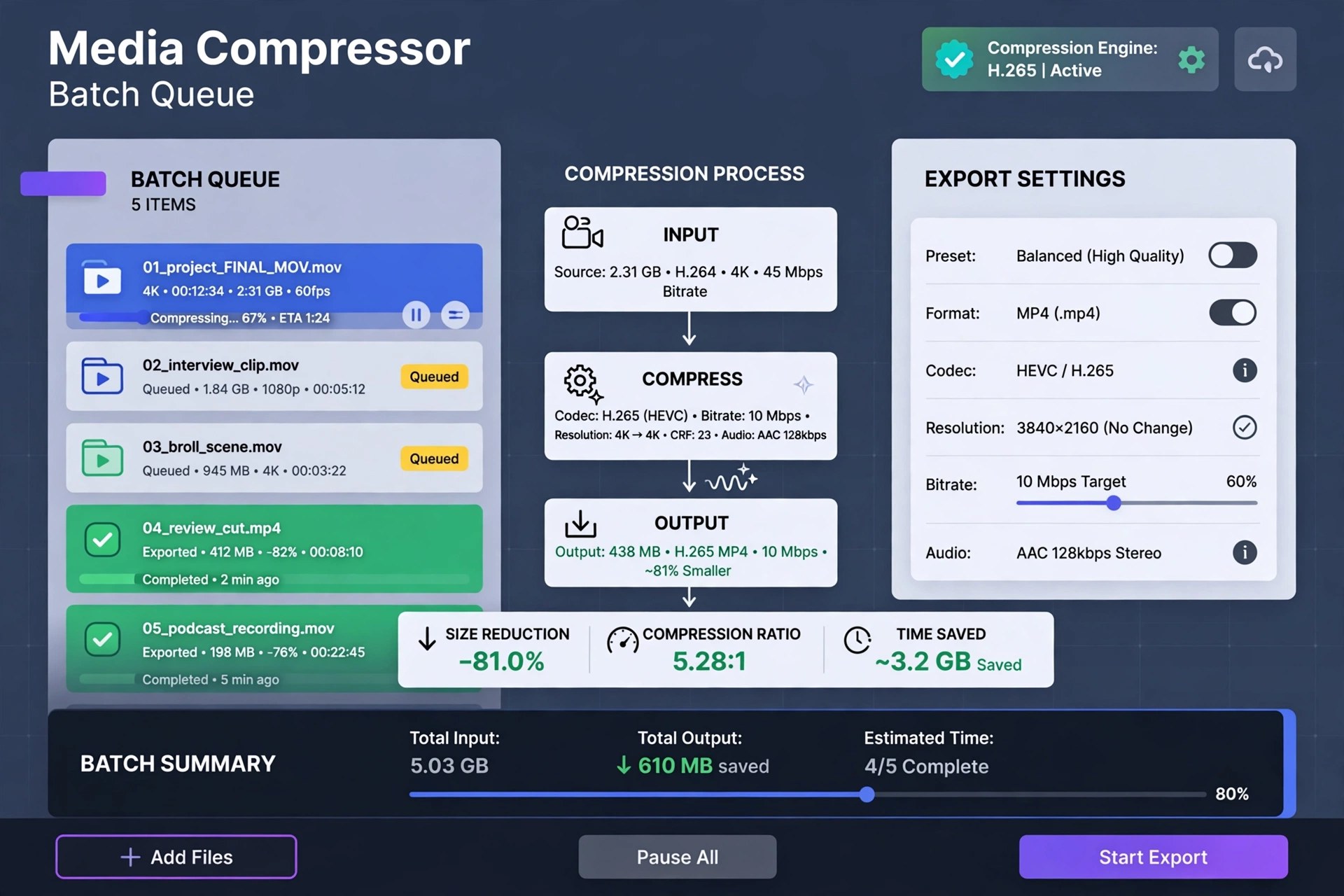
    Compressor is Apple's professional media encoding application for the Mac, designed as the delivery partner to Final Cut Pro and Motion. Where Final Cut's built-in export presets stop, Compressor takes over: build custom output settings with specific codecs, resolutions, frame rates, and bit rates, save them as reusable presets or droplets, and apply them to batches of files instead of exporting one movie at a time by hand.

    It encodes to industry formats including HEVC, H.264, MXF, and ProRes, handles captions in CEA-608, iTT, and SRT formats, and can package a movie for sale on the iTunes Store. For long renders, distributed encoding spreads work across other Macs on your network. Compressor is a paid app sold only on the Mac App Store — $49.99 as a one-time purchase, with no subscription and no free version — and buying it there keeps it updated automatically alongside Apple's other pro video apps.

    Key Features

    • Custom encoding settings you can save, reuse, and share as droplets
    • Encode to HEVC, H.264, ProRes, MXF, and other industry formats
    • Batch processing for converting many files with one setup
    • Distributed encoding that uses spare power from other networked Macs
    • Tight integration with Final Cut Pro and Motion, plus caption support

    How to Download

    1. Open Compressor's official listing on the Mac App Store.
    2. Start your download from the official site: Download from the official site
    3. Buy or download it with your Apple Account, and it installs and updates like any other App Store app.

    Is Compressor free with Final Cut Pro?
    No. Compressor is a separate $49.99 purchase on the Mac App Store, whether or not you own Final Cut Pro. It is also included in Apple's Creator Studio subscription.

    Can I use Compressor without Final Cut Pro?
    Yes. Compressor works as a standalone batch encoder for video and audio files. Final Cut and Motion owners simply gain extra convenience, such as sending projects straight to it.

  • Apeaksoft Video Fixer 1.0.20 for Mac

    Apeaksoft Video Fixer 1.0.20 for Mac

    Apeaksoft Video Fixer 1.0.20 for Mac

    Apeaksoft Video Fixer 1.0.20 for Mac

    Mac Video
    Updated Nov 6, 2026
    Mac Video • Updated Nov 6, 2026

    Apeaksoft Video Fixer 1.0.20 for Mac exists for one bad moment: a video that will not play. Recordings get corrupted when a camera battery dies mid-shot, a transfer is interrupted, or a file is never closed properly — and the result is an MP4 that every player refuses to open. This tool attempts to rebuild such files into playable videos again.

    Its method is sample-based. You load the damaged clip together with a healthy reference video shot on the same device with the same settings, and the app uses that sample's structure to repair the broken file, including high-resolution footage from phones, cameras, GoPros and drones. A preview lets you check the result before saving. It is paid Apeaksoft software with a free trial — and honestly, no repair tool can promise to save every severely damaged file.

    Key Features

    • Repair corrupted, broken, choppy or unplayable videos in MP4, MOV and 3GP formats
    • Sample-based repair using a healthy reference video from the same device and settings
    • Handles footage from phones, Canon, Nikon and Sony cameras, GoPro and DJI drones
    • Supports repair of high-resolution footage, including 4K material
    • Preview the repaired video before exporting it, and retry with a different sample if needed

    How to Download

    1. Keep a copy of the damaged file untouched — always repair a duplicate, never your only original.
    2. Start your download from the official site: Download from the official site
    3. Install the app, load the broken clip and a healthy sample video, run the repair and preview the result.

    Is Apeaksoft Video Fixer free?
    No. It is paid software with a free trial, so you can test the repair workflow first. Be wary of any site bundling it as a free or portable download.

    What if the repair does not work?
    Try a sample recorded on the same device with identical resolution and settings — the closer the match, the better the odds. Some files are damaged beyond recovery, and an honest tool cannot change that.

  • Apeaksoft Video Editor 1.0.56 for Mac

    Apeaksoft Video Editor 1.0.56 for Mac

    Apeaksoft Video Editor 1.0.56 for Mac

    Apeaksoft Video Editor 1.0.56 for Mac

    Mac Video
    Updated Nov 6, 2026
    Mac Video • Updated Nov 6, 2026

    Apeaksoft Video Editor 1.0.56 for Mac is aimed at everyday editing jobs rather than full film production. If a clip needs trimming down, rotating upright, cropping tighter, joining with two others and exporting in a different format, this app does those tasks from one straightforward window — without the learning curve, project files and timeline complexity of a professional editor.

    Beyond the basics, it can adjust brightness, contrast and other effects, reduce the appearance of shaky footage, add a watermark, and convert video and audio files to popular formats for phones, tablets and game consoles. Apeaksoft offers it as paid software with a free trial, which is the sensible way to judge whether its deliberately simple toolkit matches the kind of editing you actually do.

    Key Features

    • Trim and clip video, and join multiple clips into a single file
    • Rotate, flip and crop footage to fix orientation and framing
    • Enhance clips by adjusting resolution, brightness and contrast and reducing shake
    • Add text or image watermarks and apply basic video effects
    • Convert video and audio to popular formats for iOS, Android and consoles

    How to Download

    1. Check the supported macOS versions and file formats listed by Apeaksoft.
    2. Start your download from the official site: Download from the official site
    3. Install the app, open a short clip, and try a trim and export in the trial before licensing it.

    Is Apeaksoft Video Editor free?
    No. It is paid software with a free trial for evaluation. The trial is the safe way to test it — avoid unofficial sites promising a free full version.

    Is this a replacement for iMovie or Final Cut Pro?
    No. It covers quick, single-purpose edits and conversion well, but it is not a multi-track timeline editor for complex projects, titles and layered effects.

  • Apeaksoft Video Converter Ultimate 2.2.68 for Mac

    Apeaksoft Video Converter Ultimate 2.2.68 for Mac

    Apeaksoft Video Converter Ultimate 2.2.68 for Mac

    Apeaksoft Video Converter Ultimate 2.2.68 for Mac

    Mac Video
    Updated Nov 6, 2026
    Mac Video • Updated Nov 6, 2026

    Apeaksoft Video Converter Ultimate 2.2.68 for Mac is a conversion workhorse for messy media collections. It converts video and audio between more than a thousand formats and device presets, so a clip from a phone, camera or download can be turned into something your TV, tablet, editor or messaging app will actually accept — in batches, rather than one painful file at a time.

    Conversion is only half of the package. A built-in toolbox handles trimming, merging, cropping, rotation, filters and watermarks, plus video enhancement, compression, GIF making and 3D conversion, which covers most quick fixes without opening a full editor. It is paid software with a free trial from Apeaksoft; the trial lets you test speed and output quality, and a licence unlocks full use.

    Key Features

    • Convert video and audio to over 1,000 formats, with ready-made presets for common devices
    • Batch conversion with hardware acceleration for faster processing of large queues
    • Edit while you convert: trim, merge, crop, rotate, add filters, effects and watermarks
    • Enhance video quality, compress large files, create GIFs and make 3D videos from the toolbox
    • Extract and convert audio tracks, and edit ID3 tags for music files

    How to Download

    1. Confirm your macOS version is supported on Apeaksoft's product page before downloading.
    2. Start your download from the official site: Download from the official site
    3. Install the app, add a short test file, and convert it with the trial to check quality and speed on your Mac.

    Is Apeaksoft Video Converter Ultimate free?
    No. It is paid software, offered with a free trial so you can evaluate it. Anyone advertising a free full version or a crack is not offering Apeaksoft's legitimate product.

    Will converting reduce my video quality?
    It can, depending on your settings. Choose a preset close to the source resolution and bit rate, avoid converting an already-compressed file repeatedly, and preview the output before batch work.

  • Apeaksoft Screen Recorder 2.2.16 for Mac

    Apeaksoft Screen Recorder 2.2.16 for Mac

    Apeaksoft Screen Recorder 2.2.16 for Mac

    Apeaksoft Screen Recorder 2.2.16 for Mac

    Mac Video
    Updated Nov 6, 2026
    Mac Video • Updated Nov 6, 2026

    Apeaksoft Screen Recorder 2.2.16 for Mac captures what happens on your screen along with the sound that goes with it. You can record the full display or a chosen region, add a webcam overlay, and capture system audio and microphone together — the basic recipe for software tutorials, recorded lessons, video calls and walkthrough videos where narration matters as much as the picture.

    During recording you can draw on screen with annotations and highlight the cursor so viewers can follow along, and afterwards simple trimming tidies up the start and end of a clip before you share it. Apeaksoft sells it as paid software with a free trial, so you can check recording quality and audio sync on your own Mac before buying — there is no free full version.

    Key Features

    • Record full screen or a custom region, with webcam picture-in-picture
    • Capture system sound and microphone at the same time for narrated videos
    • Annotate while recording with text, arrows and shapes, plus cursor highlighting
    • Take screenshots during a session and trim recordings afterwards
    • Schedule recordings and save in popular video and audio formats

    How to Download

    1. Review the Mac system requirements and trial terms on Apeaksoft's product page.
    2. Start your download from the official site: Download from the official site
    3. Install the app, then grant Screen Recording and microphone permissions in System Settings when macOS prompts you.

    Is Apeaksoft Screen Recorder free?
    No. It is paid software with a free trial. The trial is useful for testing, but expect limits, and a licence is needed for regular unrestricted recording.

    Why is there no sound in my first recording?
    Usually a permissions or source issue: check that the app has Screen Recording permission, that system sound and microphone are both enabled in the recorder, and test with a short clip first.