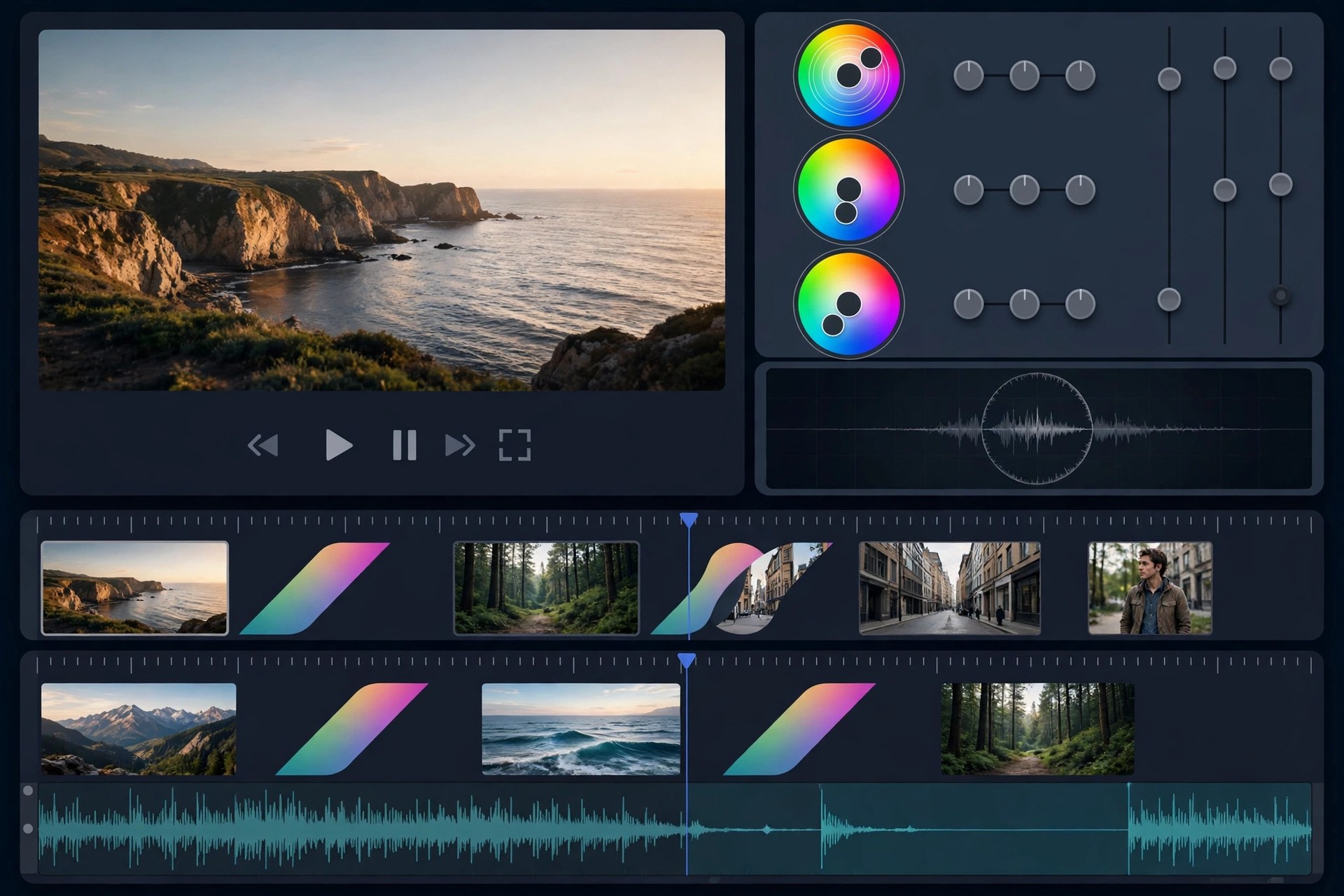
Apeaksoft Video Editor 1.0.56 for Mac
Mac VideoApeaksoft Video Editor 1.0.56 for Mac is aimed at everyday editing jobs rather than full film production. If a clip needs trimming down, rotating upright, cropping tighter, joining with two others and exporting in a different format, this app does those tasks from one straightforward window — without the learning curve, project files and timeline complexity of a professional editor.
Beyond the basics, it can adjust brightness, contrast and other effects, reduce the appearance of shaky footage, add a watermark, and convert video and audio files to popular formats for phones, tablets and game consoles. Apeaksoft offers it as paid software with a free trial, which is the sensible way to judge whether its deliberately simple toolkit matches the kind of editing you actually do.
Key Features
- Trim and clip video, and join multiple clips into a single file
- Rotate, flip and crop footage to fix orientation and framing
- Enhance clips by adjusting resolution, brightness and contrast and reducing shake
- Add text or image watermarks and apply basic video effects
- Convert video and audio to popular formats for iOS, Android and consoles
How to Download
- Check the supported macOS versions and file formats listed by Apeaksoft.
- Start your download from the official site: Download from the official site
- Install the app, open a short clip, and try a trim and export in the trial before licensing it.
Is Apeaksoft Video Editor free?
No. It is paid software with a free trial for evaluation. The trial is the safe way to test it — avoid unofficial sites promising a free full version.
Is this a replacement for iMovie or Final Cut Pro?
No. It covers quick, single-purpose edits and conversion well, but it is not a multi-track timeline editor for complex projects, titles and layered effects.







Leave a Reply