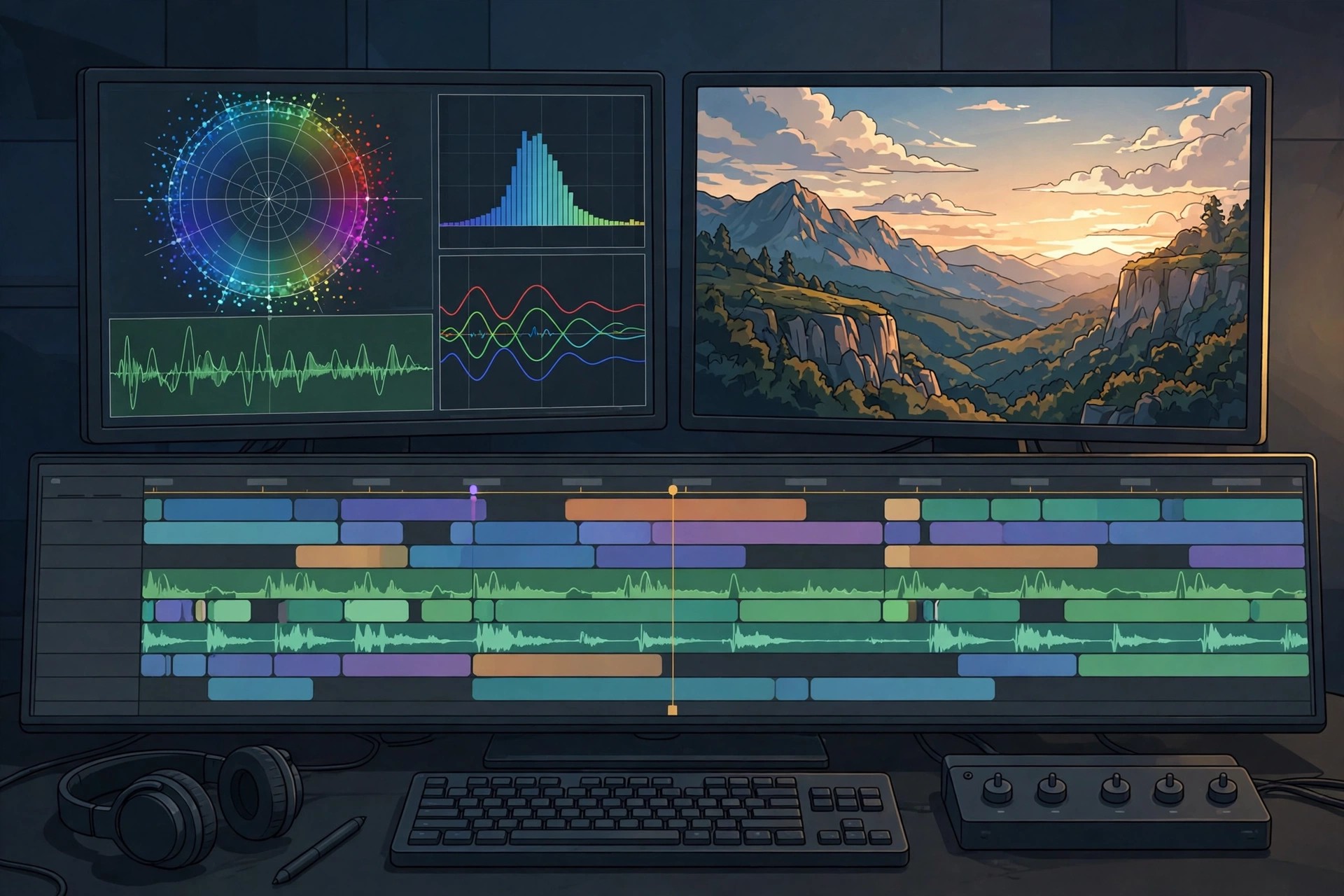
Adobe Premiere Pro 26.0.2 for Mac
Mac VideoAdobe Premiere Pro 26.0.2 for Mac is Adobe's professional non-linear video editor, used for everything from YouTube videos and adverts to television programmes and feature films. It edits virtually any camera format natively, handles large multi-track timelines, and integrates tightly with After Effects, Audition, Photoshop and Frame.io for review and collaboration.
It is built for professional editors, production teams and serious creators who need precise control over picture, colour and sound, plus fast performance on Apple silicon Macs. Premiere Pro is subscription software through Creative Cloud — there is no one-time purchase — but Adobe offers a short free trial for new users, after which a paid plan is required to keep editing and exporting.
Key Features
- Professional timeline editing with multi-camera, nested sequences and broad native format support
- Lumetri colour tools plus a modern colour mode for grading and matching shots
- AI-powered tools including speech-to-text captions, text-based editing and automatic reframing
- Essential Sound and graphics panels for mixing audio and building titles quickly
- Frame.io integration, Productions for team projects and fast exports via Media Encoder
How to Download
- Download from the official site
- Start the free trial or subscribe to a Premiere or Creative Cloud plan, then install the Creative Cloud app on your Mac.
- Install Premiere Pro from the Creative Cloud app, sign in, and let it update to the latest release for your system.
Is Adobe Premiere Pro free?
No. Premiere Pro is paid subscription software. Adobe offers a short free trial for new users, but there is no free full version, and editing stops once the trial ends without a plan.
Does Premiere Pro 26.0.2 run on Apple silicon Macs?
Yes. Current Premiere Pro releases run natively on Apple silicon as well as Intel Macs, with hardware acceleration for smoother playback and faster exports. Check Adobe's system requirements for your exact macOS version before installing.







Leave a Reply