Fast Camera Lens Blur for After Effects & Premiere Pro 5.0.2 for Mac
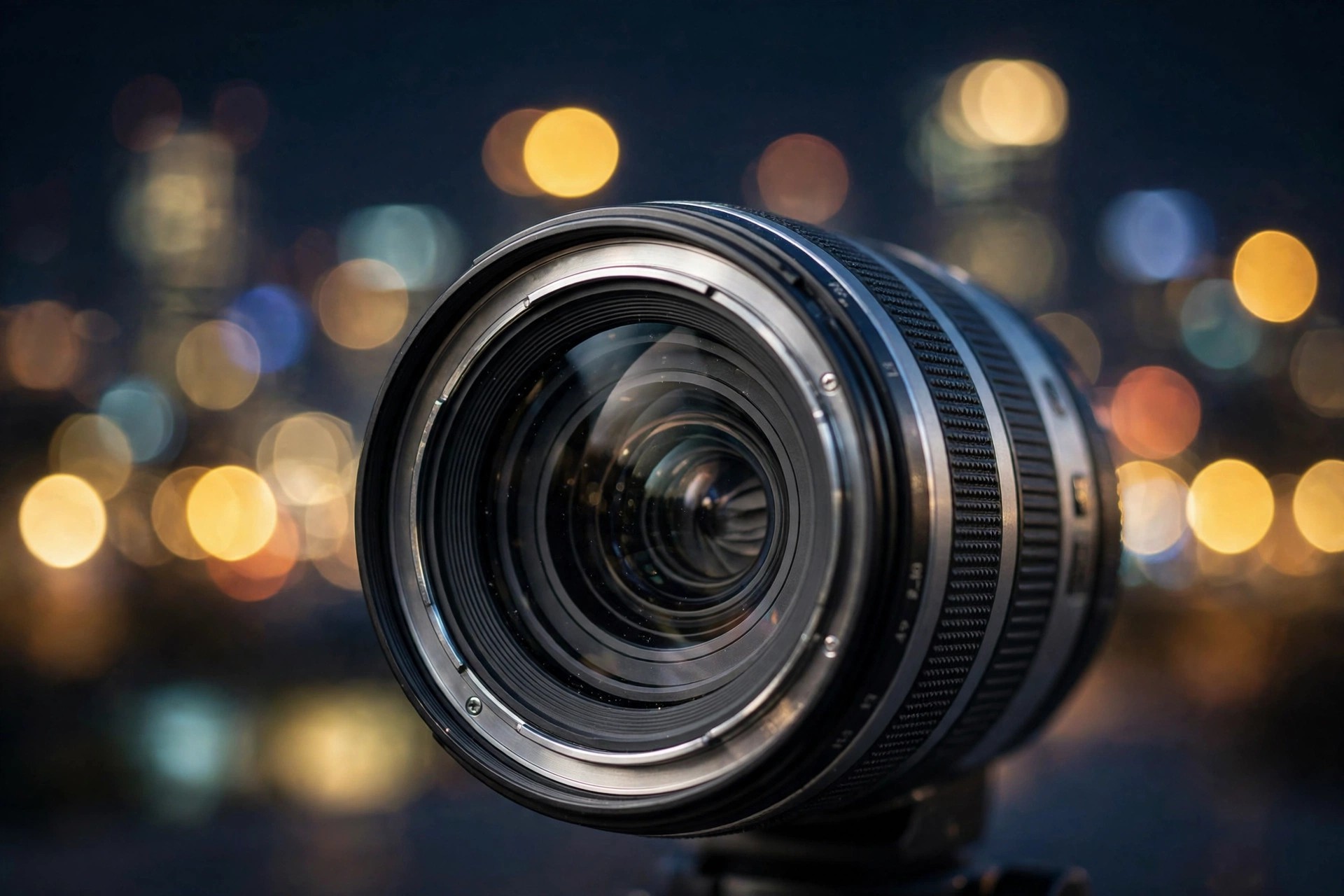
Mac VideoFast Camera Lens Blur for After Effects & Premiere Pro 5.0.2 for Mac does exactly what its name promises: it renders realistic camera lens blur — the soft, depth-of-field bokeh of a real lens — in a fraction of the time taken by After Effects' built-in Camera Lens Blur effect. You get the same convincing out-of-focus highlights and iris shapes, without the render times that make the native effect painful on long sequences.
It is made for editors, compositors and VFX artists who need shallow depth of field, focus pulls and tilt-shift style looks in Adobe After Effects or Premiere Pro on macOS. The plug-in is paid software sold through aescripts + aeplugins, and it is not a standalone app — one of those Adobe host apps is required. Check the official product page for current pricing and any trial option.
Key Features
- Realistic lens blur that matches the look of AE's native Camera Lens Blur, rendered much faster
- Multiple iris shapes, including hexagon, octagon, 12-gon and 16-gon bokeh
- Depth-map support for true depth-of-field and animated focus pulls
- Works in both Adobe After Effects and Adobe Premiere Pro
- Native Apple Silicon support on modern Macs
How to Download
- Buy a licence on the official aescripts product page, or check that page first for any trial version offered by the vendor.
- Download the Mac installer from your aescripts account, install it, and apply the effect in After Effects or Premiere Pro.
Is Fast Camera Lens Blur free?
No. It is a paid plug-in sold through aescripts. There is no free full version, so avoid unofficial copies, which are frequently bundled with unwanted software.
Which apps does it work with?
It runs inside Adobe After Effects and Adobe Premiere Pro on Mac. It does not work on its own, so you need at least one of those host apps installed and licensed.







Leave a Reply