Category: Mac Utilities

  • Background Music 0.5.0 for Mac

    Background Music 0.5.0 for Mac

    Background Music 0.5.0 for Mac

    Background Music 0.5.0 for Mac

    Mac Utilities
    Updated Aug 9, 2026
    Mac Utilities • Updated Aug 9, 2026

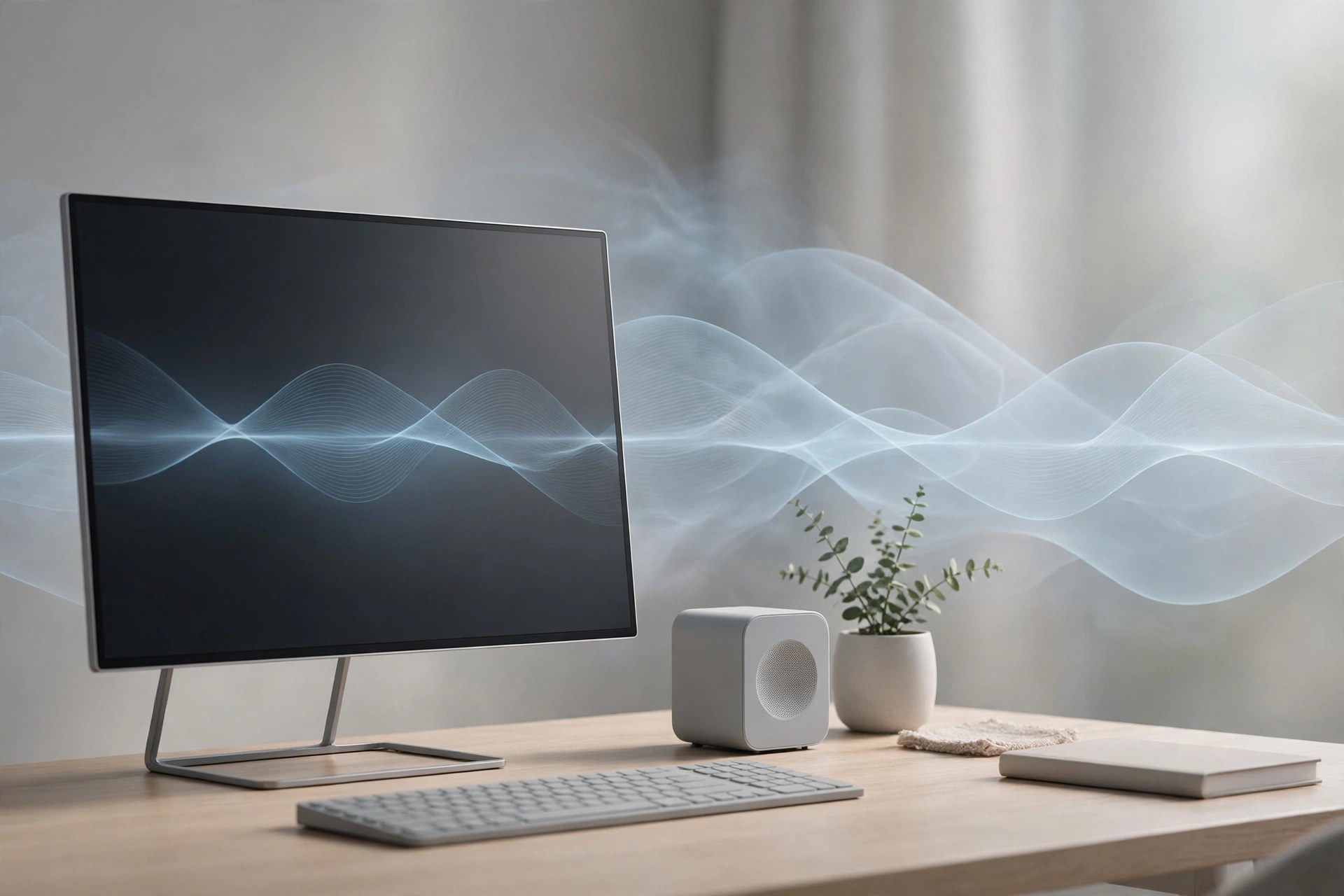
    Background Music is a small macOS audio utility by Kyle Neideck that fixes two daily annoyances. It pauses your music when another app starts playing sound, then resumes it afterwards, and it gives each app its own volume control. It suits anyone who juggles calls, videos and music all day.

    Key Features

    • Automatically pauses music when other audio starts and resumes it when it ends
    • Separate volume slider for every app, right in the menu bar
    • Per app mute button for silencing one noisy program in a click
    • Records system audio so you can capture the sound your Mac is playing
    • Adjustable auto pause delay for smoother behaviour with online videos

    How to Download

    1. Use the download button on this page to get the Background Music installer package.
    2. You can also Download from the official site on GitHub and pick the latest pkg file.
    3. Open the package, follow the installer steps and restart any audio apps it names.

    System Requirements

    Background Music is made only for Mac computers and installs a virtual audio device. Check About This Mac in the Apple menu to confirm your macOS version before you install.

    FAQs

    Is Background Music free?

    Yes. It is an open source project and the releases on GitHub are free to download and use on your own Mac.

    Why does macOS ask about microphone access?

    The app routes sound through its own virtual device, and recent macOS versions treat that audio handling as input access, so a prompt can appear while audio plays.

    Which music apps does the auto pause work with?

    It is designed around popular music players on the Mac, and you can choose which app counts as your music player inside its settings.

  • JixiPix Pop Dot Comics 2.19 for Mac

    JixiPix Pop Dot Comics 2.19 for Mac

    JixiPix Pop Dot Comics 2.19 for Mac

    JixiPix Pop Dot Comics 2.19 for Mac

    Mac Utilities
    Updated Aug 9, 2026
    Mac Utilities • Updated Aug 9, 2026

    JixiPix Pop Dot Comics transforms snapshots into comic book style illustrations with thick outlines, bold flat color and classic benday dots. It suits anyone who wants fun portraits and artwork that looks like a printed comic page.

    Key Features

    • Five comic styles including Sunday Comics, Halftone, Noir, Pop and Pulp
    • Benday dots, lines and halftone patterns with adjustable size and strength
    • Controls for outline thickness, color amount and border styling
    • Newsprint and pulp paper textures that give a true printed comic feel
    • Speech bubbles and fun extras plus presets and high resolution output

    How to Download

    1. Get the app through the download button on this page, or Download from the official site to open the App Store listing.
    2. Complete the install on your Mac and then launch Pop Dot Comics.
    3. Load a photo, pick a comic style and adjust dots, outlines and colors until the page feels right.

    System Requirements

    Pop Dot Comics is a small creative app for Mac, iPhone and iPad from JixiPix. Check your macOS version under About This Mac before installing and keep the system updated for the smoothest experience.

    FAQs

    What are benday dots?

    They are the small colored dots used in traditional comic printing. Placed in patterns, they create new shades and give your image that unmistakable vintage comic look.

    Can I make a dark detective style image?

    Yes. The Noir Comics style leans on strong black and white contrast with selective color, which gives portraits a moody pulp detective mood in just a few clicks.

    Can I add speech bubbles to my comic?

    Yes. The app includes fun extras such as chat bubbles that you can place and size on the image, which is perfect for turning a photo into a short joke panel.

  • Display Maestro 6.0.0 for Mac

    Display Maestro 6.0.0 for Mac

    Display Maestro 6.0.0 for Mac

    Display Maestro 6.0.0 for Mac

    Mac Utilities
    Updated Aug 9, 2026
    Mac Utilities • Updated Aug 9, 2026

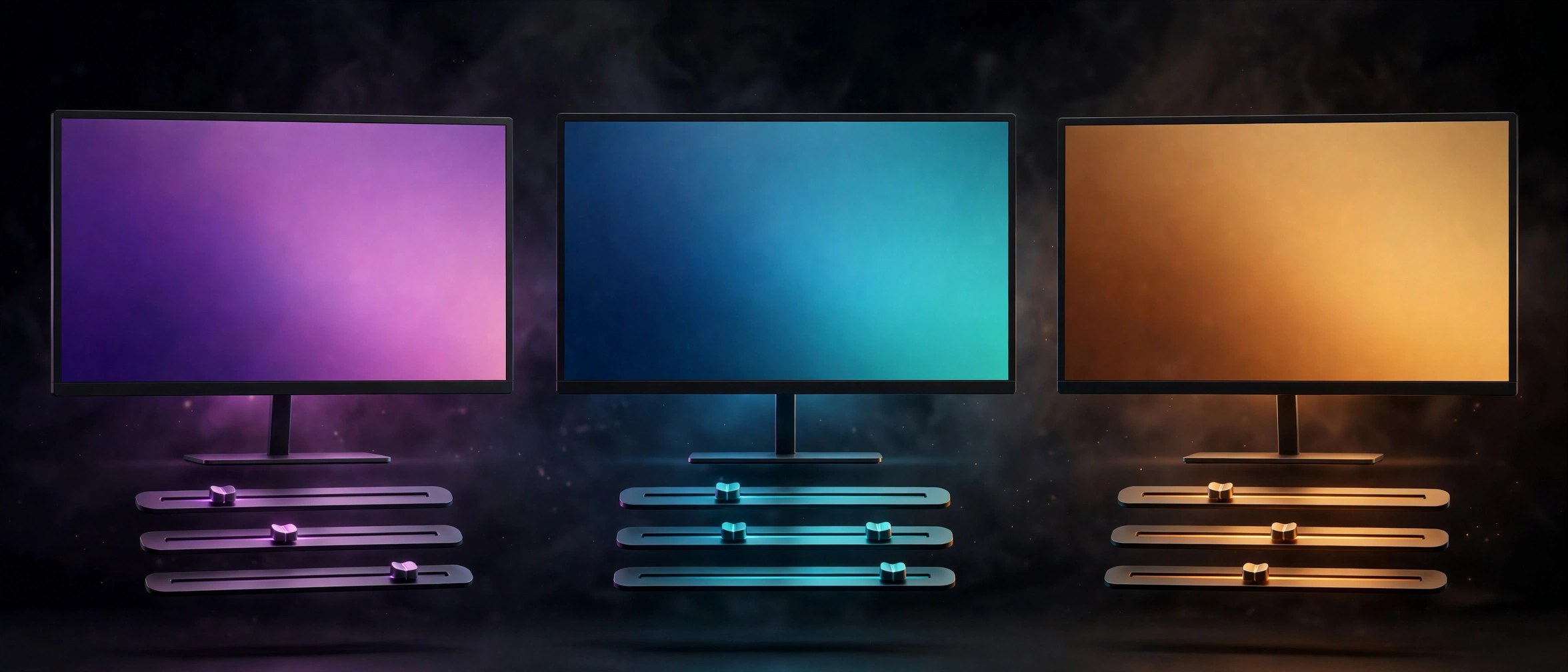
    Modern macOS shows only a short list of screen resolutions, which is fine until you need one exact mode for a projector, an older game or a design task. Display Maestro from Koingo brings back the full list. It reads every resolution and bit depth your graphics card and displays support, and puts them in a traditional menu in the menu bar. Version 6 adds favorite resolutions and custom mode names.

    Key Features

    • Full list of resolutions and bit depths each display and graphics card reports
    • Switch modes from a menu bar menu instead of digging through Settings
    • Favorite resolutions and custom names for modes, new in version 6
    • Detailed data such as refresh rate, gamma values, scaling and HiDPI status
    • Reverts an unsafe resolution alone when you do not confirm it works

    How to Download

    1. Use the download button on this page and save the Display Maestro installer.
    2. You can also Download from the official site to read the version 6 notes.
    3. Install the app, open it from the menu bar and pick your resolution.

    System Requirements

    Version 6 requires macOS 13 Ventura or later, as Koingo states in its release notes. Older builds for earlier macOS versions stay on the vendor site.

    FAQs

    Why are some resolutions missing in macOS Settings?

    Recent macOS versions show only a simplified list. Display Maestro reads the complete list your hardware reports, including hidden modes.

    What if I pick a mode my screen cannot show?

    If you do not confirm an unsafe resolution, the app returns to the last known safe resolution by itself.

    Does it work with external displays?

    Yes. It covers attached displays plus the built in screen, which helps with projectors and older monitors.

  • TouchHLE 0.3.0 for Mac

    TouchHLE 0.3.0 for Mac

    TouchHLE 0.3.0 for Mac

    TouchHLE 0.3.0 for Mac

    Mac Utilities
    Updated Aug 9, 2026
    Mac Utilities • Updated Aug 9, 2026

    TouchHLE is a high level emulator for apps from the earliest days of the iPhone, built for people who miss the first wave of mobile games. Instead of simulating phone hardware, it recreates the system libraries those apps expect. It suits retro fans who want to revisit titles that modern phones can no longer run.

    Key Features

    • Runs games written for iPhone OS 2, iPhone OS 3 and iOS 4 era software
    • High level approach recreates system libraries rather than emulating phone hardware
    • Works with iPhone, iPod touch and iPad apps from that early period
    • Community compatibility database shows which app versions are known to work
    • Written in Rust and available for Mac, Windows and Android from one project

    How to Download

    1. Use the download button on this page to get the Mac build of TouchHLE.
    2. You can also Download from the official site and follow the link to the latest release.
    3. Unzip the download, open the app and point it at an app file you own.

    System Requirements

    TouchHLE runs on modern desktop Macs without any Apple phone or tablet hardware. Check About This Mac in the Apple menu to see your system details before installing.

    FAQs

    Can TouchHLE run modern iPhone apps?

    No. It targets early 32 bit apps only, up to the iOS 4 era. Modern 64 bit apps are outside its scope and will not work.

    Where do the games come from?

    You supply app files that you legally own. The project provides the emulator itself and a database that tracks which titles run well.

    Is TouchHLE free?

    Yes. TouchHLE is a free and open source project developed by volunteers, and its releases can be downloaded at no cost.

  • JixiPix Simply HDR 3.2.20 for Mac

    JixiPix Simply HDR 3.2.20 for Mac

    JixiPix Simply HDR 3.2.20 for Mac

    JixiPix Simply HDR 3.2.20 for Mac

    Mac Utilities
    Updated Aug 9, 2026
    Mac Utilities • Updated Aug 9, 2026

    Simply HDR takes one ordinary photo and gives it the depth and detail people expect from high dynamic range work. Instead of merging several exposures, it builds the effect from a single image, which makes it handy for travel shots, landscapes and phone photos. Photographers who want a bold look without a long editing session will feel at home here.

    Key Features

    • Six HDR styles including HD Art, Contrasted HDR and Shadows and Light
    • Controls for strength, smoothing and detail so the effect stays natural
    • Built in presets that give you a strong starting point in one click
    • Works as a stand alone app and as a plugin for Photoshop and Lightroom
    • Support for high resolution images and output for print ready results

    How to Download

    1. Use the download button on this page and save the installer to your Mac.
    2. Open the downloaded file and follow the steps shown on screen to install.
    3. For trials and license options, Download from the official site and check the vendor page.

    System Requirements

    The vendor lists Mac OS X 10.9 or later in 64 bit for the stand alone app. You can confirm your own system under About This Mac before you install.

    FAQs

    Does Simply HDR need several photos to work?

    No. It creates the HDR effect from a single photo, so older shots and phone images work fine.

    Can I use it inside Photoshop?

    Yes. The desktop purchase includes a plugin for Photoshop, Elements and Lightroom on Mac. The App Store build does not include the plugin.

    Can I control how strong the effect looks?

    Yes. Sliders for strength and smoothing let you keep things subtle or push the image toward a more artistic finish.

  • uBar 5.0.5 for Mac

    uBar 5.0.5 for Mac

    uBar 5.0.5 for Mac

    uBar 5.0.5 for Mac

    Mac Utilities
    Updated Aug 9, 2026
    Mac Utilities • Updated Aug 9, 2026

    uBar replaces the macOS Dock with a taskbar that behaves more like a window manager. Instead of hunting through stacked icons, you see open windows laid out in a bar, with live previews on hover, readable badges and progress on the app tiles. It suits people who switch between many windows all day, and people arriving on Mac from Windows. Version 5 adds Command, for opening apps and arranging windows by typing or voice.

    Key Features

    • Every open window in the bar, with live previews on hover
    • Works as a Dock or a taskbar, on any screen edge, at several sizes
    • One bar per monitor in a multi monitor setup, or one mirrored bar
    • Command opens apps and arranges windows by typing or voice
    • Badges, media progress and app activity on tiles, plus clock and calendar

    How to Download

    1. Use the download button on this page and save the uBar installer.
    2. You can also Download from the official site and start the vendor trial.
    3. Install the app, grant its permissions and set position, size and grouping.

    System Requirements

    uBar 5 needs macOS 26 Tahoe or later, with macOS 27 also supported. Macs on older macOS versions can stay on the uBar 4 line.

    FAQs

    Can I try uBar before buying?

    Yes. The vendor offers a 14 day free trial. After that, uBar 5 is a one time purchase, with uBar Cloud optional.

    Does uBar replace the Dock completely?

    It is built to. Most people hide the Dock and work from uBar alone for launching, switching, favorites and the clock.

    Can each screen show different windows?

    Yes. Each monitor can show only its own windows. A Mirror mode shows the same bar on every screen instead.

  • Image Resizer Resize Photos 4.3 for Mac

    Image Resizer Resize Photos 4.3 for Mac

    Image Resizer Resize Photos 4.3 for Mac

    Image Resizer Resize Photos 4.3 for Mac

    Mac Utilities
    Updated Aug 9, 2026
    Mac Utilities • Updated Aug 9, 2026

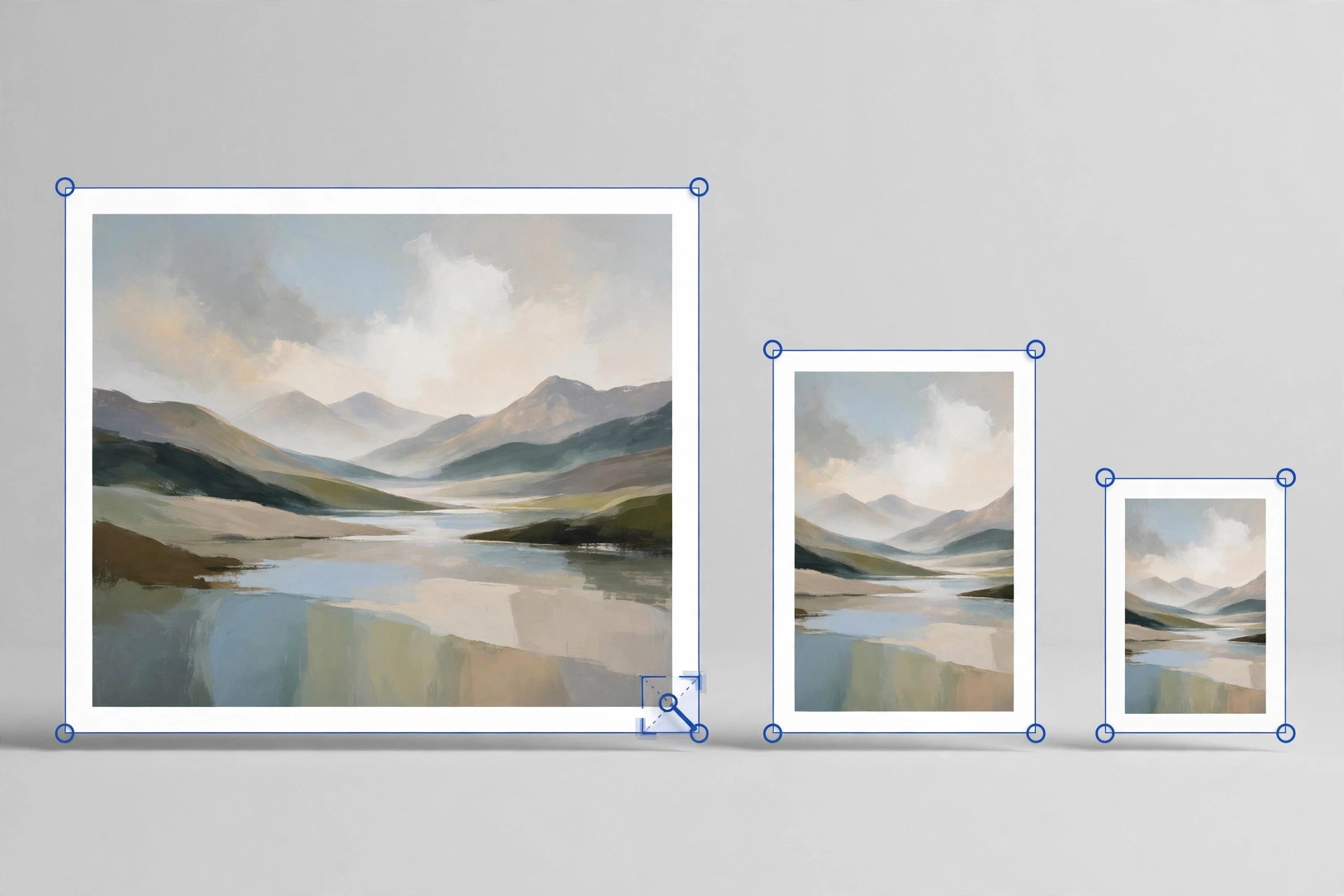
    Image Resizer Resize Photos by Tweaking Technologies is a small, focused tool for one everyday job: making pictures smaller without fuss. You can resize a single photo or a whole batch at once, which suits anyone preparing images for email, websites, listings or documents with size limits.

    Key Features

    • Resize one photo or many photos together in a single batch
    • Choose a custom size in pixels or scale pictures by percentage
    • Convert images between JPG, PNG, BMP, GIF and TIFF formats while resizing
    • Rotate pictures and flip them horizontally or vertically when they open sideways
    • Rename the resized copies and pick exactly where they are saved

    How to Download

    1. Use the download button on this page to get the Mac version of the app.
    2. You can also Download from the official site listing on the Mac App Store.
    3. Install the app, open it and add photos from your library or any folder.

    System Requirements

    The Mac App Store listing states that the app requires macOS 10.10 or later. You can confirm your own version under About This Mac in the Apple menu.

    FAQs

    Does resizing reduce the quality of my photos?

    The app is built to keep results looking sharp for normal sharing and web use. For print work, keep your full size originals as well.

    What happens to my original photos?

    Resized pictures are saved as new copies in the destination you choose, so your original files stay untouched in their folder.

    Is the app free?

    It is a paid download on the Mac App Store. The store page shows the current price for your region before you buy.

  • JixiPix Chromatic Edges 1.0.37 for Mac

    JixiPix Chromatic Edges 1.0.37 for Mac

    JixiPix Chromatic Edges 1.0.37 for Mac

    JixiPix Chromatic Edges 1.0.37 for Mac

    Mac Utilities
    Updated Aug 9, 2026
    Mac Utilities • Updated Aug 9, 2026

    Chromatic Edges is all about the border around your photo. It recreates the look of old glass, silver and paper plate photography and then goes further, using machine learning to generate edges that have never existed before. It suits photographers and designers who love vintage character and want every finished image to feel one of a kind.

    Key Features

    • Generate button creates a completely unique edge for each photo
    • Historic styles such as Tintype, Cyanotype, Daguerreotype and Ambrotype
    • Layer system with photo edge, texture, scratches and adjustment layers
    • Preset system that saves your full setup to reuse on other images
    • Stand alone app with a plugin for Photoshop, Elements and Lightroom

    How to Download

    1. Click the download button on this page and save the file to your Mac.
    2. Open the file and complete the install steps shown by the installer.
    3. You can also Download from the official site to read the vendor guide and buying options.

    System Requirements

    JixiPix desktop apps of this generation ask for a 64 bit Mac. Check About This Mac to confirm your macOS version before installing, and keep some free disk space for large photo files.

    FAQs

    Are the edges just fixed overlays?

    No. The app generates new edges with machine learning, so you are not limited to a small set of stock borders.

    Which old photo styles are included?

    Styles include Calotype, Cyanotype, Gelatin Silver Plate, Autochrome, Carbon Print and Salted Paper Print, plus many variations in between.

    Can I save an edge look I like?

    Yes. Save your work as a preset or mark edges as favorites so you can apply the same mood again later.

  • Exhibeo 2.0.15 for Mac

    Exhibeo 2.0.15 for Mac

    Exhibeo 2.0.15 for Mac

    Exhibeo 2.0.15 for Mac

    Mac Utilities
    Updated Aug 9, 2026
    Mac Utilities • Updated Aug 9, 2026

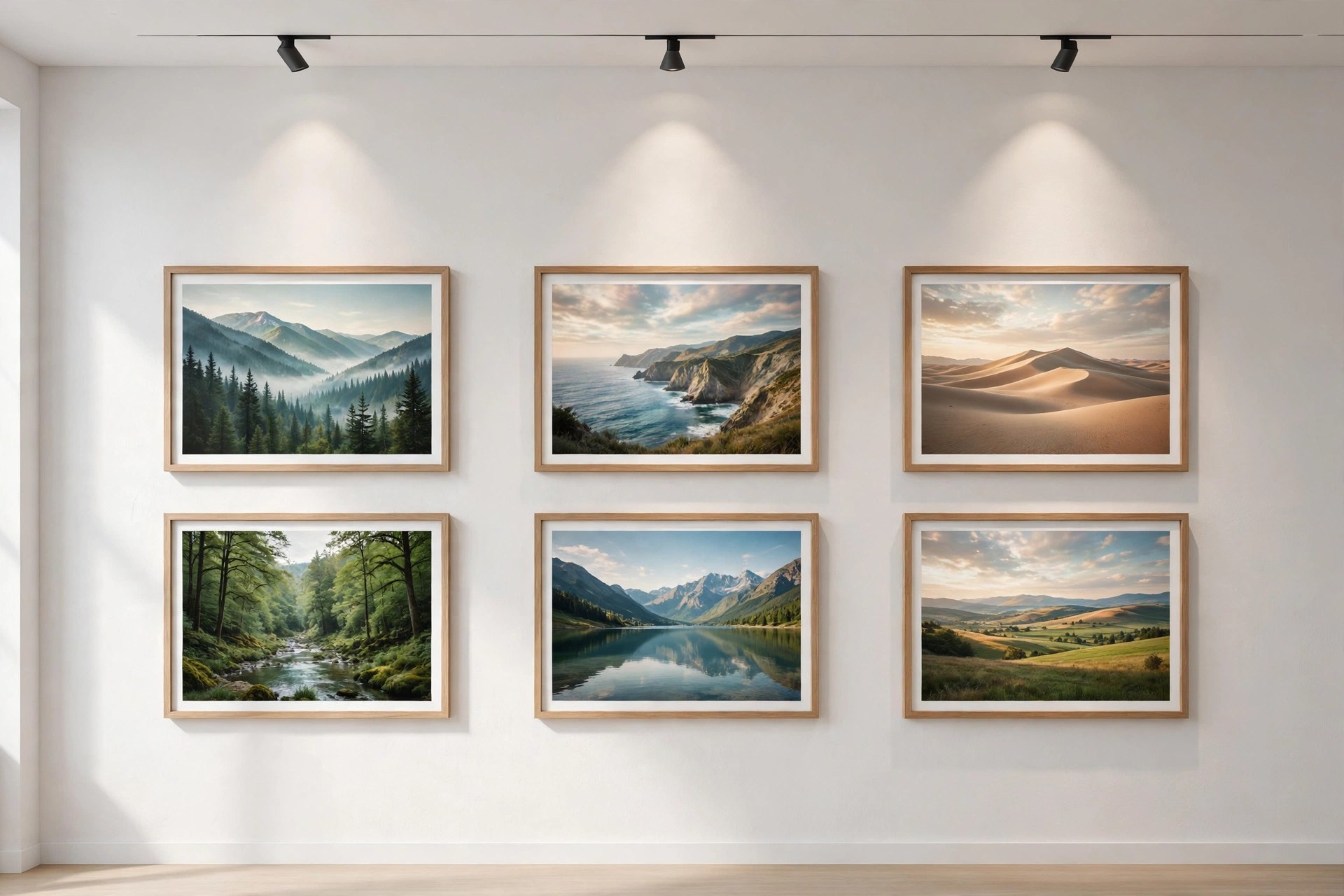
    Exhibeo from Softpress is a Mac app for turning a set of photos into a polished web gallery without writing code. You add images, pick one of the included themes, adjust the look and export. The output is modern HTML5 that fits into a website you already have. Photographers use it for portfolios, small shops use it for products and clubs use it to share event pictures.

    Key Features

    • Responsive HTML5 galleries and slideshows for phones, tablets and desktops
    • Seven themes, including Photoswipe, Showtime, Slide and Thumblie styles
    • Imports web graphics plus Photoshop, TIFF and RAW image files
    • Theme customization options and animations inside a simple interface
    • Metadata import and view tools, image replacement and project archives

    How to Download

    1. Use the download button on this page and save the Exhibeo installer.
    2. You can also Download from the official site to see the Softpress themes.
    3. Install the app, add images, choose a theme and export your gallery.

    System Requirements

    Exhibeo 2 requires macOS 10.13 or greater, as stated on the Softpress product page. Older builds for macOS 10.10 to 10.12 are linked there too.

    FAQs

    Do I need to know how to code?

    No. You work with images and theme settings, and the app produces the finished web files for you.

    Will the galleries work on phones?

    Most themes are responsive, so galleries resize for small screens, and visitors can swipe through images on touch devices.

    Can I use Exhibeo galleries in another website builder?

    Yes. The export is standard web material, and Softpress notes that its Xway app can import Exhibeo galleries directly.

  • PDF Reader Pro 6.5.0 for Mac

    PDF Reader Pro 6.5.0 for Mac

    PDF Reader Pro 6.5.0 for Mac

    PDF Reader Pro 6.5.0 for Mac

    Mac Utilities
    Updated Aug 8, 2026
    Mac Utilities • Updated Aug 8, 2026

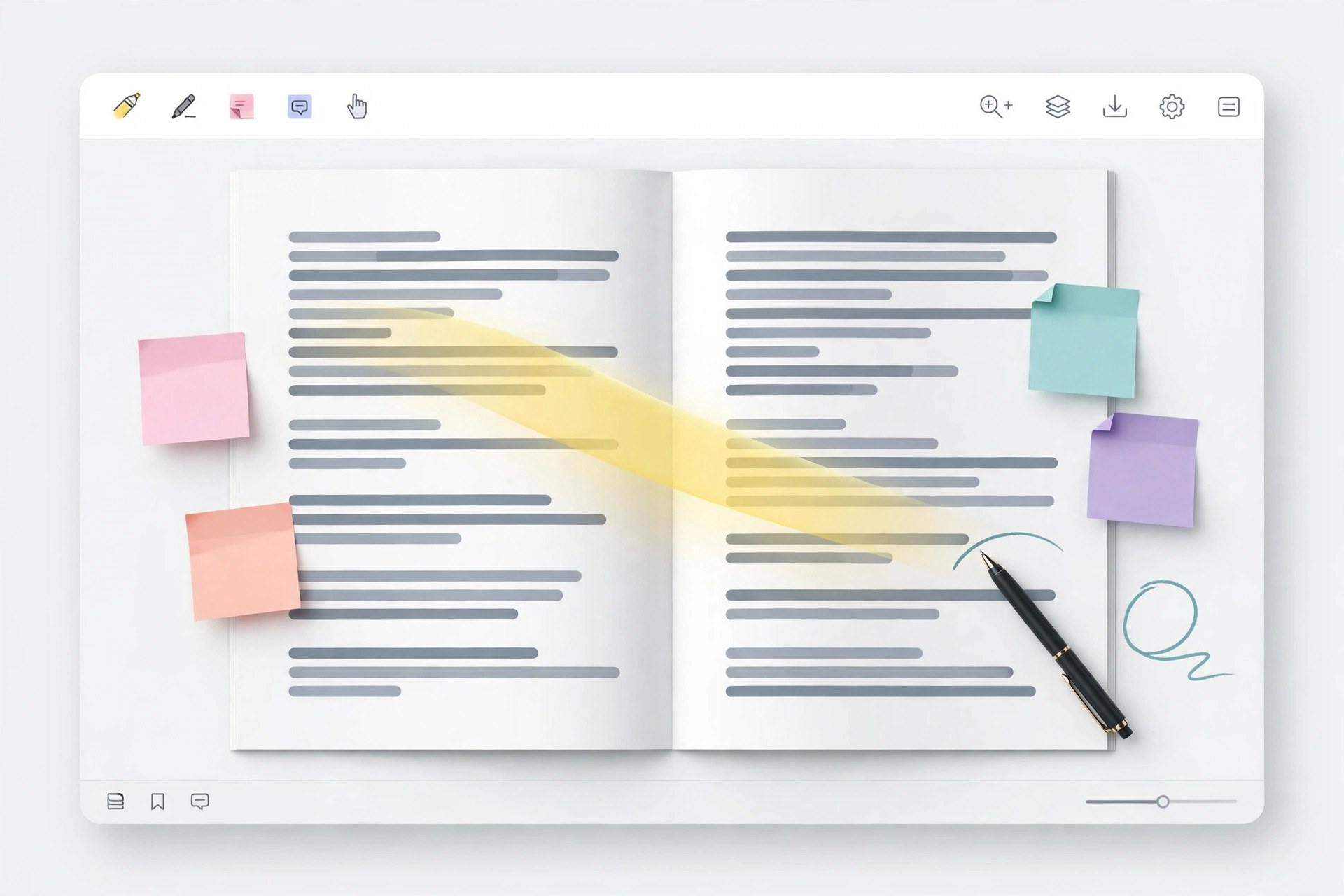
    PDF Reader Pro is an all in one PDF app for Mac that covers reading, editing, annotation, conversion and signing in a single window. It suits students, office teams and freelancers who handle contracts, reports and forms every week and want fewer separate tools.

    Key Features

    • Edit text and images inside a PDF and annotate with comments, highlights and stamps
    • Convert PDF to and from Word, Excel, PowerPoint and other common formats
    • OCR turns scanned pages into text you can search, copy and edit
    • Fill forms and sign documents, with AI tools to summarize, translate, rewrite and proofread
    • Organize pages by merging, splitting and rearranging, plus batch work on many files

    How to Download

    1. Use the download button on this page to get the Mac installer, or Download from the official site
    2. Open the downloaded file and move the app into your Applications folder
    3. Launch the app, open a PDF and pick the tool you need from the toolbar

    System Requirements

    The app runs on current macOS releases on both Intel and Apple silicon Macs. Check your version under About This Mac, and note that AI features need an internet connection.

    FAQs

    Can it edit the text in a scanned PDF?

    Yes, after OCR runs on the scan. The recognized text can then be searched and edited like a normal document.

    Does one license cover other platforms?

    The vendor sells plans that span Mac, Windows, iOS and Android, with terms that vary by plan. Check the plan details before buying.

    Is there a free trial?

    The vendor offers a free trial with no card required, so you can test the main tools on your own files first.