JixiPix Pop Dot Comics 2.19 for Mac
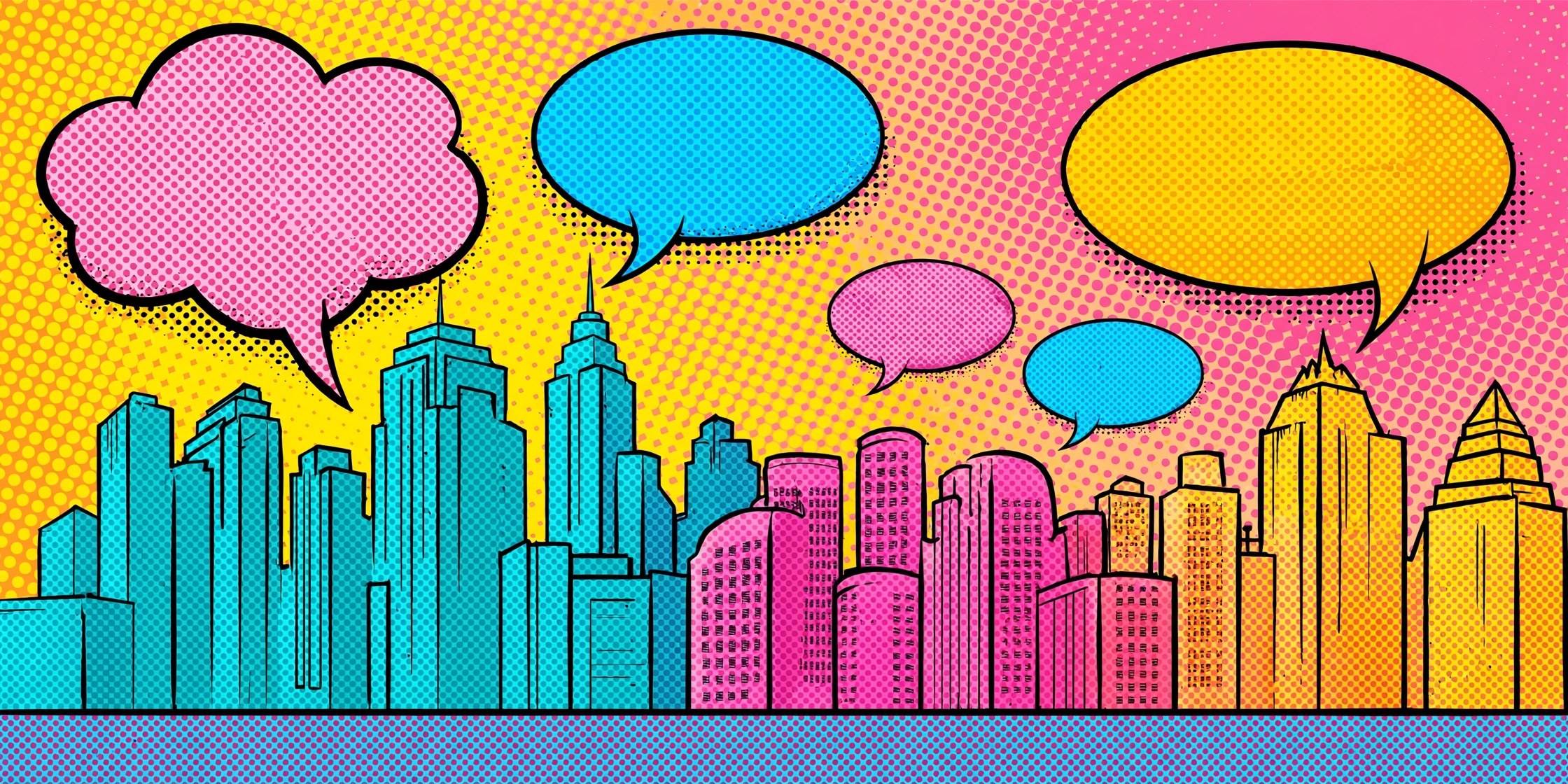
Mac UtilitiesJixiPix Pop Dot Comics transforms snapshots into comic book style illustrations with thick outlines, bold flat color and classic benday dots. It suits anyone who wants fun portraits and artwork that looks like a printed comic page.
Key Features
- Five comic styles including Sunday Comics, Halftone, Noir, Pop and Pulp
- Benday dots, lines and halftone patterns with adjustable size and strength
- Controls for outline thickness, color amount and border styling
- Newsprint and pulp paper textures that give a true printed comic feel
- Speech bubbles and fun extras plus presets and high resolution output
How to Download
- Get the app through the download button on this page, or Download from the official site to open the App Store listing.
- Complete the install on your Mac and then launch Pop Dot Comics.
- Load a photo, pick a comic style and adjust dots, outlines and colors until the page feels right.
System Requirements
Pop Dot Comics is a small creative app for Mac, iPhone and iPad from JixiPix. Check your macOS version under About This Mac before installing and keep the system updated for the smoothest experience.
FAQs
What are benday dots?
They are the small colored dots used in traditional comic printing. Placed in patterns, they create new shades and give your image that unmistakable vintage comic look.
Can I make a dark detective style image?
Yes. The Noir Comics style leans on strong black and white contrast with selective color, which gives portraits a moody pulp detective mood in just a few clicks.
Can I add speech bubbles to my comic?
Yes. The app includes fun extras such as chat bubbles that you can place and size on the image, which is perfect for turning a photo into a short joke panel.







Leave a Reply