Image Resizer Resize Photos 4.3 for Mac
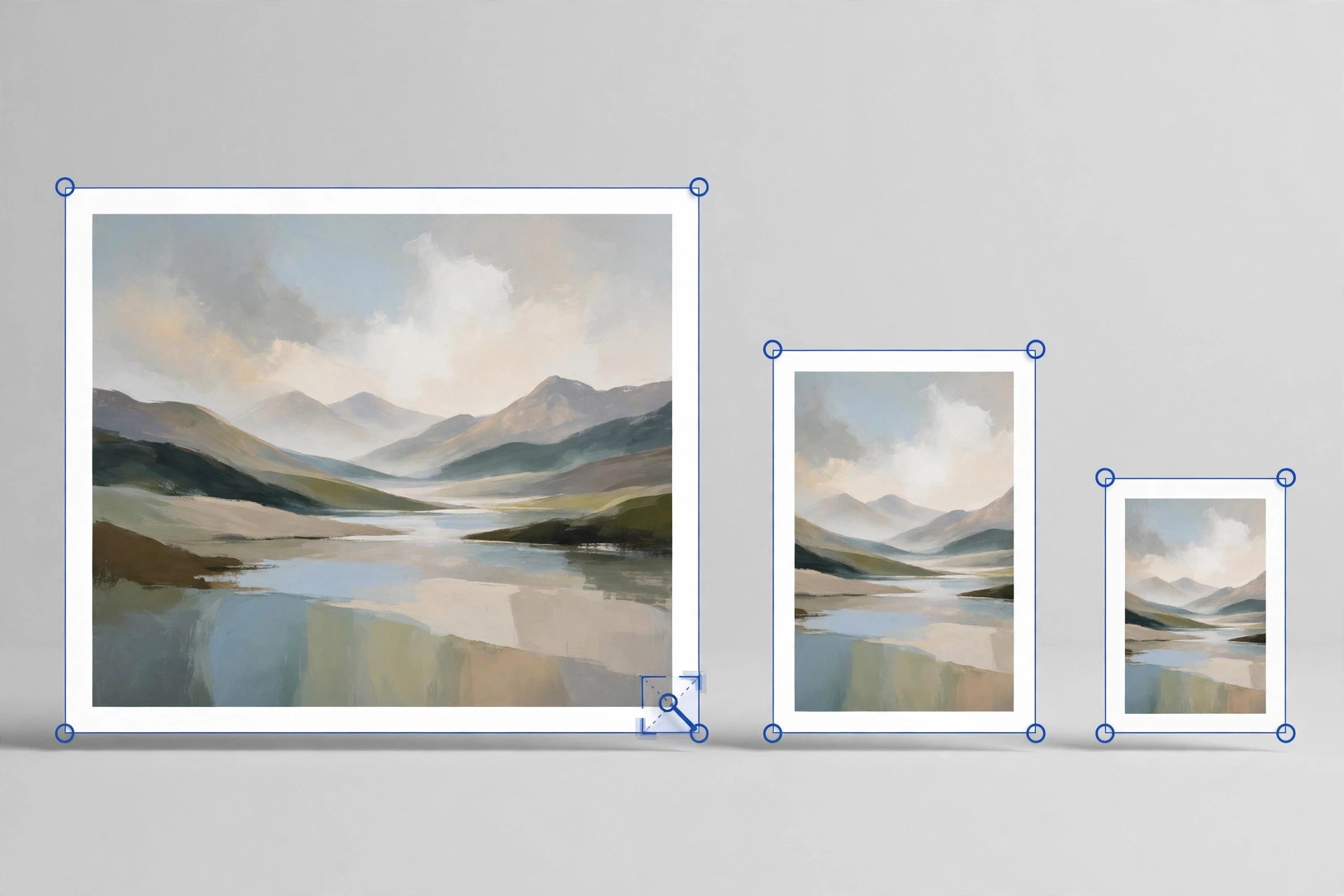
Mac UtilitiesImage Resizer Resize Photos by Tweaking Technologies is a small, focused tool for one everyday job: making pictures smaller without fuss. You can resize a single photo or a whole batch at once, which suits anyone preparing images for email, websites, listings or documents with size limits.
Key Features
- Resize one photo or many photos together in a single batch
- Choose a custom size in pixels or scale pictures by percentage
- Convert images between JPG, PNG, BMP, GIF and TIFF formats while resizing
- Rotate pictures and flip them horizontally or vertically when they open sideways
- Rename the resized copies and pick exactly where they are saved
How to Download
- Use the download button on this page to get the Mac version of the app.
- You can also Download from the official site listing on the Mac App Store.
- Install the app, open it and add photos from your library or any folder.
System Requirements
The Mac App Store listing states that the app requires macOS 10.10 or later. You can confirm your own version under About This Mac in the Apple menu.
FAQs
Does resizing reduce the quality of my photos?
The app is built to keep results looking sharp for normal sharing and web use. For print work, keep your full size originals as well.
What happens to my original photos?
Resized pictures are saved as new copies in the destination you choose, so your original files stay untouched in their folder.
Is the app free?
It is a paid download on the Mac App Store. The store page shows the current price for your region before you buy.







Leave a Reply