JixiPix Aquarella 1.42 for Mac
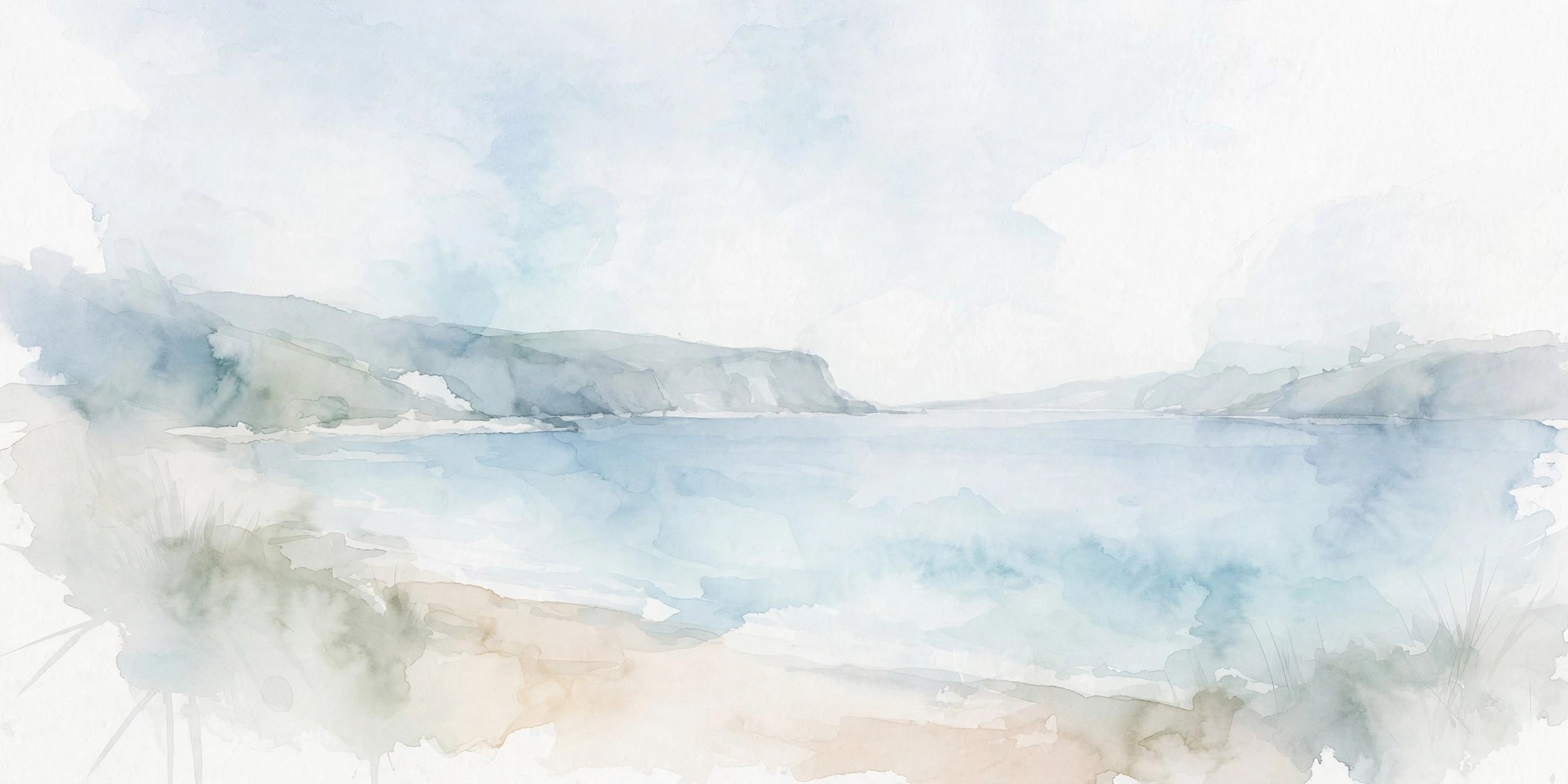
Mac UtilitiesJixiPix Aquarella gives photos the light, transparent feel of real watercolor, with color that pools and blends like wet paint on paper. It suits casual creators who want a gentle painted look for portraits and landscapes without complex editing software.
Key Features
- Watercolor conversion that keeps delicate detail while adding fluid color washes
- Aqua Color presets that paint with the original colors found in your photo
- Two Tone presets that wash the image with a pair of colors you choose
- Adjustments for strength and bloom so you can keep results soft or vivid
- Custom presets, randomize option and support for high resolution output
How to Download
- Grab the app using the download button on this page, or Download from the official site to view the vendor guide.
- Open the downloaded file and complete the install steps on your Mac.
- Launch Aquarella, add a photo and try the preset folders, then fine tune the adjustments to suit the image.
System Requirements
Aquarella is a lightweight creative app for Mac. Before installing, check your macOS version under About This Mac and make sure your system is up to date.
FAQs
What kinds of photos work best in Aquarella?
Images with clear subjects and soft light respond beautifully. Portraits, flowers and landscapes take on a calm painted mood, while very dark photos may need brightening first.
Can I create a painting with only two colors?
Yes. The Two Tone preset folder washes your image with two colors of your choice, which gives a calm, unified result that looks lovely for cards and prints.
Can I save my favorite settings?
Yes. Like other JixiPix apps, Aquarella lets you save custom presets. That makes it easy to apply the same watercolor mood across a whole set of photos.