Category: Mac Utilities

  • JixiPix PuzziPix Pro 1.0.27 for Mac

    JixiPix PuzziPix Pro 1.0.27 for Mac

    JixiPix PuzziPix Pro 1.0.27 for Mac

    JixiPix PuzziPix Pro 1.0.27 for Mac

    Mac Utilities
    Updated Aug 9, 2026
    Mac Utilities • Updated Aug 9, 2026

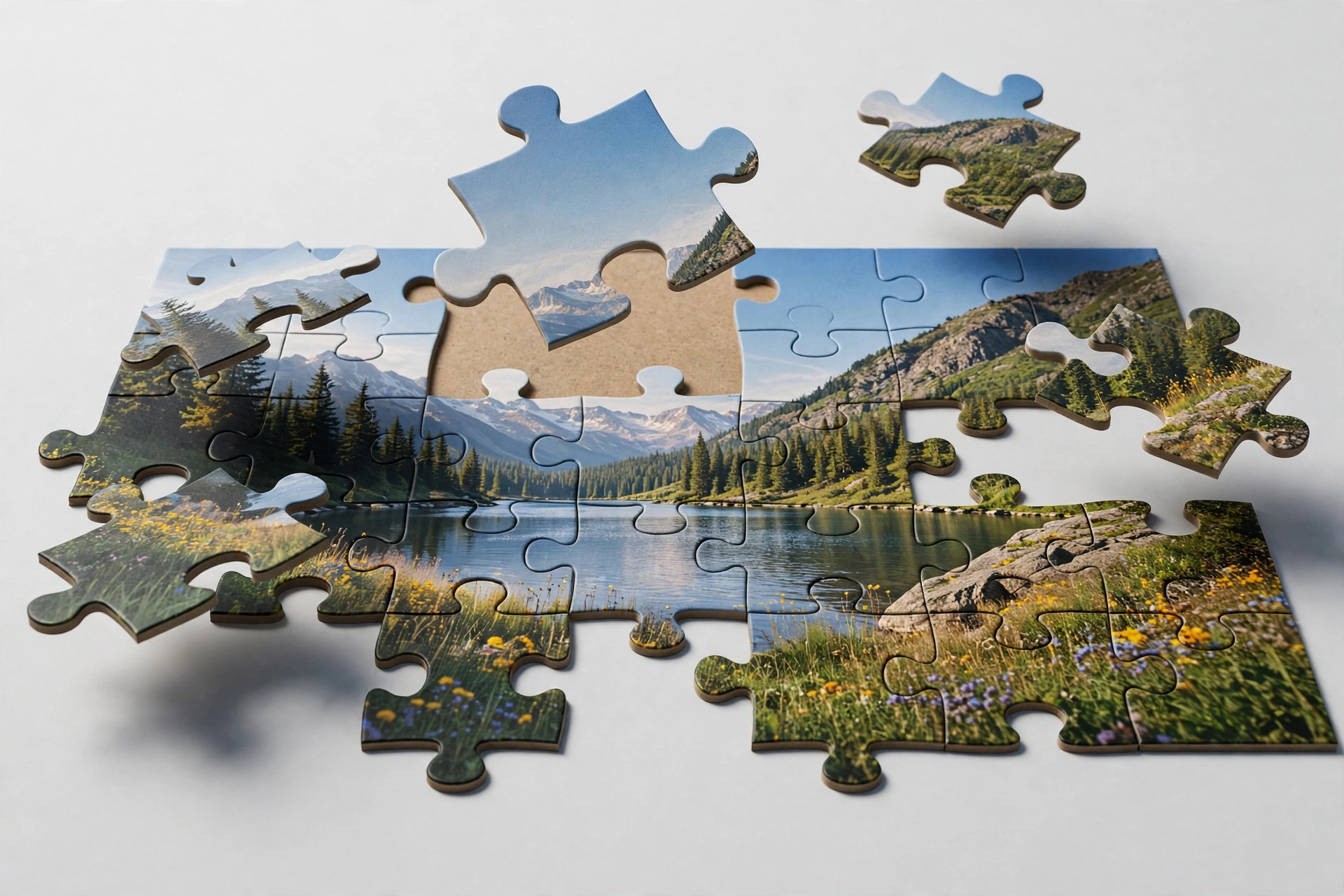
    PuzziPix Pro turns a normal photograph into a jigsaw puzzle scene that you can pull apart, rearrange and style. Every photo you open becomes a puzzle right away, and from there the fun is in moving pieces, lifting a few away and cutting shapes into the picture. It is a playful tool for designers, advertisers and anyone making social posts that need to stand out.

    Key Features

    • Six puzzle designs with four classic styles plus hexagon and round puzzles
    • Move, resize and rotate single pieces or groups of pieces freely
    • Shape library plus custom shapes and logo cutouts for branded designs
    • 3D edges and 3D lighting that give pieces real depth and shadow
    • Plugin included for Photoshop, Elements, Lightroom and Affinity Photo

    How to Download

    1. Press the download button on this page and save the installer file.
    2. Open the file on your Mac and finish the install steps on screen.
    3. For the vendor demo and purchase details, Download from the official site instead.

    System Requirements

    The vendor lists Mac OS X 10.9 or later in 64 bit for the stand alone app. Confirm your version under About This Mac, and note the App Store build does not include the plugin.

    FAQs

    Can I put a different photo inside one piece?

    Yes. You can import a photo into a single piece or into a group of pieces for collage style effects.

    What can I do with custom shapes?

    You can cut a shape into the puzzle, conform pieces to a shape, or use a logo as a cutout for marketing artwork.

    Does it work with large photos?

    Yes. Like other JixiPix apps it supports high resolution images and output, with multiple undo while you experiment.


  • AnyDesk 9.8.1 for Mac

    AnyDesk 9.8.1 for Mac

    AnyDesk 9.8.1 for Mac

    AnyDesk 9.8.1 for Mac

    Mac Utilities
    Updated Aug 9, 2026
    Mac Utilities • Updated Aug 9, 2026

    AnyDesk is a remote desktop app that lets you see and control another computer as if you sat in front of it. People use it to help family with a stuck Mac, reach a work machine from home and support customers without travelling. Sessions feel responsive because the app uses its own DeskRT codec to move screen data efficiently. The current Mac release is version 9.8.1, dated October 2026 on the vendor page.

    Key Features

    • Remote control of Mac, Windows, Linux and mobile devices from one client
    • DeskRT codec for high frame rates and low latency sessions
    • File transfer between your Mac and the remote computer
    • Unattended access with a password for machines you manage
    • Session encryption with TLS 1.3 and RSA 2048 key exchange

    How to Download

    1. Use the download button on this page and save the AnyDesk disk image.
    2. You can also Download from the official site to confirm the current Mac version.
    3. Open the image, install the app and grant the permissions it requests.

    System Requirements

    Current AnyDesk releases for Mac need macOS 11 Big Sur or later. The vendor download page keeps older builds for older macOS versions.

    FAQs

    Is AnyDesk free?

    It is free for personal use. Business use needs a paid licence, with plans adding address books and custom clients.

    Which permissions does AnyDesk need on a Mac?

    Full control needs Screen Recording, Accessibility and Full Disk Access allowed for AnyDesk in System Settings.

    Can a Mac control a Windows computer?

    Yes. A Mac can connect to Windows, Linux, Android and iOS devices, and those devices can connect back.

  • JixiPix Romantic Photo 2.3.10 for Mac

    JixiPix Romantic Photo 2.3.10 for Mac

    JixiPix Romantic Photo 2.3.10 for Mac

    JixiPix Romantic Photo 2.3.10 for Mac

    Mac Utilities
    Updated Aug 9, 2026
    Mac Utilities • Updated Aug 9, 2026

    JixiPix Romantic Photo gives ordinary pictures a soft, dreamy mood with carefully built lighting effects. Portraits gain a gentle glow, wedding shots feel warmer and everyday scenes take on a storybook softness, all from presets you can tune with simple sliders. It suits photographers who want feeling, not filters that shout.

    Key Features

    • Romantic preset styles that combine soft light, glow and gentle colour grading
    • More than thirty filter combinations to explore for different moods
    • Strength controls blend the effect with your original photo as much as you like
    • Selective colour tools keep one colour vivid while the rest turns dreamy
    • Tone and colour strength sliders for shaping warmth and depth in the scene

    How to Download

    1. Use the download button on this page to get the Mac version of Romantic Photo.
    2. You can also Download from the official site and find Romantic Photo in the JixiPix range.
    3. Install the app, open a photo and pick a preset to begin adjusting the mood.

    System Requirements

    Romantic Photo is a desktop app for Mac computers. Check your macOS version under About This Mac in the Apple menu, and see the vendor page for the needs of the current build.

    FAQs

    Which photos suit Romantic Photo best?

    Portraits, couples, weddings and garden scenes respond beautifully to the soft light. Landscapes and still life photos can also take a gentle dreamy look.

    Can I control how strong the effect is?

    Yes. Every preset can be softened or strengthened with sliders, and you can blend the treated image back toward the original photo.

    Does the app change my original photo?

    No. You work on the picture inside the app and save the finished result as a new image, leaving your original file as it was.

  • JixiPix Pastello Pro 6.0.106 for Mac

    JixiPix Pastello Pro 6.0.106 for Mac

    JixiPix Pastello Pro 6.0.106 for Mac

    JixiPix Pastello Pro 6.0.106 for Mac

    Mac Utilities
    Updated Aug 9, 2026
    Mac Utilities • Updated Aug 9, 2026

    Pastello Pro turns your photos into drawings that look made with real dry media. Drop in a portrait or a landscape and it comes back as pastel, chalk, charcoal, colored pencil, graphite or crayon, placed on art paper. There is no tracing and no brush skill needed. It suits photographers and hobby artists who want a hand drawn feel in minutes.

    Key Features

    • Seven dry media effects including pastel, charcoal, conte and crayon
    • Smart layers let you stack and blend media for richer drawings
    • Da Vinci style mixes several media on aged paper for an old world look
    • Art papers, artistic finishes and edges that react like real paper
    • Stand alone app plus plugin for Photoshop, Elements and Lightroom

    How to Download

    1. Use the download button on this page and save the installer to your Mac.
    2. Open the saved file and follow the install steps until the app is ready.
    3. To try the vendor demo first, Download from the official site from the product page.

    System Requirements

    The vendor lists Mac OS X 10.9 or later in 64 bit for the stand alone app. Check About This Mac to see your version, and remember the App Store build does not include the plugin.

    FAQs

    Do I need drawing skills to use Pastello Pro?

    No. The app builds the drawing on its own. Your part is choosing media, layers and papers until it feels right.

    Can I mix two media in one picture?

    Yes. Layers let you combine, say, pencil outlines with charcoal shading, and reorder or duplicate layers as you go.

    Can I save my own style?

    Yes. Custom presets save your layers and settings, so a look you love can be applied to new photos later.

  • Drive Scope 2.1.1 for Mac

    Drive Scope 2.1.1 for Mac

    Drive Scope 2.1.1 for Mac

    Drive Scope 2.1.1 for Mac

    Mac Utilities
    Updated Aug 9, 2026
    Mac Utilities • Updated Aug 9, 2026

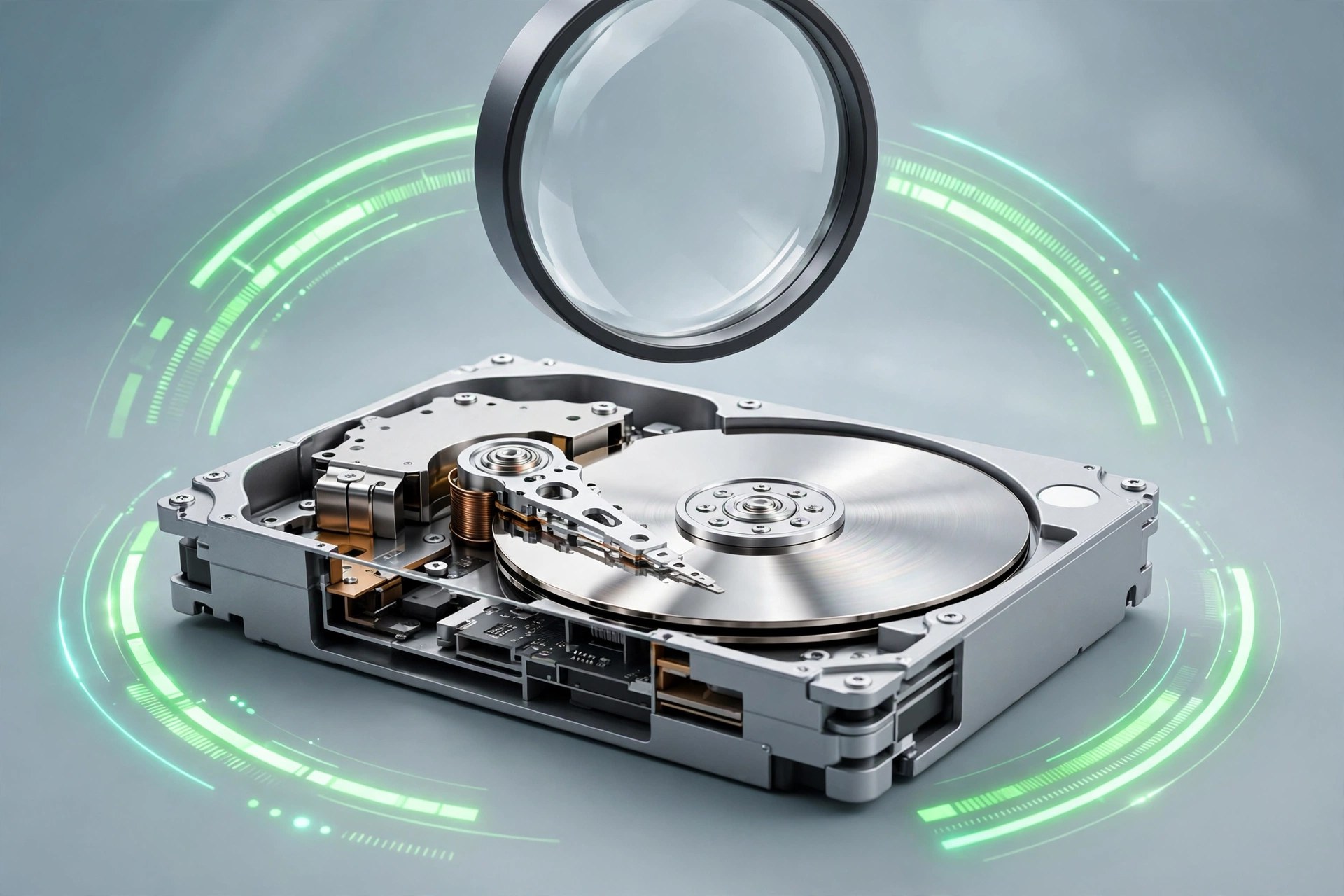
    Drive Scope from Micromat is an early warning system for the drives inside and attached to your Mac. Most drives record their own health data through a system called SMART, but macOS shows almost none of it. Drive Scope reads that data in detail, watches it in the background and warns you when signs point towards failure, giving you time to back up before a tired drive stops working.

    Key Features

    • Continuous background monitoring of SMART health for supported disks
    • Early warning alerts when a drive shows signs of coming failure
    • Detailed SMART views separating failure related signs from general information
    • NVMe support for modern Apple drives, plus a SAT SMART driver for USB drives
    • Menu bar status and a desktop widget on macOS 14 or later

    How to Download

    1. Use the download button on this page and save the Drive Scope installer.
    2. You can also Download from the official site to read the Micromat details.
    3. Install the app, enable background monitoring and check each drive report.

    System Requirements

    Drive Scope 2 needs macOS 13.5 Ventura or greater, on Apple silicon and Intel based Macs, with support listed up to the newest macOS releases.

    FAQs

    What is SMART data?

    It is health information a drive records about itself, such as errors and wear, which Drive Scope presents clearly.

    Can Drive Scope repair a failing drive?

    No. It monitors and warns only. If it reports serious problems, back up at once and plan a replacement.

    Does it work with USB drives?

    It reads many USB drives with its SAT SMART driver installed, though some models refuse to share health data.

  • Go 1.27.4 for Mac

    Go 1.27.4 for Mac

    Go 1.27.4 for Mac

    Go 1.27.4 for Mac

    Mac Utilities
    Updated Aug 9, 2026
    Mac Utilities • Updated Aug 9, 2026

    Go is an open source programming language created at Google, and this package installs its official toolchain on your Mac. It includes the compiler, the go command and a large standard library for building services, command line tools and network software. It suits developers who value fast builds and simple deployment.

    Key Features

    • Statically typed compiled language with quick builds and a single output binary
    • Built in concurrency with goroutines and channels for parallel work
    • Large standard library covering HTTP servers, networking, testing and encryption
    • Included tools format code, run tests and manage modules from the terminal
    • Cross compilation builds programs for other systems right from your Mac

    How to Download

    1. Use the download button on this page to get the Mac installer for Go.
    2. You can also Download from the official site and pick the macOS package for your chip.
    3. Run the installer, open Terminal and type go version to confirm the setup.

    System Requirements

    Official macOS installers are provided for both Apple Silicon and Intel Macs. Check About This Mac in the Apple menu to see which chip your computer has before choosing a package.

    FAQs

    Is Go free to use?

    Yes. Go is open source and free for personal and commercial work, including software you sell or run for clients.

    How do I check which Go version is installed?

    Open the Terminal app and run go version. The output prints the exact release that your Mac is currently using.

    How do I update Go later?

    Download the newer macOS installer from the official download page and run it. Keeping up to date brings security fixes and library improvements.

  • Electorrent 2.17.2 for Mac

    Electorrent 2.17.2 for Mac

    Electorrent 2.17.2 for Mac

    Electorrent 2.17.2 for Mac

    Mac Utilities
    Updated Aug 9, 2026
    Mac Utilities • Updated Aug 9, 2026

    Electorrent is not a torrent engine of its own. It is a neat desktop remote control for the torrent client you already run somewhere else, perhaps on a NAS, a small home server, a seedbox or even this same Mac. From one window you can watch progress, add new tasks and pause or remove old ones without opening a browser tab.

    Key Features

    • Connects to qBittorrent, Transmission, rTorrent, Deluge and uTorrent servers
    • Add torrents by file or magnet link and manage them remotely
    • Live list with speed, progress, size and status for every task
    • Save more than one server profile and switch between them quickly
    • Open source app built with Electron for Mac, Windows and Linux

    How to Download

    1. Click the download button on this page and save the Mac disk image.
    2. Open the image and drag the app into your Applications folder.
    3. Release files also live on GitHub, so you can Download from the official site there.

    System Requirements

    You need a Mac that can run recent Electron apps and a supported torrent client running with its web or remote interface turned on. Check About This Mac for your macOS version if you are unsure.

    FAQs

    Does Electorrent download files by itself?

    No. Your existing torrent client does the downloading. Electorrent only controls it from a friendly desktop window.

    Which clients does it support?

    It supports qBittorrent, Transmission, rTorrent, Deluge and uTorrent, as long as remote access is enabled on the server side.

    Is Electorrent free to use?

    Yes. It is open source software released under the GPL, and the code is public on GitHub for anyone to review.

  • DVD Cloner XR 12.20.747 for Mac

    DVD Cloner XR 12.20.747 for Mac

    DVD Cloner XR 12.20.747 for Mac

    DVD Cloner XR 12.20.747 for Mac

    Mac Utilities
    Updated Aug 9, 2026
    Mac Utilities • Updated Aug 9, 2026

    DVD Cloner XR for Mac is a disc copying tool from OpenCloner for people who still keep a movie collection on physical discs. It copies DVD, Blu ray and UHD discs to blank discs, saves them to your hard drive, or converts them to files you can play anywhere. It suits anyone building a safe backup library of discs they own.

    Key Features

    • Copies a full disc with its menus, subtitles and audio tracks kept in place
    • Backs up discs to your hard drive as an ISO image or a disc folder
    • Shrinks a large dual layer disc so it fits on a smaller blank disc
    • Lets you pick a full copy, the main movie only, or a custom set of titles
    • Converts disc content to MKV files for playback on other devices

    How to Download

    1. Use the download button on this page to get the Mac installer.
    2. Open the downloaded file and move the app into your Applications folder.
    3. Launch the app, insert a disc you own, and pick a copy mode.

    System Requirements

    You need a Mac with a compatible optical drive, built in or connected over USB, plus enough free hard drive space to hold a full disc image while you work.

    FAQs

    Can it copy Blu ray and UHD discs as well as DVDs?

    Yes. The XR edition is built for DVD, Blu ray and UHD discs, although UHD work needs a drive that can read those discs.

    Where can I save a backup?

    You can burn to a blank disc, save an ISO image or disc folder on your drive, or convert the content to MKV.

    Should I copy discs I do not own?

    No. Use the app for backup copies of your own discs, and follow the rules on personal copies where you live.

  • JixiPix Rip Studio Pro 1.1.27 for Mac

    JixiPix Rip Studio Pro 1.1.27 for Mac

    JixiPix Rip Studio Pro 1.1.27 for Mac

    JixiPix Rip Studio Pro 1.1.27 for Mac

    Mac Utilities
    Updated Aug 9, 2026
    Mac Utilities • Updated Aug 9, 2026

    JixiPix Rip Studio Pro is a collage studio built around one convincing illusion: paper that looks genuinely ripped, cut, folded and taped. You draw around a photo or a piece of text and the app tears it out with fibrous edges, curled corners and realistic shadows. It suits designers, scrapbookers and photographers making covers, cards and ads.

    Key Features

    • Rip, tear and cut edges drawn freehand around images, shapes and text
    • Edge controls for width, roughness, fibre amount and fibre length
    • Tape, creases, folds and curled edges with a 3D light engine for shadows
    • Full layer system with multiple selection, paper styles and objects like pins
    • Photoshop and Lightroom plugin included with the standalone version

    How to Download

    1. Use the download button on this page to get the Mac version of Rip Studio Pro.
    2. You can also Download from the official site and try the Mac demo there.
    3. Run the installer, open the app and start a project with a background style.

    System Requirements

    JixiPix lists the standalone app for Mac OS X 10.9 or later on a 64 bit Mac. Check About This Mac in the Apple menu to confirm your system before installing.

    FAQs

    Does Rip Studio Pro work inside Photoshop?

    Yes. The standalone version includes a plugin for Photoshop, Elements and Lightroom. The Mac App Store edition does not include the plugin.

    Can beginners use Rip Studio Pro?

    Yes. Although it was built for professional work, the basic flow is simple: add a picture, draw around it and adjust the torn edge.

    What can I make with Rip Studio Pro?

    People use it for scrapbook pages, music covers, invitations, posters and social graphics that need a handmade paper look.

  • JixiPix Spektrel Art 1.1.24 for Mac

    JixiPix Spektrel Art 1.1.24 for Mac

    JixiPix Spektrel Art 1.1.24 for Mac

    JixiPix Spektrel Art 1.1.24 for Mac

    Mac Utilities
    Updated Aug 9, 2026
    Mac Utilities • Updated Aug 9, 2026

    Spektrel Art turns a photo into a web of glowing light. Fine tapered lines cross and gather across the image, splitting it into bright color areas that feel part stained glass and part neon dream. It is an effect with real drama, and it suits artists and photographers who want abstract work for prints, covers and social posts.

    Key Features

    • Light line artwork generated from the shapes inside your photo
    • Controls for line detail, taper and glow so you shape the mood
    • Color controls that split the image into vivid divided color spaces
    • Presets for a fast start plus a randomize button for fresh ideas
    • Stand alone app with plugin access from Photoshop and Lightroom

    How to Download

    1. Click the download button on this page and save the installer file.
    2. Open the file on your Mac and complete the setup steps shown.
    3. The vendor lists this app with its full range, so Download from the official site to view it there.

    System Requirements

    JixiPix desktop apps of this family ask for a 64 bit Mac. You can check your own macOS version under About This Mac, and large images will benefit from free memory while rendering.

    FAQs

    What kind of photos work best in Spektrel Art?

    Photos with clear shapes and strong light tend to shine. Portraits, flowers and city scenes all produce striking line work.

    Can I make the effect softer?

    Yes. Lower the line intensity and glow settings for a gentler result, or raise them when you want bold and wild color.

    Does it save at print size?

    Like other JixiPix products it supports high resolution images and output, so finished art can be saved large for printing.