Category: Mac Utilities

  • Adobe Acrobat Reader DC 26.003.22075 for Mac

    Adobe Acrobat Reader DC 26.003.22075 for Mac

    Adobe Acrobat Reader DC 26.003.22075 for Mac

    Adobe Acrobat Reader DC 26.003.22075 for Mac

    Mac Utilities
    Updated Aug 10, 2026
    Mac Utilities • Updated Aug 10, 2026

    Adobe Acrobat Reader DC is the free PDF reader from Adobe, the company that created the PDF format itself. On the Mac it opens documents exactly as their authors intended, with fonts, layouts, forms and signatures intact. Beyond simple viewing, you can add comments, fill in forms and sign documents, and pick up files stored in Adobe Document Cloud.

    Key Features

    • Opens and prints PDF files with accurate layout, fonts and images
    • Comments and markup tools with notes, highlights and drawing
    • Fill and Sign tools for completing forms and signing documents
    • Access to files in Adobe Document Cloud and other connected storage
    • Text search, bookmarks and page thumbnails for fast navigation

    How to Download

    1. Use the download button on this page, or Download from the official site to get the Mac installer.
    2. Open the downloaded file and run the installer, following the steps on screen.
    3. Launch Acrobat Reader and open any PDF file to check everything works.

    System Requirements

    Acrobat Reader runs on Intel and Apple Silicon Macs and current releases require macOS 13 or later. You also need some free disk space for the app and an internet connection for cloud features.

    FAQs

    Is Acrobat Reader free?

    Yes. Viewing, printing, commenting and signing PDFs are free. Some advanced editing tools belong to the paid Acrobat plans and are offered as an option inside the app.

    Can I fill in a PDF form with it?

    Yes. The Fill and Sign tool lets you type into form fields, add your signature and save or share the completed document.

    Does it work offline?

    Files stored on your Mac open and read fine with no connection. A connection is only needed for cloud storage and services tied to your Adobe account.

  • Sonic Academy SideKick 1.0.4 for Mac

    Sonic Academy SideKick 1.0.4 for Mac

    Sonic Academy SideKick 1.0.4 for Mac

    Sonic Academy SideKick 1.0.4 for Mac

    Mac Utilities
    Updated Aug 10, 2026
    Mac Utilities • Updated Aug 10, 2026

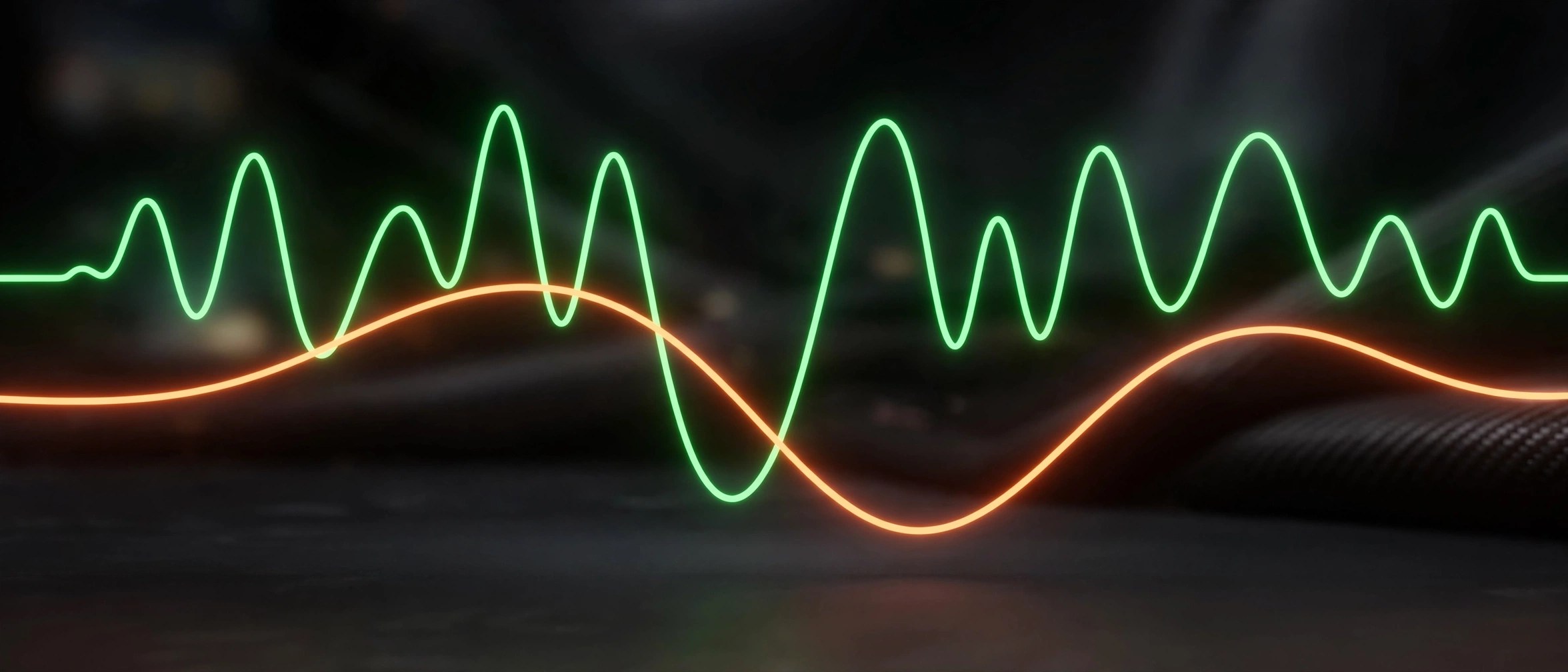
    SideKick from Sonic Academy is an audio plugin built to solve the oldest dance music problem of all: getting the kick and the bass to share the same space. Instead of fighting a compressor, you draw the exact ducking shape you want and let the plugin follow it.

    Key Features

    • Fully drawable volume envelopes where you add nodes, bend curves, draw freehand and snap points to the grid
    • Spectral ducking builds a 24 band inverse EQ from the sidechain signal, reducing only the frequencies that clash with your kick
    • Multiband processing splits the signal into low, mid and high bands, each with its own envelope and mix level
    • Five working modes in one plugin: host sync, MIDI trigger, audio trigger, spectral ducking and sidechain ring modulation
    • Automatic phase alignment, delta monitoring, waveform overlays and a library of factory presets

    How to Download

    1. Click the download button on this page and save the Mac installer.
    2. You can also Download from the official site to start the trial from Sonic Academy.
    3. Run the installer, then rescan plugins in your DAW so SideKick appears in your effects list.

    System Requirements

    SideKick needs macOS 10.13 or later and a DAW that hosts VST3, AU or AAX plugins. A 14 day free trial lets you test it in your own projects first.

    FAQs

    What does SideKick actually do?

    It lowers one sound whenever another plays, most often ducking the bass around each kick hit, using shapes and spectral tools you control.

    Which plugin formats are included?

    The Mac version installs as VST3, Audio Units and AAX, so it works in the major DAWs on macOS.

    Can I try it before buying?

    Yes. Sonic Academy offers a 14 day free trial with the full feature set, according to the product page.

  • Sonic Academy KICK 2 1.1.7 for Mac

    Sonic Academy KICK 2 1.1.7 for Mac

    Sonic Academy KICK 2 1.1.7 for Mac

    Sonic Academy KICK 2 1.1.7 for Mac

    Mac Utilities
    Updated Aug 10, 2026
    Mac Utilities • Updated Aug 10, 2026

    KICK 2 from Sonic Academy is a dedicated kick drum synthesizer for electronic music producers. Instead of hunting through sample folders for a drum that almost fits, you build the exact kick your track needs. A sub oscillator forms the body of the sound, sampled click layers add the attack, and flexible curves shape pitch and volume over time so the drum can be tuned to the key of your song.

    Key Features

    • Synthesizes kick drums from a dedicated sub oscillator rather than samples alone
    • Layers up to three click samples over the sub for attack and character
    • Uses Bezier curve editors for detailed pitch and amplitude envelopes
    • Ships with over 230 factory presets across many electronic styles
    • Renders your finished kick to a WAV file you can drop into any project

    How to Download

    1. Click the download button on this page and save the KICK 2 installer to your Mac.
    2. Run the installer and select the plugin formats your music software needs.
    3. You can also Download from the official site to get KICK 2 straight from Sonic Academy.

    System Requirements

    KICK 2 runs on macOS as a VST, AU and AAX plugin inside a compatible host. Note that Sonic Academy now lists KICK 2 as end of life, with KICK 3 as its successor.

    FAQs

    Can I tune the kick to my track?

    Yes. The pitch envelope shows note values as you edit, and keytracking lets the drum follow the notes you play on your keyboard.

    Can I use my own click samples?

    Yes. Each of the three click sections can load your own audio, so you can layer favourite transients over the synthesized sub.

    Does KICK 2 only make electronic kicks?

    Electronic styles are its home ground, but the same tools shape drums for pop and hip hop.

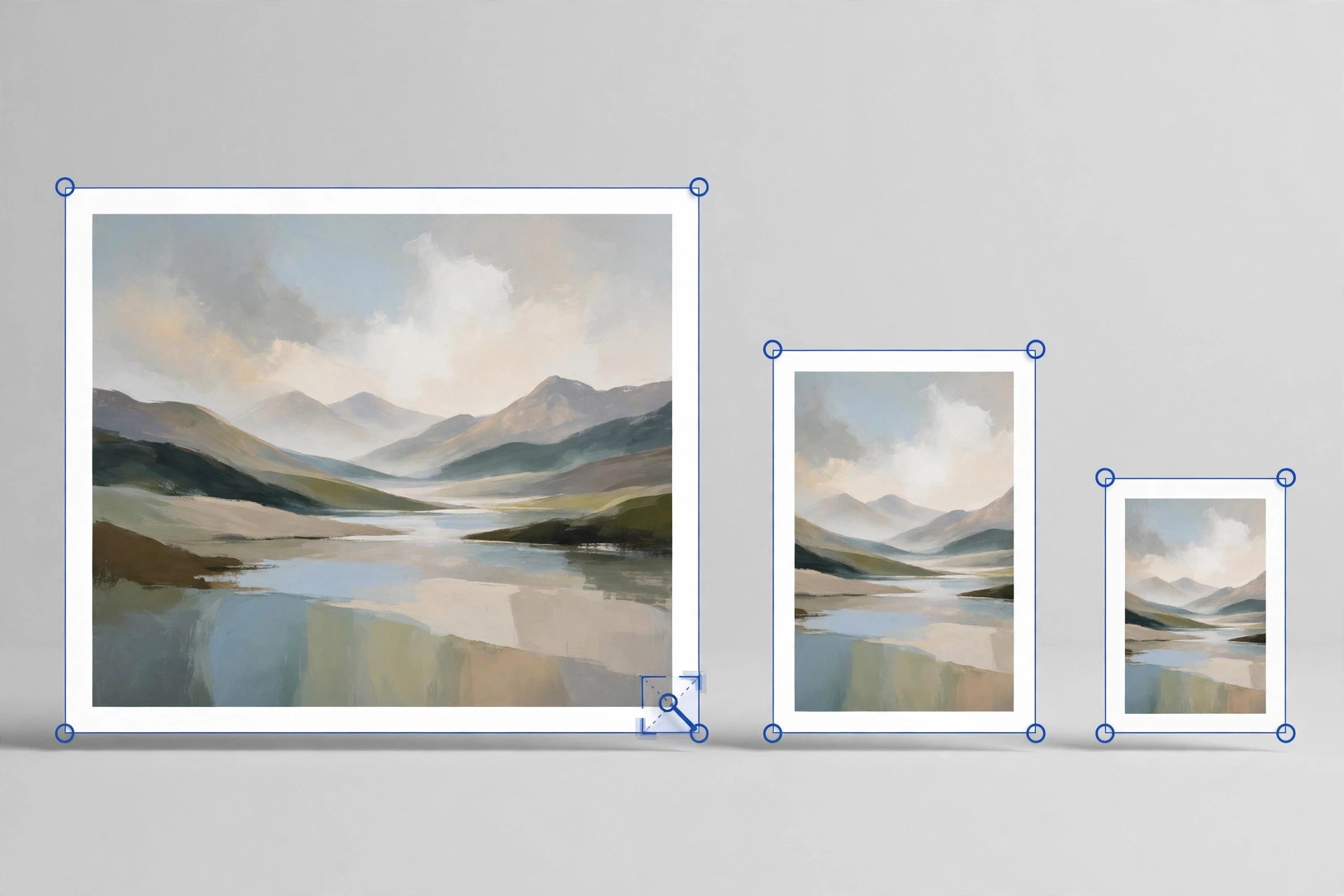
  • Image Resizer Resize Photos 4.3 for Mac

    Image Resizer Resize Photos 4.3 for Mac

    Image Resizer Resize Photos 4.3 for Mac

    Image Resizer Resize Photos 4.3 for Mac

    Mac Utilities
    Updated Aug 9, 2026
    Mac Utilities • Updated Aug 9, 2026

    Image Resizer Resize Photos by Tweaking Technologies is a small, focused tool for one everyday job: making pictures smaller without fuss. You can resize a single photo or a whole batch at once, which suits anyone preparing images for email, websites, listings or documents with size limits.

    Key Features

    • Resize one photo or many photos together in a single batch
    • Choose a custom size in pixels or scale pictures by percentage
    • Convert images between JPG, PNG, BMP, GIF and TIFF formats while resizing
    • Rotate pictures and flip them horizontally or vertically when they open sideways
    • Rename the resized copies and pick exactly where they are saved

    How to Download

    1. Use the download button on this page to get the Mac version of the app.
    2. You can also Download from the official site listing on the Mac App Store.
    3. Install the app, open it and add photos from your library or any folder.

    System Requirements

    The Mac App Store listing states that the app requires macOS 10.10 or later. You can confirm your own version under About This Mac in the Apple menu.

    FAQs

    Does resizing reduce the quality of my photos?

    The app is built to keep results looking sharp for normal sharing and web use. For print work, keep your full size originals as well.

    What happens to my original photos?

    Resized pictures are saved as new copies in the destination you choose, so your original files stay untouched in their folder.

    Is the app free?

    It is a paid download on the Mac App Store. The store page shows the current price for your region before you buy.

  • JixiPix Chromatic Edges 1.0.37 for Mac

    JixiPix Chromatic Edges 1.0.37 for Mac

    JixiPix Chromatic Edges 1.0.37 for Mac

    JixiPix Chromatic Edges 1.0.37 for Mac

    Mac Utilities
    Updated Aug 9, 2026
    Mac Utilities • Updated Aug 9, 2026

    Chromatic Edges is all about the border around your photo. It recreates the look of old glass, silver and paper plate photography and then goes further, using machine learning to generate edges that have never existed before. It suits photographers and designers who love vintage character and want every finished image to feel one of a kind.

    Key Features

    • Generate button creates a completely unique edge for each photo
    • Historic styles such as Tintype, Cyanotype, Daguerreotype and Ambrotype
    • Layer system with photo edge, texture, scratches and adjustment layers
    • Preset system that saves your full setup to reuse on other images
    • Stand alone app with a plugin for Photoshop, Elements and Lightroom

    How to Download

    1. Click the download button on this page and save the file to your Mac.
    2. Open the file and complete the install steps shown by the installer.
    3. You can also Download from the official site to read the vendor guide and buying options.

    System Requirements

    JixiPix desktop apps of this generation ask for a 64 bit Mac. Check About This Mac to confirm your macOS version before installing, and keep some free disk space for large photo files.

    FAQs

    Are the edges just fixed overlays?

    No. The app generates new edges with machine learning, so you are not limited to a small set of stock borders.

    Which old photo styles are included?

    Styles include Calotype, Cyanotype, Gelatin Silver Plate, Autochrome, Carbon Print and Salted Paper Print, plus many variations in between.

    Can I save an edge look I like?

    Yes. Save your work as a preset or mark edges as favorites so you can apply the same mood again later.

  • Exhibeo 2.0.15 for Mac

    Exhibeo 2.0.15 for Mac

    Exhibeo 2.0.15 for Mac

    Exhibeo 2.0.15 for Mac

    Mac Utilities
    Updated Aug 9, 2026
    Mac Utilities • Updated Aug 9, 2026

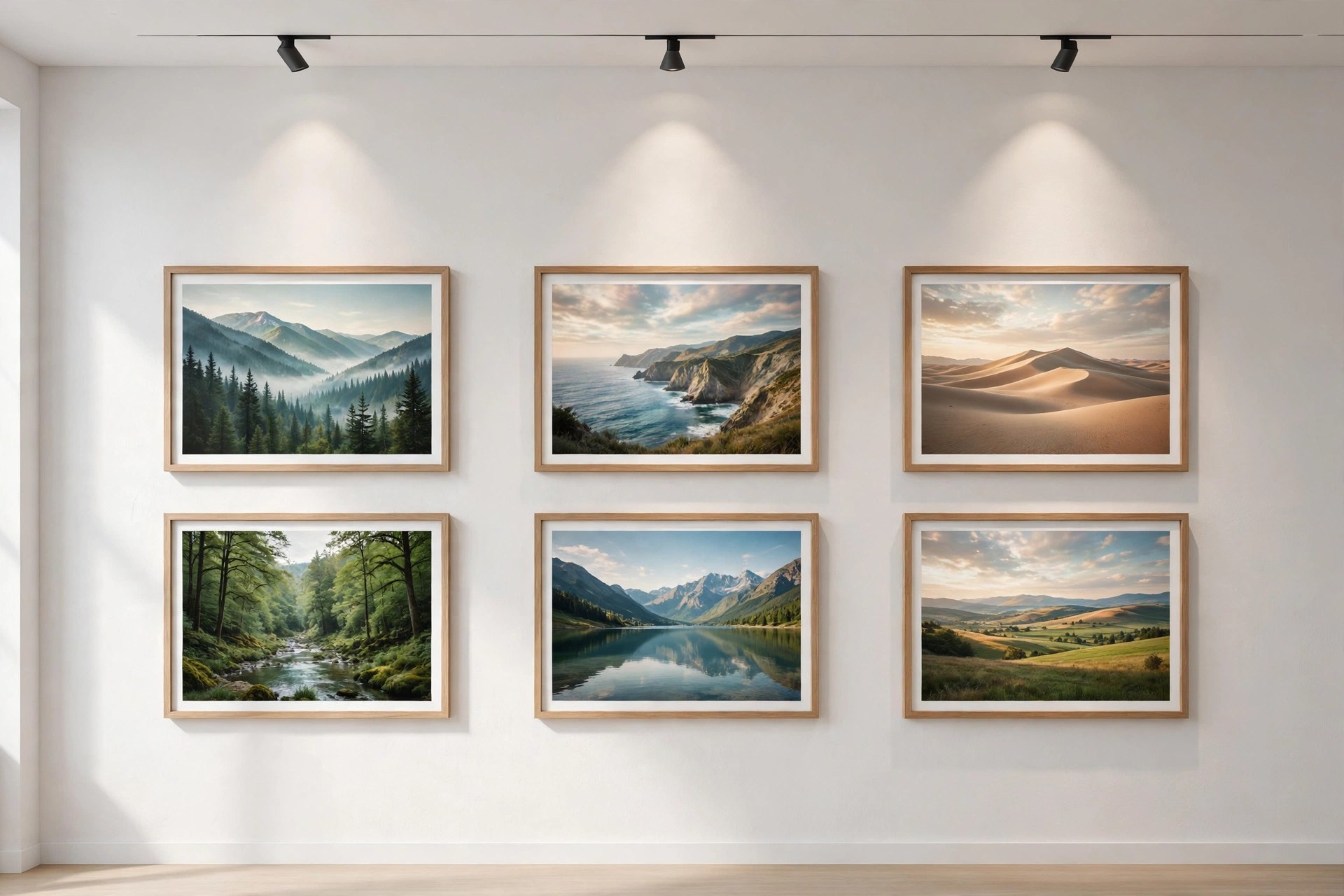
    Exhibeo from Softpress is a Mac app for turning a set of photos into a polished web gallery without writing code. You add images, pick one of the included themes, adjust the look and export. The output is modern HTML5 that fits into a website you already have. Photographers use it for portfolios, small shops use it for products and clubs use it to share event pictures.

    Key Features

    • Responsive HTML5 galleries and slideshows for phones, tablets and desktops
    • Seven themes, including Photoswipe, Showtime, Slide and Thumblie styles
    • Imports web graphics plus Photoshop, TIFF and RAW image files
    • Theme customization options and animations inside a simple interface
    • Metadata import and view tools, image replacement and project archives

    How to Download

    1. Use the download button on this page and save the Exhibeo installer.
    2. You can also Download from the official site to see the Softpress themes.
    3. Install the app, add images, choose a theme and export your gallery.

    System Requirements

    Exhibeo 2 requires macOS 10.13 or greater, as stated on the Softpress product page. Older builds for macOS 10.10 to 10.12 are linked there too.

    FAQs

    Do I need to know how to code?

    No. You work with images and theme settings, and the app produces the finished web files for you.

    Will the galleries work on phones?

    Most themes are responsive, so galleries resize for small screens, and visitors can swipe through images on touch devices.

    Can I use Exhibeo galleries in another website builder?

    Yes. The export is standard web material, and Softpress notes that its Xway app can import Exhibeo galleries directly.

  • JixiPix Hand Tint Pro 1.0.29 for Mac

    JixiPix Hand Tint Pro 1.0.29 for Mac

    JixiPix Hand Tint Pro 1.0.29 for Mac

    JixiPix Hand Tint Pro 1.0.29 for Mac

    Mac Utilities
    Updated Aug 9, 2026
    Mac Utilities • Updated Aug 9, 2026

    JixiPix Hand Tint Pro brings back the classic craft of hand colouring photographs, done with a brush on your Mac instead of paints on paper. You start from a black and white, luminescent or vintage base and paint colour back in layer by layer. It suits photographers and family historians restoring old portraits.

    Key Features

    • Three base effects prepare the photo: Black and White, Luminescent and Vintage
    • Colourize, Paint and Auto Paint layer styles for different colouring methods
    • Layer modes including Tint, Tone, Colour, Multiply, Soft Paint and Paint
    • Colour palettes built for skin, hair, eyes and the seasons, plus romantic sets
    • Colour selection tool keeps your brush strokes inside one chosen area

    How to Download

    1. Use the download button on this page to get the Mac version of Hand Tint Pro.
    2. You can also Download from the official site and try the Mac demo there.
    3. Open the installer, place the app in Applications and launch it to start colouring.

    System Requirements

    JixiPix lists the standalone app for Mac OS X 10.9 or later on a 64 bit Mac. Check About This Mac in the Apple menu to confirm your system before installing.

    FAQs

    Does Hand Tint Pro include a Photoshop plugin?

    The standalone version from JixiPix includes a plugin for Photoshop, Elements and Lightroom. The Mac App Store edition does not include the plugin.

    Can I try the app before buying?

    Yes. JixiPix offers a Mac demo on its website so you can paint with the tools first and decide if the workflow suits you.

    Can I save a colouring project and finish it later?

    Yes. Projects can be saved and reopened, so a detailed portrait can be coloured over several sittings without losing your layers.

  • JixiPix PuzziPix Pro 1.0.27 for Mac

    JixiPix PuzziPix Pro 1.0.27 for Mac

    JixiPix PuzziPix Pro 1.0.27 for Mac

    JixiPix PuzziPix Pro 1.0.27 for Mac

    Mac Utilities
    Updated Aug 9, 2026
    Mac Utilities • Updated Aug 9, 2026

    PuzziPix Pro turns a normal photograph into a jigsaw puzzle scene that you can pull apart, rearrange and style. Every photo you open becomes a puzzle right away, and from there the fun is in moving pieces, lifting a few away and cutting shapes into the picture. It is a playful tool for designers, advertisers and anyone making social posts that need to stand out.

    Key Features

    • Six puzzle designs with four classic styles plus hexagon and round puzzles
    • Move, resize and rotate single pieces or groups of pieces freely
    • Shape library plus custom shapes and logo cutouts for branded designs
    • 3D edges and 3D lighting that give pieces real depth and shadow
    • Plugin included for Photoshop, Elements, Lightroom and Affinity Photo

    How to Download

    1. Press the download button on this page and save the installer file.
    2. Open the file on your Mac and finish the install steps on screen.
    3. For the vendor demo and purchase details, Download from the official site instead.

    System Requirements

    The vendor lists Mac OS X 10.9 or later in 64 bit for the stand alone app. Confirm your version under About This Mac, and note the App Store build does not include the plugin.

    FAQs

    Can I put a different photo inside one piece?

    Yes. You can import a photo into a single piece or into a group of pieces for collage style effects.

    What can I do with custom shapes?

    You can cut a shape into the puzzle, conform pieces to a shape, or use a logo as a cutout for marketing artwork.

    Does it work with large photos?

    Yes. Like other JixiPix apps it supports high resolution images and output, with multiple undo while you experiment.

  • AnyDesk 9.8.1 for Mac

    AnyDesk 9.8.1 for Mac

    AnyDesk 9.8.1 for Mac

    AnyDesk 9.8.1 for Mac

    Mac Utilities
    Updated Aug 9, 2026
    Mac Utilities • Updated Aug 9, 2026

    AnyDesk is a remote desktop app that lets you see and control another computer as if you sat in front of it. People use it to help family with a stuck Mac, reach a work machine from home and support customers without travelling. Sessions feel responsive because the app uses its own DeskRT codec to move screen data efficiently. The current Mac release is version 9.8.1, dated October 2026 on the vendor page.

    Key Features

    • Remote control of Mac, Windows, Linux and mobile devices from one client
    • DeskRT codec for high frame rates and low latency sessions
    • File transfer between your Mac and the remote computer
    • Unattended access with a password for machines you manage
    • Session encryption with TLS 1.3 and RSA 2048 key exchange

    How to Download

    1. Use the download button on this page and save the AnyDesk disk image.
    2. You can also Download from the official site to confirm the current Mac version.
    3. Open the image, install the app and grant the permissions it requests.

    System Requirements

    Current AnyDesk releases for Mac need macOS 11 Big Sur or later. The vendor download page keeps older builds for older macOS versions.

    FAQs

    Is AnyDesk free?

    It is free for personal use. Business use needs a paid licence, with plans adding address books and custom clients.

    Which permissions does AnyDesk need on a Mac?

    Full control needs Screen Recording, Accessibility and Full Disk Access allowed for AnyDesk in System Settings.

    Can a Mac control a Windows computer?

    Yes. A Mac can connect to Windows, Linux, Android and iOS devices, and those devices can connect back.

  • JixiPix Romantic Photo 2.3.10 for Mac

    JixiPix Romantic Photo 2.3.10 for Mac

    JixiPix Romantic Photo 2.3.10 for Mac

    JixiPix Romantic Photo 2.3.10 for Mac

    Mac Utilities
    Updated Aug 9, 2026
    Mac Utilities • Updated Aug 9, 2026

    JixiPix Romantic Photo gives ordinary pictures a soft, dreamy mood with carefully built lighting effects. Portraits gain a gentle glow, wedding shots feel warmer and everyday scenes take on a storybook softness, all from presets you can tune with simple sliders. It suits photographers who want feeling, not filters that shout.

    Key Features

    • Romantic preset styles that combine soft light, glow and gentle colour grading
    • More than thirty filter combinations to explore for different moods
    • Strength controls blend the effect with your original photo as much as you like
    • Selective colour tools keep one colour vivid while the rest turns dreamy
    • Tone and colour strength sliders for shaping warmth and depth in the scene

    How to Download

    1. Use the download button on this page to get the Mac version of Romantic Photo.
    2. You can also Download from the official site and find Romantic Photo in the JixiPix range.
    3. Install the app, open a photo and pick a preset to begin adjusting the mood.

    System Requirements

    Romantic Photo is a desktop app for Mac computers. Check your macOS version under About This Mac in the Apple menu, and see the vendor page for the needs of the current build.

    FAQs

    Which photos suit Romantic Photo best?

    Portraits, couples, weddings and garden scenes respond beautifully to the soft light. Landscapes and still life photos can also take a gentle dreamy look.

    Can I control how strong the effect is?

    Yes. Every preset can be softened or strengthened with sliders, and you can blend the treated image back toward the original photo.

    Does the app change my original photo?

    No. You work on the picture inside the app and save the finished result as a new image, leaving your original file as it was.