JixiPix Spektrel Art 1.1.24 for Mac
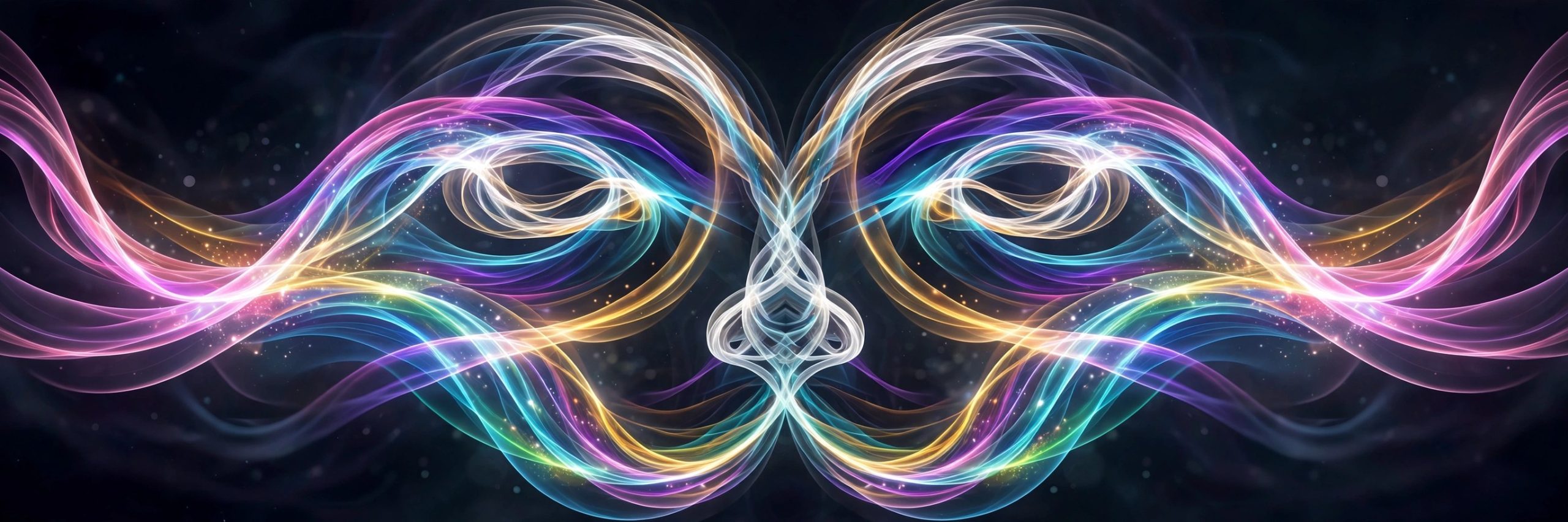
Mac UtilitiesSpektrel Art turns a photo into a web of glowing light. Fine tapered lines cross and gather across the image, splitting it into bright color areas that feel part stained glass and part neon dream. It is an effect with real drama, and it suits artists and photographers who want abstract work for prints, covers and social posts.
Key Features
- Light line artwork generated from the shapes inside your photo
- Controls for line detail, taper and glow so you shape the mood
- Color controls that split the image into vivid divided color spaces
- Presets for a fast start plus a randomize button for fresh ideas
- Stand alone app with plugin access from Photoshop and Lightroom
How to Download
- Click the download button on this page and save the installer file.
- Open the file on your Mac and complete the setup steps shown.
- The vendor lists this app with its full range, so Download from the official site to view it there.
System Requirements
JixiPix desktop apps of this family ask for a 64 bit Mac. You can check your own macOS version under About This Mac, and large images will benefit from free memory while rendering.
FAQs
What kind of photos work best in Spektrel Art?
Photos with clear shapes and strong light tend to shine. Portraits, flowers and city scenes all produce striking line work.
Can I make the effect softer?
Yes. Lower the line intensity and glow settings for a gentler result, or raise them when you want bold and wild color.
Does it save at print size?
Like other JixiPix products it supports high resolution images and output, so finished art can be saved large for printing.







Leave a Reply