Plasticity 26.2 for Mac
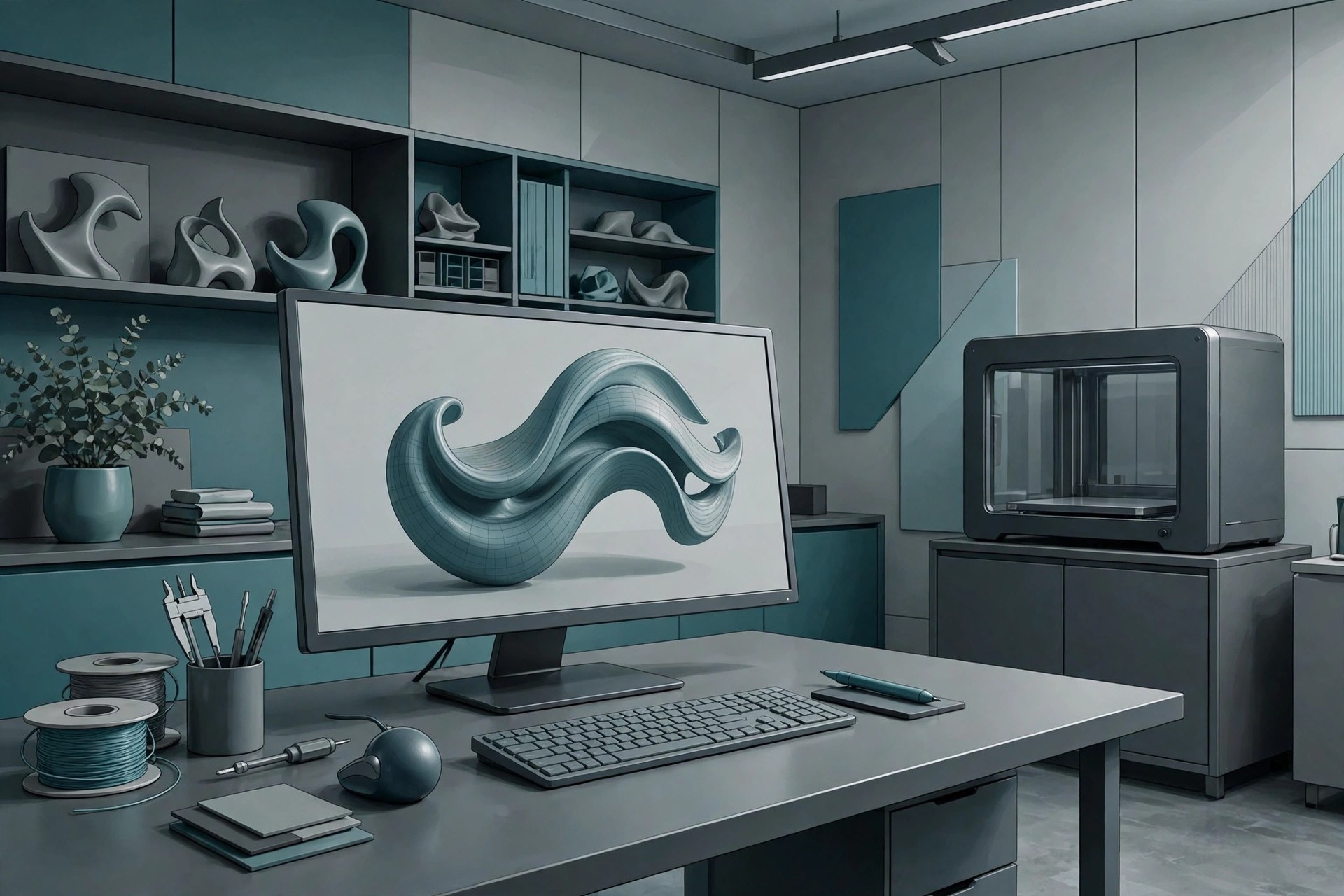
Mac UtilitiesPlasticity is a 3D modeling app often described as CAD for artists. It uses a solid NURBS kernel, so models stay precise and watertight, while the interface feels quick and direct like a concept art tool. Designers use it for hard surface work such as products, vehicles, props and parts that later move to rendering, animation or 3D printing. Updated Aug 22, 2026.
Key Features
- Solid NURBS modeling with clean fillets and booleans
- Direct workflow shaped for artists and concept designers
- Reusable asset libraries for parts you use often
- Curvature analysis tools to check surface quality
- Imports and exports STEP, OBJ, STL and other CAD formats
- Bridge to Blender for rendering and animation work
How to Download
- Download from the official site and start the free trial.
- Download the macOS installer for your Mac.
- Install Plasticity and sign in to begin the trial.
- Pick the Indie or Studio license that fits your work.
System Requirements
Plasticity runs on Macs with macOS 12.0 or later, plus Windows and Linux systems. A discrete graphics card or Apple silicon chip helps with large models, and a three button mouse is recommended for modeling.
FAQs
Is Plasticity a full CAD program?
It uses a true CAD kernel but skips parametric history and drafting tools, which keeps it fast and focused on direct modeling.
Can I try Plasticity for free?
Yes. There is a free trial period, after which the Indie and Studio licenses are sold as one time payments with a year of updates.