Category: Mac Utilities

  • BABY Audio SubCulture 1.0.3 for Mac

    BABY Audio SubCulture 1.0.3 for Mac

    BABY Audio SubCulture 1.0.3 for Mac

    BABY Audio SubCulture 1.0.3 for Mac

    Mac Utilities
    Updated Aug 22, 2026
    Mac Utilities • Updated Aug 22, 2026

    SubCulture is a bass enhancement plugin from BABY Audio. It listens to a monophonic signal such as a bass line, a kick or a vocal, tracks its pitch and then builds tuned sub harmonics under it, so the low end grows without clashing with the notes above. Three shaping engines and a set of mixing tools sit in one clean interface. Updated Aug 22, 2026.

    Key Features

    • Pitch tracking that locks sub harmonics to each note
    • Three bass engines covering sub layer, root boost and resonance
    • Works on bass, drums, synths and even vocals
    • Shaping tools for tone, drive and blend in one place
    • Large preset library made by working producers
    • Runs as a plugin inside all major DAWs

    How to Download

    1. Download from the official site and try the free trial or buy a license.
    2. Download the installer for Mac from your account or the trial page.
    3. Run the installer and choose the plugin formats your DAW uses.
    4. Open your DAW, load SubCulture on a track and activate it with your key.

    System Requirements

    SubCulture needs a Mac running macOS 10.13 or later, including native Apple silicon support, and a DAW that hosts VST, VST3, AU or AAX plugins. An internet connection is needed for download and activation.

    FAQs

    What kind of plugin is SubCulture?

    It is an effect plugin for bass enhancement. It adds tuned low end under a monophonic signal inside your DAW.

    Can I try SubCulture before buying?

    Yes. BABY Audio offers a free trial. In trial mode the output pauses with short silence at regular intervals.

  • 3uTools 9.07 for Mac

    3uTools 9.07 for Mac

    3uTools 9.07 for Mac

    3uTools 9.07 for Mac

    Mac Utilities
    Updated Aug 22, 2026
    Mac Utilities • Updated Aug 22, 2026

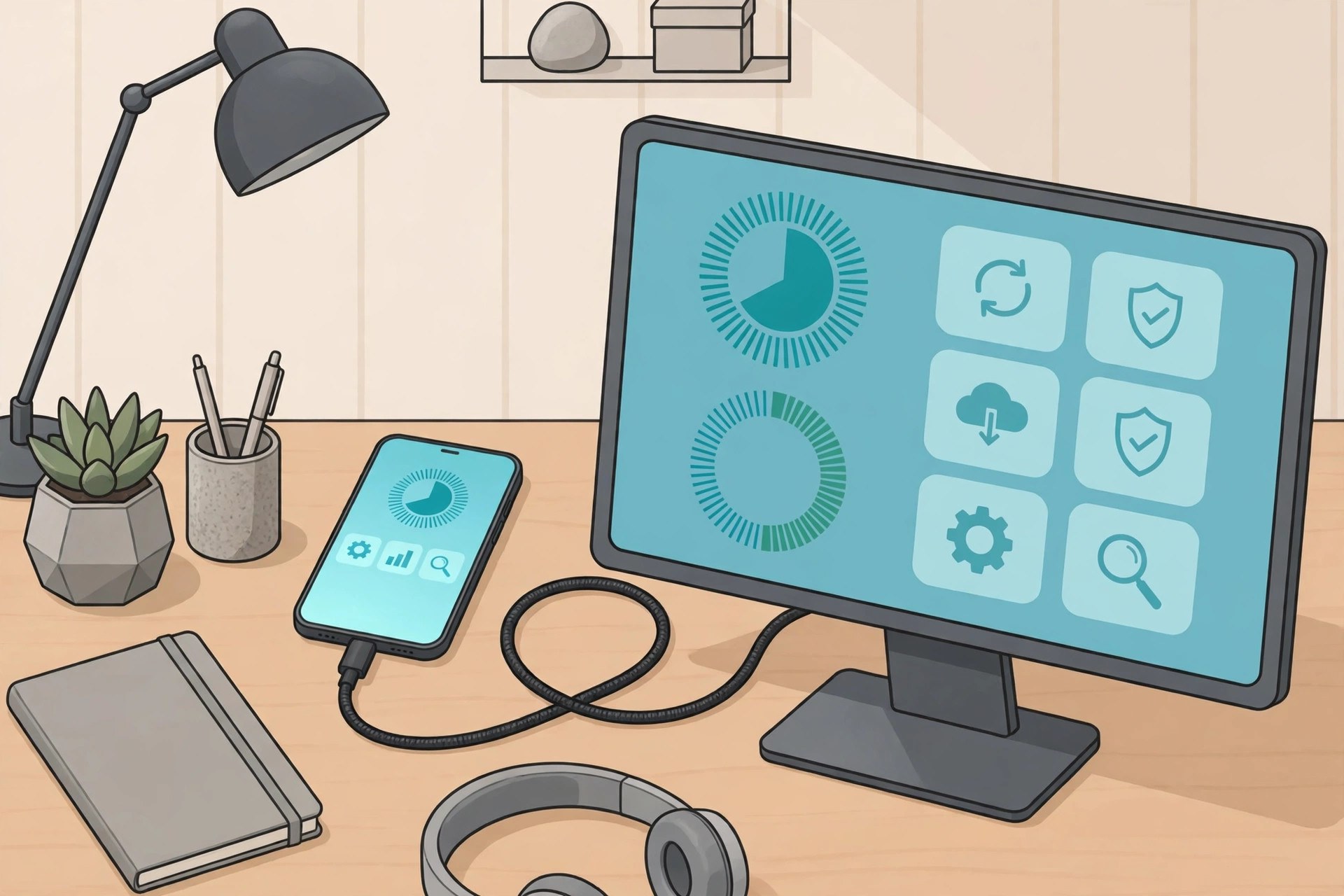
    3uTools is a desktop companion for iPhone and iPad owners who want to manage their device from a computer instead of juggling everything on the phone itself. Connect your device with a cable and you can back up and restore data, transfer photos, music and other files, read detailed device information and use a toolbox of smaller utilities in one window. The Mac build ships in versions for Intel and Apple silicon machines, so it runs on older and newer Macs alike. Updated Aug 22, 2026.

    Key Features

    • Back up and restore iPhone and iPad data
    • Transfer photos, music, videos and files both ways
    • Detailed device information and verification reports
    • Toolbox with smaller utilities for everyday tasks
    • Firmware download and flashing tools for advanced users
    • Separate builds for Intel and Apple silicon Macs

    How to Download

    1. Back up your iPhone or iPad before using any device tool.
    2. Go to Download from the official site and choose the Mac build for your chip.
    3. Install the app and open it on your Mac.
    4. Connect your device with a USB cable and tap Trust on the device when asked.

    System Requirements

    3uTools for Mac needs a Mac with an Intel or Apple silicon chip and a recent version of macOS, a USB cable, and an iPhone, iPad or iPod touch to manage. Firmware tools need a stable connection and plenty of free disk space.

    FAQs

    Is 3uTools free?

    Yes, the app itself is free to download and use from the official site.

    Should I back up before using the firmware tools?

    Yes. Flashing or restoring firmware can erase a device, so make a full backup first and read each step with care.

  • Guitar Pro 8.1.5 for Mac

    Guitar Pro 8.1.5 for Mac

    Guitar Pro 8.1.5 for Mac

    Guitar Pro 8.1.5 for Mac

    Mac Utilities
    Updated Aug 22, 2026
    Mac Utilities • Updated Aug 22, 2026

    Guitar Pro is a long running editor for tablature and musical scores, made for guitarists, bassists and other musicians who write or learn songs on a Mac. You can build full arrangements with many tracks, hear them played back with realistic sounds, slow tricky passages down and loop them until they feel easy. It works just as well for quick song ideas as for careful transcription work. Updated Aug 22, 2026.

    Key Features

    • Write tablature and standard notation for guitar, bass, drums and many other instruments
    • Add an audio track to a score to transcribe or play along with a recording
    • Slow down sections, loop bars and use the metronome to practice hard parts
    • Play scores back with a large library of instrument sounds and effects
    • Open Guitar Pro files from older versions plus MIDI and MusicXML files

    How to Download

    1. Use this link to get the installer: Download from the official site and save the file to your Mac.
    2. Open the installer package and follow the steps shown on screen.
    3. Launch Guitar Pro, start the trial or enter your license, then open or create a score.

    System Requirements

    Guitar Pro needs a recent version of macOS on a 64 bit Mac, with a few gigabytes of free disk space for the app and its sound banks. A standard display and speakers or headphones are enough.

    FAQs

    Can I try Guitar Pro before buying?

    Yes. A free trial is available from the official site, so you can test the editor and playback before you pay.

    Does Guitar Pro work on Apple Silicon Macs?

    Yes. Version 8 is optimized for Apple Silicon as well as Intel Macs, so it runs smoothly on modern machines.

  • CADintosh X 8.9.2 for Mac

    CADintosh X 8.9.2 for Mac

    CADintosh X 8.9.2 for Mac

    CADintosh X 8.9.2 for Mac

    Mac Utilities
    Updated Aug 22, 2026
    Mac Utilities • Updated Aug 22, 2026

    CADintosh X from Lemke Software is a 2D CAD program written for the Mac. It is made for technical draftsmen and designers who need accurate drawings for mechanics, architecture and planning work without the weight of a huge CAD suite. You get precise drawing tools, dimensioning, layers and libraries of parts in a fast native app. Updated Aug 22, 2026.

    Key Features

    • Precise 2D drawing tools for technical and architectural work
    • Full dimensioning with tolerances and many unit options
    • Layers, groups and reusable symbol libraries
    • Imports and exports DXF and DWG drawings
    • Pen and coordinate based input for exact placement
    • Runs natively on modern Macs with a small footprint

    How to Download

    1. Download from the official site to see the feature list and trial offer.
    2. Download the free trial version from Lemke Software.
    3. Install the app and open a sample drawing to explore the tools.
    4. Buy a license from the developer when you are ready to keep it.

    System Requirements

    CADintosh X runs on Macs with a recent macOS release and works on both Intel and Apple silicon machines. It is light software, so it runs well even on older hardware, and a larger screen helps with detailed drawings.

    FAQs

    Can I try CADintosh X for free?

    Yes. It is shareware, so you can test the full program free of charge before you decide to buy a license.

    Does CADintosh X work with AutoCAD files?

    It can import and export DXF and DWG files, which makes sharing drawings with other CAD users straightforward.

  • Stremio 5.1.30 for Mac

    Stremio 5.1.30 for Mac

    Stremio 5.1.30 for Mac

    Stremio 5.1.30 for Mac

    Mac Utilities
    Updated Aug 22, 2026
    Mac Utilities • Updated Aug 22, 2026

    Stremio is a media center app that brings your movies, series and channels together in one tidy library on your Mac. It helps you discover titles, keep track of what you are watching and resume where you left off. Content plays through add ons and sources that you choose and install yourself, so you stay in control of what appears in your library at all times. Updated Aug 22, 2026.

    Key Features

    • Organize movies and series in one library with posters and episode guides
    • Track your watching progress and pick up where you left off
    • Browse a catalog and get reminders when new episodes appear
    • Extend the app with add ons that you choose from the catalog
    • Sync your library and history across your devices with one account

    How to Download

    1. Use this link to get the installer: Download from the official site and pick the macOS version for your Mac.
    2. Open the downloaded file and move Stremio into your Applications folder.
    3. Launch the app, create a free account or use guest mode, then build your library.

    System Requirements

    Stremio runs on recent versions of macOS, with separate builds for Apple Silicon and Intel Macs. A normal home internet connection is enough for browsing the catalog and playing media.

    FAQs

    Is Stremio free?

    Yes. The app itself is free to download and use, and creating an account for sync is free as well.

    Does Stremio host the videos itself?

    No. Stremio is a media organizer and player. The content comes from add ons and services that you add and manage yourself.

  • PhotoFoundry 1.3.3 for Mac

    PhotoFoundry 1.3.3 for Mac

    PhotoFoundry 1.3.3 for Mac

    PhotoFoundry 1.3.3 for Mac

    Mac Utilities
    Updated Aug 22, 2026
    Mac Utilities • Updated Aug 22, 2026

    PhotoFoundry is a batch photo editing app for Mac. Instead of opening images one by one, you build a list of actions such as resizing, converting, adding a watermark or applying a filter, preview the result and then run the whole set through in one go. It suits photographers and content makers who prepare many images with the same look. Updated Aug 22, 2026.

    Key Features

    • Batch processing for whole folders of photos at once
    • Close to two hundred configurable editing actions
    • Resize, crop, rotate and convert images in a single run
    • Adds watermarks, borders and text overlays
    • Live preview so you see results before exporting
    • Reads common image formats and exports PNG, JPEG, TIFF, BMP and GIF

    How to Download

    1. Search for PhotoFoundry for Mac from the developer Ensili.
    2. Check the version and the macOS needs on the listing.
    3. Download and install the app on your Mac.
    4. Add your photos, choose your actions and run the batch.

    System Requirements

    PhotoFoundry needs a Mac running macOS 11.0 or later and works on both Apple silicon and Intel machines. Large batches of high resolution photos run faster with more memory and quick storage.

    FAQs

    What is PhotoFoundry best at?

    It is best at applying the same edits to many photos at once, such as resizing and watermarking a full shoot for delivery or upload.

    Can I check the result before saving?

    Yes. The live preview shows how your chosen actions change an image before you export the whole batch.

  • Imagiro Piano 2.2.313 for Mac

    Imagiro Piano 2.2.313 for Mac

    Imagiro Piano 2.2.313 for Mac

    Imagiro Piano 2.2.313 for Mac

    Mac Utilities
    Updated Aug 22, 2026
    Mac Utilities • Updated Aug 22, 2026

    Imagiro Piano is a small piano instrument plugin with a soft, felted character that suits quiet writing and lo fi production. The main piano was recorded at the childhood home of its maker in England, and the sound keeps the small imperfections that make a real room piano feel alive. Simple creative controls let you stretch, loop and reverse the notes into gentle textures that go far beyond a normal piano sound. Updated Aug 22, 2026.

    Key Features

    • Play an intimate felt piano recorded in a real home room
    • Shape sounds with glide, tone and envelope controls inside the plugin
    • Use loop and reverse modes to build frozen, dreamy piano sustains
    • Add extra sound packs, including celeste and other character pianos, as you need them
    • Work in VST3, AU and AAX formats or run the standalone app

    How to Download

    1. Use this link to get the installer: Download from the official site and save the file to your Mac.
    2. Run the installer, then open your music software and find Imagiro Piano in the instrument list.
    3. Try the free demo first if you like, since it is fully working for a limited time.

    System Requirements

    Imagiro Piano needs macOS 10.15 or later and a modern Mac, with a small amount of memory and disk space. You need a host app that loads VST3, AU or AAX plugins, or you can play the standalone version.

    FAQs

    Is there a demo version?

    Yes. The demo is fully functional but expires after two weeks, which gives you time to test the sound in your own songs.

    Can I add more sounds later?

    Yes. Extra sound packs plug straight into the instrument, so you only buy the pianos you actually want.

  • MB Panel 8.0 for Mac

    MB Panel 8.0 for Mac

    MB Panel 8.0 for Mac

    MB Panel 8.0 for Mac

    Mac Utilities
    Updated Aug 22, 2026
    Mac Utilities • Updated Aug 22, 2026

    MB Panel V8 is a plugin panel for Adobe Photoshop created by photographer Matteo Bertetto. It lives inside Photoshop as a fixed panel and gathers the steps of photo post production into clear tabs, covering color correction, night work, general editing, final touches and export. It was born for landscape photography and is also used for macro, portrait and street work. Updated Aug 22, 2026.

    Key Features

    • Fixed UXP panel that stays open inside Photoshop
    • Tabs for main menu, color correction, night, editing, final touch and export
    • One click actions that replace long manual step chains
    • Tools shaped around landscape and night photography
    • Video tutorials included to learn the workflow
    • Native support for Apple silicon Macs

    How to Download

    1. Download from the official site and read the full feature tour.
    2. Buy the panel on the Matteo Bertetto store.
    3. Download the package and install it into Photoshop.
    4. Activate it with your serial key and open the panel from the Plugins menu.

    System Requirements

    MB Panel V8 needs Adobe Photoshop 22.0 or above on a Mac or Windows computer. On Mac it runs natively on Apple silicon machines. One license covers two of your own computers, and an internet connection is needed for download and activation.

    FAQs

    Does MB Panel only work in Photoshop?

    Yes. It is a Photoshop plugin built on the UXP platform, so it needs a supported Photoshop version to run.

    Is MB Panel good for beginners?

    It can help, since many complex steps become single panel actions, and the included video tutorials explain the workflow in detail.

  • RAW Power 3.5.6 for Mac

    RAW Power 3.5.6 for Mac

    RAW Power 3.5.6 for Mac

    RAW Power 3.5.6 for Mac

    Mac Utilities
    Updated Aug 22, 2026
    Mac Utilities • Updated Aug 22, 2026

    RAW Power is a photo editor for Mac that gives you direct control over the Apple RAW engine, the same core that powers the Photos app. It adds the kind of fine tuning that Aperture users remember, with precise exposure, boost and noise controls, plus lens correction and a capable browser for large libraries. You can edit files in Finder folders or work as an extension inside Photos. Updated Aug 22, 2026.

    Key Features

    • Adjust RAW files with deep controls for boost, black point and moire reduction
    • Correct lens distortion, color fringing and vignetting automatically
    • Browse Finder folders or your Photos library and rate, flag and filter images fast
    • Apply presets and lookup tables, copy edits and export many images at once
    • Use the full editor as an extension inside the Apple Photos app

    How to Download

    1. Use this link to get the installer: Download from the official site and save the file to your Mac.
    2. Install the app, or get it from the Mac App Store if you prefer.
    3. Open RAW Power, point it at a folder or your Photos library, and start editing.

    System Requirements

    RAW Power runs on macOS Mojave and later versions, and works on Intel and Apple Silicon Macs. A trial is available on the vendor site, and the Mac version is a one time purchase.

    FAQs

    Does RAW Power work with Apple Photos?

    Yes. It can browse your Photos library directly and also works as a Photos extension with the full set of editing tools.

    Are my edits safe if I stop using the app?

    Yes. Edits are stored in a standard, non destructive way, and RAW Power edits are also compatible with Nitro from the same maker.

  • Ethernet Status 6.0 for Mac

    Ethernet Status 6.0 for Mac

    Ethernet Status 6.0 for Mac

    Ethernet Status 6.0 for Mac

    Mac Utilities
    Updated Aug 22, 2026
    Mac Utilities • Updated Aug 22, 2026

    Ethernet Status is a small menu bar utility that answers a simple question macOS leaves open: is my wired connection actually up, and what are its details right now. The app adds a status icon to the menu bar and shows connection state, local and public IP addresses and adapter information for your Ethernet link at a glance. Updated Aug 22, 2026.

    Key Features

    • Menu bar icon that reflects your Ethernet connection state
    • Shows local and public IP addresses for the active link
    • Displays adapter details such as link speed and MAC address
    • Covers Ethernet and other wired or virtual interfaces
    • Launch at login so the status is always visible
    • Lightweight design that stays quietly in the background

    How to Download

    1. Search for Ethernet Status in the Mac App Store.
    2. Confirm the listing matches the menu bar network utility.
    3. Install the app and allow it to run in the menu bar.
    4. Click the new icon any time to inspect your wired connection.

    System Requirements

    Ethernet Status runs on Macs with a recent macOS release. You need a wired network connection through a built in Ethernet port or a USB or Thunderbolt adapter for the app to have a link to report on.

    FAQs

    Why does macOS need an app for this?

    macOS shows a clear status icon for wireless connections but not for Ethernet, so a small utility fills that gap in the menu bar.

    Does it work with USB Ethernet adapters?

    Yes. Adapters connected over USB or Thunderbolt appear as network interfaces, and the app can report on their status too.