PrusaSlicer 2.9.7 for Mac
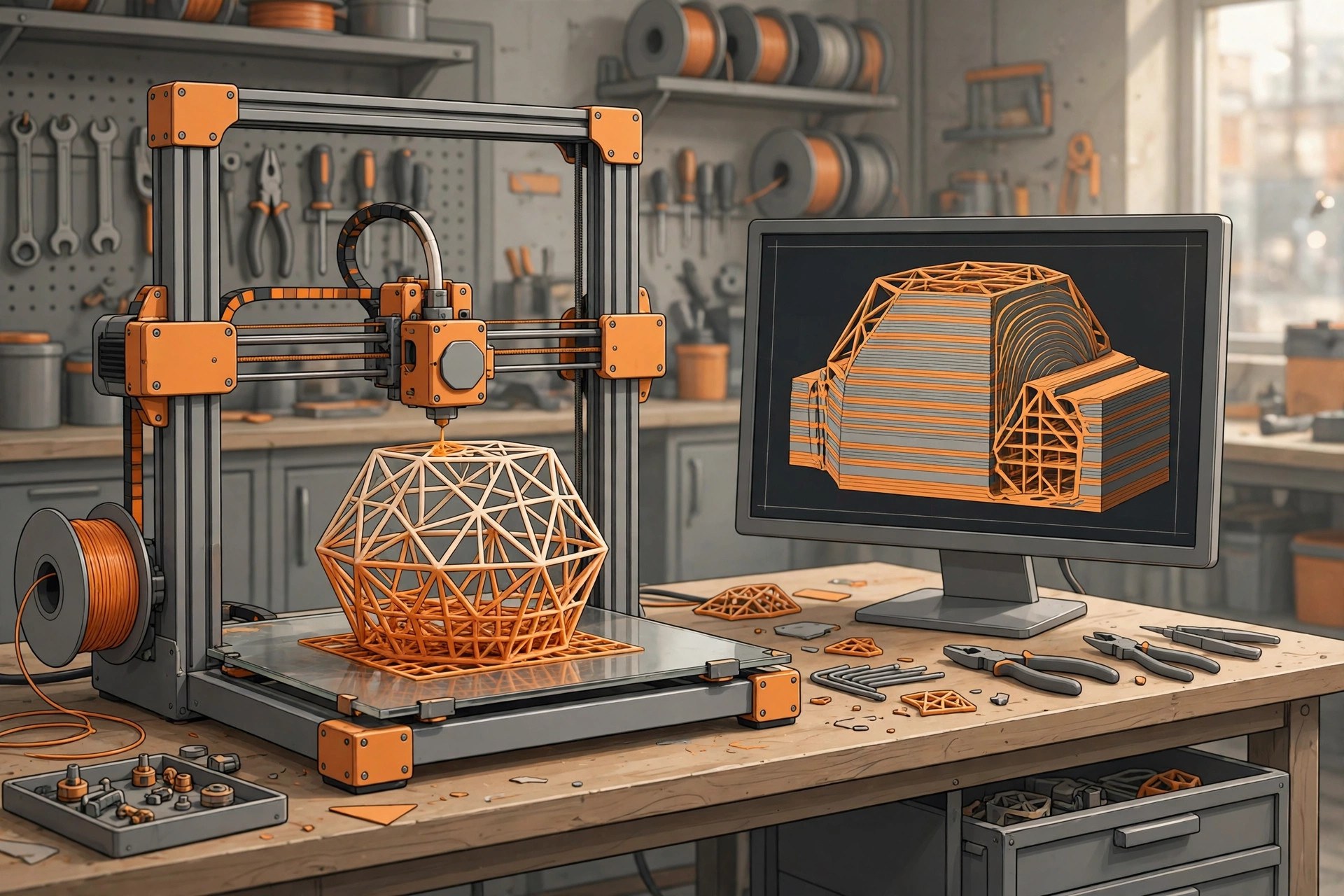
Mac UtilitiesPrusaSlicer is the free slicing software from Prusa Research. It takes 3D models in formats such as STL, OBJ and 3MF and turns them into G code instructions your printer can follow, or into layer images for resin printers. It ships with tuned profiles for Prusa printers and works with many printers from other brands as well. Updated Aug 22, 2026.
Key Features
- Slices models for FFF printers and resin printers
- Ready made profiles for Prusa and many third party printers
- Paint on supports, seams and multi material areas
- Multiple build plates in a single project
- Organic and classic support styles with fine control
- Sends prints to Prusa Connect and other printer hosts
How to Download
- Download from the official site and open the download section.
- Choose the macOS build for your Mac.
- Open the disk image and move PrusaSlicer to Applications.
- Run the configuration wizard and pick your printer to begin.
System Requirements
PrusaSlicer runs on Intel and Apple silicon Macs with a recent macOS release. A mouse with a scroll wheel helps with model work, and larger models benefit from more memory and a faster processor.
FAQs
Is PrusaSlicer really free?
Yes. It is free and open source, with no account needed and no paid tier for the core slicing tools.
Does it only work with Prusa printers?
No. It includes profiles for many other brands, and you can build a custom profile for almost any FFF printer.







Leave a Reply