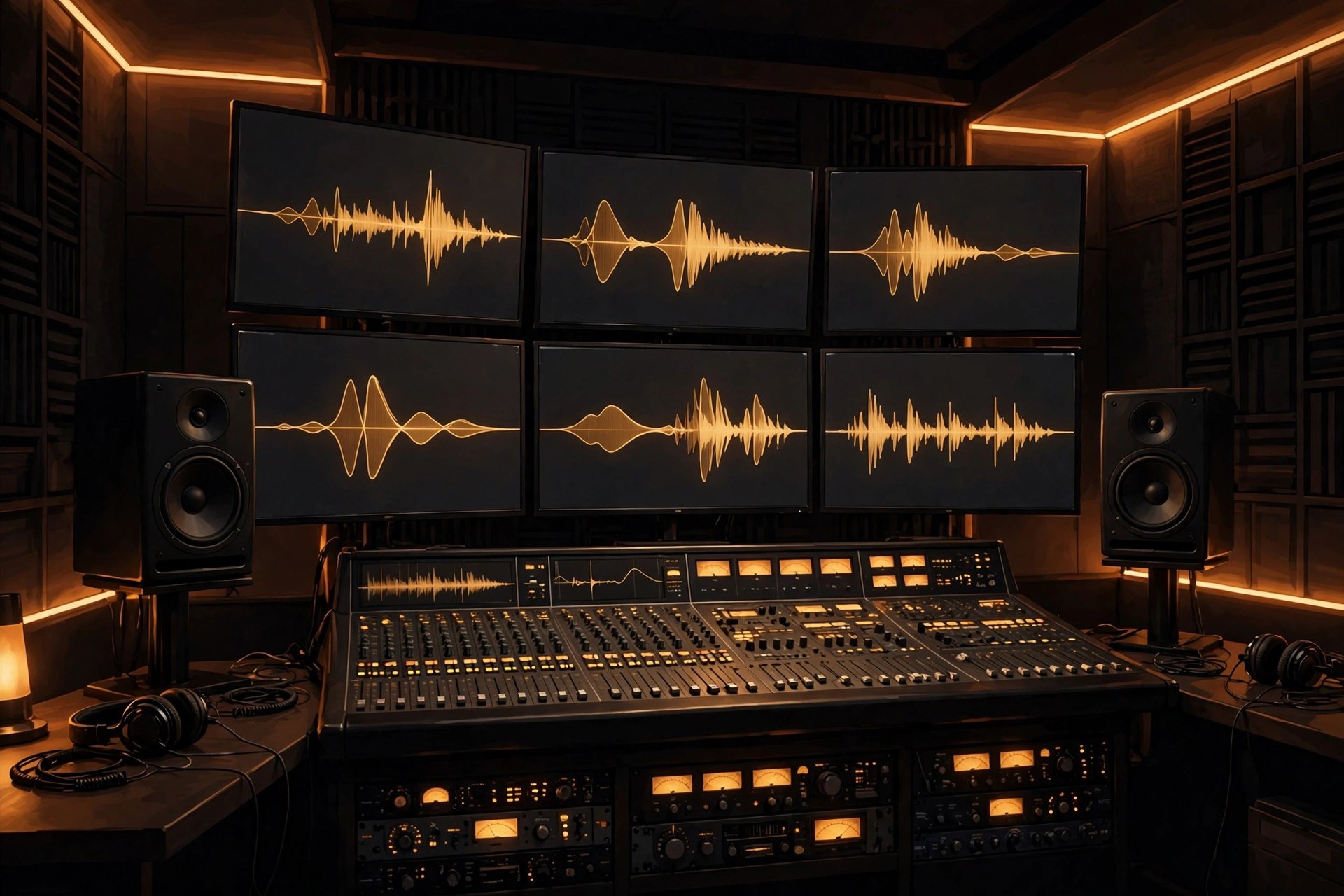
Steinberg WaveLab Pro 13.0.30 for Mac
Mac UtilitiesWaveLab Pro is Steinberg flagship audio editing and mastering suite. Engineers use it to edit audio with sample accuracy, master albums in the montage, restore recordings and prepare files for release. Version 13 adds a full Dolby Atmos mastering workflow with montage based album assembly, plus a redesigned MasterRig and fast multicore rendering for heavy projects. Updated Aug 22, 2026.
Key Features
- Sample accurate audio editing with spectral tools
- Dolby Atmos mastering with album assembly in the montage
- Audio montage for album sequencing and final touches
- Redesigned MasterRig mastering chain and new plugins
- Batch processing for converting and fixing many files
- Loudness metering and detailed audio analysis
How to Download
- Download from the official site and check the trial and buying options.
- Download the Steinberg Download Assistant for Mac.
- Install WaveLab 13 through the assistant.
- Activate your license with the Steinberg Activation Manager.
System Requirements
WaveLab Pro 13 runs on Macs with macOS 14, 15 or 26, on Intel and Apple silicon machines. Mastering work benefits from fast storage and plenty of memory, and an audio interface is recommended for accurate monitoring.
FAQs
What is WaveLab Pro mainly used for?
It is used for mastering, audio editing, restoration and podcast production, where precise editing and loudness control matter most.
Can I try WaveLab Pro first?
Yes. Steinberg offers a trial version, so you can test the full workflow before buying a license.







Leave a Reply