MB Panel 8.0 for Mac
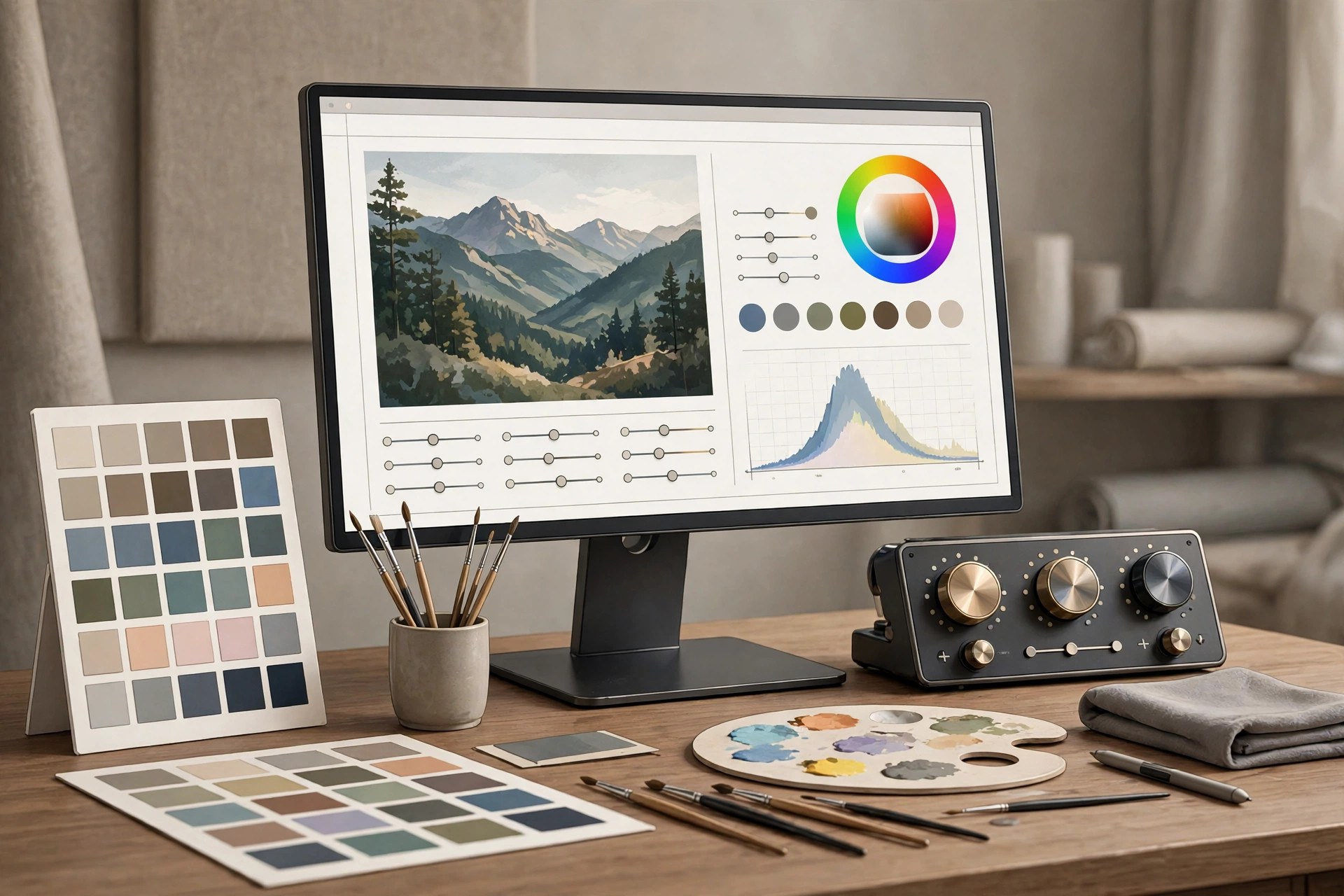
Mac UtilitiesMB Panel V8 is a plugin panel for Adobe Photoshop created by photographer Matteo Bertetto. It lives inside Photoshop as a fixed panel and gathers the steps of photo post production into clear tabs, covering color correction, night work, general editing, final touches and export. It was born for landscape photography and is also used for macro, portrait and street work. Updated Aug 22, 2026.
Key Features
- Fixed UXP panel that stays open inside Photoshop
- Tabs for main menu, color correction, night, editing, final touch and export
- One click actions that replace long manual step chains
- Tools shaped around landscape and night photography
- Video tutorials included to learn the workflow
- Native support for Apple silicon Macs
How to Download
- Download from the official site and read the full feature tour.
- Buy the panel on the Matteo Bertetto store.
- Download the package and install it into Photoshop.
- Activate it with your serial key and open the panel from the Plugins menu.
System Requirements
MB Panel V8 needs Adobe Photoshop 22.0 or above on a Mac or Windows computer. On Mac it runs natively on Apple silicon machines. One license covers two of your own computers, and an internet connection is needed for download and activation.
FAQs
Does MB Panel only work in Photoshop?
Yes. It is a Photoshop plugin built on the UXP platform, so it needs a supported Photoshop version to run.
Is MB Panel good for beginners?
It can help, since many complex steps become single panel actions, and the included video tutorials explain the workflow in detail.







Leave a Reply