3uTools 9.07 for Mac
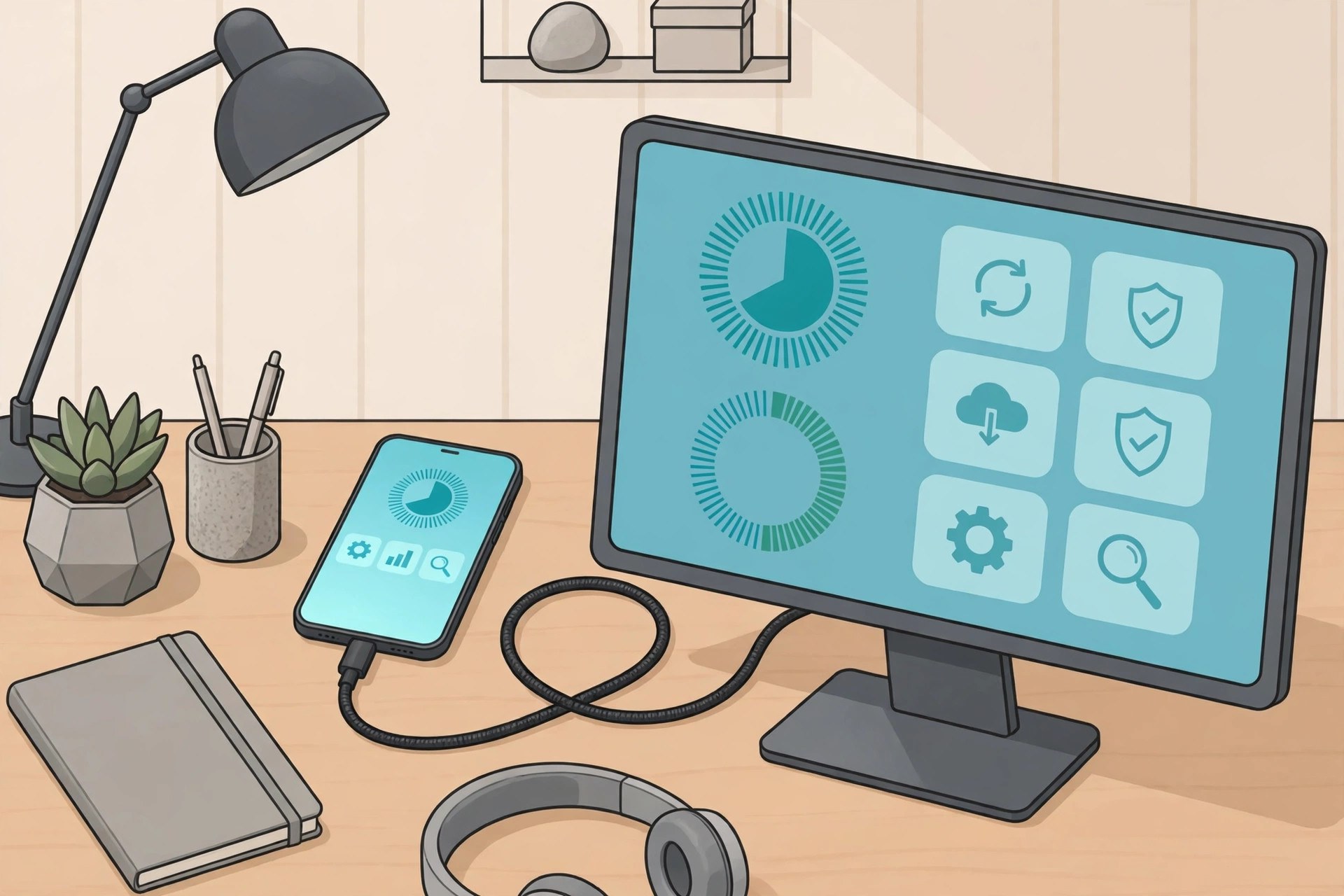
Mac Utilities3uTools is a desktop companion for iPhone and iPad owners who want to manage their device from a computer instead of juggling everything on the phone itself. Connect your device with a cable and you can back up and restore data, transfer photos, music and other files, read detailed device information and use a toolbox of smaller utilities in one window. The Mac build ships in versions for Intel and Apple silicon machines, so it runs on older and newer Macs alike. Updated Aug 22, 2026.
Key Features
- Back up and restore iPhone and iPad data
- Transfer photos, music, videos and files both ways
- Detailed device information and verification reports
- Toolbox with smaller utilities for everyday tasks
- Firmware download and flashing tools for advanced users
- Separate builds for Intel and Apple silicon Macs
How to Download
- Back up your iPhone or iPad before using any device tool.
- Go to Download from the official site and choose the Mac build for your chip.
- Install the app and open it on your Mac.
- Connect your device with a USB cable and tap Trust on the device when asked.
System Requirements
3uTools for Mac needs a Mac with an Intel or Apple silicon chip and a recent version of macOS, a USB cable, and an iPhone, iPad or iPod touch to manage. Firmware tools need a stable connection and plenty of free disk space.
FAQs
Is 3uTools free?
Yes, the app itself is free to download and use from the official site.
Should I back up before using the firmware tools?
Yes. Flashing or restoring firmware can erase a device, so make a full backup first and read each step with care.







Leave a Reply