1Capture Screenshot 1.8.0 for Mac
Mac Utilities1Capture Screenshot 1.8.0 for Mac is a native capture tool for anyone who explains things with pictures: support replies, tutorials, bug reports and quick visual notes. It combines screenshots, annotation and screen recording in one place, so you do not need three separate utilities open just to show someone what is on your screen.
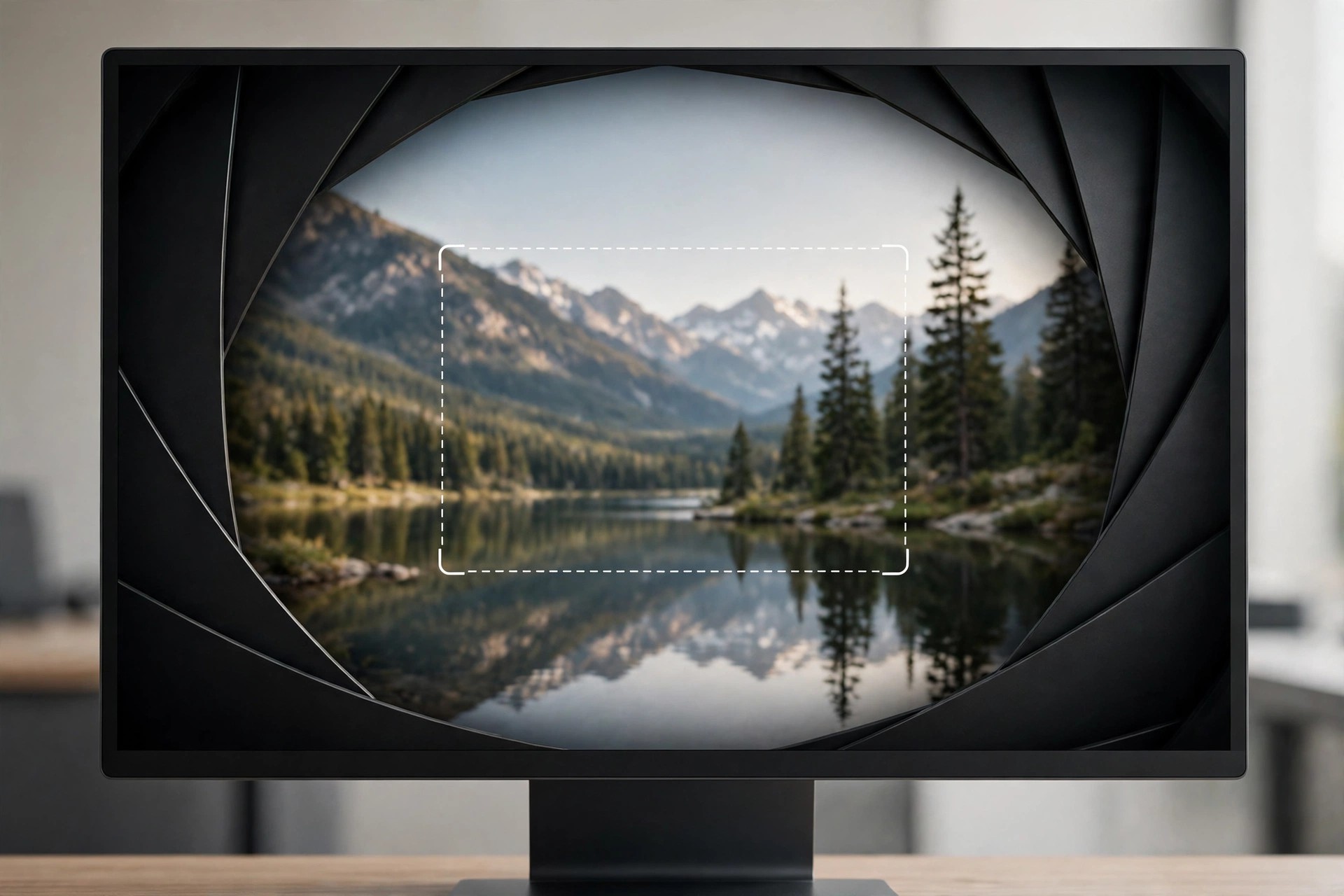
You can grab the full screen, a single window or a precise region, then mark it up immediately with arrows, text, shapes and blur for sensitive details. Long pages are handled with scrolling capture, and built-in text recognition lets you copy words straight out of an image instead of retyping them, which saves real time during a busy workday.
Key Features
- Capture full screen, windows or custom regions, plus scrolling screenshots of long pages and documents
- Annotate instantly with arrows, text, shapes, drawing and blur or pixelation for private information
- Record the screen as video or GIF for tutorials, demos and bug reports
- Extract text from screenshots with OCR, pin images above other windows and pick colours from the screen
- One-time purchase model with no complicated subscription to manage
How to Download
- Open the installer, move 1Capture to Applications and launch it from there.
- Grant Screen Recording permission in System Settings when macOS asks, then set your preferred capture shortcut.
Is 1Capture free?
No, 1Capture is a paid app sold as a one-time purchase. Prices and any trial terms can change, so check the official listing before buying rather than expecting a free full version.
Can I trust free download sites offering 1Capture?
No. Unofficial sites often bundle old or altered installers with unwanted extras. Downloading from the official source is the only way to be sure you get a clean, current copy.