Category: Mac Photo & Design

  • Arnold for Cinema 4D 4.9.5 for Mac

    Arnold for Cinema 4D 4.9.5 for Mac

    Arnold for Cinema 4D 4.9.5 for Mac

    Arnold for Cinema 4D 4.9.5 for Mac

    Mac Photo & Design
    Updated Nov 6, 2026
    Mac Photo & Design • Updated Nov 6, 2026

    Arnold is Autodesk's production-proven ray tracing renderer, used on major film and TV work, and C4DtoA is the plugin that integrates it directly into Maxon's Cinema 4D. Version 4.9.5, built on Arnold core 7.5.4, is the current release: it adds rendering directly into the Cinema 4D viewport, a new Shader Imager for interactive compositing looks, true pause-and-resume in the interactive preview renderer, and a batch of bug fixes. Inside Cinema 4D you get Arnold's physically based shading, volumes, procedurals and AOV workflows without leaving your host application.

    Key Features

    • Full Arnold renderer integrated into Cinema 4D, with interactive IPR preview
    • New in 4.9.5: render into the native Cinema 4D viewport, plus Shader Imager
    • Physically based materials, lights and cameras for realistic results
    • Volumes, procedurals, USD support and deep AOV/output workflows
    • Pause and resume interactive renders while you iterate on a scene

    How to Download

    1. Make sure you have a compatible Cinema 4D version and an Autodesk account.
    2. Download from the official site — Autodesk's announcement links through to downloading C4DtoA from your Autodesk Account.
    3. Run the Mac installer, then open Cinema 4D and set Arnold as your renderer in the render settings.

    System Requirements

    Arnold 7.5.4 supports macOS 12.0 or later, and C4DtoA 4.9.5 targets current Cinema 4D releases. One honest limitation: Arnold's GPU rendering and OptiX denoising are Windows and Linux only, so on a Mac Arnold renders on the CPU — plan render times accordingly.

    FAQs

    Is Arnold included with Cinema 4D?

    No. Arnold is a separate Autodesk subscription product, sold per user, and the C4DtoA plugin itself is downloaded from your Autodesk Account. Autodesk offers trial access, so you can evaluate it before subscribing.

    Can I GPU-render with Arnold on a Mac?

    Not currently. Autodesk documents GPU rendering as Windows and Linux only, requiring an NVIDIA GPU. Mac users get the full CPU renderer, which is the same code path used for final-frame production rendering.
  • Appsforlife Barcode 2.7.3 for Mac

    Appsforlife Barcode 2.7.3 for Mac

    Appsforlife Barcode 2.7.3 for Mac

    Appsforlife Barcode 2.7.3 for Mac

    Mac Photo & Design
    Updated Nov 6, 2026
    Mac Photo & Design • Updated Nov 6, 2026

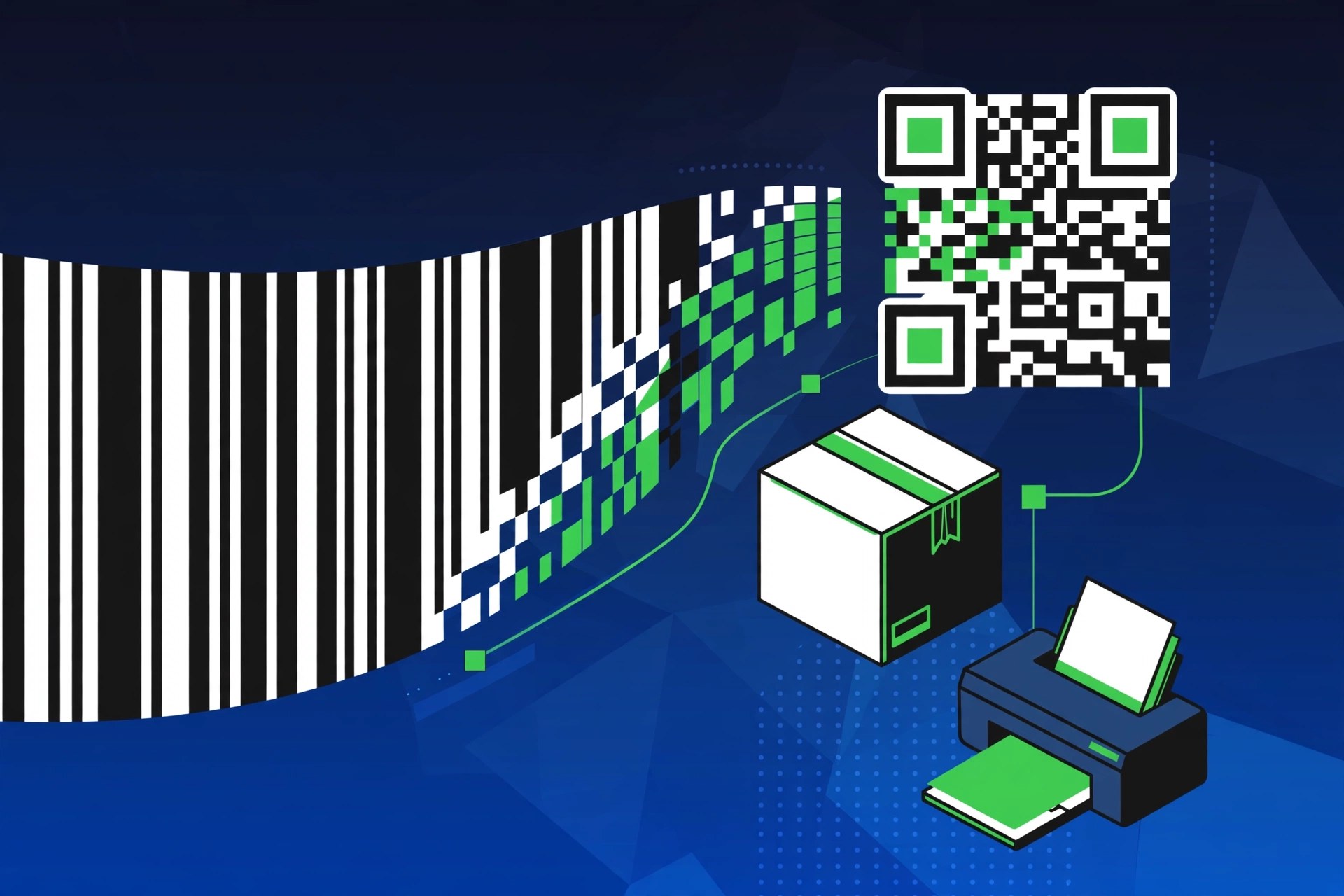
    Barcode, from Appsforlife, is a barcode generator built for designers rather than warehouse staff. The current release, Barcode 2.7.3 for Mac, focuses on how the finished barcode looks: colours, fonts, sizes and margins are all under your control, with a live preview that updates as you design. That matters when a barcode has to sit inside finished packaging artwork and still scan perfectly at the till.

    Key Features

    • Supports the main symbologies: UPC A/E, EAN 13/8, ISBN 13, Code 39, Code 93, Code 128, GS1 128, GS1 DataBar, Codabar, ITF 14, Pharma, PDF 417, Aztec, Data Matrix and QR codes
    • Live preview that updates in real time as you adjust the design
    • Full control over colours, fonts, sizes and margins, with vector and raster export in CMYK and RGB
    • Drag-and-drop integration with Adobe Illustrator instead of a plug-in
    • Batch generation and automation options for producing many barcodes at once

    How to Download

    1. Download the demo from the developer to test it on your own artwork first.
    2. Get it here: Download from the official site
    3. Open the DMG, drag Barcode into Applications, and launch it to create your first code.

    System Requirements

    Barcode runs on a recent version of macOS and works natively on Apple silicon as well as Intel Macs. Check the Appsforlife site for the exact minimum macOS version of the current build.

    FAQs

    Is there a free version?

    Appsforlife provides a free demo version so you can try the software and check it fits your workflow before buying a licence.

    Can Barcode make QR codes?

    Yes. Alongside the standard retail and industrial barcodes, it generates QR codes, Data Matrix and Aztec codes with the same design controls.

  • ApolloOne 4.0.6 for Mac

    ApolloOne 4.0.6 for Mac

    ApolloOne 4.0.6 for Mac

    ApolloOne 4.0.6 for Mac

    Mac Photo & Design
    Updated Nov 6, 2026
    Mac Photo & Design • Updated Nov 6, 2026

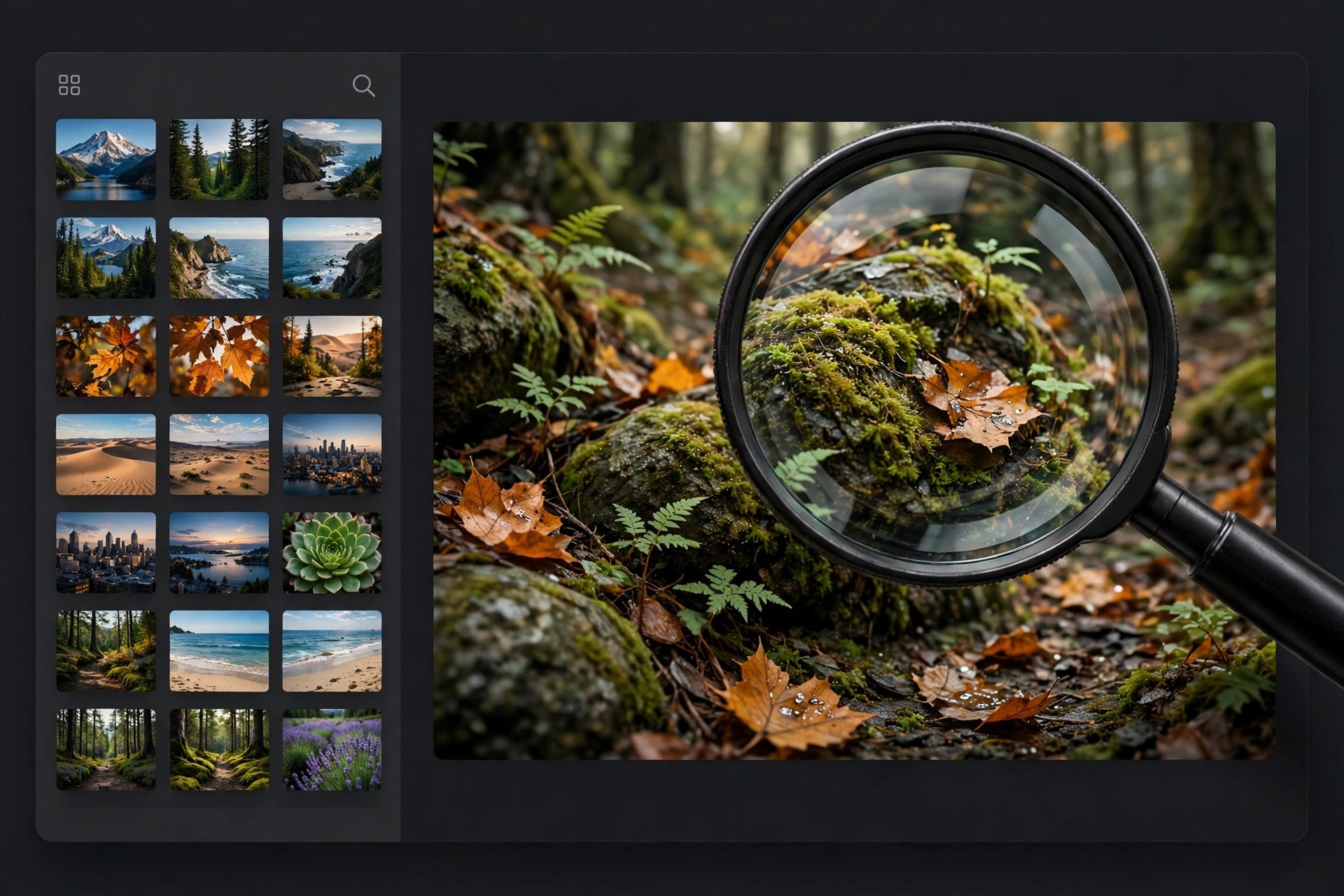
    ApolloOne 4.0.6 for Mac, from Anogeissus Limited, is a photo viewer built for speed above all else. Photographers returning with thousands of RAW files do not want to import them into a catalogue before they can even look at them — ApolloOne simply points at your existing folders and displays images almost instantly, using its own camera RAW decoding, so culling a shoot starts immediately.

    Viewing is only the start. You can inspect detailed EXIF data and camera focus points, rate and label images, filter and search by metadata, rename files in batches, and import intelligently from memory cards, all in an interface with a heads-up display that gives the photo maximum screen space. ApolloOne is free to download, with a paid licence — subscription or perpetual — unlocking its full feature set; it is also listed on the Mac App Store.

    Key Features

    • Very fast browsing of RAW, JPEG and video files directly from folders — no database import
    • Inspector showing detailed EXIF metadata, including camera autofocus points
    • Rating, labelling, filtering and searching tools designed for fast culling
    • Smart memory card import and batch renaming for large shoots
    • HUD-style interface that maximises image area, especially on MacBook screens

    How to Download

    1. Check the current macOS requirements on the official ApolloOne site or its Mac App Store listing.
    2. Start your download from the official site: Download from the official site
    3. Install the app, point it at a photo folder, and use the free download to test its speed on your own RAW files.

    Is ApolloOne free?
    The download is free and core viewing works without paying, but the complete feature set requires a paid licence, offered as a subscription or a perpetual option. It is not a fully free product.

    Does ApolloOne edit photos?
    It is primarily a viewer and culling tool, with organisation and metadata features. For heavy retouching you would still export to a dedicated editor; ApolloOne's job is getting you to the keepers fast.

  • Any HEIC Converter HEIC to JPG 1.0.29 for Mac

    Any HEIC Converter HEIC to JPG 1.0.29 for Mac

    Any HEIC Converter HEIC to JPG 1.0.29 for Mac

    Any HEIC Converter HEIC to JPG 1.0.29 for Mac

    Mac Photo & Design
    Updated Nov 4, 2026
    Mac Photo & Design • Updated Nov 4, 2026

    Any HEIC Converter – HEIC to JPG is a small Mac utility for a very common annoyance: iPhones save photos in Apple's space-saving HEIC format, but many websites, older apps and Windows PCs still expect JPG. This converter bridges that gap — drop in HEIC or HEIF images and it exports standard JPG copies you can email, upload or open anywhere, without editing the originals.

    A quick honesty note: several similarly named HEIC converters exist, and we could not verify a live official vendor page for this exact 1.0.29 listing, so no download link is provided here. The safe route is to search the Mac App Store by the app's exact name and check the developer matches, rather than trusting converter download sites, which are a frequent source of bundled adware.

    Key Features

    • Converts HEIC and HEIF photos from iPhone and iPad to widely compatible JPG
    • Batch conversion for whole folders of photos in a single pass
    • Drag-and-drop workflow with no photo editing knowledge required
    • Keeps your original HEIC files untouched and writes JPG copies alongside them
    • Works offline on your Mac, so private photos are not uploaded to a web service

    How to Download

    1. Search the Mac App Store for the app's exact name and verify the developer before installing.
    2. Open the app, drag in your HEIC photos, choose JPG output and start the conversion.

    Can macOS convert HEIC without an app?
    Yes. Preview can export a HEIC photo as JPEG, and Finder Quick Actions can convert images too. A dedicated converter is mainly worth it for large batches.

    Does converting HEIC to JPG lose quality?
    JPG is a lossy format, so a small amount of quality is traded for compatibility and the files may grow larger. Keep your HEIC originals as the archive copies.

  • Anamorphic Pro 2.6 for Mac

    Anamorphic Pro 2.6 for Mac

    Anamorphic Pro 2.6 for Mac

    Anamorphic Pro 2.6 for Mac

    Mac Photo & Design
    Updated Nov 4, 2026
    Mac Photo & Design • Updated Nov 4, 2026

    Anamorphic Pro 2.6 for Mac is a photo editor from BrainFeverMedia, the studio behind apps such as LensFlare Studio and DepthCam Pro, and it does one specific thing well: it edits iPhone Portrait Mode photos on your Mac. Because Portrait Mode shots carry a depth map, Anamorphic Pro can revisit decisions the phone made automatically — where focus falls, how strongly the background blurs, and what character that blur takes.

    True to its name, its signature look is anamorphic: the horizontal, oval bokeh and cinematic softness associated with anamorphic cinema lenses, applied to ordinary portraits after the fact. You can also refocus, adjust the depth effect and experiment with lens-style rendering that the built-in Photos app does not offer. It is a paid app, previously sold directly and in Mac app bundles. We could not confirm a current official product page for version 2.6 — the developer's redesigned site no longer lists it — so check the seller carefully.

    Key Features

    • We could not verify a live official page for version 2.6, so avoid torrent or crack sites offering it — those copies are a common source of tampered software.
    • After installing from a trusted source, open a Portrait Mode photo and use the depth controls to set focus and blur before exporting.
    • Does Anamorphic Pro work with any photo?
      Its depth features need a Portrait Mode photo with an embedded depth map. Ordinary photos can still be opened, but refocusing and depth-based blur will not work the same way.

      Is Anamorphic Pro free?
      No, it is a paid app. It has appeared in discounted Mac bundles from time to time, but pricing for version 2.6 could not be confirmed from a current official listing.

  • AmoyShare Photo Collage Maker 3.1.2 for Mac

    AmoyShare Photo Collage Maker 3.1.2 for Mac

    AmoyShare Photo Collage Maker 3.1.2 for Mac

    AmoyShare Photo Collage Maker 3.1.2 for Mac

    Mac Photo & Design
    Updated Nov 4, 2026
    Mac Photo & Design • Updated Nov 4, 2026

    AmoyShare Photo Collage Maker 3.1.2 for Mac is a simple design app for turning a folder of photos into something worth sharing. Rather than starting from a blank canvas in a professional editor, you pick a ready-made layout and drop your pictures in to build collages, greeting cards, calendars, posters and scrapbook pages.

    The app came from AmoyShare, a multimedia software maker best known for its music and video downloaders and converters. This collage tool was aimed squarely at home users, with templates for birthdays, weddings and holidays. It was commercial software sold through the maker's site, although we could not confirm that a current official Mac product page is still maintained for this version.

    Key Features

    • Check AmoyShare's current site for this product before trusting any third-party installer.
    • If you obtain the official app, install it, choose a template, add your photos and export or print your collage.
    • Is Photo Collage Maker free?
      It was sold as paid software, sometimes promoted in giveaway offers, so it is not a free full version by default. Because we could not confirm a live official page, be cautious with sites still charging for version 3.1.2.

      Do I need design experience?
      No. The whole point of the app is template-based design: pick a layout, drop in photos, adjust and decorate, then save, email or print the finished piece.

  • Amita Capture 1.56 for Mac

    Amita Capture 1.56 for Mac

    Amita Capture 1.56 for Mac

    Amita Capture 1.56 for Mac

    Mac Photo & Design
    Updated Nov 4, 2026
    Mac Photo & Design • Updated Nov 4, 2026

    Amita Capture 1.56 for Mac is a photogrammetry app that rebuilds real objects as 3D models from ordinary photographs. You shoot a subject from many angles with a phone, iPad, DSLR or drone, feed the set of images into the app, and it calculates the geometry and surface detail into a model you can inspect from every side.

    Finished models are stored in the app's model and image library, can be previewed in augmented reality on an iOS device, and can be passed to other 3D software. Version 1.56 needs macOS 13 and serious hardware: Apple silicon, or an Intel Mac with plenty of RAM and a capable AMD GPU.

    Key Features

    • Check the Mac App Store for a current listing under the same name before using any other source.
    • Install the app, import a well-lit photo set taken around your subject, and choose a detail level to build the model.
    • Is Amita Capture free?
      We could not confirm a current official price or trial for version 1.56, so do not treat any site offering a "free full version" as trustworthy. Check the official store listing for today's terms.

      What Mac do I need?
      A powerful one. The listings for 1.56 call for macOS 13 or later, an M1-series or better Apple silicon Mac, or an Intel Mac with 16 GB of RAM and an AMD GPU with 4 GB of VRAM.

  • Ambient Design ArtRage 6.1.1 for Mac

    Ambient Design ArtRage 6.1.1 for Mac

    Ambient Design ArtRage 6.1.1 for Mac

    Ambient Design ArtRage 6.1.1 for Mac

    Mac Photo & Design
    Updated Nov 4, 2026
    Mac Photo & Design • Updated Nov 4, 2026

    Ambient Design ArtRage 6.1.1 for Mac is a digital painting studio built to behave like real art materials. Made by Ambient Design in New Zealand, it gives you a canvas where oils smear and blend, watercolours bleed into the paper, and pencils respond to pressure and tilt, without the mess of a physical desk.

    ArtRage 6 was the last classic desktop edition sold with a serial number before ArtRage Vitae moved to the app stores. It is paid software, and version 6.1.1 is one of its free incremental updates for registered owners. Ambient Design still offers an unlimited-time ArtRage 6 demo, although the demo cannot save files.

    Key Features

    • Realistic oil, watercolour, ink, pencil, crayon and airbrush tools
    • Canvas textures and paint thickness that affect how strokes blend and smear
    • Layers, blend modes, stencils, rulers and reference image tracing
    • Custom brush designer for building your own natural-media presets
    • Works with graphics tablets, including pressure, tilt and multitouch gestures

    How to Download

    1. Download from the official site
    2. Try the free ArtRage 6 demo for macOS, or buy the full program from the ArtRage store.
    3. Open the disk image, drag ArtRage to Applications, then enter your serial number if you bought the full edition.

    Is ArtRage 6 free?
    No, the full program is paid. The official demo has no time limit and includes the tools, but it cannot save, export or record scripts, so it is for testing only.

    Can I still update to 6.1.1?
    Yes, if you own ArtRage 6. Register your serial number in the ArtRage Member Area and download the latest 6.x installer for macOS from your profile page.

  • Amberlight 2.1 for Mac

    Amberlight 2.1 for Mac

    Amberlight 2.1 for Mac

    Amberlight 2.1 for Mac

    Mac Photo & Design
    Updated Nov 4, 2026
    Mac Photo & Design • Updated Nov 4, 2026

    Amberlight 2.1 for Mac is a generative art program from Escape Motions, the Slovak studio behind Rebelle and Flame Painter. Instead of painting with brushes, you place invisible fields on the canvas and watch thousands of particles stream around them, forming luminous, fractal-like swirls that would be almost impossible to draw by hand.

    Version 2.1 sits in the Amberlight 2 generation, which added a full animation mode, modifiers and variations on top of the original still-image tool. It is a paid program, not a free full version, and Escape Motions provides a demo build so you can test the effect on your own Mac before buying a licence and activating it online.

    Key Features

    • Up to 12 editable fields that attract and repel particles in real time
    • Animation mode with a timeline, keyframes, modifiers and variations
    • High-resolution rendering for print, backgrounds and motion graphics work
    • Export stills as JPG, BMP, TIF or PNG, including alpha channel support
    • Export animation as image sequences or AVI, MOV, MKV and WEBM video

    How to Download

    1. Download from the official site
    2. From the Escape Motions site, choose the Amberlight demo or buy the full licence in the shop.
    3. Install the app, launch it and register with your licence details or Community account to activate.

    Is Amberlight free?
    No. Amberlight 2 is paid software. The demo lets you experiment before buying, but full rendering and regular use require a purchased licence from Escape Motions.

    What kind of art does it make?
    Abstract, glowing particle art. Artists use it for wallpapers, book covers, backgrounds and animated loops, often compositing the transparent exports inside a photo or video editor afterwards.

  • Amadine 1.6.7 for Mac

    Amadine 1.6.7 for Mac

    Amadine 1.6.7 for Mac

    Amadine 1.6.7 for Mac

    Mac Photo & Design
    Updated Nov 4, 2026
    Mac Photo & Design • Updated Nov 4, 2026

    Amadine 1.6.7 for Mac is a vector graphics and illustration app from BeLight Software, built specifically for macOS rather than adapted from another platform. It is aimed at designers and illustrators who create logos, icons, lettering, infographics, print layouts and interface graphics, and who want professional vector tools in a clean, approachable interface.

    The app ships with more than thirty tools for drawing, selecting, transforming and typesetting, including a precision pen, a pressure-sensitive draw tool and text on a path. Amadine is free to download and draw with; exporting, printing and image tracing are unlocked with a licence, which BeLight sells as either a one-time lifetime purchase or a subscription, with matching iPad and iPhone versions that sync through iCloud.

    Key Features

    • Over 30 vector tools, including a precision Pen and a freehand Draw tool with stroke pressure
    • Advanced path editing, boolean shape operations, gradients, blend modes and layer effects
    • Image tracing to convert raster artwork into editable vectors (licence required)
    • Exports to SVG, PDF, EPS, PNG, JPEG and TIFF for print and web workflows
    • Native Apple Silicon performance with Metal acceleration and iCloud sync across Mac, iPad and iPhone

    How to Download

    1. Download from the official site
    2. Download the free app from BeLight's site or from the Mac App Store and start drawing straight away.
    3. When you need export, printing or tracing, buy the lifetime licence or subscription through the official store or in-app purchase.

    Is Amadine free?
    The download itself is free and the drawing tools work without paying, but it is not an unlimited free full version: exporting, printing and image tracing stay locked until you buy a licence or start a subscription.

    Can Amadine replace Adobe Illustrator?
    For many illustrators and logo designers, yes. It covers pen work, shapes, typography and SVG/PDF export at a far lower cost, though heavy Illustrator users may miss some specialised plugins and collaboration features.