Ambient Design ArtRage 6.1.1 for Mac
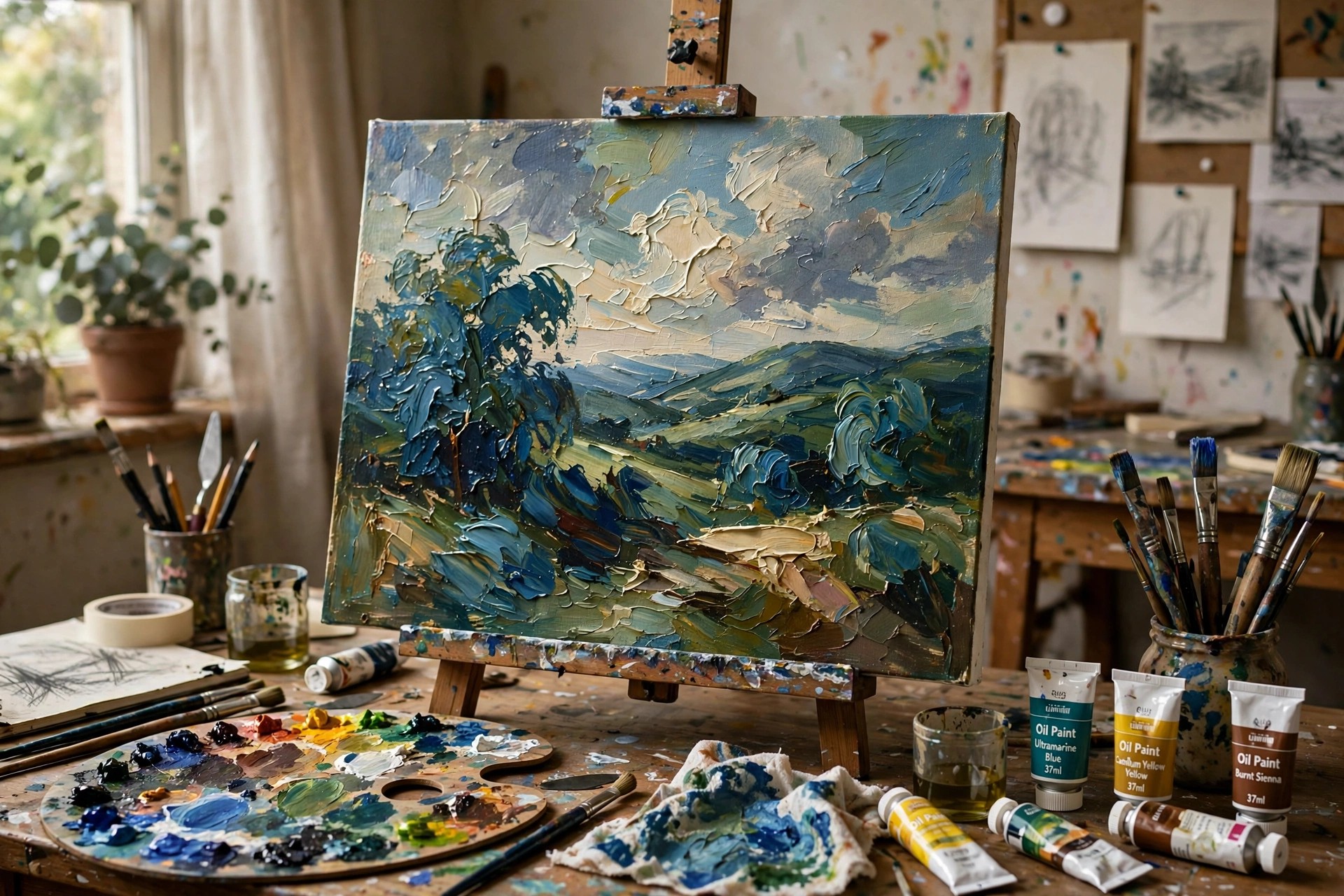
Mac Photo & DesignAmbient Design ArtRage 6.1.1 for Mac is a digital painting studio built to behave like real art materials. Made by Ambient Design in New Zealand, it gives you a canvas where oils smear and blend, watercolours bleed into the paper, and pencils respond to pressure and tilt, without the mess of a physical desk.
ArtRage 6 was the last classic desktop edition sold with a serial number before ArtRage Vitae moved to the app stores. It is paid software, and version 6.1.1 is one of its free incremental updates for registered owners. Ambient Design still offers an unlimited-time ArtRage 6 demo, although the demo cannot save files.
Key Features
- Realistic oil, watercolour, ink, pencil, crayon and airbrush tools
- Canvas textures and paint thickness that affect how strokes blend and smear
- Layers, blend modes, stencils, rulers and reference image tracing
- Custom brush designer for building your own natural-media presets
- Works with graphics tablets, including pressure, tilt and multitouch gestures
How to Download
- Download from the official site
- Try the free ArtRage 6 demo for macOS, or buy the full program from the ArtRage store.
- Open the disk image, drag ArtRage to Applications, then enter your serial number if you bought the full edition.
Is ArtRage 6 free?
No, the full program is paid. The official demo has no time limit and includes the tools, but it cannot save, export or record scripts, so it is for testing only.
Can I still update to 6.1.1?
Yes, if you own ArtRage 6. Register your serial number in the ArtRage Member Area and download the latest 6.x installer for macOS from your profile page.







Leave a Reply