Category: Mac Photo & Design

  • Astute Graphics Plugins Elite Bundle Pro Texture Packs 2.0 for Mac

    Astute Graphics Plugins Elite Bundle Pro Texture Packs 2.0 for Mac

    Astute Graphics Plugins Elite Bundle Pro Texture Packs 2.0 for Mac

    Astute Graphics Plugins Elite Bundle Pro Texture Packs 2.0 for Mac

    Mac Photo & Design
    Updated Nov 6, 2026
    Mac Photo & Design • Updated Nov 6, 2026

    The Elite Bundle was the top-tier collection of Adobe Illustrator plugins from Astute Graphics, aimed at professional illustrators and design studios on the Mac, and supplied with pro texture packs for adding surface detail to vector work. It gathered the developer's best-known tools — for vector drawing and editing, artwork clean-up, live styling effects, halftones and colour work — into a single install, removing repetitive steps while keeping artwork fully editable.

    Key Features

    • The developer's premium Illustrator plugins collected in one elite package
    • Advanced tools for drawing, editing and cleaning up vector paths
    • Live, non-destructive effects and styling controls inside Illustrator
    • Colour adjustment and halftone tools for illustration and print work
    • Pro texture resources for adding realistic surfaces to vector art

    How to Download

    1. Install a supported version of Adobe Illustrator on your Mac first.
    2. Get the current plugin suite from the developer: Download from the official site
    3. Install with the Astute Manager, restart Illustrator and open the Astute Graphics panels from the Window menu.

    System Requirements

    The plugins work inside Adobe Illustrator running on a recent version of macOS, and current releases support both Intel and Apple silicon Macs. Because Illustrator and macOS move on regularly, confirm the supported versions on the official Astute Graphics site before you install.

    FAQs

    Is the Elite Bundle still sold as a one-time purchase?

    Astute Graphics has moved its plugins to a subscription suite with a free trial period, managed through the Astute Manager. Check the official site for the current plans rather than relying on old bundle offers.

    Are any Astute Graphics plugins free?

    Yes. The developer lets you keep a small set of plugins — including MirrorMe, Autosaviour, DirectPrefs and Astute Buddy — for free after a trial, according to its official trial page.
  • Astute Graphics Plugins Bundle Pro Texture Packs 1.1.5 for Mac

    Astute Graphics Plugins Bundle Pro Texture Packs 1.1.5 for Mac

    Astute Graphics Plugins Bundle Pro Texture Packs 1.1.5 for Mac

    Astute Graphics Plugins Bundle Pro Texture Packs 1.1.5 for Mac

    Mac Photo & Design
    Updated Nov 6, 2026
    Mac Photo & Design • Updated Nov 6, 2026

    This bundle brings together the Adobe Illustrator plugins made by Astute Graphics, a long-established developer of professional vector tools, in one package for Mac users, together with pro texture resources for Illustrator artwork. Astute Graphics is known for plugins that fix the slow, fiddly parts of vector work — drawing and editing paths, cleaning up artwork, applying effects live and managing colour — and its tools are used daily by illustrators and design studios.

    Key Features

    • A suite of professional plugins that extend Adobe Illustrator's native tools
    • Precision vector drawing, editing and path clean-up tools
    • Live effects and styling controls that stay editable in your artwork
    • Colour and ink management tools for print-ready files
    • Texture resources to add surface detail to vector illustrations

    How to Download

    1. Install a supported version of Adobe Illustrator on your Mac first.
    2. Get the current plugin suite from the developer: Download from the official site
    3. Install through the Astute Manager, restart Illustrator and find the new tools under the Astute Graphics entries in the menus and panels.

    System Requirements

    The plugins run inside Adobe Illustrator on a recent version of macOS, on both Intel and Apple silicon Macs. Astute Graphics now supplies its suite through the Astute Manager app, and the exact Illustrator versions supported change over time — check the official compatibility page before installing.

    FAQs

    How are Astute Graphics plugins sold today?

    The developer now offers the full suite mainly as a subscription with a short free trial, and a few plugins remain free to keep after trialling. Older bundle licences are no longer the main way to buy.

    Do the plugins work on Apple silicon Macs?

    Yes, current Astute Graphics releases support Apple silicon as well as Intel Macs, as long as your Illustrator version is one the developer lists as compatible.

  • Astro Panel 11.4.0 for Photoshop for Mac

    Astro Panel 11.4.0 for Photoshop for Mac

    Astro Panel 11.4.0 for Photoshop for Mac

    Astro Panel 11.4.0 for Photoshop for Mac

    Mac Photo & Design
    Updated Nov 6, 2026
    Mac Photo & Design • Updated Nov 6, 2026

    Astro Panel is a plugin for Adobe Photoshop from the Astro Panel project at astropanel.it, created for astrophotography and night landscape work. The current line is sold as Astro Panel 2027, version 11.4.0, and it turns Photoshop into a dedicated environment for Milky Way, deep-sky, star trail and landscape images. Photographers get organised sections for landscape and astro processing, luminosity and colour masks, finishing tools and a RAW Fusion Engine that can calibrate, align and stack sequences without leaving Photoshop.

    Key Features

    • Dedicated workflows for Milky Way, deep-sky, star trail and night landscape images
    • Luminosity and colour masks plus professional finishing tools inside Photoshop
    • RAW Fusion Engine for calibrating, aligning and stacking multiple frames
    • Tools for noise and hot pixel removal, sharpening, glow and gradient removal
    • Hybrid UXP plugin built for recent Photoshop CC versions on Mac and Windows

    How to Download

    1. Install a supported recent version of Adobe Photoshop CC on your Mac first.
    2. Get the plugin from the developer: Download from the official site
    3. Run the installer for macOS, restart Photoshop and open Astro Panel from the plugins menu.

    System Requirements

    Astro Panel needs a recent version of Adobe Photoshop CC — the current release targets Photoshop CC 2022–2027 — running on a recent version of macOS. The macOS Fusion Runtime is built for Apple silicon Macs, so check the official page if you use an Intel Mac.

    FAQs

    Does Astro Panel work without Photoshop?

    Astro Panel itself is a Photoshop plugin, so Photoshop is required. The same team also develops a standalone application for stacking and editing, sold separately on its site.

    Is it only for deep-sky images?

    No. Alongside deep-sky and Milky Way tools it includes a landscape section for general night and landscape photography, including HDR and focus stacking workflows.

  • Assembly 2.5 for Mac

    Assembly 2.5 for Mac

    Assembly 2.5 for Mac

    Assembly 2.5 for Mac

    Mac Photo & Design
    Updated Nov 6, 2026
    Mac Photo & Design • Updated Nov 6, 2026

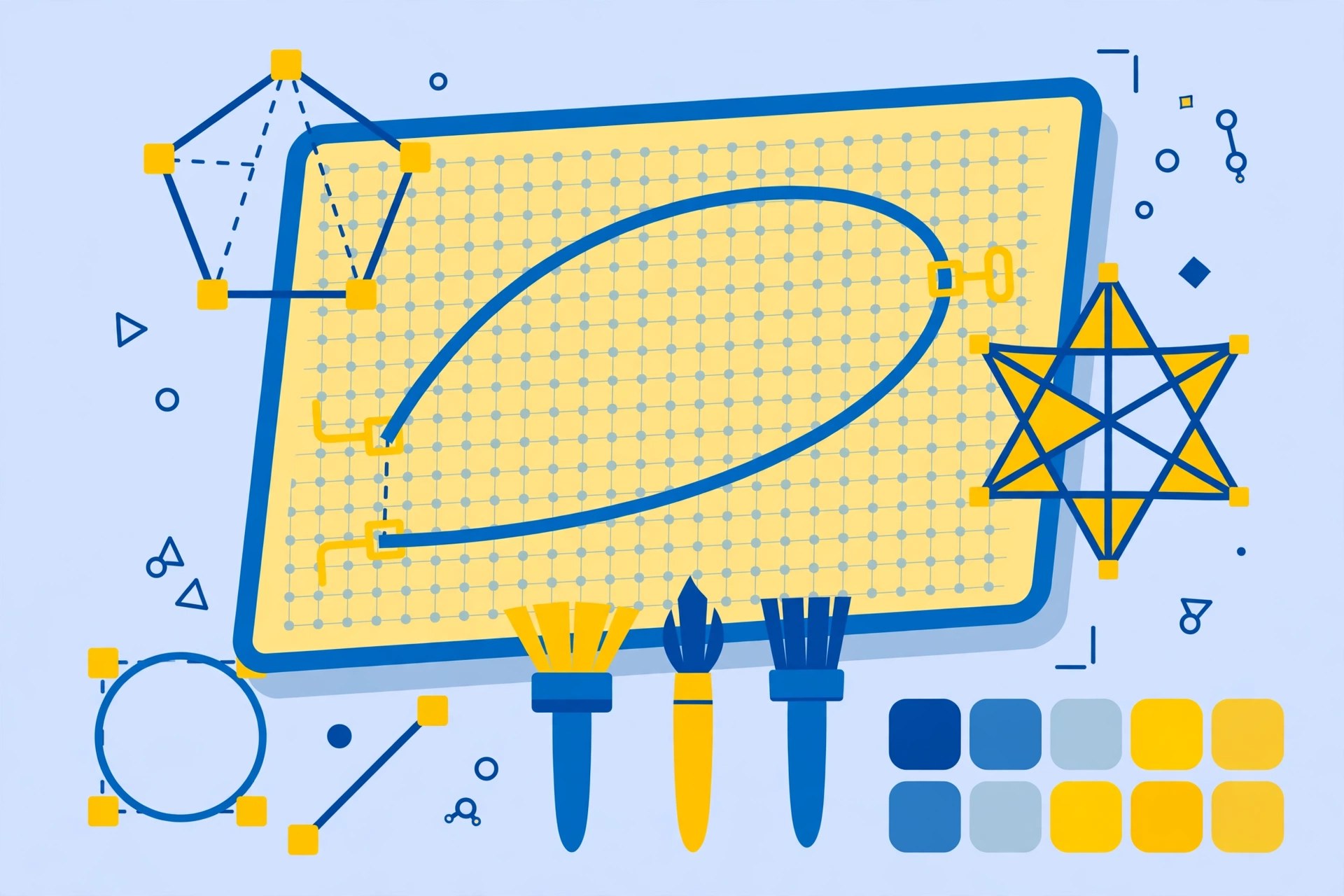
    Assembly from Pixite is a vector design app built to make graphic design approachable. Instead of a steep professional learning curve, you build logos, icons and illustrations from basic shapes, stickers and text, snapping pieces together on a grid. It is best known on iPhone and iPad, and the same design approach is available to Apple users who want quick vector artwork without heavyweight desktop software.

    Key Features

    • Build vector art from basic shapes, pre-made stickers, fills and strokes
    • Snap-to-grid layout that keeps designs tidy while you work
    • Large library of royalty-free shapes and design elements to start from
    • Import SVG, PNG and JPG files, and export your work as SVG, PNG, PDF or JPG
    • Text tools with font options, spacing and formatting controls

    How to Download

    1. Use the green Download button on this page or visit Pixite's site.
    2. Download from the official site and follow the link to the official App Store listing.
    3. Install the app, open it, and start a design from shapes or a blank canvas.

    System Requirements

    Assembly is an Apple-platform app; its App Store listing requires a recent version of Apple's operating systems for iPhone and iPad, and Mac availability follows the App Store listing. Check the official listing for the exact current requirement for your device.

    FAQs

    Is Assembly free?

    The app is free to download with in-app purchases. An optional Assembly Pro subscription unlocks the full library of shapes and professional features, with pricing shown on the official listing.

    Can I use Assembly designs in other software?

    Yes. You can export finished work as SVG, PNG, PDF or JPG, including high-resolution exports, so designs can move into desktop editors, print or the web.

  • Aseprite 1.3.18.6 for Mac

    Aseprite 1.3.18.6 for Mac

    Aseprite 1.3.18.6 for Mac

    Aseprite 1.3.18.6 for Mac

    Mac Photo & Design
    Updated Nov 6, 2026
    Mac Photo & Design • Updated Nov 6, 2026

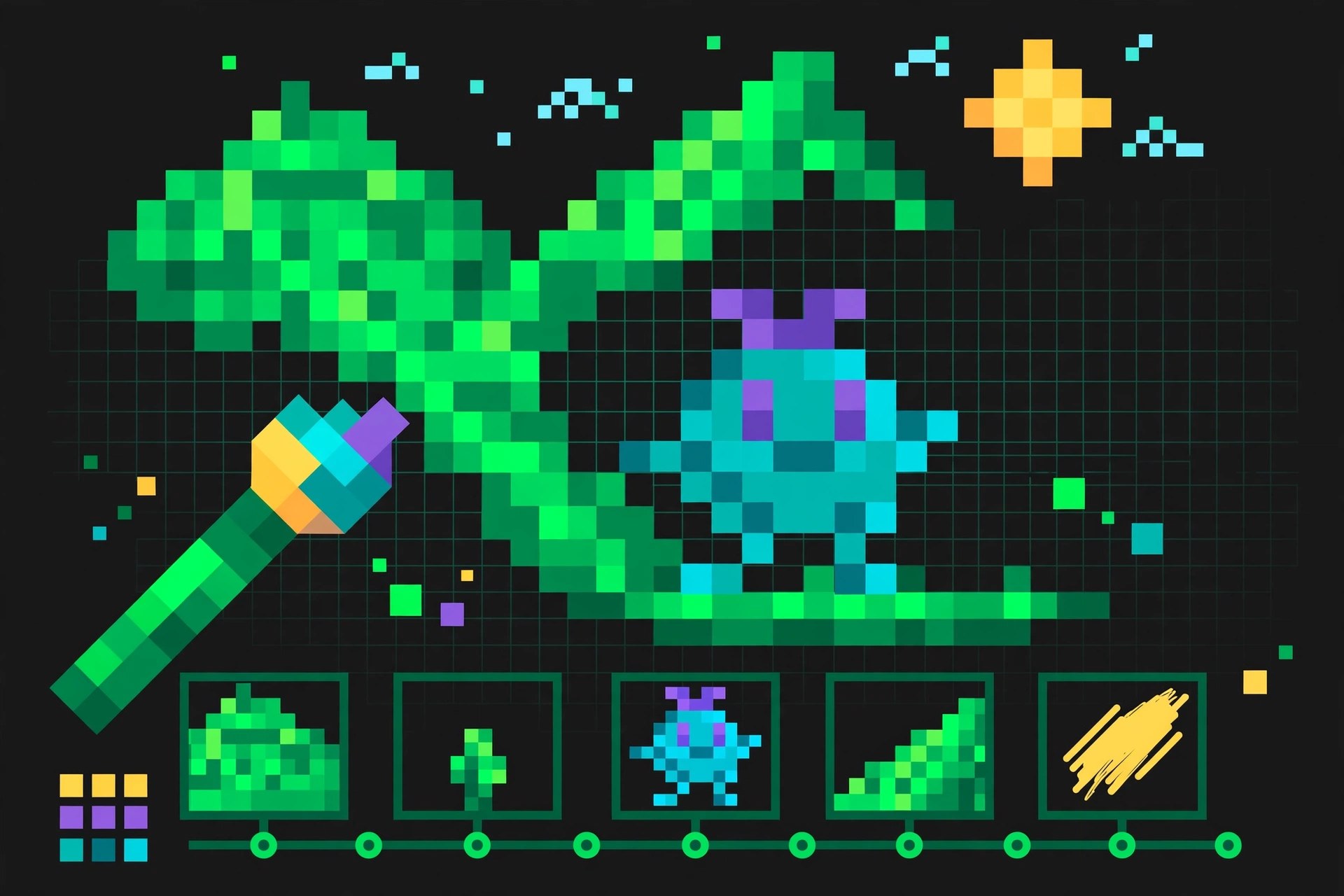
    Aseprite, made by Igara Studio, is an image editor designed specifically for pixel art and animated sprites. On Mac it gives game artists and hobbyists a focused workspace: a pixel-perfect drawing canvas, a timeline for frame-by-frame animation, and tools such as tilemaps and onion skinning that general photo editors do not offer. Version 1.3.18.6 is a maintenance release in the long-running 1.3 series.

    Key Features

    • Pixel art drawing tools with layers, frames and a dedicated animation timeline
    • Onion skinning to preview surrounding frames while you animate
    • Tilemap support for building game levels and repeating textures
    • Export to sprite sheets and common image formats for game engines
    • Extensible with scripts and a Lua API for custom workflows

    How to Download

    1. Use the green Download button on this page or visit the official Aseprite site.
    2. Download from the official site — the trial is available there, and the full version is sold through the site and stores such as Steam.
    3. Open the downloaded file, move Aseprite to Applications and launch it.

    System Requirements

    Aseprite runs on a recent version of macOS and works on both Apple silicon and Intel Macs. It is lightweight, so most Macs that run current macOS comfortably meet its needs; check the official site for the exact minimum version.

    FAQs

    Is Aseprite free?

    There is a free trial from the official site, but it cannot save files. The full version is a paid purchase, and the official site also explains the source-available licensing for users who compile it themselves.

    Is Aseprite only for games?

    Games are its main focus, but it is equally handy for icons, GIFs, avatars and any small-scale pixel artwork or animation.

  • Artstudio Pro 5.2.9 for Mac

    Artstudio Pro 5.2.9 for Mac

    Artstudio Pro 5.2.9 for Mac

    Artstudio Pro 5.2.9 for Mac

    Mac Photo & Design
    Updated Nov 6, 2026
    Mac Photo & Design • Updated Nov 6, 2026

    Artstudio Pro is a painting and photo editing app for Mac made by Lucky Clan. It is built for illustrators, painters and photo editors who want a fast, layer-based workspace without a subscription, and it uses Apple's Metal technology and multi-core processing to keep big canvases feeling smooth.

    Key Features

    • A large brush library with customisable brushes, pencils, pens and airbrushes
    • Full layer support with blending modes, masks and adjustment layers
    • Photo editing tools including filters, curves, levels and selective adjustments
    • GPU-accelerated engine built on Metal for responsive drawing on large files
    • iCloud Drive support, so work can move between Mac and the iOS version

    How to Download

    1. Click the green Download button on this page to start.
    2. Download from the official site — the Mac App Store listing is the official source for the desktop version.
    3. Install the app, open it, and start a new canvas or import a photo to edit.

    System Requirements

    The Mac App Store listing states Artstudio Pro requires macOS 11.0 or later. It is a 64-bit app optimised for multi-core processors, and it runs on both Intel and Apple silicon Macs.

    FAQs

    Is Artstudio Pro a subscription?

    No. Artstudio Pro for Mac has traditionally been sold as a one-time purchase on the Mac App Store, rather than a monthly subscription. Check the current listing for the up-to-date price.

    Can I open Photoshop files?

    Artstudio Pro can import and export common image formats and works with layered documents, which makes it practical for moving work between apps. For complex PSD effects, results can vary, so keep a copy of your original file.

  • Artlantis 9.5.2.25648 for Mac

    Artlantis 9.5.2.25648 for Mac

    Artlantis 9.5.2.25648 for Mac

    Artlantis 9.5.2.25648 for Mac

    Mac Photo & Design
    Updated Nov 6, 2026
    Mac Photo & Design • Updated Nov 6, 2026

    Artlantis, from French developer Abvent, is a standalone rendering application built specifically for architects and designers who need convincing images of their projects without a steep learning curve. You import a 3D model from your CAD or modelling tool, assign materials and objects from the built-in media catalog, set up lighting and cameras, and Artlantis produces photorealistic stills — and, in the Studio edition, animations and panoramas. Its physically based rendering engine and real-time preview made it a long-time favourite in architecture practices, and the 9.5.x line corresponds to the Artlantis 2021 generation of the software.

    Key Features

    • Physically based rendering engine tuned for architectural visualisation
    • Built-in media catalog with ready-made objects, shaders and materials
    • Real-time preview window that updates as you change lights and materials
    • Imports DXF, DWG, DWF, OBJ, FBX and 3DS, with direct plugins for CAD tools including SketchUp
    • Two editions: Render for still images, Studio adding animation and panoramas

    How to Download

    1. Use the green Download button on this page, or go to the developer's website.
    2. Download from the official site — Abvent's Artlantis site carries the current installers, trial and licensing information.
    3. Install the app, import your 3D model, and apply catalog media to build your first scene.

    System Requirements

    Artlantis runs on Mac and Windows; the 2021-generation builds need a recent version of macOS and a reasonably capable graphics setup for smooth previews. Rendering is processor-intensive work, so more CPU cores and RAM directly shorten your render times.

    FAQs

    What is the difference between Artlantis Render and Studio?

    Render is for still images. Studio includes everything in Render and adds animation, panoramas and virtual-tour style outputs. Choose based on whether you only need stills for presentations.

    Is there a trial version?

    Abvent has traditionally offered a trial through the official Artlantis website, so you can test it with your own models before buying a licence from Abvent or an authorised reseller.

  • Artboard 2.3 for Mac

    Artboard 2.3 for Mac

    Artboard 2.3 for Mac

    Artboard 2.3 for Mac

    Mac Photo & Design
    Updated Nov 6, 2026
    Mac Photo & Design • Updated Nov 6, 2026

    Artboard is vector drawing software for Mac from Mapdiva, designed to make illustration approachable without stripping out the tools that matter. With it you can draw logos, posters, floor plans, technical diagrams and web graphics as clean, infinitely scalable vector art. Its signature idea is styles: instead of setting fill, stroke and effects by hand for every object, you apply and stack ready-made styles — and the app ships with a large library of editable clip art and styles covering maps, flags, flowcharts, home planning and more, which beginners can pull apart to learn how vector drawings are built.

    Key Features

    • Over 20 direct drawing tools for shapes, paths, text and freehand work
    • Built-in library of 1,900+ editable styles and clip art in Artboard 2
    • Stacked and shared styles for fast, consistent-looking illustrations
    • Imports SVG and common image formats; works with layers and slices
    • Exports to vector PDF (Illustrator-compatible) plus PNG, JPEG and TIFF

    How to Download

    1. Use the green Download button on this page, or visit the developer's website.
    2. Download from the official site — Mapdiva offers Artboard directly and through the Mac App Store.
    3. Install the app and open one of the sample drawings to explore the styles library.

    System Requirements

    Artboard 2 is a native Mac app that runs on a recent version of macOS. Mapdiva's site lists the exact minimum macOS for the current build, and a free trial is available there if you want to confirm it suits your machine first.

    FAQs

    Is Artboard good for beginners?

    Yes — it was designed for them. The styles and clip-art library let new users produce decent results quickly, and Mapdiva publishes free tutorials and getting-started videos on its website.

    Can Artboard open Illustrator files?

    Artboard imports editable SVG and exports vector PDF, which Illustrator can open — that is the practical route for moving work between the two apps. It does not natively open .ai project files.

  • Art Text 4.5.9 for Mac

    Art Text 4.5.9 for Mac

    Art Text 4.5.9 for Mac

    Art Text 4.5.9 for Mac

    Mac Photo & Design
    Updated Nov 6, 2026
    Mac Photo & Design • Updated Nov 6, 2026

    Art Text, from BeLight Software, is a Mac design app devoted entirely to text as artwork: 3D lettering, logo typography, headline effects and text mockups that would take hours of manual work in a general-purpose editor. You type your words, then shape them with distortion and warp tools, fill them with textures, photos or spray effects, apply realistic materials and lighting for 3D looks, and export the finished graphic for use anywhere. Version 4 is the current generation — recent updates added AI-assisted features for generating and enhancing text graphics — and it remains a one-off purchase rather than a subscription.

    Key Features

    • Full 3D text rendering with adjustable materials, bevels and lighting
    • Text distortion and warp tools for curved, arched and custom lettering shapes
    • Spray Fill and texture fills that fill letters with photos, patterns or particles
    • A large library of templates, styles and ready-made text designs
    • Exports finished graphics in common formats for print, web and social media

    How to Download

    1. Use the green Download button on this page, or go directly to the developer's site.
    2. Download from the official site to get the current Art Text 4 release from BeLight Software.
    3. Install the app and start from a template, or type your own text and style it from scratch.

    System Requirements

    Art Text 4 runs on macOS 10.14 or later according to the developer's listings, and current builds support both Intel and Apple silicon Macs. It is a self-contained app and does not require Photoshop or any other editor.

    FAQs

    Is there a free trial of Art Text?

    Yes, BeLight offers a trial version from its website so you can test the tools before buying. The full version is a single one-time purchase, with upgrades priced separately when a new major version appears.

    Can I use Art Text graphics commercially?

    Art Text is aimed at people making logos, headlines and marketing graphics. Check BeLight's licence terms for the details, especially for any bundled template or texture content you use in client work.

  • Art Files 3.4 for Mac

    Art Files 3.4 for Mac

    Art Files 3.4 for Mac

    Art Files 3.4 for Mac

    Mac Photo & Design
    Updated Nov 6, 2026
    Mac Photo & Design • Updated Nov 6, 2026

    Art Files is a Mac utility from Code Line Software that gives Adobe Illustrator users the "collect for output" feature Illustrator historically lacked — the equivalent of InDesign's Package command. When you hand an Illustrator job to a printer, a client or a colleague, the .ai file alone is not enough: it depends on linked images and fonts scattered around your disk. Drag a document into Art Files and it scans the file, lists every linked image and font it uses — including fonts inside placed EPS files — and then collects everything into one tidy folder with a report, ready to send.

    Key Features

    • Collects Illustrator documents together with all linked images and fonts
    • Scans placed EPS documents for fonts they depend on
    • Drag-and-drop scanning with a clear list of everything a document uses
    • Saves scans as reusable .artfiles documents you can re-run later
    • Creates a collection folder with a notes/report file describing the job

    How to Download

    1. Use the green Download button on this page to reach the options for this app.
    2. Art Files is sold by its developer, Code Line Software, so get it from the developer's own website — no separate verified product page could be confirmed for this listing.
    3. Install the app, drag in an Illustrator document, review the scan and click Collect to package the job.

    System Requirements

    Art Files is a native Mac application that works alongside Adobe Illustrator. It runs on a recent version of macOS; because it reads Illustrator documents directly, check the developer's site for the Illustrator and macOS versions supported by the current release.

    FAQs

    Does Illustrator not already do this?

    Modern Illustrator does have a Package command, added in CS6. Art Files predates it and remains popular with long-time users who prefer its scanning, reporting and reusable collection documents.

    Does Art Files collect fonts legally?

    It copies the fonts a document uses into the collection so the job prints correctly at the other end. Font licences vary, so only share collected fonts where your licence permits it.