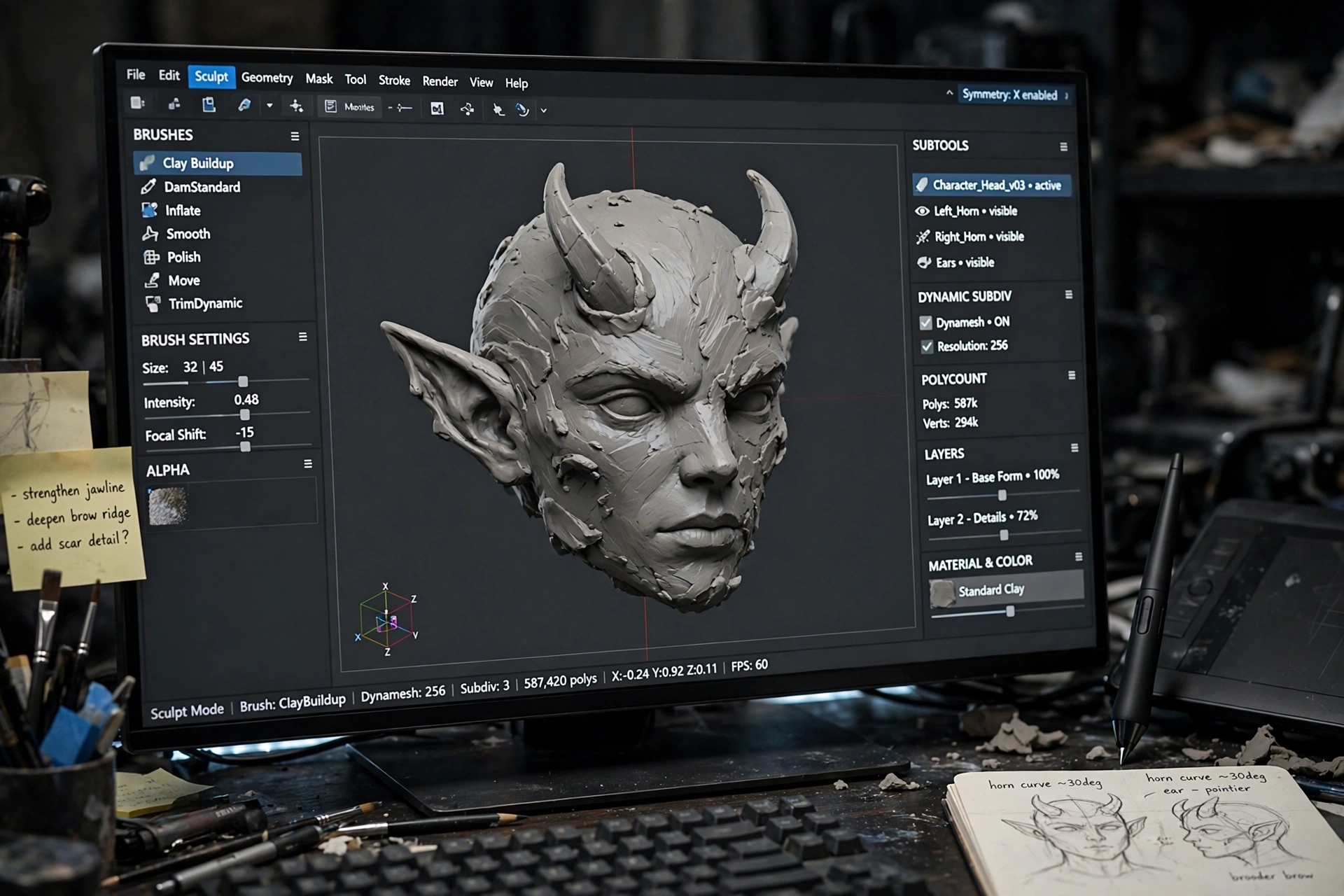
3D Coat 4.8.32 for Mac
Mac Photo & Design3D Coat is a digital sculpting application that takes a 3D idea from a rough block of digital clay to a finished, textured model. It is used by game artists, illustrators, and hobbyists who want to sculpt organic shapes and hard surfaces without switching between several separate tools.
On Mac, it brings sculpting, retopology, UV mapping, texture painting, and rendering into one workspace. That all-in-one approach makes it a practical choice for artists who want to model a character, paint its textures, and preview the result before exporting it to another program.
Key Features
- Voxel and surface sculpting for organic and hard-surface models
- Automatic and manual retopology to create clean, animation-ready meshes
- UV mapping tools with automatic unwrapping and manual control
- Natural texture painting with layers, materials, and smart materials
- Rendering and turntable export to preview and share finished models
How to Download
- Download from the official site
- Open the installer and follow the on-screen steps to install 3D Coat.
- Launch the app and start with the free trial or sign in with your licence.
Is 3D Coat free?
3D Coat is paid software with a 30-day free trial, followed by a free learning mode with limits. It is not a free full version, so check the trial terms before you commit.
Is it safe to get 3D Coat from unofficial download sites?
No. Cracked or repacked copies can carry malware and may stop working after updates. Download only from the official Pilgway and 3DCoat site.







Leave a Reply