Category: Mac Photo & Design

  • Adobe Experience Design CC 0.5.16.16 for Mac

    Adobe Experience Design CC 0.5.16.16 for Mac

    Adobe Experience Design CC 0.5.16.16 for Mac

    Adobe Experience Design CC 0.5.16.16 for Mac

    Mac Photo & Design
    Updated Nov 4, 2026
    Mac Photo & Design • Updated Nov 4, 2026

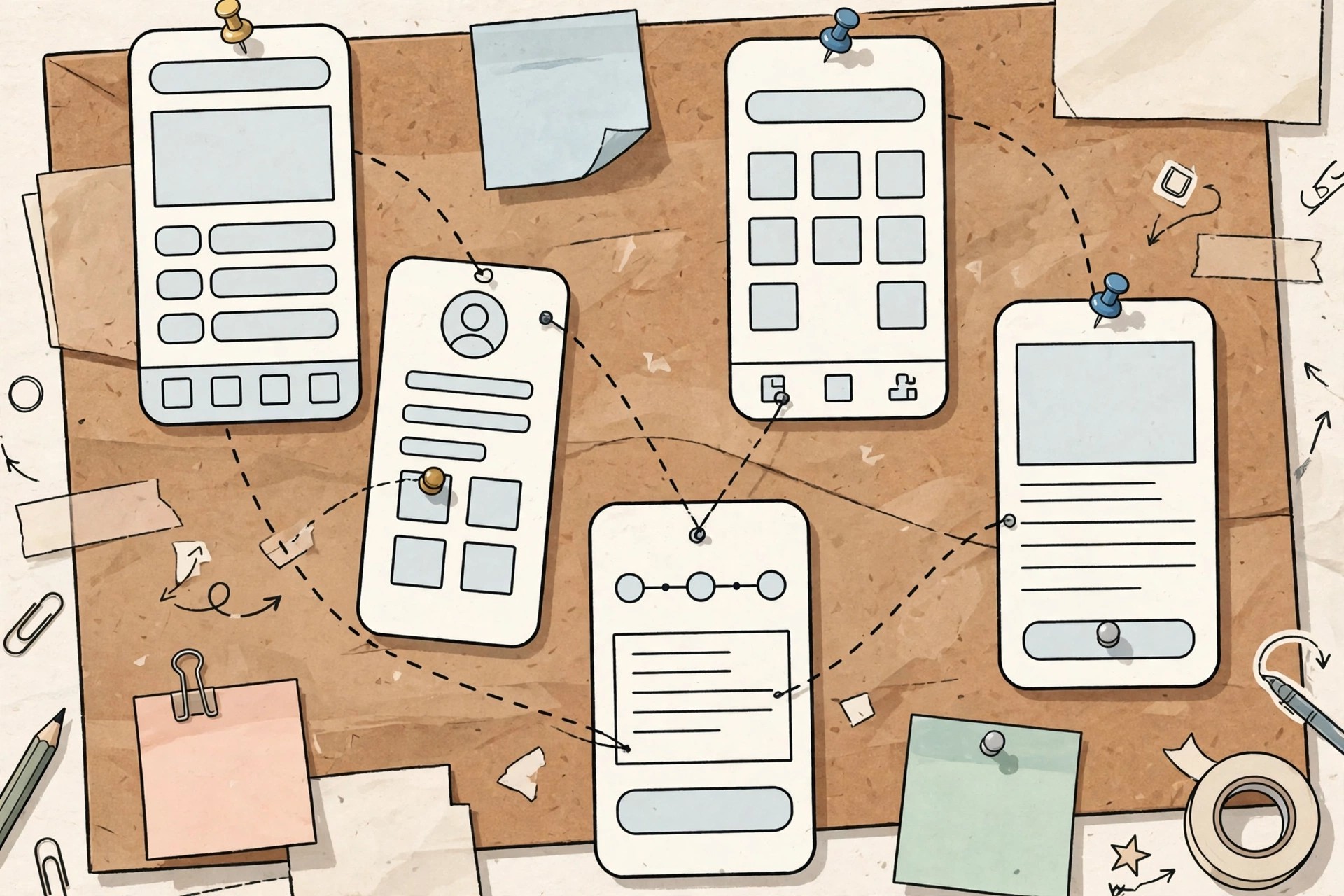
    Adobe Experience Design CC 0.5.16.16 for Mac was not really a separate long-term product — it was the early beta name, in 2016, for the app that became Adobe XD. Built first for Mac, it combined wireframing, visual UI design, interactive prototyping, previewing and sharing in one tool made specifically for website and mobile app experience design.

    Designers used those early builds to draw screens, link artboards into clickable prototypes and test flows on real devices. The Experience Design name was dropped as the product matured into Adobe XD. XD itself is now in maintenance mode and no longer sold standalone, though existing users are supported via Creative Cloud All Apps plans — which is why the official link here points to Adobe XD.

    Key Features

    • Vector drawing and layout tools designed for app screens, websites and wireframes
    • Repeat Grid and symbols for quickly building lists, cards and reusable UI elements
    • Prototype mode linking artboards with transitions to simulate real user flows
    • Live preview on connected mobile devices and shareable prototype links for feedback
    • Integration with Photoshop and Illustrator assets and Creative Cloud Libraries

    How to Download

    1. Download from the official site
    2. Note that the old Experience Design CC beta is not offered anymore — Adobe continued the product as Adobe XD, available to existing and All Apps subscribers through Creative Cloud.
    3. Install the Creative Cloud desktop app, sign in with your Adobe account and install XD from there if your plan includes it.

    Is Adobe Experience Design CC free?
    It was free during its 2016 preview period, but that beta ended long ago. Its successor, Adobe XD, is paid Creative Cloud software and is no longer sold as a new standalone purchase.

    Should I learn Experience Design CC today?
    No. Learn Adobe XD only if you maintain existing XD files. For new UI and UX work, most teams have moved to current tools, so check what your team or clients use before committing.

  • Adobe Dimension 4.1.4 for Mac

    Adobe Dimension 4.1.4 for Mac

    Adobe Dimension 4.1.4 for Mac

    Adobe Dimension 4.1.4 for Mac

    Mac Photo & Design
    Updated Nov 4, 2026
    Mac Photo & Design • Updated Nov 4, 2026

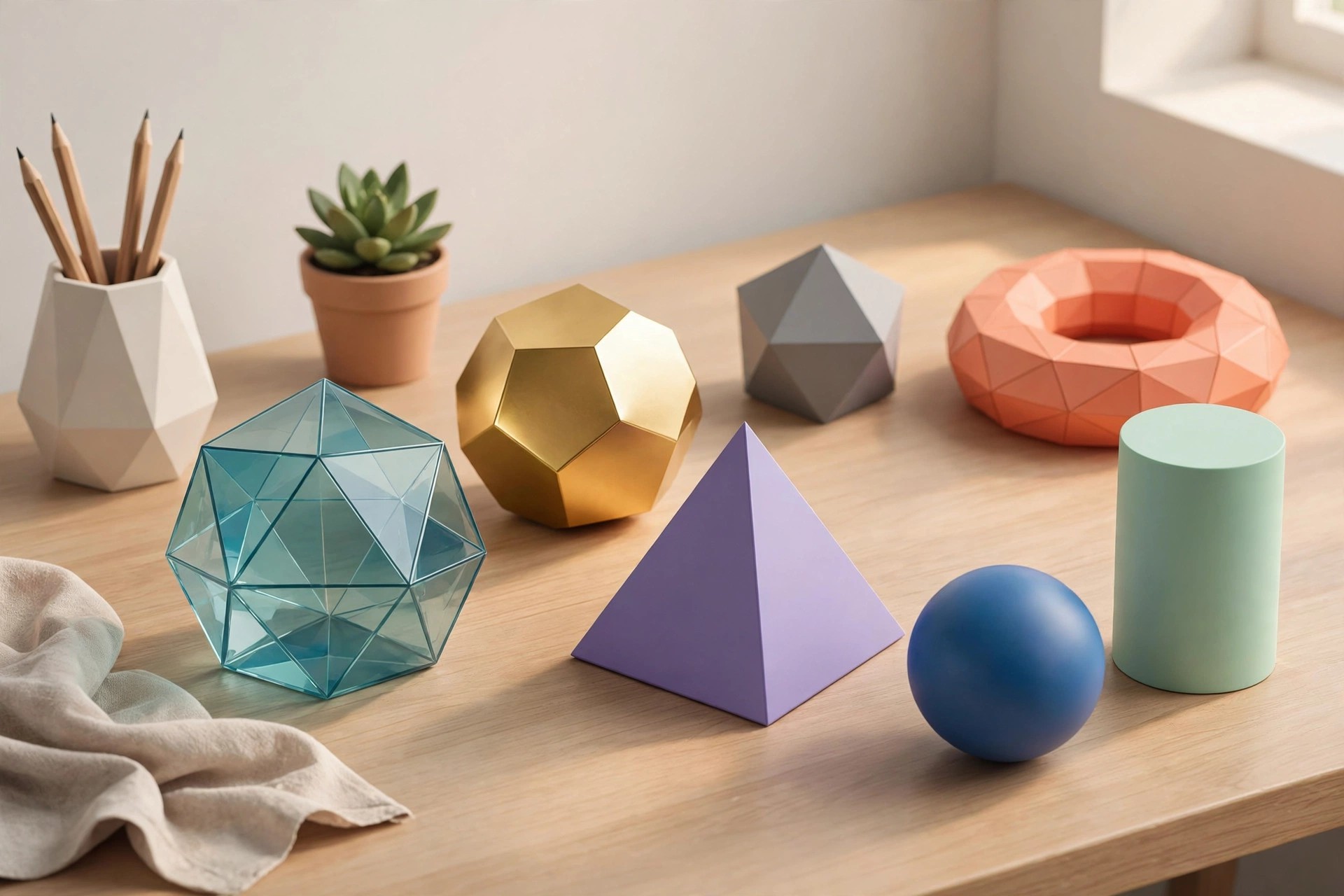
    Adobe Dimension 4.1.4 for Mac is Adobe's 3D compositing and rendering app for graphic designers, not 3D specialists. You place ready-made 3D models into a scene, apply materials and lighting, and drop your own 2D artwork — a logo, label or package design — onto the model's surface to see how it will look in the real world.

    It is built for brand and marketing work: product mockups, packaging previews and advertising visuals that would otherwise need a photo shoot or a 3D artist. Dimension is not sold as a perpetual licence; it is included with a paid Creative Cloud All Apps subscription, and Adobe has offered trial access for new subscribers.

    Key Features

    • Drag 2D graphics and logos onto 3D models as realistic decals and labels
    • Photorealistic rendering with lighting that matches your background image
    • Built-in starter assets plus Adobe Stock 3D models, materials and lights in-app
    • Customisable materials — change colour, roughness, metalness and texture quickly
    • Export renders, layered files for Photoshop, or shareable 3D scene links

    How to Download

    1. Download from the official site
    2. Sign in with the Adobe account holding your Creative Cloud All Apps subscription, or start Adobe's trial if one is offered.
    3. Install Dimension through the Creative Cloud desktop app and sign in to activate it on your Mac.

    Is Adobe Dimension free?
    No. Dimension is paid software included with the Creative Cloud All Apps plan; there is no free full version. A free Creative Cloud membership alone does not include it, though new users may be able to trial the plan that contains it.

    Do I need 3D modelling experience to use Dimension?
    No — that is the point of the app. Models come from the built-in library, Adobe Stock or other 3D tools; Dimension focuses on arranging, materialising and lighting them, not building geometry from scratch.

  • Adobe Dimension CC 2.2.1 for Mac

    Adobe Dimension CC 2.2.1 for Mac

    Adobe Dimension CC 2.2.1 for Mac

    Adobe Dimension CC 2.2.1 for Mac

    Mac Photo & Design
    Updated Nov 4, 2026
    Mac Photo & Design • Updated Nov 4, 2026

    Adobe Dimension CC 2.2.1 for Mac is an older release of Adobe's designer-friendly 3D tool, from when it still carried the "CC" name. Its job was the same as today's Dimension: combine 3D models with your own 2D artwork — logos, labels, packaging designs — then light and render the scene into a photorealistic image, without learning a traditional 3D modelling program.

    This 2019-era version is no longer current, and Adobe does not sell it separately today. Dimension is now supplied in its latest version through the Creative Cloud desktop app, as part of the All Apps subscription. Treat this page as a record of the 2.2.1 release; installing Dimension now gets you the modern, better-supported version instead.

    Key Features

    • Composite 2D artwork onto 3D models as decals for packaging and product mockups
    • Adobe Rendering Engine, introduced in the 2.2 line, for faster, cleaner renders
    • Automatic background matching aligns lighting and perspective with your photo
    • Starter asset library of models, materials and lights, with Adobe Stock in-app
    • Export renders as images or layered PSD files for finishing in Photoshop

    How to Download

    1. Download from the official site
    2. Sign in with an Adobe account holding a Creative Cloud All Apps subscription, since Dimension is included in that plan rather than sold alone.
    3. Install Dimension from the Creative Cloud desktop app — Adobe provides the current version, which supersedes this CC 2.2.1 build.

    Is Adobe Dimension CC 2.2.1 free?
    No. Dimension CC required a paid Creative Cloud membership, and this old build was never a free full version. Current access is still by subscription through the All Apps plan, with trials sometimes offered to new users.

    Can I still download version 2.2.1 from Adobe?
    No. Adobe distributes the latest Dimension release through Creative Cloud, and old CC installers on third-party sites are unsupported and risky. The current official version gives you the same workflow with years of fixes.

  • Adobe CS6 Master Collection for Mac

    Adobe CS6 Master Collection for Mac

    Adobe CS6 Master Collection for Mac

    Adobe CS6 Master Collection for Mac

    Mac Photo & Design
    Updated Nov 4, 2026
    Mac Photo & Design • Updated Nov 4, 2026

    Adobe CS6 Master Collection for Mac was a real Adobe product: the top retail edition of Creative Suite 6, released in 2012 as a one-time, perpetual-licence purchase. It bundled nearly every creative application Adobe made at the time into one suite, aimed at professionals who needed the complete toolset for print, web, video and interactive work.

    Adobe has since discontinued it. CS6 is no longer sold, updated or supported, and its 2012-era installers were built for much older versions of macOS, so they are unreliable on modern Macs. Adobe replaced the Creative Suite line with the Creative Cloud subscription, where the current versions of all these applications now live — and that is the route this page points you to.

    Key Features

    • Photoshop CS6 Extended, Illustrator CS6 and InDesign CS6 for image, vector and layout work
    • Premiere Pro CS6, After Effects CS6 and Audition CS6 for video, effects and audio
    • Dreamweaver CS6, Flash Professional CS6 and Fireworks CS6 for web and interactive projects
    • Acrobat X Pro, Encore and Prelude for PDFs, disc authoring and footage organisation
    • Sold once as a perpetual licence, with no subscription or cloud services attached

    How to Download

    1. Download from the official site
    2. CS6 itself is no longer available from Adobe, so choose a Creative Cloud plan — All Apps includes the modern successors of every Master Collection program.
    3. Install the Creative Cloud desktop app on your Mac and add the individual apps you need.

    Can I still buy Adobe CS6 Master Collection?
    No. Adobe stopped selling Creative Suite 6 years ago and offers it through no official channel. Copies on auction or download sites are second-hand at best and pirated at worst, and their serial numbers often no longer activate.

    Will CS6 run on a modern Mac?
    Usually not well. CS6 predates current macOS releases and Apple silicon, receives no compatibility fixes, and its installers fail on recent systems. The supported equivalent today is a Creative Cloud subscription.

  • Adobe Creative Cloud Suite for Mac

    Adobe Creative Cloud Suite for Mac

    Adobe Creative Cloud Suite for Mac

    Adobe Creative Cloud Suite for Mac

    Mac Photo & Design
    Updated Nov 4, 2026
    Mac Photo & Design • Updated Nov 4, 2026

    To be clear up front: Adobe does not sell a product called "Creative Cloud Suite", and there is no official suite installer to download. Adobe retired its boxed Creative Suite bundles after CS6 and replaced them with Creative Cloud, a subscription service. When people search for a Creative Cloud suite for Mac, what they actually need is the Creative Cloud All Apps plan.

    One All Apps subscription covers photo editing, graphic design, video, audio, web and PDF work in a single membership: Photoshop, Illustrator, InDesign, Premiere Pro, After Effects, Lightroom, Acrobat Pro, Dreamweaver and more, for desktop, mobile and web. It is aimed at freelancers, agencies and in-house teams who move between several of these tools on the same projects.

    Key Features

    • All of Adobe's main creative apps included under one All Apps subscription
    • Single-app plans also available if you only need one tool, such as Photoshop
    • Shared Creative Cloud Libraries, Adobe Fonts and cloud storage across the set
    • New features arrive as rolling updates instead of paid major-version upgrades
    • Sign in and work on up to two computers, Mac or Windows, per subscription

    How to Download

    1. Download from the official site
    2. Pick the All Apps plan or an individual app plan and complete checkout with your Adobe account.
    3. Download the Creative Cloud desktop app for Mac and install the applications you want from its Apps panel.

    Is there a free Creative Cloud Suite?
    No. Because no standalone suite product exists, anything advertised as a free full suite download is pirated software. Legitimate access is the paid subscription, with short free trials on individual apps for new users.

    What replaced the old Adobe suites?
    Creative Cloud itself. Adobe stopped the perpetual-licence Creative Suite line after CS6, and every current version of Photoshop, Premiere Pro and the rest is now only available through a Creative Cloud subscription.

  • Adobe Creative Cloud CC Collection for Mac

    Adobe Creative Cloud CC Collection for Mac

    Adobe Creative Cloud CC Collection for Mac

    Adobe Creative Cloud CC Collection for Mac

    Mac Photo & Design
    Updated Nov 4, 2026
    Mac Photo & Design • Updated Nov 4, 2026

    Honesty first: "Adobe Creative Cloud CC Collection" is not a standalone product Adobe sells under that name, and there is no single official installer for it. Third-party sites use the name for a bundle of Adobe apps. The real, legitimate equivalent is Adobe's Creative Cloud All Apps subscription, which gives you the full line-up of Adobe creative software for Mac under one paid plan.

    That line-up covers almost every creative job: Photoshop and Lightroom for photos, Illustrator and InDesign for design and layout, Premiere Pro and After Effects for video, Acrobat Pro for PDFs, plus Dreamweaver, Audition and Animate, along with Adobe Fonts and cloud storage. It suits designers, photographers, editors and studios who use several Adobe apps and want them all updated through one subscription.

    Key Features

    • 20+ Adobe apps, including Photoshop, Illustrator, Premiere Pro and Acrobat Pro
    • Creative Cloud Libraries keep colours, graphics and assets in sync across apps
    • Adobe Fonts library included, activated inside the apps automatically
    • Cloud storage for files, with version history and easy sharing for review
    • Every app updated continuously through the Creative Cloud desktop app

    How to Download

    1. Download from the official site
    2. Choose the All Apps plan — or a single-app plan if you only need one program — and sign in or create an Adobe account.
    3. Install the Creative Cloud desktop app on your Mac, then install only the individual apps you actually need.

    Is the Creative Cloud CC Collection free?
    No. There is no free full version of the Adobe app collection. All Apps is a paid monthly or annual subscription, although Adobe offers short free trials of individual apps, and a limited free membership with basic services.

    Should I download a "collection" bundle from another site?
    No. Bundles advertised under this name on unofficial sites are pirated packages that commonly carry malware, broken updaters and activation scams. The subscription from Adobe is the only legitimate way to get the full set.

  • Adobe CC Complete Master Collection 2014 for Mac

    Adobe CC Complete Master Collection 2014 for Mac

    Adobe CC Complete Master Collection 2014 for Mac

    Adobe CC Complete Master Collection 2014 for Mac

    Mac Photo & Design
    Updated Nov 4, 2026
    Mac Photo & Design • Updated Nov 4, 2026

    Adobe CC Complete Master Collection 2014 for Mac is not a real standalone Adobe product, and it is important to say that plainly. "Master Collection" was the name of Adobe's big boxed suite in the Creative Suite (CS) era. When Adobe moved to Creative Cloud in 2013, the bundle was discontinued — there was never an official CC Master Collection disc or download sold by Adobe.

    The genuine modern equivalent is the Creative Cloud All Apps plan, a subscription that includes Photoshop, Illustrator, Premiere Pro, After Effects, InDesign, Audition and 20+ other apps, installed individually through the Creative Cloud desktop app with a short free trial for new users. Any website offering a single "CC Master Collection 2014" installer is distributing an unofficial, usually pirated package, which carries real malware and legal risks for your Mac.

    Key Features

    • All Apps plan: Photoshop, Illustrator, InDesign and Acrobat Pro for design and documents
    • Premiere Pro, After Effects and Audition for video and audio work
    • Lightroom and Photoshop for a complete photography workflow
    • Cloud storage, Adobe Fonts and shared libraries across apps
    • Updates included for every app while the subscription is active

    How to Download

    1. Download from the official site
    2. Choose the All Apps plan (or single apps if you only need one or two), start the free trial if you are new, and install the Creative Cloud desktop app.
    3. Install only the apps you need from the Apps tab and sign in to activate them.

    Is there a free Master Collection download?
    No. Adobe never released one. Sites advertising it are offering pirated bundles, and the safe free route is Adobe's official trial of the All Apps plan.

    What replaced the Master Collection?
    The Creative Cloud All Apps subscription. It covers the same ground as the old suite, with apps installed individually and updated continuously instead of one fixed 2014 bundle.

  • Adobe Camera Raw 12.2 for Mac

    Adobe Camera Raw 12.2 for Mac

    Adobe Camera Raw 12.2 for Mac

    Adobe Camera Raw 12.2 for Mac

    Mac Photo & Design
    Updated Nov 4, 2026
    Mac Photo & Design • Updated Nov 4, 2026

    Adobe Camera Raw 12.2 for Mac is not a standalone application. It is Adobe's raw image-processing plug-in, built into Photoshop, Photoshop Elements, After Effects and Bridge, that opens camera raw files and applies non-destructive edits before an image moves into your main editor. Lightroom is built on the same raw engine, so edits look consistent across Adobe's photo tools.

    Photographers use it as the first step of a raw workflow: set white balance, recover highlights and shadows, apply lens corrections and sharpening, then open the result in Photoshop or save it as JPEG, TIFF or DNG. Camera Raw itself has no separate price — it arrives automatically with a qualifying host app, which is paid subscription software from Adobe, and updates are delivered through the Creative Cloud desktop app.

    Key Features

    • Non-destructive raw editing: exposure, contrast, colour and tone curves
    • Automatic lens profiles and perspective correction
    • Local adjustment brushes and graduated and radial filters
    • Batch editing and presets applied across whole shoots
    • Support for hundreds of cameras plus Adobe DNG files

    How to Download

    1. Download from the official site
    2. Make sure a host app such as Photoshop or Bridge is installed, since Camera Raw cannot run on its own.
    3. Run Adobe's official Camera Raw installer for Mac, or simply update through the Creative Cloud desktop app, then restart your host app.

    Is Adobe Camera Raw free?
    The plug-in itself is included at no extra cost with Photoshop and other qualifying Adobe apps, but those host apps are paid. There is no standalone free edition of Camera Raw.

    Can I install Camera Raw without Photoshop?
    No. It is a plug-in and needs a host application. Without Photoshop, Bridge or Photoshop Elements installed, the installer has nothing to plug into.

  • Adobe Camera Raw CC 11.2 for Mac

    Adobe Camera Raw CC 11.2 for Mac

    Adobe Camera Raw CC 11.2 for Mac

    Adobe Camera Raw CC 11.2 for Mac

    Mac Photo & Design
    Updated Nov 4, 2026
    Mac Photo & Design • Updated Nov 4, 2026

    Adobe Camera Raw CC 11.2 for Mac is a Creative Cloud-era version of Adobe's raw processing plug-in. Like every Camera Raw release, it is not standalone software: it lives inside Photoshop CC, Photoshop Elements, After Effects and Bridge CC, opening raw files so you can adjust exposure, white balance and colour before finishing the image in your editor.

    This 11.2 build was current around the Photoshop CC 2019 generation and added camera support and refinements of that period, including an early version of the Texture control. It has long since been superseded, and newer cameras need newer Camera Raw releases. Access follows the host app: Camera Raw comes included with a Photoshop subscription, Adobe offers Photoshop with a short free trial, and updates arrive through the Creative Cloud desktop app or Adobe's official plug-in installer page.

    Key Features

    • Non-destructive editing of raw, JPEG and TIFF files
    • Exposure, contrast, clarity, vibrance and tone-curve controls
    • Lens profile corrections and chromatic aberration removal
    • Local brushes plus graduated and radial filter adjustments
    • Batch processing and shared settings across multiple images

    How to Download

    1. Download from the official site
    2. Install a host app first — Photoshop or Bridge — because Camera Raw cannot run by itself.
    3. Use Adobe's official installer page to pick a Camera Raw build that matches your host app version, run the Mac installer and restart the app.

    Is Adobe Camera Raw CC 11.2 free?
    It is included with qualifying Adobe apps rather than sold separately, and those apps need a paid subscription after their trial. There is no standalone free download of Camera Raw.

    Why won't this version open my new camera's raw files?
    Camera support is version-specific. A newer camera usually requires a newer Camera Raw release, so update the plug-in through Creative Cloud instead of keeping 11.2.

  • Adobe Bridge 16.0.1 for Mac

    Adobe Bridge 16.0.1 for Mac

    Adobe Bridge 16.0.1 for Mac

    Adobe Bridge 16.0.1 for Mac

    Mac Photo & Design
    Updated Nov 4, 2026
    Mac Photo & Design • Updated Nov 4, 2026

    Adobe Bridge 16.0.1 for Mac is Adobe's creative asset manager: a central hub for previewing, organising, rating and publishing large collections of photos, videos and design files. Instead of importing media into a catalogue, Bridge browses your actual folders, showing fast thumbnails and full previews for raw photos, PSDs, PDFs, video clips and more.

    It is made for photographers and designers who work across Photoshop, Lightroom, Illustrator and InDesign and need one place to sort shoots, add keywords and metadata, and batch-rename files. Unusually for Adobe, Bridge itself is free to download and use with a free Creative Cloud account — no paid subscription is required for its core features, although opening raw files in Camera Raw still needs a qualifying app such as Photoshop.

    Key Features

    • Fast thumbnail and full-screen previews for photos, video and design files
    • Star ratings, colour labels, keywords and metadata editing
    • Batch renaming, batch processing and automated Photoshop workflows
    • Publish images directly to Adobe Stock and Portfolio
    • Centralised colour settings shared across Creative Cloud apps

    How to Download

    1. Download from the official site
    2. Create or sign in with a free Adobe account and install the Creative Cloud desktop app when prompted.
    3. Install Bridge from the Apps tab and launch it — no paid plan is needed for its core features.

    Is Adobe Bridge really free?
    Yes. Bridge is a free download for anyone with an Adobe account, and a paid Creative Cloud subscription is not required. Some connected features, such as Camera Raw editing, need a qualifying paid app installed.

    Does Bridge edit photos?
    Not directly. Bridge organises and previews files and hands editing to Photoshop, Lightroom or Camera Raw, which is why it works best alongside those apps.