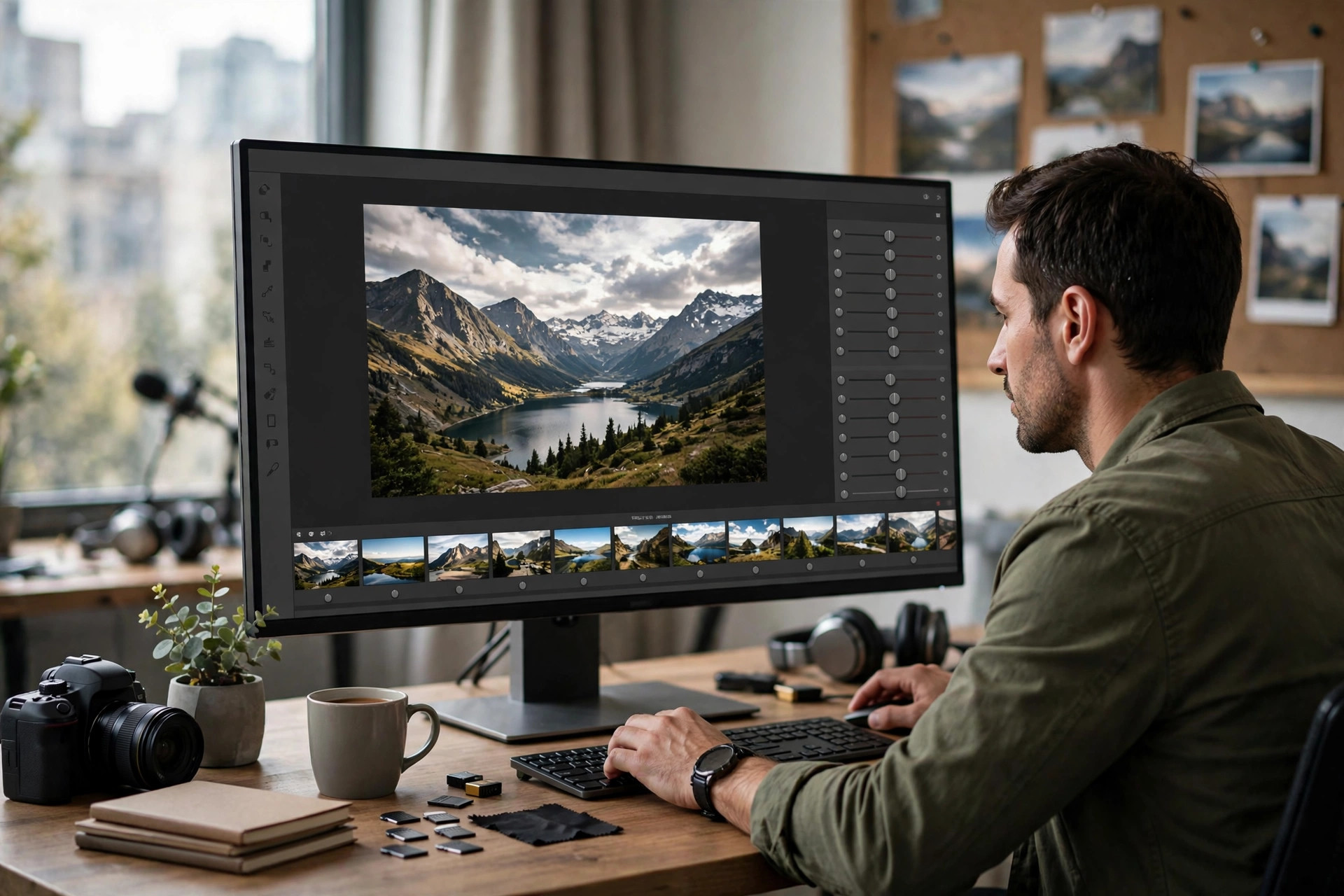
Capture One Pro 16.9 for Mac
Mac Photo & DesignCapture One Pro 16.7.5.7 for Mac is professional photo editing software built around outstanding RAW processing and true-to-life color. Born from a company with decades of imaging expertise, it gives photographers precise control over every part of the image — from tethered shooting in the studio to the final export. It supports hundreds of camera models and lenses with tailored color profiles, so your files look right from the moment they load. Many professionals choose it for its industry-leading tethered capture and its session-based workflow that keeps client shoots fast and organized.
Key Features
- Superb RAW processing: detailed, natural-looking conversions with tailored profiles for nearly 600 cameras.
- Industry-leading tethering: shoot directly into Capture One with fast, reliable live preview.
- Precision color tools: advanced color editing, skin tone tools, and true-to-life color science.
- Layers and masking: local adjustments with AI-assisted masking for selective edits.
- Flexible workflow: Sessions for shoots and Catalogs for large archives, with Lightroom catalog import.
How to Download
- Go to Capture One's official page and Download from the official site to start the free trial safely.
- Install the app on your Mac and sign in with your Capture One account to activate the trial.
- Import a few RAW files and explore the editing tools before choosing a subscription or perpetual license.
Can I try Capture One Pro for free?
Yes. Capture One offers a free trial from its official website so you can test the full Pro feature set before deciding on a plan.
Do I need a subscription to use Capture One Pro?
No. Pro is available as a monthly or annual subscription, but you can also buy a perpetual license that you own outright — the choice is yours.







Leave a Reply