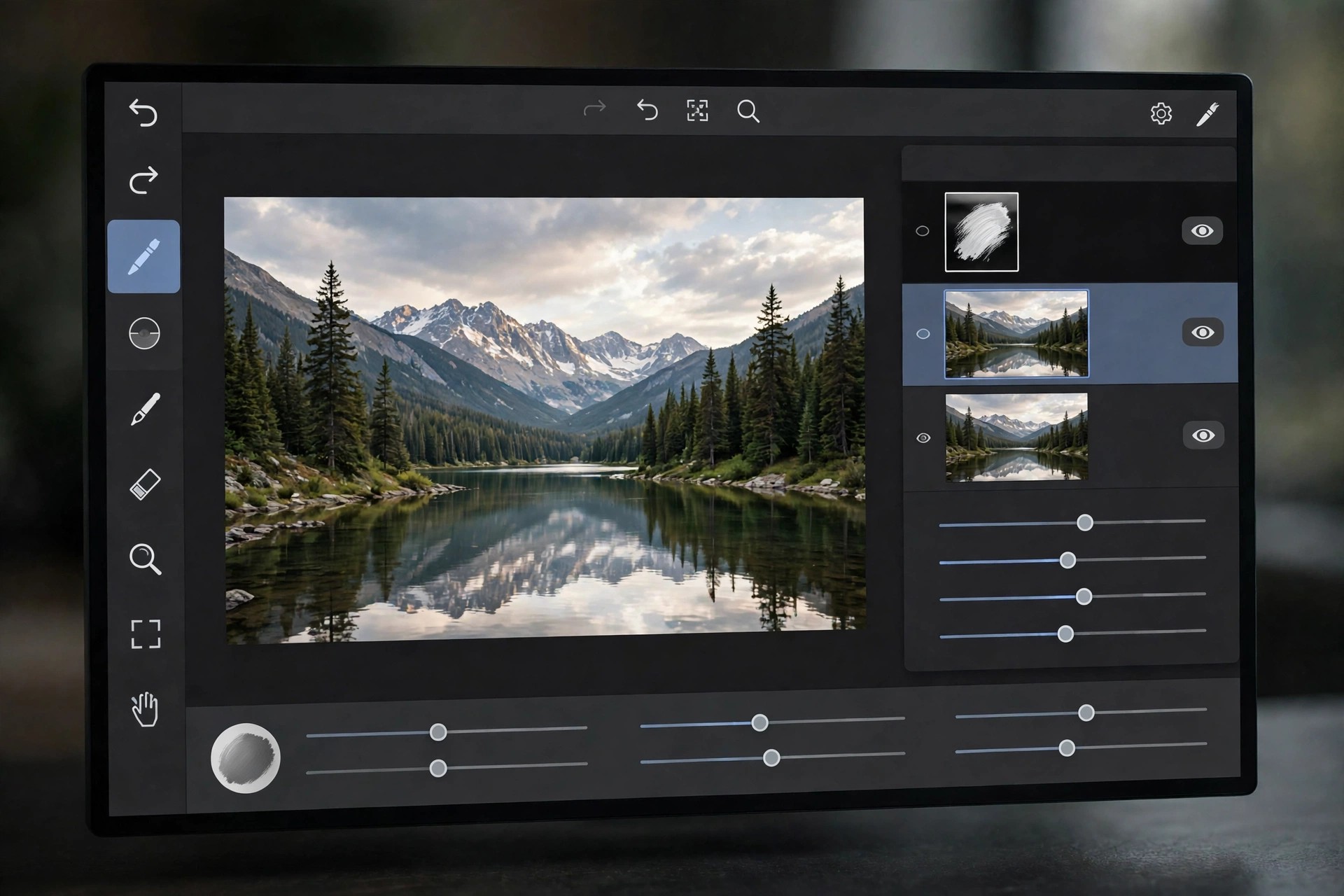
Adobe Bridge CC 9.1.0.338 for Mac
Mac Photo & DesignAdobe Bridge CC 9.1.0.338 for Mac is a Creative Cloud-era release of Adobe's creative asset manager. It gives photographers and designers a visual way to browse folders of raw photos, PSDs, PDFs and video files, with quick previews, star ratings, colour labels and powerful search across file names and metadata.
This CC build dates from the generation supplied alongside Photoshop CC 2019, so it is now a legacy version: Adobe has replaced it with newer Bridge releases that add Apple Silicon support and current macOS compatibility. Like every Bridge release, it is free to download and use with a free Creative Cloud account — no paid subscription is needed for organising and previewing files — but raw editing through Camera Raw requires a qualifying app such as Photoshop.
Key Features
- Visual browsing with fast previews for raw, PSD, PDF and video files
- Ratings, labels, keywords and full metadata viewing and editing
- Batch rename and batch actions handed off to Photoshop
- Collections and advanced search across folders and metadata
- Direct publishing to Adobe Stock from inside Bridge
How to Download
- Download from the official site
- Sign in with a free Adobe account and install the Creative Cloud desktop app.
- Install Bridge from the Apps tab; subscribers can pick an older CC version from the app's options where Adobe still offers it.
Is Adobe Bridge CC free?
Yes. Bridge has always been a free download with an Adobe account, including this CC release. You only pay if you add subscriptions for apps like Photoshop that Bridge works alongside.
Will this version run on a modern Mac?
It was built for Intel Macs and older macOS releases, so on Apple Silicon or the latest macOS the current Bridge version is the better, supported choice.